Add MobilityArena as a preferred source on Google
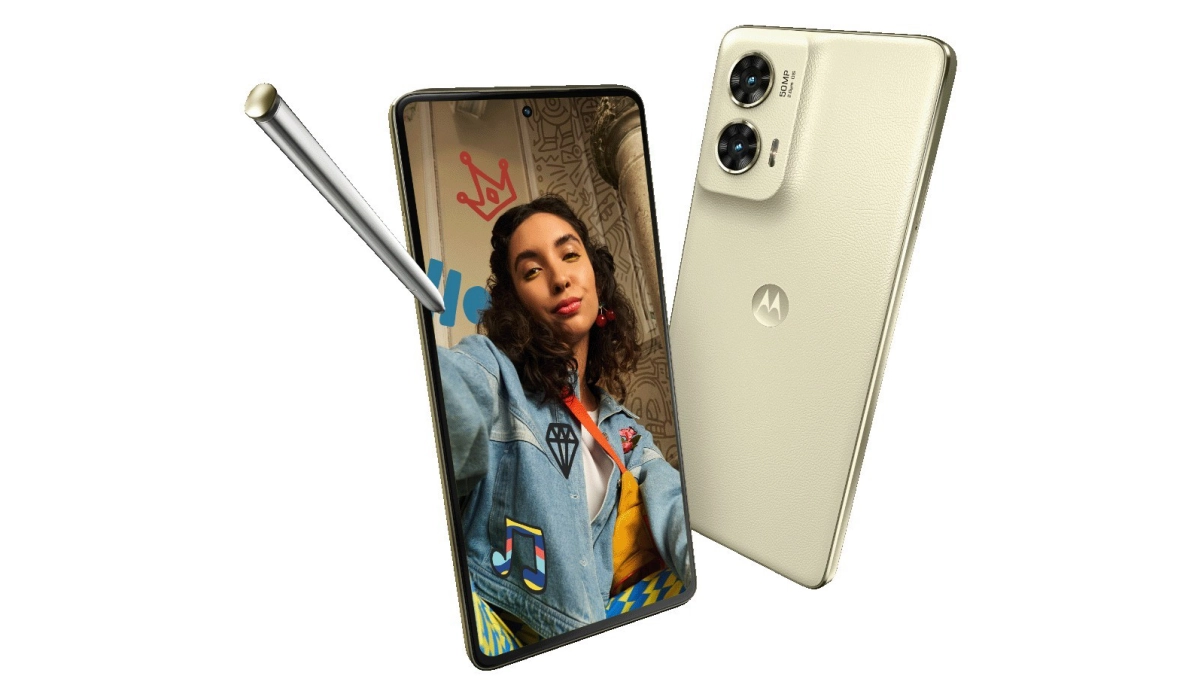
There are only seven (7) 2024 smartphones with stylus support in existence. Most of them are super expensive devices. I suspect that there is a market for mid-range stylus phones that hasn’t been tapped into.
Most people use their cell phones primarily for content consumption and messaging. But there is a small subset of mobile phone users who need devices they can be creative with – write/doodle/scribble, draw, paint, design, create.
This subset of mobile users need smartphones with stylus support. A stylus can help a creative person be more productive on their smartphone in a number of ways. Let’s look at them.
- How a stylus can help a creative person be more productive on their smartphone
- 2024 Smartphones With Stylus Support Globally
- 2024 Smartphones With Stylus Support in the US
How a stylus can help a creative person be more productive on their smartphone
Here are some ways a stylus can unlock creative productivity for you on a smartphone:
- Precision and Control : Sketching, drawing, and note-taking become more accurate and intuitive.
- Versatile Creativity : From designing intricate graphics to fine-tuning photo edits, a stylus opens up a range of creative possibilities.
- Efficiency : Handwriting recognition allows for quick note-taking and idea jotting, translating seamlessly to text.
- Pressure Sensitivity : Mimicking traditional art tools, a stylus can offer varying levels of pressure for nuanced strokes and shading.
- Natural Interaction : Ergonomic designs and palm rejection technology make using a stylus feel as natural as pen on paper.
- Multi-functionality : Use it to navigate, annotate documents, highlight texts, and even control presentations.
Your inner artist can thrive with these advantages. Now, if you are in the market for something that can help you this way, allow me to help you with the list of 2024 smartphones with stylus, and also point out those that are available in the United States and where to get them a great discounts today.
2024 Smartphones With Stylus Support Globally
- Samsung Galaxy S24 Ultra
- Samsung Galaxy Z Fold6
- Motorola Moto G Stylus 5G 2024
- Honour Magic V3
- Honor Magic Vs3
- Honor Magic V2 RSR Porsche Design
- Phantom V Fold2
Of these seven smartphones that have a stylus, only three are available in the US. The rest are mostly available in Asia. I list out the US market options below and include useful information that will help you make a decision about which to buy. I also include links to ongoing special deals that are hard to resist.
2024 Smartphones With Stylus Support in the US
Samsung Galaxy Z Fold6 : If you want to go big, this is the biggest and baddest smartphone with stylus support in the US in 2024. In normal phone mode, you have a 6.3-inch display to play with, but you can unfold it to access a 7.6-inch display which gives you more ereal estate to do your drawing, design, and scribbling on.
Samsung Galaxy S24 Ultra : If you are not up for toying with a foldable device, or you find the Z Fold6 too big, the most powerful regular US market 2024 smartphone with stylus support that you can buy today is the Galaxy S24 Ultra.
Last on the list is the much more affordable Motorola Moto G Stylus 5G 2024 . This is the 2024 smartphone with stylus support for budget spenders. You get a decent smartphone that you can be creative and extra productive with.
Use any of the provided links to grab one of these devices now at a discounted price. Whichever of these 2024 smartphones with stylus you choose to buy, you will be getting yourself a productivity smartphone at a good deal.
Author:Mister Mobility
Digital Skills and Communication Coach | Mobile Phone Connoisseur since 2001 | Tech Blogging since 2004
Add MobilityArena as a preferred source on Google
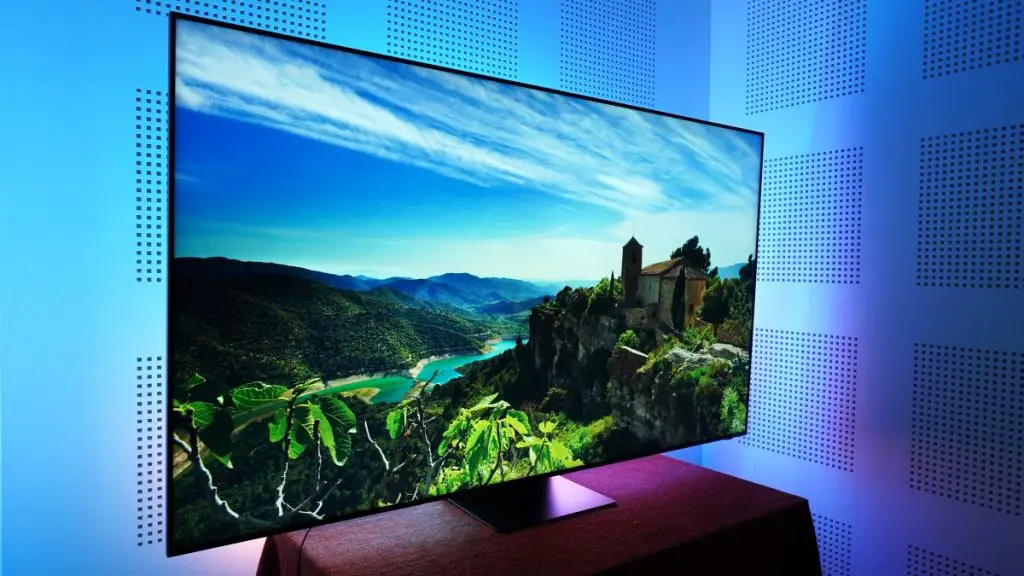
The Samsung QN800C Neo QLED 8K TV has rapidly gained popularity among home theater enthusiasts, celebrated for its stunning visuals and cutting-edge technology. With an impressive 8K resolution and Quantum HDR , it promises an unparalleled viewing experience that elevates your entertainment to new heights. However, some users have reported picture quality issues that can detract from this otherwise enhanced performance . This article will delve into these common problems, providing effective solutions to ensure you enjoy the full potential of your viewing experience. By understanding the potential pitfalls and implementing these practical fixes, you can transform your Samsung QN800C into a truly remarkable centerpiece for your home theater setup. Whether you’re watching movies, playing video games, or streaming your favorite shows, addressing these picture quality concerns will help you achieve the vibrant and immersive visuals that this advanced TV is designed to deliver. Explore with me, these challenges as I reveal the secrets to enhanced viewing experience!
- Common Picture Quality Issues Inconsistent Brightness Levels Color Accuracy Problems Backlight Blooming Motion Blur and Judder Poor HDR Performance Conclusion
Common Picture Quality Issues
Inconsistent Brightness Levels

Users have noted that the brightness can fluctuate, leading to a less-than-ideal viewing experience, especially in scenes with varying light conditions. These solutions below will help you enhance your picture quality:
- Adjust Picture Mode: Switch from the default Eco mode to Standard or Movie mode. These modes utilize the TV’s full brightness potential, providing a more consistent picture quality.
- Local Dimming Settings: Set local dimming to Standard or High in the settings menu. This adjustment helps balance brightness levels across different scenes, reducing fluctuations.
Color Accuracy Problems
Some users report that colors appear oversaturated or unnatural, particularly in HDR content. To get a better enhanced color accuracy, follow these steps:
- Color Tone Adjustment: Navigate to Settings > Picture > Expert Settings and adjust the color tone to Warm2. This setting often provides a more natural color representation.
- Smart Calibration Feature: Use Samsung’s built-in calibration tool with a compatible smartphone. This feature helps fine-tune color accuracy according to your specific viewing environment.
Backlight Blooming
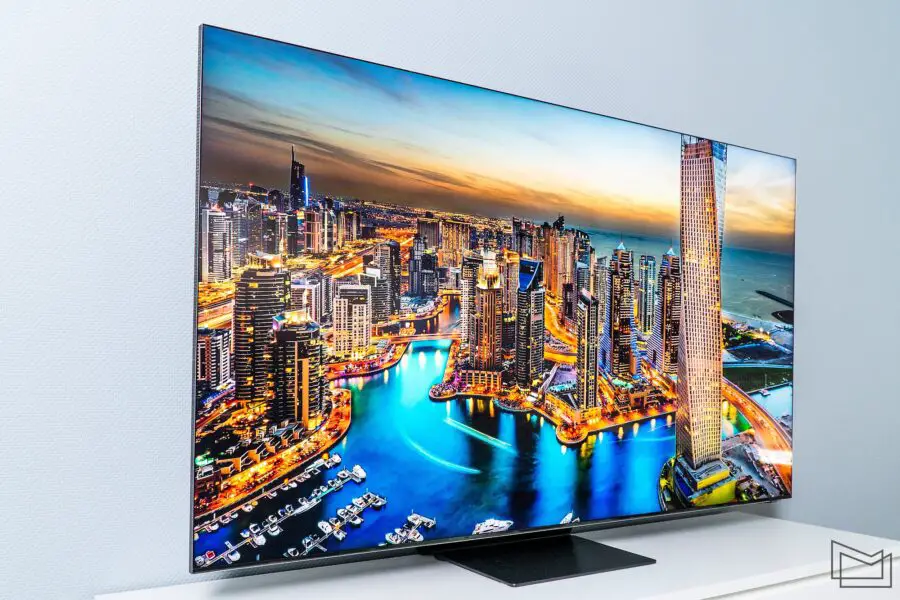
Backlight blooming can occur when bright objects on-screen bleed into darker areas, affecting overall image clarity. I recommend the following to have a better enhanced experience:
- Adjust Local Dimming Settings: Experiment with local dimming settings; sometimes setting it to Standard rather than High can reduce blooming while maintaining good contrast.
- Picture Clarity Settings: Turn off any unnecessary picture clarity features that may exacerbate blooming issues, particularly when watching content with high contrast.
Motion Blur and Judder

- Motion Plus Settings: Go to Settings > Picture > Picture Clarity Settings and set Motion Plus to your preference. For fast-paced content, adjusting this setting can help reduce blur.
- Film Mode Activation: Enable Film Mode for smoother playback of movies and shows, especially those shot at 24 frames per second.
Poor HDR Performance
Despite the TV’s capabilities, some users find HDR content lacking in vibrancy or detail. I recommend the following solutions to better enhance your HDR performance:
- HDR Tone Mapping: Ensure that HDR Tone Mapping is enabled in the settings. This feature optimizes brightness and contrast based on HDR content.
Peak Brightness Adjustment: Set peak brightness to its maximum level in Expert Settings . This adjustment allows the TV to display HDR content more effectively.
Conclusion
While the Samsung QN800C Neo QLED 8K TV offers remarkable features and stunning visuals, addressing common picture quality issues is essential for maximizing your viewing experience. By implementing these practical solutions—such as adjusting picture modes, calibrating color settings, and optimizing local dimming—you can enhance the overall performance of your TV. Embrace these adjustments as opportunities to unlock the full potential of your Samsung QN800C. With a little effort, you’ll find that this exceptional television can deliver breathtaking visuals worthy of its premium price tag! Enjoy your cinematic journey with enhanced clarity and color accuracy that truly brings your favorite content to life.
