Add MobilityArena as a preferred source on Google
For years, I have been keeping an eye out for mobile browsers with URL bar at the bottom of the screen. As a matter of fact, this article was first written and published in 2016, and I have kept updating it since then as the landscape changed.
Many of the most common smartphones were initially designed with the flaw of having their address bar and menu at the top of the screen. It is such an inconvenience to have to reach up there each time, because our hands are usually firmly planted at the bottom to the middle of the phone. It is especially pronounced when you are using anything with a display bigger than 5 inches.
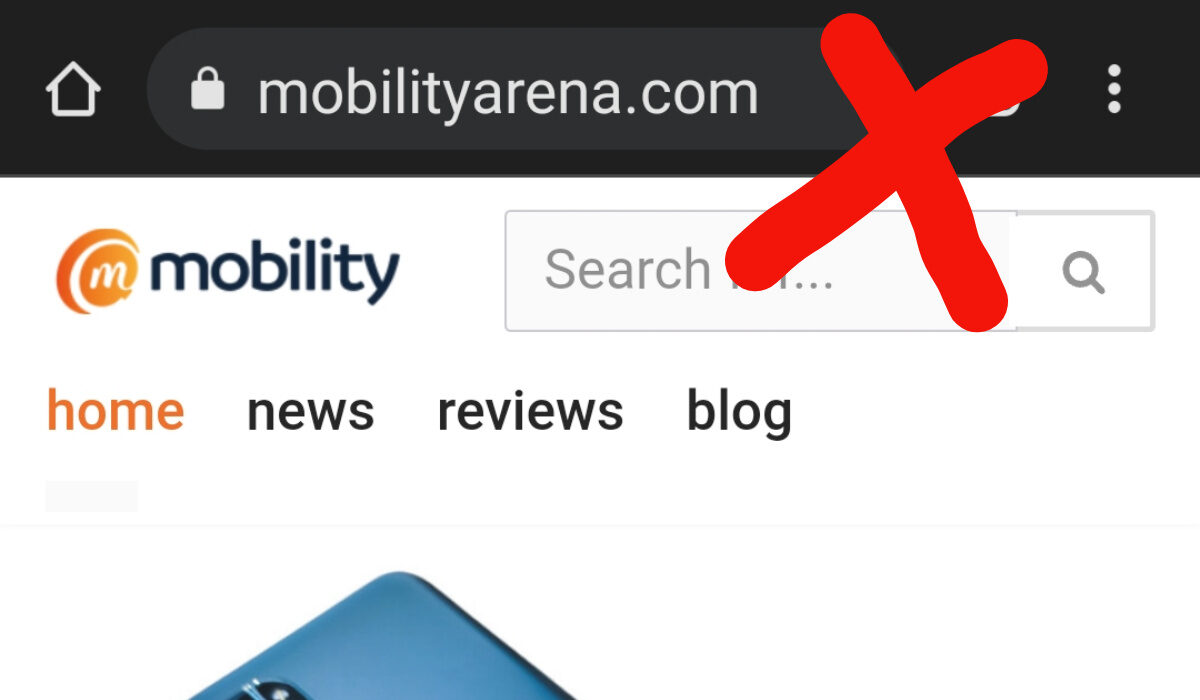
Mobile browsers with toolbar and address bar at the top need to die
It is my argument that mobile browsers should have their menu and/or address/search bar at the bottom, instead of having it at the top. Placing it at the bottom just makes for better usability. The traditional positioning at the top is a carryover from the days of desktop and laptop PCs. But mobile is different.
The modern mobile browsers that were the first to get it 100% right included Microsoft’s Edge, the default Windows 10 Mobile browser and the BB10 browser. ALL user controls and interactions were at the bottom of the screen, and they were so refreshing to use. Sadly, these two browsers have since gone the way of the Dodo.
The iPhone’s Safari browser got most of it right, but left the address bar and refresh button at the top of the screen. A similar arrangement is found on UCBrowser and Opera mini – the address bar, Speed Mode and refresh buttons are at the top of the screen while everything else is at the bottom.
For some reason, on their Edge browser for Android, Microsoft left the address bar at the top of the page, while leaving the controls at the bottom. It works well, except for that tiny detail of having to reach for the top when I need to type in or edit a URL.
- The best mobile Android browsers with URL bar at the bottom
- Why is Chrome Mobile Browser lagging behind?
The best mobile Android browsers with URL bar at the bottom
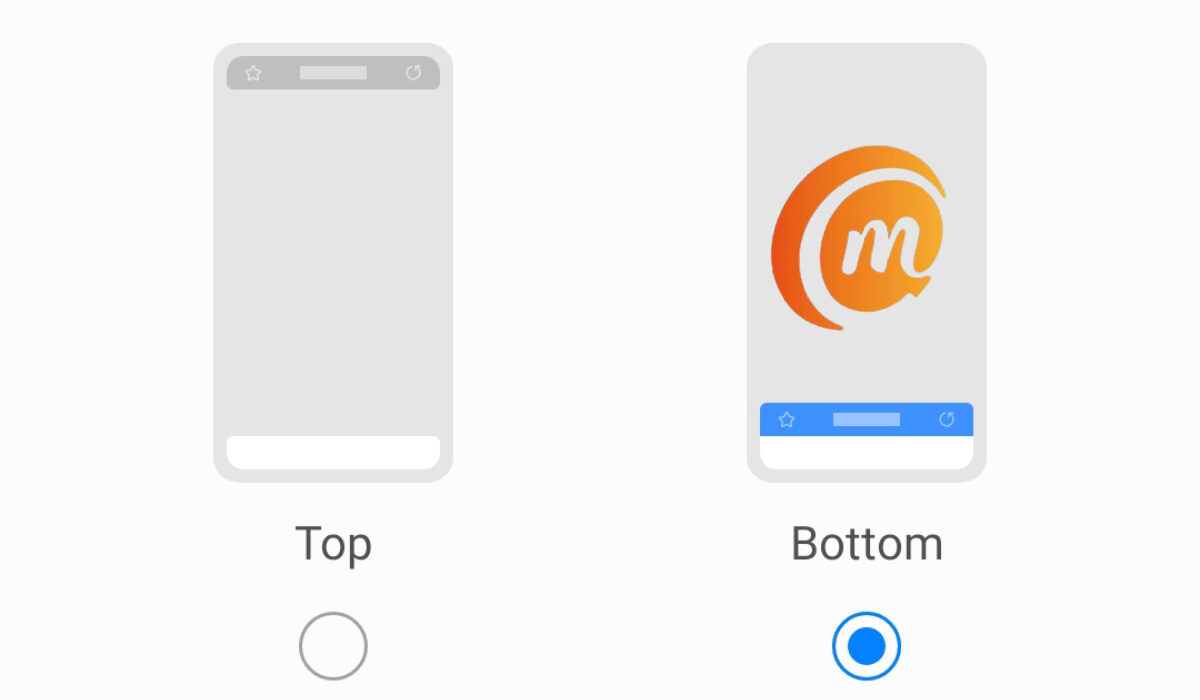
Smartphone browsers with URL bar at the bottom of the page make for better usability.
2016 is a long time ago, and things have changed. Gradually, we are seeing the shift happen. Here are a few mobile browsers with URL bar at the bottom of the screen.
In late 2021, Samsung’s mobile browser, Internet , got the feature as an option, letting users fix the URL bar at the bottom of the screen. Kudos to Samsung.
Apple also joined the train in 2022 and have also moved the address bar in Safari to the bottom of the page. Safe to say that this movement is catching on like wild fire.
Via mobile browser is another exemplary one that has everything – address bar, controls, and menu – all at the bottom of the page.
Another mobile browser with the complete toolbar now located at the bottom is Mozilla Firefox .
I am certain that someone reading this article is ready to yell, “What about Brave browser?!!” I wish I could list Brave browser as one of the best mobile browsers with URL bar at the bottom of the page. But it isn’t. Similar to what obtains with Microsoft Edge, the address bar is at the top, while the controls and menu are at the bottom.
It works. Tap the Search icon on the toolbar at the bottom of the screen and you can type a URL to visit or a search phrase. So, it is close, and you might want to consider using Brave. I am comfortable using Microsoft Edge , after all.
Why is Chrome Mobile Browser lagging behind?
Google Chrome for Android once allowed users with technical knowledge to move the address bar from the top down to the bottom through the Flags menu. But that feature was removed down the road. Ideally, Chrome should have been at the forefront of this switch. I wonder what led to them backing out of it.
However you look at it from the user’s perspective, mobile Web browsers with URL bar at the bottom make sense. We shall expect Chrome to capitulate soon too.
Author:Mister Mobility
Digital Skills and Communication Coach | Mobile Phone Connoisseur since 2001 | Tech Blogging since 2004
Add MobilityArena as a preferred source on Google
This discovery literally saved my life!! If you are a heavy downloader, then you will understand where I’m coming from. A time comes when you try to download a file with IDM (Internet Download Manager), and it fails midway or towards the end. Maybe, you paused the download to continue later, and it tells you to start all over again, or it tries to refresh the download page. This is even more annoying when,(like in my case) you’re downloading a huge file of 1.5 GB and it fails after reaching 1.4 GB. Here’s how to solve this problem whenever you face this with IDM:
- Try to download the same file again, but this time, but this time, click on “Download it later”. See screenshot below (Also ensure that the file has the same file size and from the same link/server).
- Open IDM window and double-click the file you selected to download later.
- Go to the Address field and copy the full web address there.
- Now, go and double-click the file that has refused to resume. On its address bar, paste the new address which you have copied earlier in the address field and press OK.
- Go back to the IDM window, right-click the file and press resume.
- That’s all.
If this procedure doesn’t solve the problem, then something must be wrong somewhere, or you blame the witches in your village.
- Don’t miss our reviews .
- Join our WhatsApp Group , to be notified of the most important articles and deals,
- Follow us on Instagram , Facebook , Twitter , and YouTube .
Author:Etoniru Chibueze
Chibueze is an award-winning gadget reviewer and geek. He loves research, while living and breathing tech. You can reach him on Facebook, Twitter ,OR LinkedIn
