Add MobilityArena as a preferred source on Google
Imagine driving on a highway that has only one lane. During peak periods, that road gets clogged up with vehicles lining up one after another, and eventually, traffic will slow down. I have experienced that quite a bit during interstate journeys around the country. 4G carrier aggregation is similar to adding more lanes to that highway: more vehicles can move at the same time, and at faster speeds.
I am sure the above explanation paints the picture well. The more the number of lanes you add to a highway, the greater the volume of vehicles it can move, and the faster those vehicles can move. 4G carrier aggregation is an LTE technology that improves both network capacity and speed.
- What is 4G Carrier Aggregation?
- Downsides to using Carrier Aggregation
- How Carrier Aggregation works
- What is 4G CA 2.0?
- Supported Phones
- How To Check Whether Your Phone Supports Carrier Aggregation 1. Check your phones’s status bar 2. Use the NetMonster app
- Supported U.S. Carriers
- Supported UK Carriers
- Supported German Carriers
- Supported Australian Carriers
What is 4G Carrier Aggregation?
4G Carrier Aggregation is a feature of LTE Advanced networks and involves using multiple Internet connections between your smartphone and your wireless carrier to deliver faster speeds and improve robustness. Traditional 4G LTE ues a single connection between the user’s phone and the network, which was a limiting factor to how fast the Internet connection can get.
The main benefits of having carrier aggregation are:
- Faster Internet download and upload speeds
- Even during busy times, your Internet does not slow down as much
- Lower ping whilst gaming
- Reduced buffering during content playback.
As already mentioned before, if you can imagine how having a wider road with multiple lanes improves your commute, you already have a good grasp of how 4G carrier aggregation works and the benefits.
Downsides to using Carrier Aggregation
There is one possible disadvantage to using 4G CA. Because your smartphone is working harder to maintain multiple connections, this might result in faster battery drain.
How Carrier Aggregation works
For you to enjoy the benefits of 4G carrier aggregation, both your phone and your mobile carrier must support the technology. If your carrier has it and your phone does not support it, sorry. Also, if your phone supports it, but your wireless carrier does not, again, sorry.
What is 4G CA 2.0?
As the name indicates, 4G CA 2.0 is version 2.0 of carrier aggregation and delivers even more improved speeds and reliability. 4G CA 2.0 allows dual network channels to communicate simultaneously to maximize download speed. Even in weak or congested networks, it still delivers significant boosts.
Supported Phones
Popular smartphones in the US, UK, EU, and Australia that support 4G carrier aggregation include the Google Pixel phones, Samsung Galaxy S series, and a number of Motorola Moto phones, for example, the Moto G Stylus 5G (2022) .
Outside of Western smartphone markets, phone rands like Xiaomi, Realme, and TECNO have phones that support 4G carrier aggregation. For example, the recently released TECNO Spark 20 Pro does.
How To Check Whether Your Phone Supports Carrier Aggregation
Here are two ways to check whether your device has support for 4G carrier aggregation.
1. Check your phones’s status bar
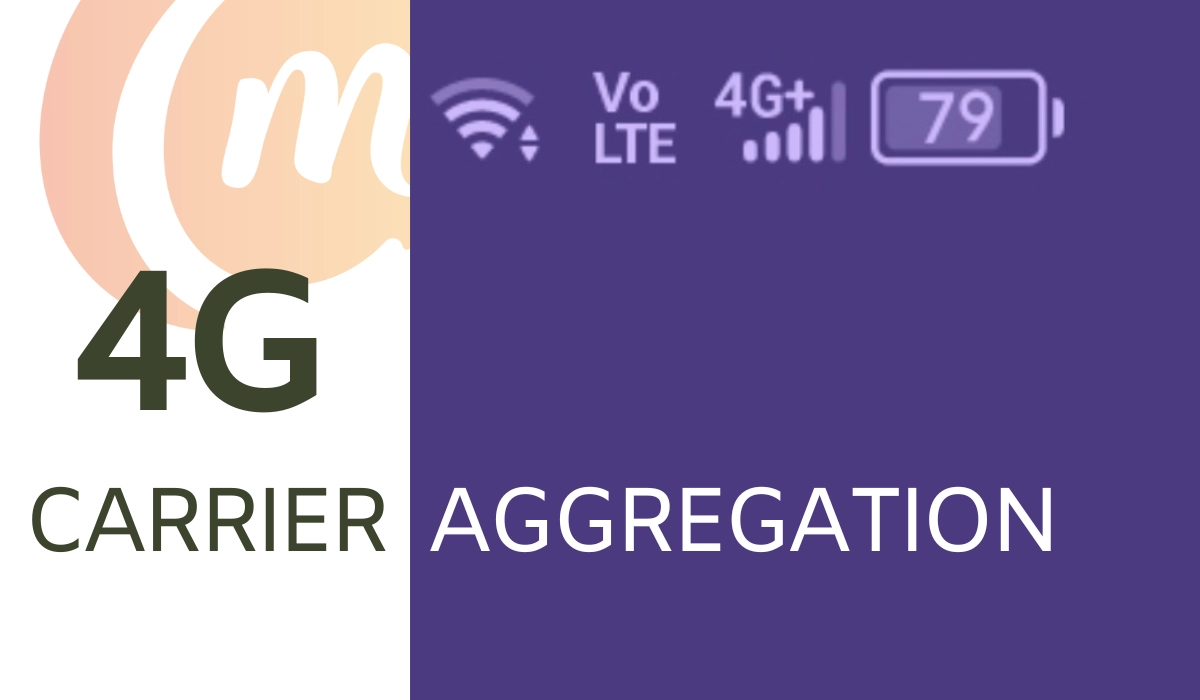
If your smartphone supports CA, it should display a “LTE-A” or “4G+” icon instead of simply LTE or 4G in the status bar.
2. Use the NetMonster app
The second method gives you more details, so if you love to tinker, you will prefer this option. It is by using a mobile app called NetMonster. This app, and others similar to it, will tell you all the necessary details about your network connection. Here is how to use it:
- Install the NetMonster app via the play store. You can install it directly by clicking this link .
- Accept all the permissions that the app asks for.
- Once done, the app will load and display supported network bands. If you see either a 4G+ or LTE-A symbol, your device supports Carrier Aggregation.
Supported U.S. Carriers
All the three big carriers in the United States support carrier aggregation. As such, whether you are on T-Mobile, AT&T, or Verizon, you will be able able to use the technology wherever it is supported on their coverage.
Supported UK Carriers
In the United Kingdom (UK), I am aware that Three UK and EE have implemented 4G carrier aggregation in their mobile networks.
Supported German Carriers
Deutsche Telecom, O2 Germany, and Vodacom Germany are some of the mobile network operators in Germany that support 4G carrier aggregation.
Supported Australian Carriers
Carriers in Australia that have implemented 4G CA to improve networks speeds include: Telstra, Optus, and Vodafone.
Of course, if using this feature is important to you, I recommend that you check with your carrier or mobile network operators in your country to confirm whether they have 4Gbcarrier aggregation.
Author:Mister Mobility
Digital Skills and Communication Coach | Mobile Phone Connoisseur since 2001 | Tech Blogging since 2004
Add MobilityArena as a preferred source on Google
I am particularly in love with the Apple iPhone 15 Pro and it’s non-Pro sibling, the iPhone 15 . If you have read my blog posts for even some months, you know by now that I am a lover of compact smartphones. With their 6.1-inch displays, the iPhone 15 and 15 Pro for into that classification. If I had to buy an iPhone, I’d buy either of them. Or an iPhone SE; that’s in compact territory, as well. I owned the SE 2022 and I still miss it till date.
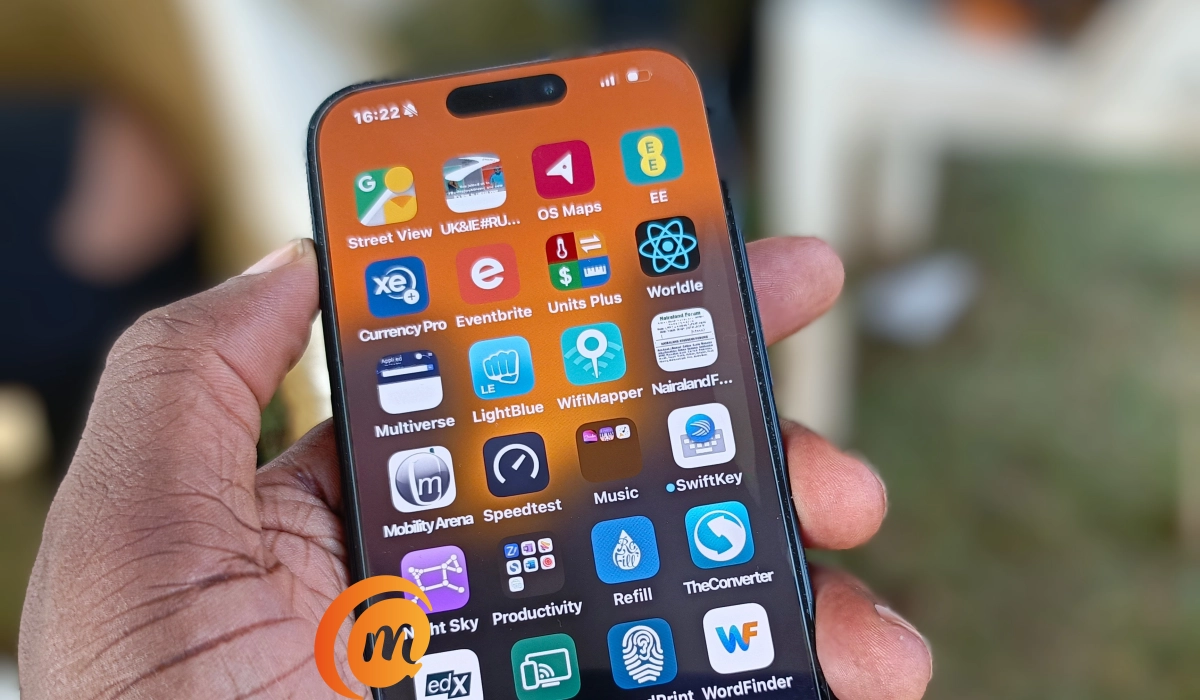
The Apple iPhone 15 Pro is a joy to hold in the hand. It just feels like it belongs there. Using a smartphone that my thumb can reach almost every spot on the screen is a delightful thing. I am not sure how the rest of you enjoy those massive 6.7 to 6.9″ screens, but if I had my way, I’d avoid them completely.
- The display is gorgeous
- Death to the notch! Long live dynamic island
- Solid build, slim profile
- Look ma, a USB-C port!
- Cameras
- Battery life
- Apple iPhone 15 Pro hands-on video
The display is gorgeous
Once you power the iPhone 15 Pro on, one of the things you notice is how crisp, clear and beautiful the display is. Gorgeous is what it is. This is a phone that invites you to look at it and to use it. It is also protected by an undisclosed version of Corning’s Gorilla Glass.
Death to the notch! Long live dynamic island
Speaking of the screen, the Dynamic Island, the capsule-shaped cut at the top, looks cool and is quite useful for keeping track of your notifications. I hated the wide notch that Apple had on older iPhonr models. I am happy to see it gone and replaced with something that doesn’t look hideous.
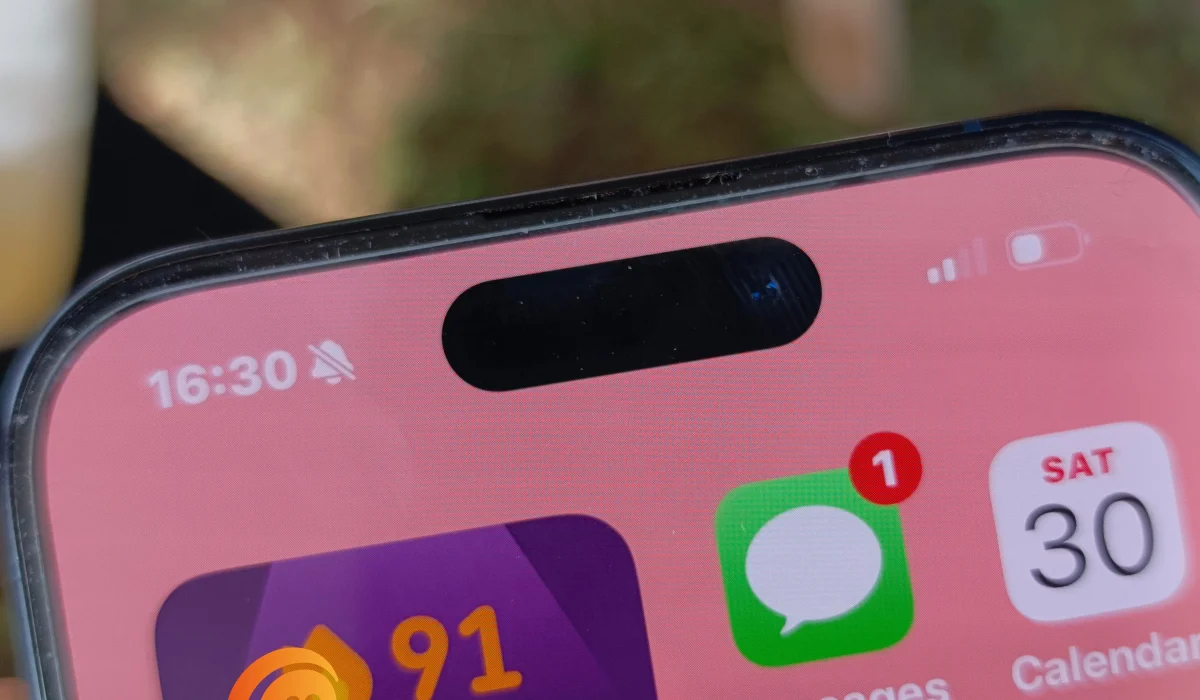
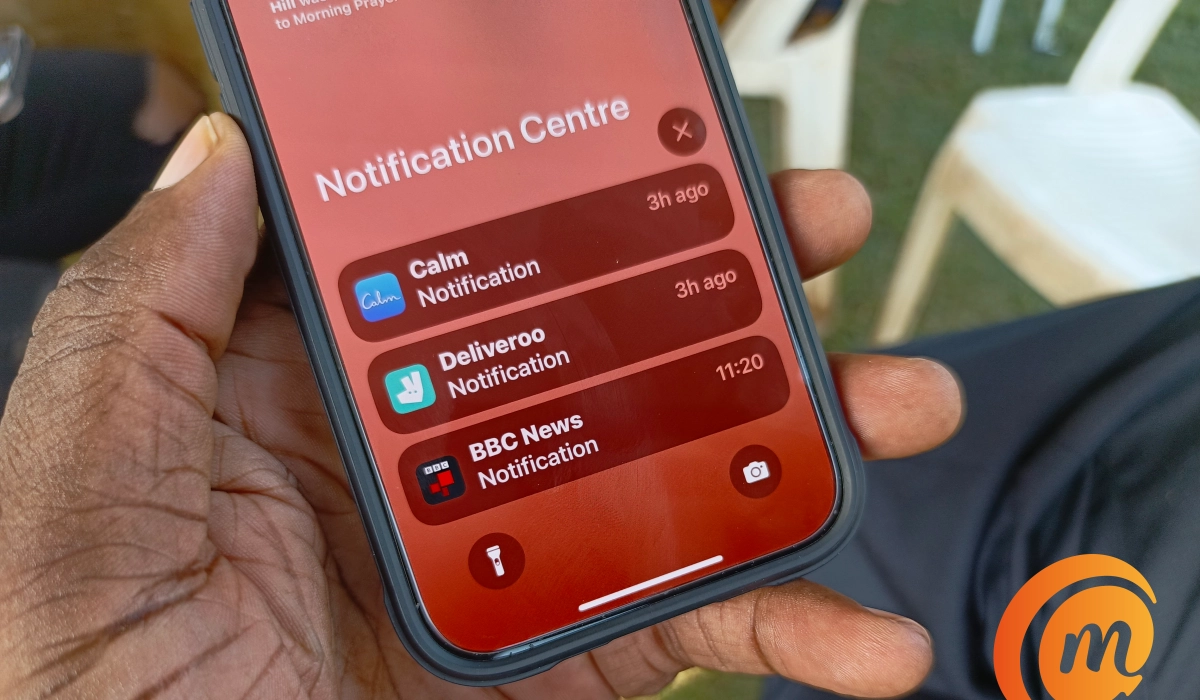
And while the dynamic island is great for notifications, Apple has also managed to implement a beautiful notification center for the lockscreen. The lockscreen notification center also allows you to set some measure of privacy, so the content of your received notifications are not on display.
Solid build, slim profile
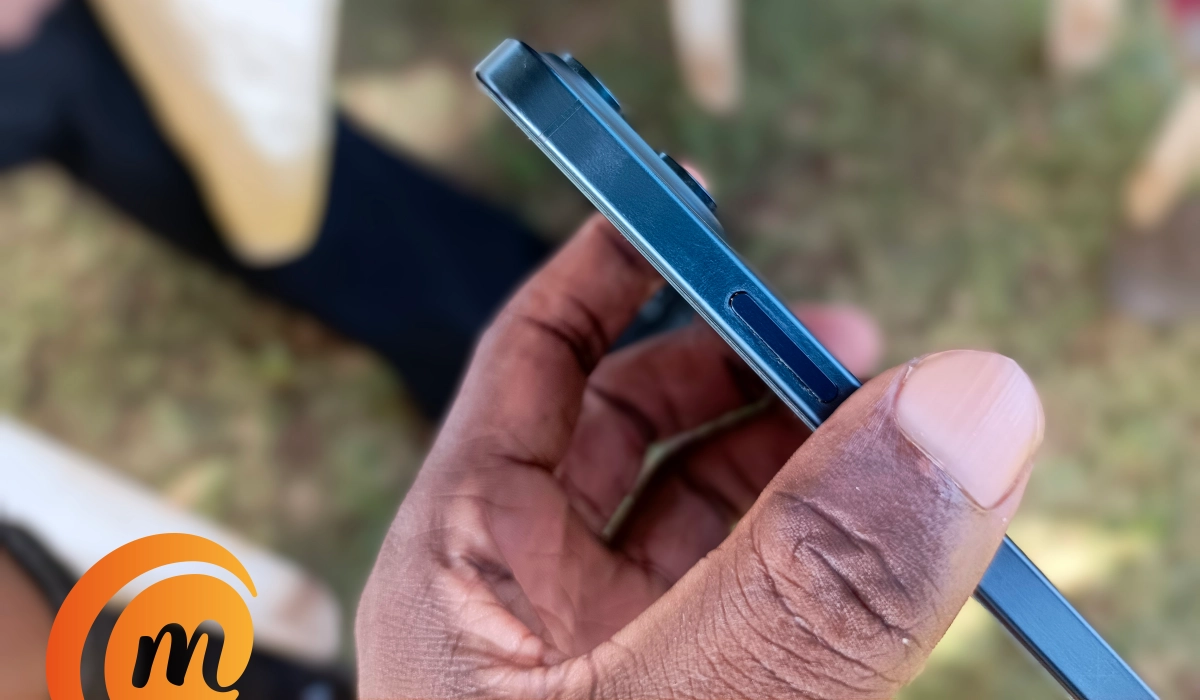
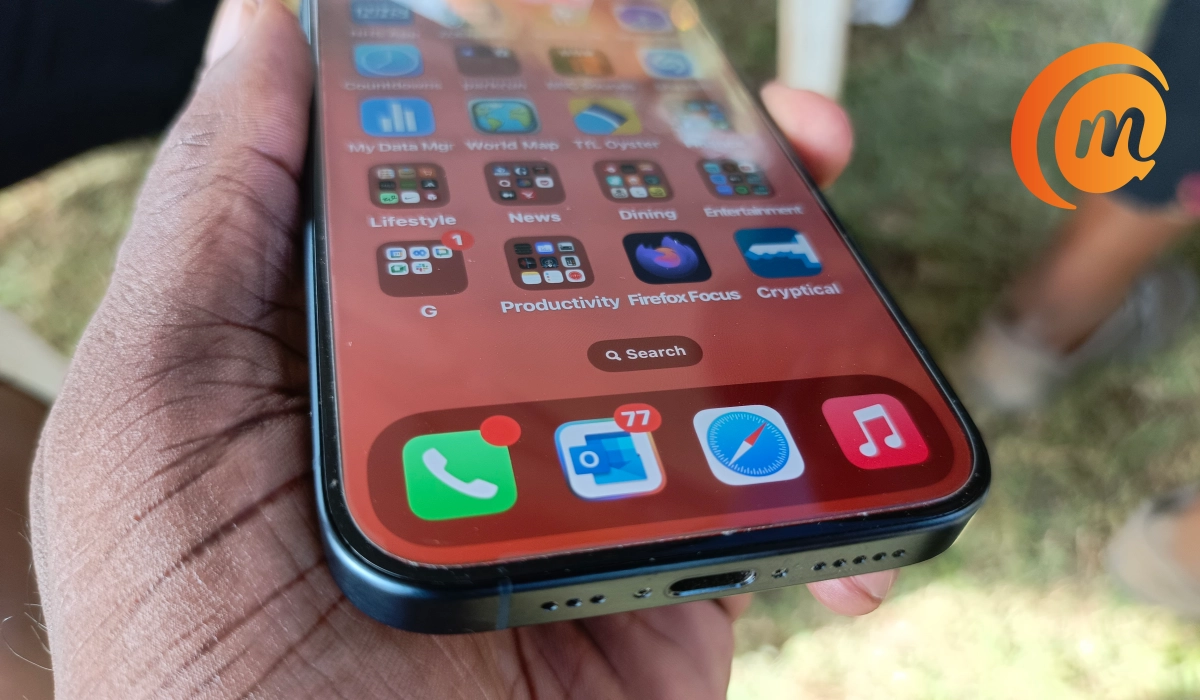
Apple iPhone 15 Pro is quite slim. And on paper, it is lightweight. Its specs sheet says it is 187g in weight. However, it feels a bit heavier than that in the hand. I wonder why exactly, but it definitely has to do with the build materials (the titanium frame especially) and how it is all put together.
One thing is for sure: you will never have a doubt about how solidly built the Apple iPhone 15 Pro is. It feels reassuring in the hand.
Look ma, a USB-C port!
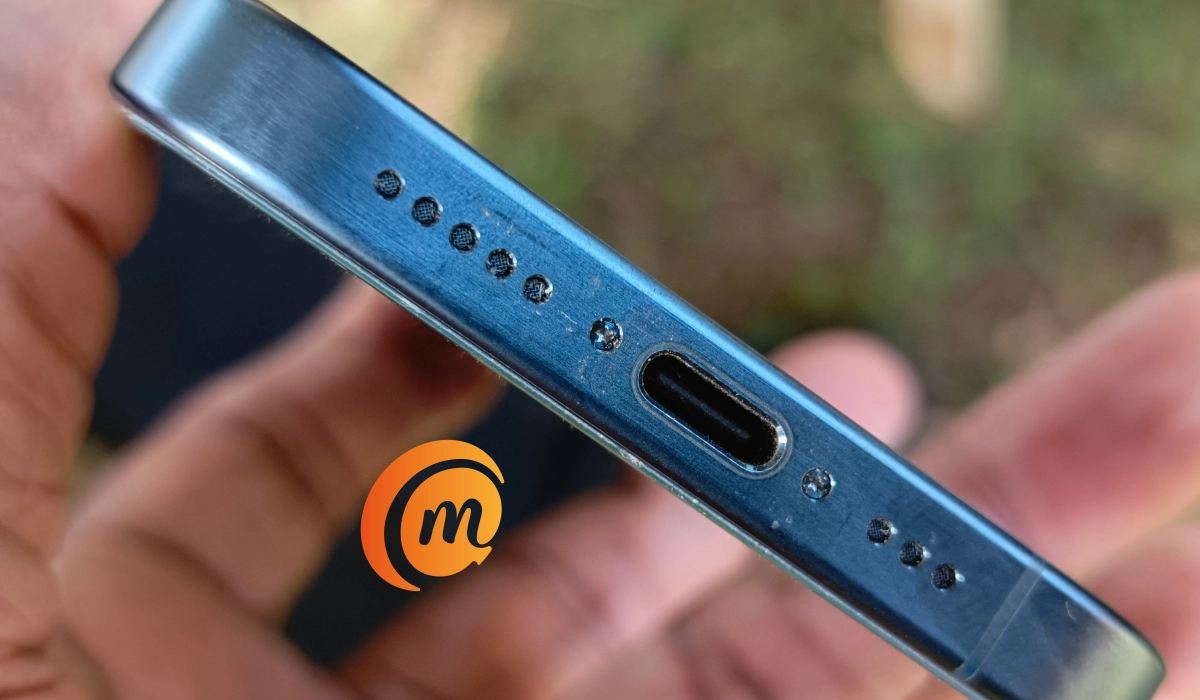
Did you ever think you would get to see a USB-C port on an iPhone? Year after year, Apple kept doubling down on their proprietary Lightning port, until the European knights in shiny armour swooped in and saved the day. Thanks to the legislation they passed on the standardisation of connectivity ports, Apple had to finally do the sensible thing and give us the ubiquitous USB-C port.
In practical terms, it means you do it ever have to worry if you forget your charger at home. There are USB-C charging cables everywhere you go and everywhere you turn. Hurrah!
Cameras
The front of the Apple iPhone 15 Pro houses a 12-megapixel selfie camera that captures detailed, vibrant photos.

Selfie shot with the Apple iPhone 15 Pro front camera
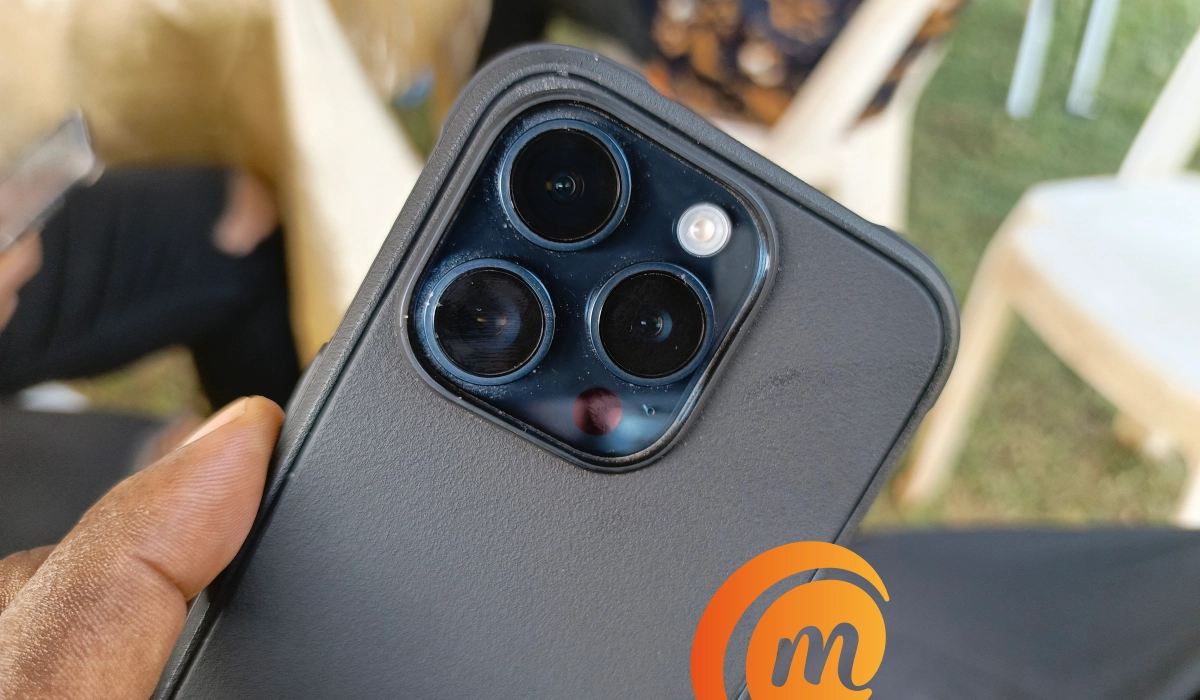
Flip the Apple iPhone 15 Pro over to its rear side and you are welcomed by the camera island. There are four units in there: a 48-megapixel main lens, a 12-megapixel telephoto lens, a 12-megapixel ultrawide angle lens, and a TOF 3D LiDAR depth sensor.
Apple has engraved its name as one of the top camera phone manufacturers in the world, and this comes to near here in the iPhone 15 Pro. I took a few photos with it and got really good images.
I am a fan of telephoto lenses, so this makes the Apple iPhone 15 Pro more attractive a proposition than its non-Pro sibling, though that has a slimmer profile, is more lightweight, has bigger battery capacity and has better battery life. Or perhaps, I’d let common sense prevail and not throw away all those better specs of the iPhone 15 for the telephoto lens.in the 15 Pro.
PS : The Apple iPhone 15 Pro Max has an even more impressive periscope telephoto lens .
Battery life
It isn’t any surprise that battery life is the Achilles heel of the Apple iPhone 15 Pro. Including that that measly 3274mAh capacity battery was asking for piss-poor battery life and that is exactly what we have here. The 15 Pro’s battery is even smaller than that of the 15. Shock. You will definitely be needing a USB-C charger a lot more with the 15 Pro.
Speaking of charging, the iPhone 15 Pro supports only Power Delivery 2.0, which means that you can top the battery up from zero to 50% in 30 minutes. On its own, that isn’t bad, but when you consider that many competitors are offering 80W to 120W fast charging in their premium flagship and upper midrange devices, it kind of makes you wonder if you aren’t missing something. I assure you that you are. I am typing this on a budget smartphone that has 45W charging a d goes from zero to 68% in 30 minutes.
I still cannot wrap my head around the fact that modern iPhones do not have a fingerprint scanner (Touch ID). That’s my default security measure on my phones and it irks me that Apple has done way with it. The iPhone SE 2022 has it, and it looks like it will be the last time we see a fingerprint scanner inside any iPnone model, going forward. Bummer.
Apple iPhone 15 Pro hands-on video
I have a hands-on video of the Apple iPhone 15 Pro up on YouTube. You can click on to watch it here .
Author:Mister Mobility
Digital Skills and Communication Coach | Mobile Phone Connoisseur since 2001 | Tech Blogging since 2004
