Add MobilityArena as a preferred source on Google
Specialized gaming smartphones cost an arm and a leg, but there are a few budget phones under $500 that hold their own for playing most top games. The pool to choose from reduces considerably in size if you are located in the US, though. Why is this? Many of the brands that sell globally are not available in the USA.
This leaves only brands like Apple iPhone, Samsung Galaxy, Motorola, OnePlus, Google Pixel, and a handful of others, for you to pick from in the US market. Because we are looking at the budget segment here for gaming, there has to be a focus on the most important features that affect gaming performance and ignore most other features.
For gaming performance, the processor, RAM, display resolution and refresh rate, as well as good battery life, are the uppermost concerns. And so, the below-listed budget phones under $500 have been chosen by our team of expert phone reviewers based on these criteria.
- Samsung Galaxy A35
- Samsung Galaxy A54
- Samsung Galaxy S23 FE
- Motorola Edge 2024
- OnePlus 12R

Samsung Galaxy A35
First on our list of budget phones under $500 for gaming purposes is the Samsung Galaxy A35. Its more capable sibling, the Samsung Galaxy A55, would have been our top choice if Samsung had not refused to sell it in the USA. That leaves us with the Samsung Galaxy A35 . Powered by an Exynos 1380 chipset paired with 6GB of RAM and 128GB storage. The Galaxy A35 has a 6.6 inches AMOLED display and is available unlocked for all carriers for $329.99.
The Galaxy A35 is the most affordable budget phone for gaming that we recommend buying. It is not that you cannot game on lower-priced smartphones; it is that the experience degrades below this price point. $100 to $250 smartphones are just not that great for gaming.
Samsung Galaxy A54
If you do not mind a smartphone from 2023, the Samsung Galaxy A54 is powered by the same Exynos 1380 chipset as the A35. It has a smaller 6.4-inch AMOLED display with 1080×2408 pixels resolution and 120Hz refresh rate. It has 8GB RAM, which is a plus over the 6GB that you get in the Samsung A35. Storage is 256GB. Samsung Galaxy A54 has a 5000mAh battery and 25W fast charging.
Samsung Galaxy S23 FE
The Qualcomm Snapdragon 8 Gen 1 chipset in the Galaxy S23 FE is a bit older than others featured in this list, but it is a capable high-performance chip. Other features of the phone include 6.4 inches AMOLED display with 1080×2340 pixels and 120Hz refresh rate, 8GB RAM, and 256GB storage.
Motorola Edge 2024
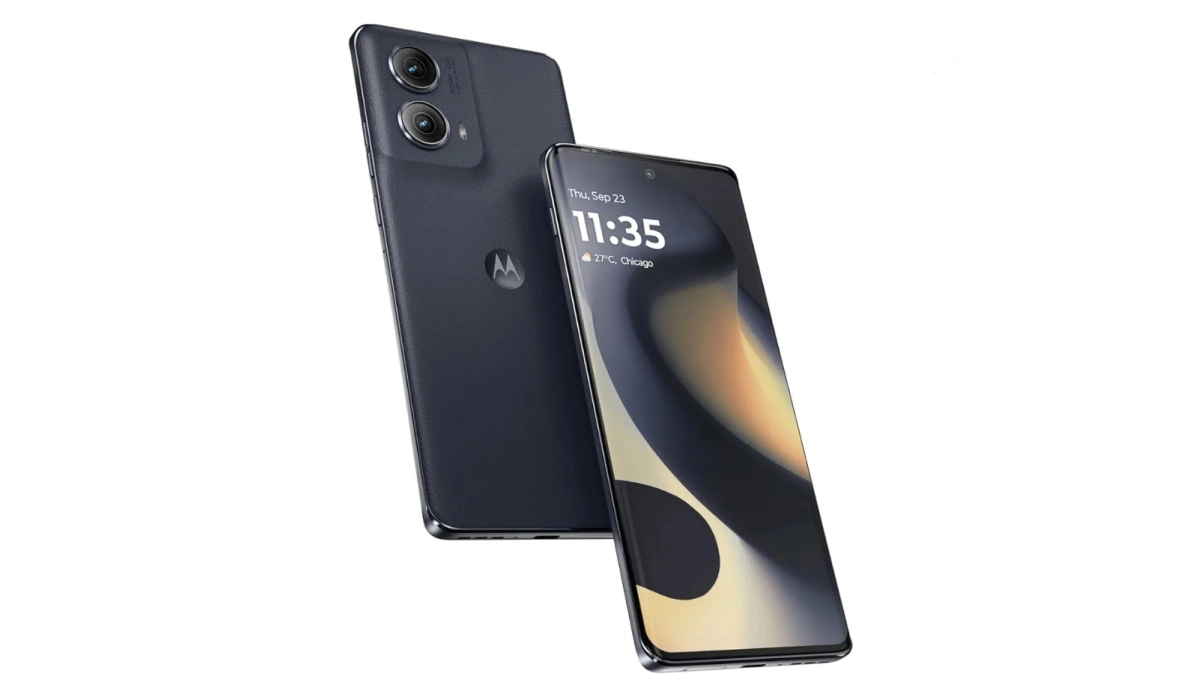
Also known as the Motorola Edge (Gen 5) in some other places, Motorola Edge 2024 is one of the available budget phones under $500 for gaming in 2024. It has a 6.6 inches pOLED display with 144Hz refresh rate and 2400×1080 pixels. It is powered by a Snapdragon 7s Gen 2 chipset paired with 8GB RAM. Internal storage is 256GB, and there is 68W TurboPower charging for topping up the 5000mAh battery. Motorola Edge 2024 is available for $499.99, unlocked for all carriers.
OnePlus 12R
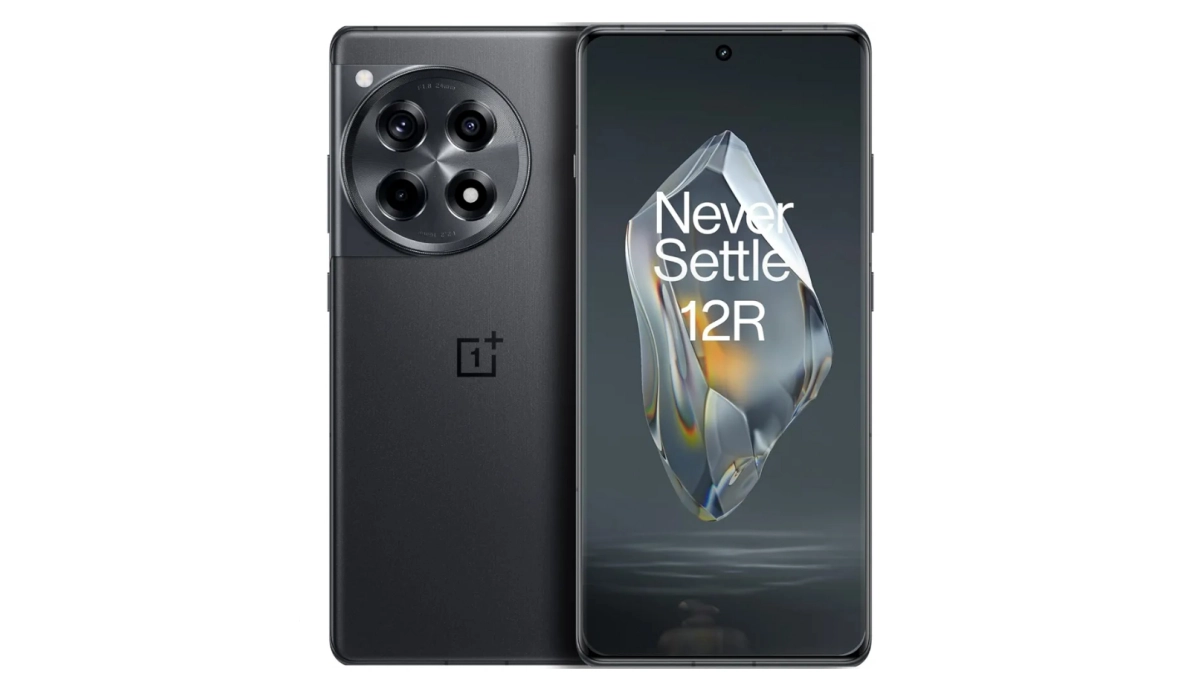
OnePlus 12R is one of the best budget phones under $500 for gaming
OnePlus 12R is the most expensive of the smartphones on this list, and for good reason. It is powered by a proper premium flagship processor, the Qualcomm Snapdragon 8 Gen 2, coupled with 8GB RAM. You get 128GB storage, 5500mAh battery and 80W fast charging. The 12R is available unlocked for all carriers and costs $499.99.
Author:Mister Mobility
Digital Skills and Communication Coach | Mobile Phone Connoisseur since 2001 | Tech Blogging since 2004
Add MobilityArena as a preferred source on Google
E-Ink also referred as “Electronic Ink”, “Paperlike”, “Electronic Paper” or “ePaper” is a type of display technology that looks like paper with high visibility and contrast. This technology is used in devices that prioritize reading of text over watching animated images and video. Examples of these devices include eBook readers, digital notepads, electronic shelf labels, digital signage, smartwatches, and a small number of smartphones.
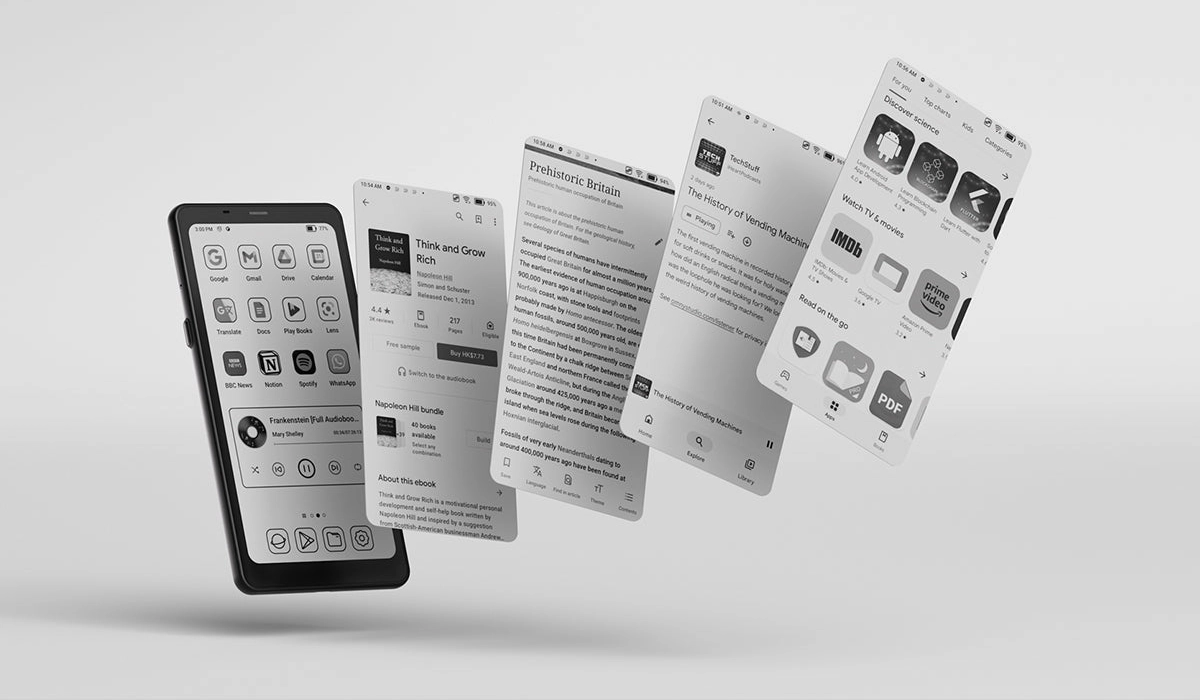
BOOX Palma mobile ePaper is an e-Ink smartphone
The technology was developed in the 1990s and the E Ink Corporation was co-founded in 1997 by MIT undergraduates JD Albert and Barrett Comiskey, MIT Media Lab professor Joseph Jacobson, Jerome Rubin and Russ Wilcox, to commercialize it.
Electronic ink displays do not emit light on their own, which is why they do not have the problem of glare and so are much easier on the eyes than other types of displays. This makes them perfect for reading for long periods of times. As such, they are used in devices that are more about reading text than any other kind of activity.
By default, ePaper displays are grayscale, and that is how you will find them in most products, but full color types have been displayed for use in smartphones and tablets. For example, Nxtpaper is a type of color e-ink display that was developed by TCL Corporation for use that way.
- Benefits of e-Ink Displays and Monitors
- Disadvantages of e-Ink Displays
- e-Ink vs LCD
- e-Ink vs AMOLED
E-Ink displays are primarily used in devices that require a paper-like reading experience and low power consumption. Here are some common examples:
- E-readers : Devices like Amazon Kindles and Kobo e-readers are almost exclusively equipped with electronic paper displays.
- Digital notepads : These devices simulate the experience of writing on paper, using ePaper technology to display handwritten content. Examples include Boox Note Air3 C, Amazon Kindle Scribe, and reMarkable 2.
- Electronic shelf labels (ESL) : Many retail stores use ePaper displays to dynamically update product prices and text information.
- Smartwatches : Some smartwatches incorporate electronic paper displays for their low power consumption and readability in various lighting conditions. e-Ink smartwatches include EPSON Smart Canvas, Sony Fes Watch U, Sony Smartband 2, and Radwear Wearable.
- Digital signage : Paperlike displays are also used for outdoor signage, as they are highly readable in sunlight and have low power requirements.
- Smartphones : Yes, some smartphones use an E-Ink displays. A cell phone brand like TCL uses full-color NXT paper-like displays in their products. Examples of smartphones and tablets with ePaper screens include Hisense A9, Bigeme HiBreak Color E Ink, BOOX Palma Mobile ePaper, TCL NxtPaper 14 tablet, TCL 50 NxtPaper 5G, and TCL 50 Pro NxtPaper 5G.
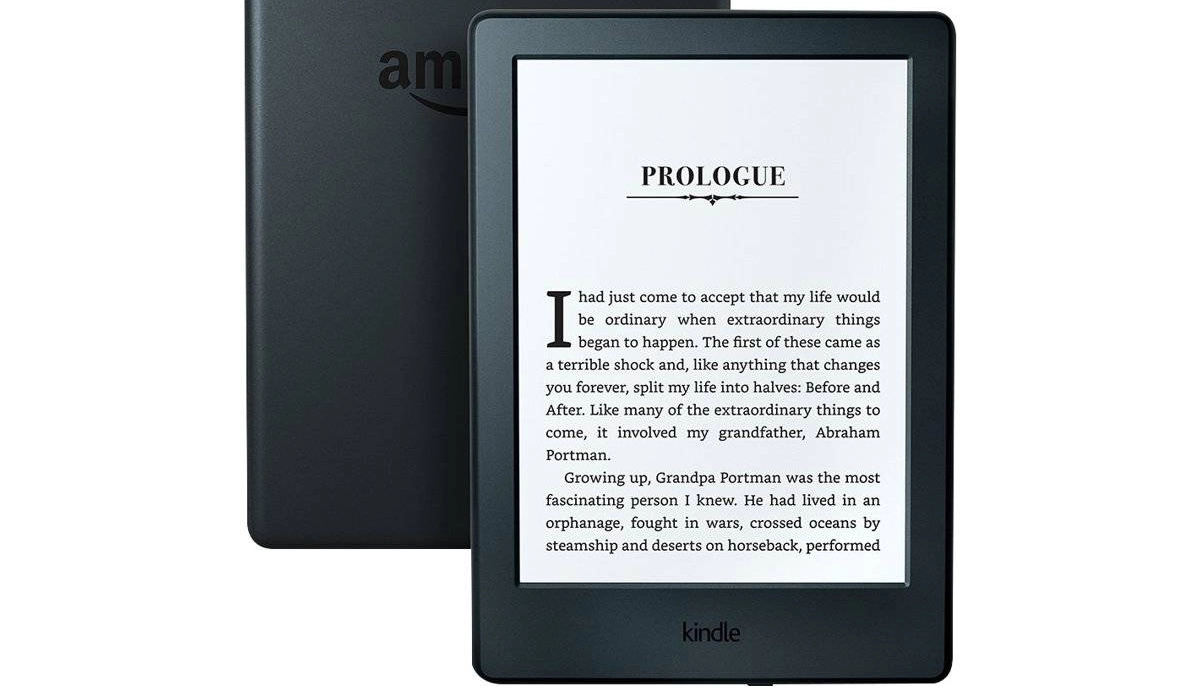
Amazon Kindle 11th Generation eBook reader has an e-ink display
Benefits of e-Ink Displays and Monitors
ePaper displays have a more natural feel to reading, which is why they are great for devices like e-readers and the like.
Another advantage is that of high contrast. And then, there is no glare which makes them easier on the eyes. As such, they are suitable for reading, for hours on end.
Paperlike display have extremely low-power consumption, meaning that the batteries of devices incorporating them last for days of extensive use.
E-Ink screens are more durable than other types of displays. They handle scratches and impact much better than others.
Disadvantages of e-Ink Displays
Electronic Ink displays have slow refresh rates compared to other types of displays. This can lead to ghosting in use.
An extension of the ghosting problem is that over time, an electronic ink display has the tendency to develop permanent marks or scars on the screen.
Electonic Ink technology is also subject to the limitations of lower resolution and limited color range. Thes, along with the limited refresh rates, makes electronic paper screens largely unsuitable for video consumption.
Lastly, because of the more challenging manufacturing process, electronic paper displays are expensive to produce. This limits their usage in smartphones, for example, as cell phone brands are often trying to keep costs down.
e-Ink vs LCD
Compared to LCD panels, Paperlike readers have higher contrast, no glare, and a more natural reading experience. LCD screens, on the other hand, are both more dynamic and more affordable. This makes ePaper screens easier to read but not very good for animations and videos which LCD panels are better suited to.
e-Ink displays use reflective technology and so do not emit light. This makes them more power efficient and more legible in direct sunlight than LCD panels.
e-Ink vs AMOLED
Similar to the comparison with LCD panels, electronic paper readers have higher contrast, no glare, and a more natural reading experience, while AMOLED screens are both more dynamic and more affordable. This makes ePaper screens easier to read but not very good for animations and videos which AMOLED panels are better suited to.
e-Ink displays use reflective technology and so do not emit light. This makes them more power efficient and more legible in direct sunlight than AMOLED panels.
Author:Mister Mobility
Digital Skills and Communication Coach | Mobile Phone Connoisseur since 2001 | Tech Blogging since 2004
