Add MobilityArena as a preferred source on Google
Sincerely running a small business can be very tasking especially at the very early stage, there’s always something to manage, fix, or figure out. When it comes to paperwork, there are ways to use CamScanner for small business needs. This app turns your smartphone into a full-blown document scanner, helping you handle your paperwork like a pro. Whether you’re sending contracts, managing receipts, or just trying to stay one step ahead, there are countless ways to use CamScanner for small business needs. Imagine you’re in a meeting with a potential client, and they casually ask for a scanned copy of your latest proposal. With CamScanner, you can snap a quick photo, convert it into a professional PDF, and send it over before your coffee gets cold. It’s not just about scanning — it’s about looking like you’ve got everything together (even when you don’t). One of the best ways to use CamScanner for small business needs is for managing receipts and expenses. Snap, save, and sort them into folders on the app. Plus, its OCR (Optical Character Recognition) feature can extract text from images, making it easy to search through your files when tax season inevitably sneaks up on you. Let’s dive into the hidden superpowers of this app and how it can make your business life a whole lot easier.

- Scanning Receipts and Invoices
- Document Collaboration
- Optical Character Recognition (OCR)
- E-Signature Feature
- Organizing Important Documents
- Conclusion

Scanning Receipts and Invoices
One of the most practical ways to use CamScanner for small business needs is for scanning receipts and invoices. Instead of letting those paper trails pile up on your desk, you can quickly scan them into digital format. Simply take a picture of your receipt or invoice using CamScanner, and the app will automatically crop and enhance the image for clarity. You can then save it as a PDF or JPEG and upload it directly to your accounting software or cloud storage.
Document Collaboration
Optical Character Recognition (OCR)
One of the standout features and ways to use CamScanner for small business needs is its Optical Character Recognition (OCR) capability. This allows you to convert scanned images into editable text — perfect for extracting information from documents without retyping everything. After scanning a document, simply select the OCR option to extract text. You can then copy this text into emails, reports, or any other documents you’re working on.

E-Signature Feature
Need to sign contracts quickly? The e-signature feature in CamScanner allows you to sign documents digitally without printing them out. This is one of the most convenient ways to use CamScanner for small business needs. After scanning your document, you can add your signature directly within the app. Once signed, you can share it immediately with clients or partners — no more waiting for snail mail!
Organizing Important Documents
CamScanner isn’t just about scanning; it’s also about organization! You can create folders within the app to categorize your documents — think invoices, contracts, receipts, and more, which is one of the ways to use CamScanner for small business needs. After scanning your documents, simply organize them into folders based on categories that make sense for your business. This way, you’ll always know where to find what you need without rummaging through piles of paper.

Conclusion
The ways to use CamScanner for small business needs are vast and varied. From scanning receipts and collaborating on documents to utilizing OCR technology and organizing files efficiently, this app can truly transform how you manage your business paperwork.
Author:Ifeoluwa Adeleke
Add MobilityArena as a preferred source on Google
Have you realized that our smartphones are practically an extension of ourselves and perhaps our offices — always in our hands, ready to help us navigate life’s dealings. With various fantastic options of refurbished smartphones available on Reebelo that combine quality, performance, and unbeatable prices, you don’t have to break the bank. If you’re looking to upgrade your device without spending a fortune, you’re in the right spot. In this guide, let’s explore the top 5 refurbished smartphones available on Reebelo right now, breaking down their key features, specs, and why they should be at the top of your shopping list. Trust me, you’ll be amazed by the performance these gems deliver for such a fraction of the price. Whether you’re a social media person or just need a phone to keep up with your work-life balance, these devices are ready to keep pace with your busy life.

- iPhone 13
- Samsung Galaxy S21
- Google Pixel 6
- OnePlus Nord N200
- iPhone SE (2022)
- Conclusion

iPhone 13
One of the refurbished smartphones available on Reebelo right now is the iPhone 13. It is a powerhouse packed with features that make it perfect for anyone who wants a reliable device without the latest price tag. Its camera capabilities are excellent for capturing everything from everyday moments to stunning landscapes.
- Price: Starting at $599
Key Features:
- A15 Bionic chip for lightning-fast performance
- Dual-camera system with Night mode
- Up to 19 hours of talk time
Samsung Galaxy S21
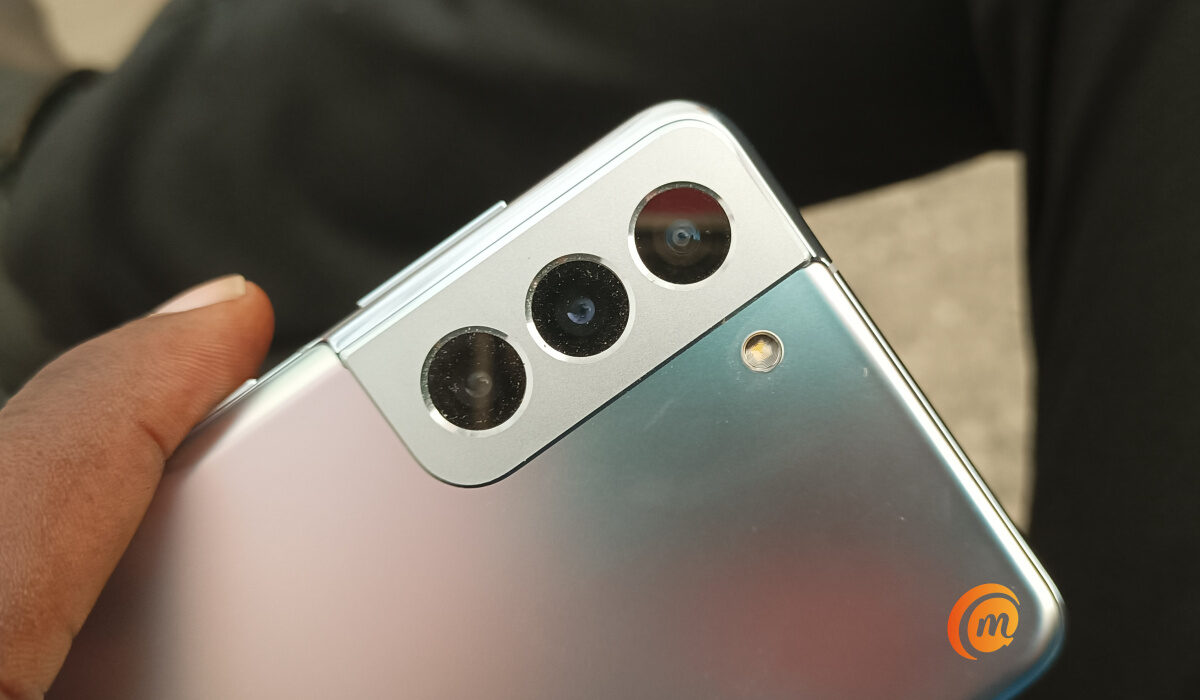
The Samsung Galaxy S21 offers an immersive viewing experience and powerful performance, making it ideal for streaming videos or playing games on the go. It is one of the refurbished smartphones available on Reebelo right now.
- Price: Starting at $499
Key Features:
- Dynamic AMOLED display with vibrant colors
- Triple-camera system for versatile photography
- Long-lasting battery life
Google Pixel 6
The Google Pixel 6 is known for its outstanding camera capabilities and pure Android experience. It’s perfect for anyone who values photography and wants a device that stays up-to-date. It is also one of the refurbished smartphones available on Reebelo right now.
- Price: Starting at $449
Key Features:
- Google Tensor chip for optimized performance
- Exceptional AI-driven camera features
- Clean Android experience with regular updates
OnePlus Nord N200
If you’re looking for a budget-friendly option that doesn’t skimp on features, the OnePlus Nord N200 is an excellent choice. It offers great performance and a smooth user experience without breaking the bank.
- Price: Starting at $249
Key Features:
- 90Hz refresh rate display for smooth scrolling
- Solid battery life with fast charging
- Affordable price point
iPhone SE (2022)
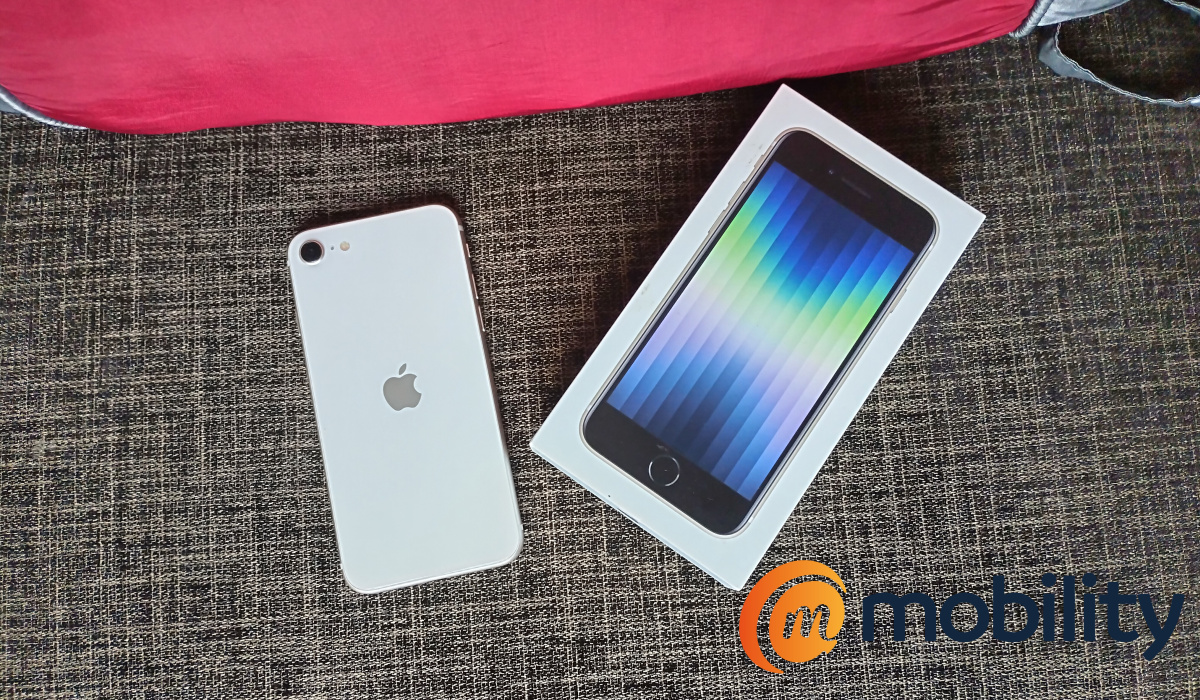
The iPhone SE (2022) combines powerful performance with a classic design, making it perfect for those who prefer smaller phones without sacrificing power. This is the last but not the least on our top list of the refurbished smartphones available on Reebelo right now.
- Price: Starting at $399
Key Features:
- A15 Bionic chip in a compact design
- Touch ID for secure authentication
- Impressive battery life
Conclusion
With so many fantastic options of refurbished smartphones available on Reebelo, finding the perfect device to match your lifestyle and budget has never been easier—or more exciting. Whether you’re eyeing the iPhone 13 for its jaw-dropping photography skills or the OnePlus Nord N200 for its no-nonsense reliability, these smartphones prove that you don’t need to spend a fortune to enjoy high-quality tech. But to be sincere, saving money on a refurbished phone doesn’t just feel smart — it feels like winning. Now you can channel those extra dollars into something fun, like upgrading your Netflix plan to Ultra HD. Oh, and while you’re at it, why not explore all the creative ways to use your new phone, like scanning and organizing documents with apps like CamScanner? You’ll feel like a productivity guru in no time. So, if you’re ready to level up your tech game without putting your wallet in a state of panic, check out these top picks of refurbished smartphones available on Reebelo. Trust me, you’ll be scrolling, snapping, and swiping with a big smile and zero buyer’s remorse.
