Add MobilityArena as a preferred source on Google
Running (or going for a run) is very popular today, although other people prefer sports indoors and choose apps to do yoga or apps to do pilates exercises at home . If you are one of those who cannot sit still, then read on to unleash the pack of apps that will give you a boost!

- Nike+ Running
It ranks among the most popular running apps. Mobile applications have been used by Nike, Adidas, and Asics to increase brand loyalty among consumers.
Whether it’s your first race or your desire to break a record, it aids you in achieving the various objectives you set for yourself. It is created for both amateurs and experts; you can customize it to your level and take pleasure in whatever it is. Do you wish to establish a new personal best? Is this the first time you’ve run? Everything you require is right here.
The app has a great feature that can help you track your performance with a detailed real-time auditory feedback.
- Runtastic – Running and Fitness
One of the industry standard applications for running and sports in general has been and will remain Runtastic. We’ll explain why the application consistently receives 4.5 stars out of 5 in this section.
Runtastic has developed into an online fitness community where seasoned runners and newbies exchange advice, suggestions for routes, and thoughts on the sport.
You may figure out the altimetry, time of your race or route, pace, calories burned, and distance by using the GPS to measure your physical activity, among other things. Although it is totally free, purchasing the professional edition will provide you access to features like synchronization with your heart rate monitor band, motivational audios to listen to while you run, weather information, and leveled training routines.
You will have a real-life coach at your disposal who will provide you with the essential instructions in accordance with the strategy you have selected (run a marathon? Five kilos to lose? We will have access to interactive maps that track our progress in real time, all thanks to the mobile device’s GPS. Oh, and we’ll also have a map of history at our disposal so we can track our development.
If you publish your location, you can get encouragement from other Runtastic users, a group of runners both experienced and new to the sport who have built one of the biggest online sports communities.
- RunKeeper – GPS Running
No way can 25 million users be wrong. One of our favorite running applications is called RunKeeper, and you can download it for free on both iOS and Android.
You can use RunKeeper to have a personal trainer with you at all times, whether you’re running, cycling, hiking, or doing anything else.
Running is the ideal complement to the best free weight management apps, so don’t forget to incorporate it into your daily or weekly workouts! The most prestigious app among athletes and runners will show you some graphs with results and evolution after you finish your workouts, with perfect details of your pace, kilometers traveled, hours, minutes, and seconds, and most importantly, calories burned.
- Running for weight loss, lose weight in 8 weeks
Everyone who runs has goals they want to achieve. Some people exercise for fun, some do it to get in shape for the next marathon, and yet others exercise to reduce weight. Well, weight loss running emphasizes the latter. And it is responsible for creating efficient training schedules so you may quickly reach your desired weight.
You can select your own program before beginning it based on your objectives, experience level, and physical fitness. All of them rely on clever intervals that mix running and sprinting intervals to increase your fitness more quickly than with any other technique. And only three days a week are dedicated to training.
On the other hand, if our goal is to reduce weight, every plan must include a healthy diet. The program does this duty if you have no knowledge of nutrition or dietetics and require some basic dietary suggestions. It will advise you on what to eat at each meal and provide recipes that are delicious but only use healthy components.
- Google Fit, exclusively for Android
Google enters this industry with an exclusive Android app and a very healthy-looking heart logo. Its major goals are for you to develop healthy lifestyle habits, start getting more active (while explaining how), and discover the motivation you require. Of course, there is also the issue of weight loss and dieting.
If you only have a half-hour before leaving for work, you can set targets depending on length, distance, or calories burned (those Christmas excesses). At the end of the day, tally up your steps and be happy of your accomplishments.
For the majority of running enthusiasts, Android Wear compatibility is a given.
- Runmeter GPS Pedometer for iPhone (iOS exclusive)
The Runmeter GPS Pedometer app, one of the highest rated in this category, can be found on the App Store. Before you ask, the answer is that it works with iPad, iCloud, and Apple Watch.
For those who are more demanding, we have the pro version, which has sophisticated features, while for novices, we have the lite version, a free iPhone running software.
It requires no registration and uses very little storage space (you can fit YEARS of training into a few songs). You can customize it to your preferences and view data, maps, graphs, and anything else you like.
It can be used for a variety of activities, including running, cycling, rollerblading, skiing, and much more, to record weather, steps, lengths, places, stops, and accelerations. We urge you to test it right now because it is so comprehensive that we would run out of room on our website if we tried to list them all.
- Don’t miss our mobile phone reviews .
- Follow our news on Google News .
- Join our WhatsApp Group , to be notified of the most important articles and deals,
- Follow us on Instagram , Facebook , Twitter , and YouTube .
Author:Moses Udah
Creative, teacher, web content writer, copywriter, and student.
Add MobilityArena as a preferred source on Google
If there’s anything that all smartphone users can agree on, it’s the fact that mobile data is pretty expensive. The amount of gigabytes that can be downloaded via the internet as part of your cell phone plan is often capped at a particular amount each month, after which you run the danger of being charged exorbitant overage costs.
Fortunately, your smartphone has a built-in capability to help you control data usage. There is a built-in monitor for mobile data in the Android operating system which can be configured to alert you when your monthly data use limit is approaching. This monitor can even help you to stop your smartphone from using any more data.
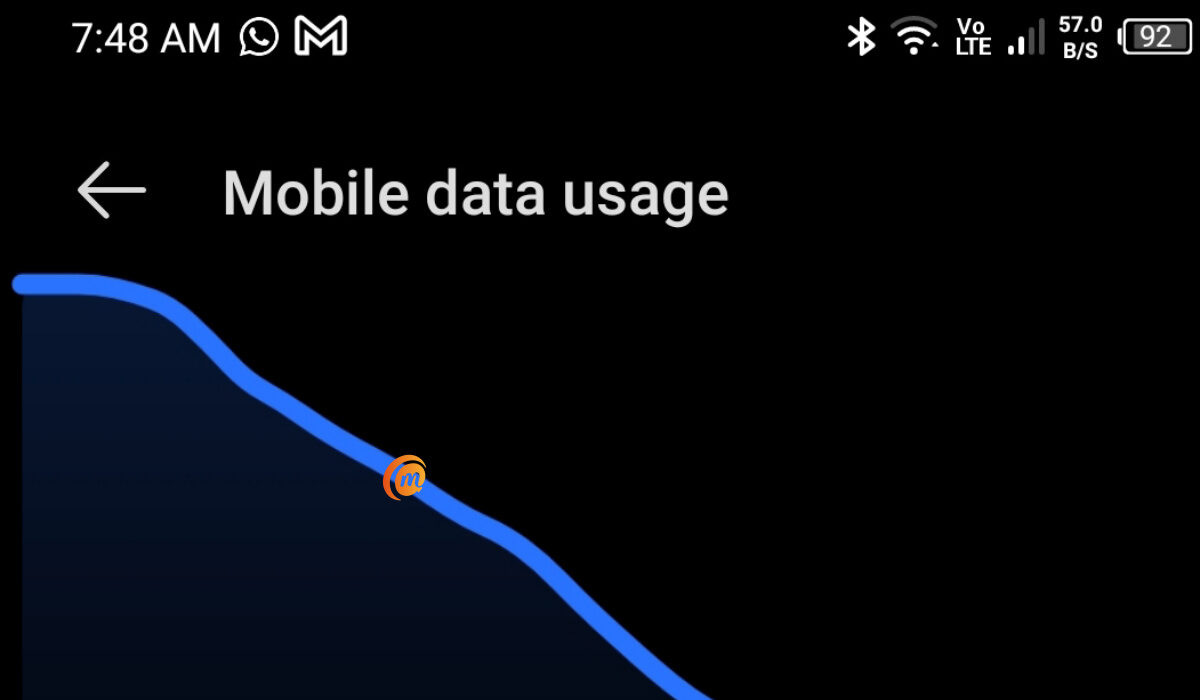
You can control data usage on your Android smartphone
In order to help you modify these settings on your smartphone if you’ve been having trouble with managing your cellular data limit, we’ve created this guide for you. So, pay attention to the instructions we’ve outlined below.
Control Data Usage:Set an Alert for Data Usage Level
Go to the general Settings menu and choose the “Data use” option if you want your phone to notify you when your monthly data limit is about to be reached. On the screen that follows, you’ll see a graph with a line above it; drag this line up or down to adjust the warning level. Setting it to about 75% of your monthly data allotment is what we’d advise. Visit the website of your carrier if you are unsure of your data allotment for the month.
Ensure that “Cellular data” (or “Mobile data” on earlier Android versions) is toggled on if you don’t see a line in the graph.
You should then change the billing cycle so that the data usage counter on your phone resets on the day your bill is due. Choose “Change cycle” and the day of the month when your bill is typically due by tapping the date field on this menu. Your phone will now be able to alert you more precisely when your data allotment is will soon be reached.
However, it should be noted that the data use figures shown in this menu could be different from those provided by your carrier. In general, it’s okay to use this as an approximate estimation, but you should verify with your carrier’s website to be particularly careful when you start to approach your monthly data limit really closely.
Control Data Usage:Set a Limit on Data Usage
Your apps may sync in the background even while you’re not actually using your phone to search the internet or stream media, and this process will still consume data. This implies that your apps may discreetly and automatically charge you overage fees when you are really close to reaching your monthly data limit.
Putting a strict limit on your data might help you avoid this. To get this done, select the “Set cellular data limit” option in the same settings menu (it’ll be named “Set mobile data limit” on older Android devices), then move the orange slider to a value slightly below your monthly data cap.
The apps on your smartphone won’t be able to sync data in the background until your next billing cycle if this setting is enabled. This is because your phone will automatically block all data traffic when you reach this threshold you’ve set.
Control Data Usage: How Do I Disable Data Usage Limits?
Let’s assume you have unlimited data to use on your smartphone, and are therefore not concerned about overage charges. The data consumption limit and notice in this situation would merely be an inconvenience, so if you already have it enabled, you’d need to disable it.
To do this, return to the “Data usage” menu to turn off either of these options. From this point on, disable “Set cellular data limit” to stop your phone from obstructing data flow. Since there is no real method to turn off the data warning feature, your best bet would be to just move the slider up to a very high value that you won’t likely reach.
Control Data Usage: Summary
In summary , you can control the amount of money you have to spend on data monthly simply by adjusting relevant settings on your smartphone. If you didn’t already know how to get this done, this gude has provided the information you’ll need.
As always, feel free to recommend this guide to any other smartphone users you know that are trying to control their data usage.
- Don’t miss our mobile phone reviews .
- Follow our news on Google News .
- Join our WhatsApp Group , to be notified of the most important articles and deals,
- Follow us on Instagram , Facebook , Twitter , and YouTube .
