Add MobilityArena as a preferred source on Google
Virtual Private Networks (VPNs) offer a secure and versatile way to change your smartphone’s location virtually. Whether you want to access geo-restricted content, enhance your online privacy, or protect your data while on public Wi-Fi, a VPN can help.
Using a VPN on your smartphone to change your location is a pretty straightforward process that provides numerous benefits. Below, I walk you through the steps to change your smartphone’s location using a VPN.
- Step 1: Choose a Reliable VPN Service
- Step 2: Download and Install the VPN App
- Step 3: Sign Up and Log In
- Step 4: Connect to a VPN Server
- Step 5: Confirm Your New Location
- Step 6: Disconnect and Revert to Your Real Location
- Some VPN apps you can use to change your smartphone’s location
Step 1: Choose a Reliable VPN Service
Before getting started, you’ll need to select a trustworthy VPN service. Look for one that offers a large number of servers in different locations, robust security features, and a user-friendly mobile app. You can even test out a few with a VPN trial . Some popular VPN services for smartphones are listed in the last section of this article: be sure to check them out.
Step 2: Download and Install the VPN App
- Open the app store on your smartphone (e.g., Google Play Store for Android or App Store for iOS).
- Search for your chosen VPN provider’s app.
- Download and install the app on your smartphone.
Once the app is installed, you need to carry out the following actions:
- Open the VPN app.
- Sign up for an account if you haven’t already.
- Log in with your credentials.
Step 4: Connect to a VPN Server
Now that you’re logged in, the next step is to connect to a VPN server in the location you want to virtually appear in . Here’s how to do that:
- Open the VPN app.
- Usually, you’ll see a “Connect” button or a list of servers. Tap “Connect.”
- Select a server in the desired location. Most VPN apps offer servers in various countries and cities.
- Tap on the chosen server to establish a connection.
Step 5: Confirm Your New Location
After a few moments, your smartphone will be connected to the selected VPN server. To ensure your location has changed:
- Open a web browser.
- Visit a website that shows your IP address and location, like “ iplocation.net ” or “ whatismyip.com .”
- Check if the displayed IP address and location match the server you connected to. If they do, your location has been successfully changed.
Step 6: Disconnect and Revert to Your Real Location
When you’re finished using the VPN and want to revert to your actual location, here is what to do:
- Open the VPN app.
- Tap the “Disconnect” button or option within the app.
- Your smartphone will disconnect from the VPN server, and your location will return to its default setting.

Some VPN apps you can use to change your smartphone’s location
Here are some of the best mobile VPNs to consider:
- ExpressVPN : Known for its speed and wide server network across the globe, ExpressVPN offers user-friendly apps for both Android and iOS. It’s a great choice for changing your smartphone’s location while maintaining high speeds.
- NordVPN : NordVPN is highly regarded for its security features and extensive server network. It has a user-friendly mobile app that allows you to connect to servers in various countries.
- CyberGhost : CyberGhost is known for its user-friendly apps and dedicated streaming servers that can help you access geo-restricted content. It offers apps for both Android and iOS.
- Surfshark : Surfshark is a budget-friendly option with a strong focus on security and privacy. It offers unlimited simultaneous connections, making it suitable for multiple devices, including smartphones.
- IPVanish : IPVanish offers a robust mobile app and a decent server network. It’s known for its strong privacy features and solid performance.
- VyprVPN : VyprVPN offers a unique Chameleon protocol designed to bypass censorship and VPN blocking. It has a mobile app for both Android and iOS.
- ProtonVPN : Developed by the team behind ProtonMail, ProtonVPN is known for its strong commitment to privacy and security. It offers mobile apps for both major platforms.
- Windscribe : Windscribe is a user-friendly VPN with a free plan (with limitations) and a paid version with more features. It has mobile apps for Android and iOS.
- TunnelBear : TunnelBear is another user-friendly VPN known for its simplicity. It offers mobile apps and a free plan with limited data, as well as a paid version.
- Hotspot Shield : Hotspot Shield is recognized for its speed and is particularly popular for streaming content. It offers mobile apps for both major platforms.
Author:MobileChic
That motivated, gadget-loving geeky chic who tries to stay on top of things. Unapologetic iFan.
Add MobilityArena as a preferred source on Google
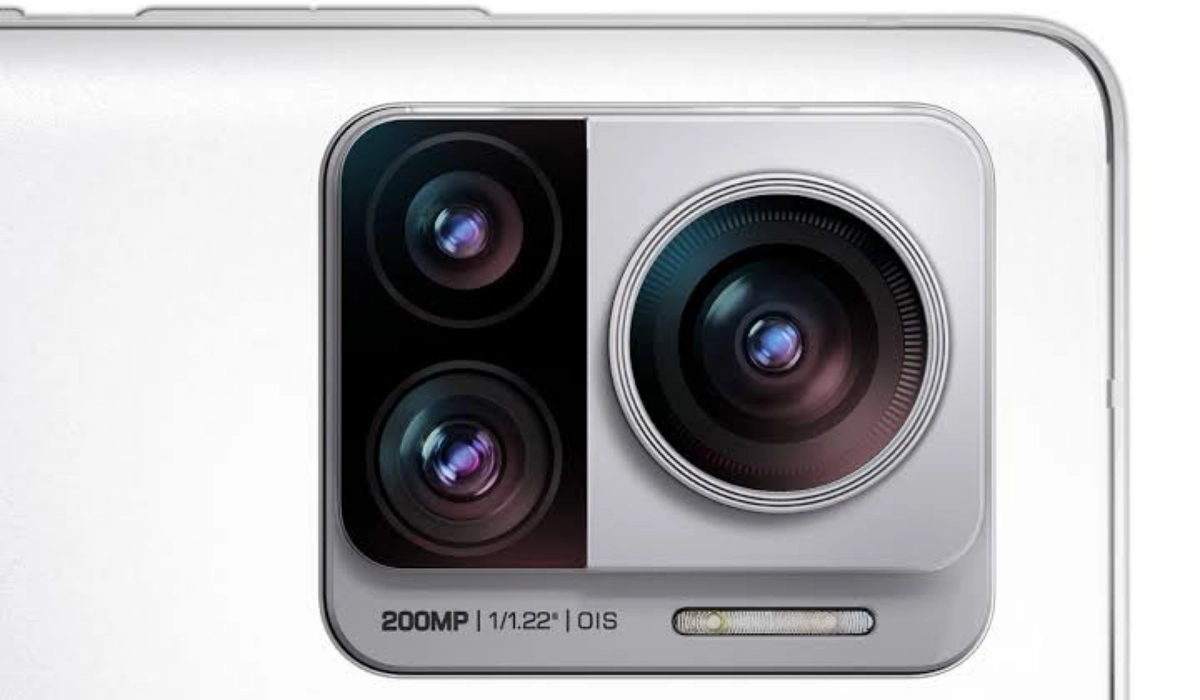
A contact on X (formerly Twitter) asked me if it was true that some phones with lower megapixel cameras might shoot better pictures than those with higher megapixels[1]. I answered in the affirmative: it is true. Why? The megapixel count is not the only factor that determines image quality (how good a smartphone’s camera is).
Besides the megapixel count, other factors like image processor, sensor quality and size, shutter speed, and image stabilization, all contribute to determining the image quality of photos that a camera takes. I explain them in plain and simple language below.
- You Can Watch This Content As A Video Instead
- Factors That Determine A Smartphone Camera’s Image Quality
- Examples
- One Rough Rule To Follow
You Can Watch This Content As A Video Instead
Factors That Determine A Smartphone Camera’s Image Quality
While megapixel count plays a role in determining image quality, there are several other important factors to consider:
- Aperture: The size of the aperture determines how much light the camera lens can gather. A wider aperture (lower f-number) allows more light, resulting in better low-light performance and potentially shallower depth of field.
- Sensor Size: Larger camera sensors generally capture more light, resulting in better image quality, especially in low-light situations.
- Megapixel count: This is the one you and most smartphone owners are familiar with. This is because it is usually used in product marketing by phone makers.
- Pixel Size: Larger pixels on the camera sensor can capture more light, improving image quality, especially in low-light conditions. Pixel size is typically measured in micrometers (um).
- Lens Quality: The quality of the lens itself, including the glass and coatings, affects image sharpness, clarity, and overall image quality.
- Image Processing: The software algorithms and image processing capabilities of a smartphone can significantly impact image quality. This includes noise reduction, dynamic range enhancement, color processing, and other enhancements.
- Image Stabilization: Optical or electronic image stabilization helps reduce camera shake, resulting in sharper images and smoother videos, especially in low-light conditions or when shooting handheld.
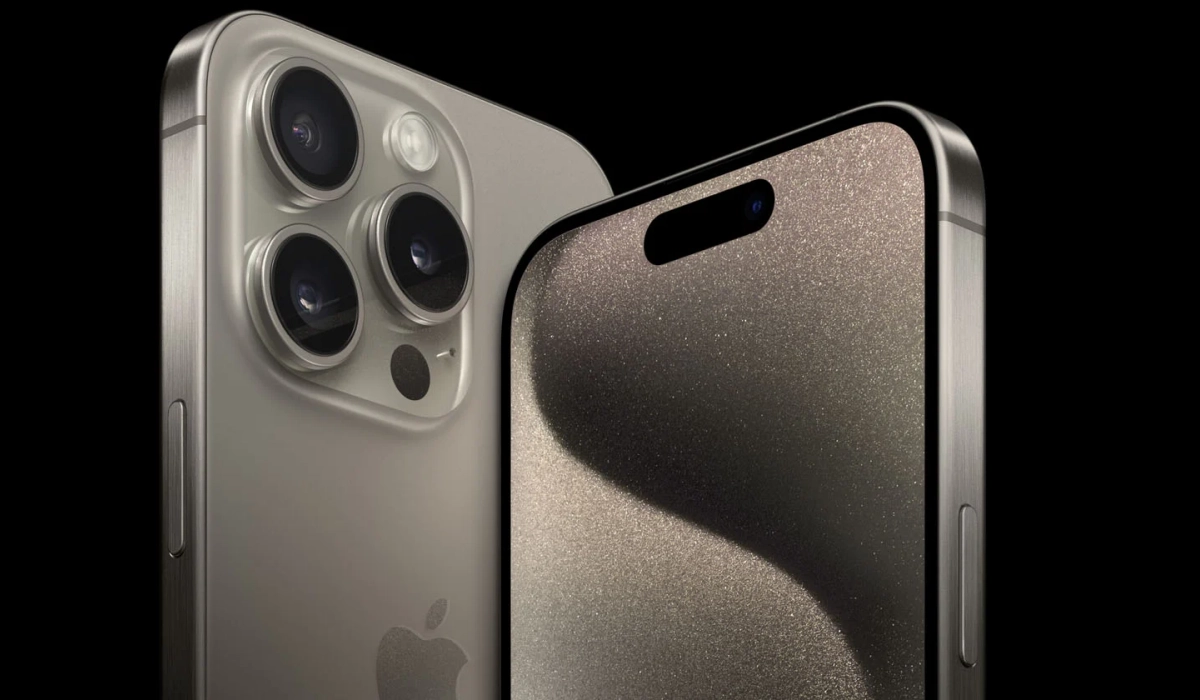
Apple iPhone 15 Pro Max does not have the highest megapixel count among today’s smartphones but takes much better photos than most.
Examples
I have two smartphones on my desk as I type this. One has a 50-megapixel camera, while the other has a 108-megapixel camera. If megapixel count alone determines camera image quality, the second smartphone would take better photos. But that is not the case.
The 50MP camera phone actually takes much better photos than the 108MP camera phone. That’s the situation with these two. On the flip side, I also own another 108MP camera phone that outshoots 80% of the smartphones available in the market today. What makes the differences in these two examples? All those other factors that I listed and explained above.
Apple’s iPhone releases do not have the highest megapixel counts in the smartphone world, but they have ranked in the top 5 spots of the best cameraphones of each year. Why? Because megapixel count alone does not determine image quality. As such, the iPhone 15 Pro Max’s 48MP camera produces much better photos than the 50MP, 64MP, 108MP and 200MP cameras of many other smartphones.
Samsung Galaxy S23 Ultra has a200MP camera that outshoots 95% of smartphones in the industry. Do you see how it plays out? Megapixels alone do not determine image quality of any camera, whether on a phone or elsewhere.
One Rough Rule To Follow
Good cameras do not come cheap. Putting in top quality lenses, and features that will produce fantastic pictures costs money. Which is why the overall best camera phones exist only within a certain price segment – budget flagships to premium flagships. It doesn’t matter what megapixel counts you see on a regular smartphone that costs $900; that camera is likely to be top notch. There are exceptions to this rough rule.
One exception are phones that have been pimped up with jewels and precious metals as luxury devices. They likely are expensive because of he pimping, and not necessarily because the brand spent money in developing a top notch camera. Another exception are often rugged sir industrial smartphones. They are often expensive because of the extra protection that the manufacturer built into them, and their cameras are often average.
But the rule is that great cameras do not come cheap and megapixel count alone does not determine the image quality of smartphone cameras.
References
- Source .
Author:Mister Mobility
Digital Skills and Communication Coach | Mobile Phone Connoisseur since 2001 | Tech Blogging since 2004
