Add MobilityArena as a preferred source on Google
If you own a Mac device, it might interest you to know that there are some amazing — and helpful— features that you should be taking advantage of to get around work faster. The truth is, your knowledge of your device is most likely less than it should be, regardless of the brand or type. This is not surprising, as most people tend to know only a fraction of all the features their gadgets and devices have to offer.
Nowadays, more and more Windows users are switching to the Apple OS as Macs gain popularity, but if you’ve been a longtime Microsoft user, your new Mac probably has a ton of capabilities you’re not even aware of. We’ve curated this guide to show you what some of these features are, and how to take advantage of them to optimize your work and user experience.
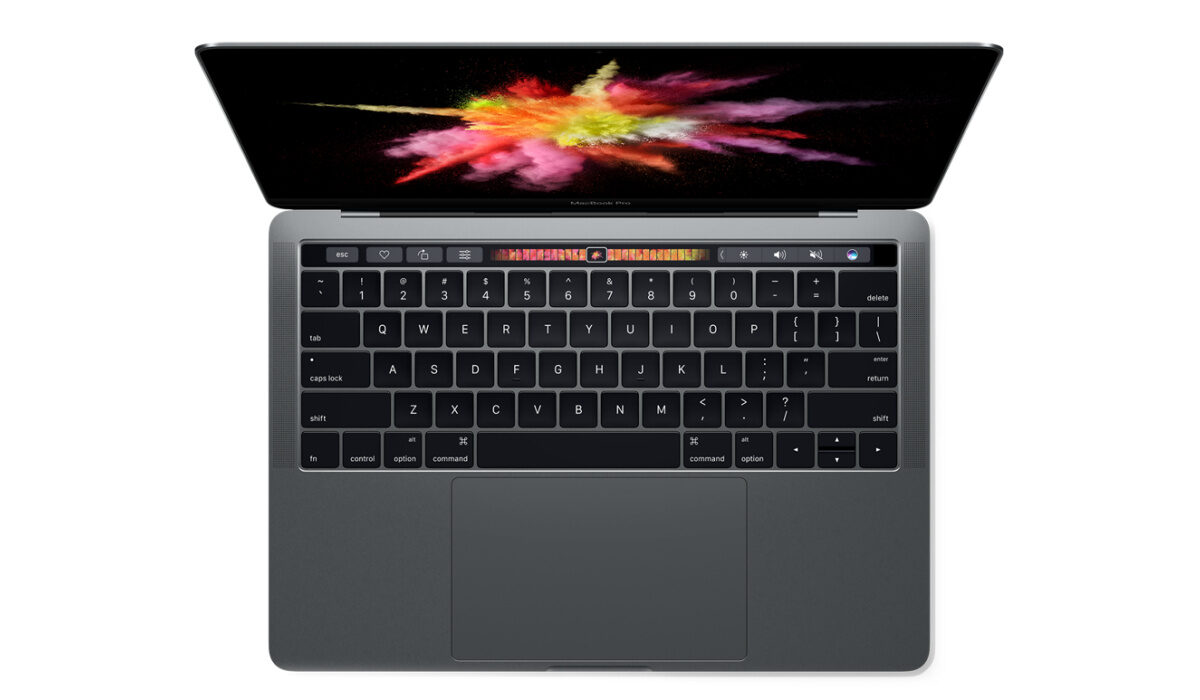
Capture a Trimmed Screenshoton a Mac
Taking screenshots on Windows can be problematic. Either the PrtSc key or the Snipping Tool are typically used to take a complete screenshot of your display. Naturally, not all keyboards can use the shortcut, and using a different app to snap a screenshot is a pain. Fortunately, the procedure is simplified on a Mac.
Your cursor will become a crosshair if you hold down Command + Shift + 4 for a few seconds. Simply take your finger off the mouse after outlining what you want to appear in the screenshot, and it will be saved. Alternatively, you can use Command + Shift + 3 if you want a snapshot of the entire screen.
Sign PDFs in your Mailon a Mac
If you receive a PDF that needs to be signed via email, you can sign it directly in Mail without having to print, sign, and scan it.
When you drag a PDF into the email you’re sending, hover over it to reveal a small button in the top right corner. After you click the button, a number of Markup options appear, including one for document signing.
Additionally, you can add your signature by either writing on your trackpad or by bringing a signed piece of paper up to your Mac’s webcam, which does an excellent job of cutting it out of the backdrop.
Turn Your Mac’s Screen Corners into Shortcuts
You can perform operations on your Mac such as displaying the desktop, activating a screensaver, turning off the display, or launching Mission Control by moving your cursor over various corners of the screen which will provide a view of all your open windows.
You must first configure these shortcuts, though. Go to the Screen Saver tab in System Preferences , select Desktop & Screen Saver , and then click Hot Corners . You’ll now be able to choose which purpose to assign to each corner of your Mac’s screen.
Manage your Open Tabs Quicklyon a Mac
With your Mac, you can cycle between applications if you have too many of them running at a time and need to close some.
To do this, you can simply hold Command while pressing the tab key. To minimize an open tab, press H, and to terminate any application, press Q.
Never Tab Past Boxes on Online Forms Again
Tabbing through the input boxes on online order forms frequently skips selection menus such as the “month” or “year” selections.
To allow your computer to tab through them like any other text box, simply open System Preferences => Keyboard => Shortcuts , and then choose “ All Controls ” under “ Full Keyboard Access .”
Employ Spotlight Search for Faster Access
Apple’s Spotlight search is readily accessed by pressing Command + Spacebar , allowing you to quickly search for documents, apps, music, the web, and even Wikipedia when doing research.
The truth is that this feature can also perform simple math operations like multiplication and division; all you would need to do is just type those commands into the Spotlight search bar!
Recall Wi-Fi Passwordson a Mac
Macs have the ability to remember all of your passwords and clearly recall them to you using a tool called Keychain that other computers lack. The majority of your private information is stored in Keychain Access, the integrated program that comes with Keychain. Wi-Fi connections are the situations in which this is most useful.
You may use Keychain Access on your Mac to discover your Wi-Fi password if you’re in a strange location or even if you’ve just forgotten it. The steps are simple: launch Keychain Access by looking for it in Spotlight, look up the connection’s name, then double-click the iCloud Keychain icon for the desired SSID.
Then, input the Keychain password you created previously by clicking “ Show password ” on the subsequent screen. The Wi-Fi password you need will then be presented to you.
In conclusion , there are tons of other delightful Mac features that this guide can’t totally cover, and this is what makes the Mac one of the more superior brands in the market.
- Don’t miss our mobile phone reviews .
- Follow our news on Google News .
- Join our WhatsApp Group , to be notified of the most important articles and deals,
- Follow us on Instagram , Facebook , Twitter , and YouTube .
Author:Joan Agie
Add MobilityArena as a preferred source on Google
US Cellular has a number of phone options to purchase from, so if you are looking for the best phones to purchase, you have come to the right place. Here is our list of the best US Cellular phones, in no particular order.
Samsung’s recently-announced Galaxy Z Flip4 and Fold4 are already available for pre-order on the US Cellular website. They won’t ship for a few weeks. If you have the budget for these and are not in a hurry, you can jump on the offer. If, on the other hand, you need to pick a phone right away, read on to see the available best US Cellular phones you can buy right now.
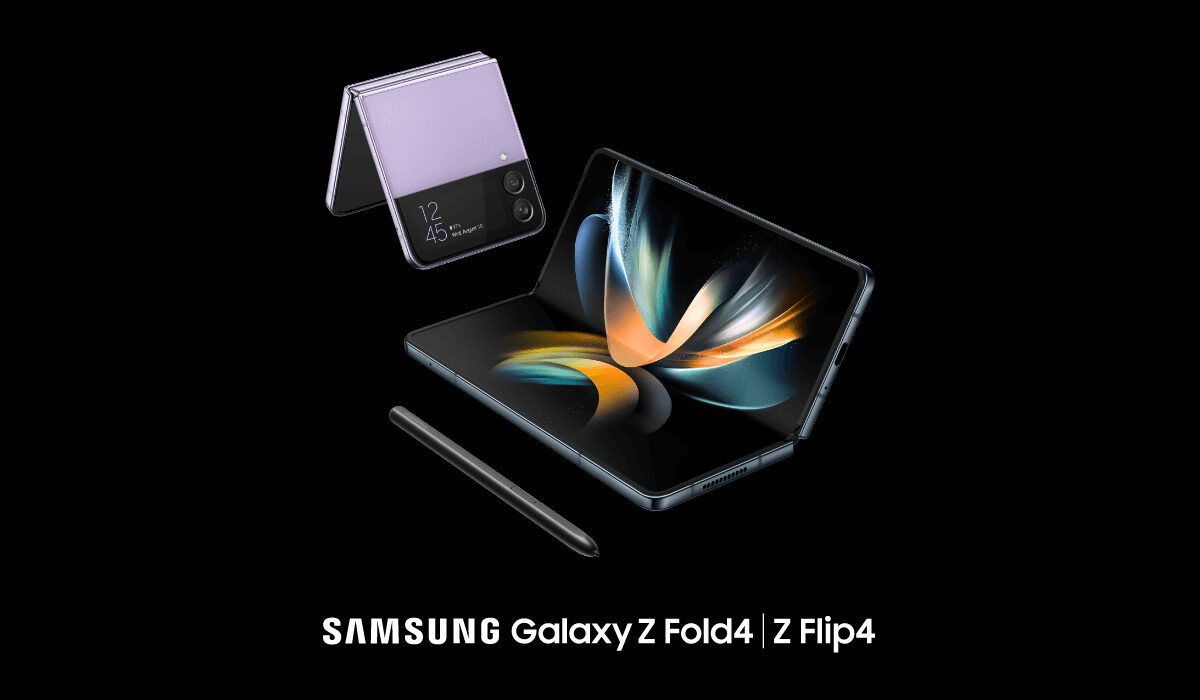
The 2022 foldable from Samsung join the list of the best US Cellular phones
The Best US Cellular phones to buy right now
- Samsung S22 Ultra
The Samsung S22 series consists of the Samsung S22, Samsung S22 Plus and the Samsung S22 Ultra. There isn’t much difference between the S22 and the S22 Plus except for the display and battery power. When comparing the S22 and S22 Plus to the S22 Ultra, there are a lot of differences.
For starters, the S22 Ultra has a 6.8-inch display,QHD+ and the S22 Plus has a 6.6-inch display, Full HD+ while the S22 has a 6.1-inch display, Full HD+. The S22 Ultra has a 5000mAh power battery while the S22 and S22 Plus have 3700mAh and 4500mAh power battery respectively. There are also more storage space options for the S22 Ultra and the S22 Ultra has more impressive camera specs. In all, the S22 Ultra is one of the best US Cellular phones you can buy today, no contest.
- Motorola Moto G Play 2021
If you are looking for a more affordable option, this mid-range phone would be the best for you. With a Snapdragon 460 chipset, 32GB of storage, 6.5-inch display and a 5000mAh power battery, you are sure to get your money’s worth.
- iPhone 13 series
It is no secret that Apple’s iPhones are quite popular and the 13 series is not excluded from that popularity. You can decide which model to purchase based on your preferences, for example, if you like smaller phones you can decide to purchase the 13 mini or just the 13. If you want a higher battery life and camera quality, the 13 Pro Max is the way to go.
If you do not want an Android phone, any of the iPhone 13 series is among the best US Cellular phones available right now.
- Samsung Note 10
The Samsung Note 10 is a little bit of an older model. It was released in August of 2019 and even though it is not one of the latest models, it is still a strong contender. The Note 10 has a 6.3-inch display and a 3500mAh power battery. It has 8GB of RAM and the system is upgradeable to android 12.
- Samsung Galaxy Z Flip 3
The Samsung Galaxy ZFlip 3 is one of Samsung’s foldable phones. It has a 6.7-inch Infinity Flex Display and a refresh rate of 120HZ. The camera specs are good and it has a Snapdragon 888 chipset. Although it comes with a 3300mAh power battery, resulting in less than stellar battery life, it is still one of the best flagship phones and one of the best US Cellular phones available.
- Motorola Moto G Power 2021
The Moto G Power is also a budget phone like the Motorola G Play 2021. It has a 5000mAh power battery and a 6.6-inch display. It comes with 4GB of RAM and has a Snapdragon 662 chipset. Though it is not anything extraordinary, you will get your money’s worth.
- Google Pixel 4a
The Google Pixel 4a is a mid-range variant of the Pixel 4 and Pixel 4 XL and it was released in the year 2020. It has 6GB of RAM and the camera specs are impressive. If you are someone who likes smaller phones then the 5.81-inch display will appeal to you. Beware, a small phone comes with a small battery power and the 4a’s battery power is 3140mAh. Although, the battery power does not stop the 4a from being a good contender.
US Cellular has a ‘bring your own device’ program that is compatible with a lot of phones so you are not restricted to only the phones listed. To find out if your phone is compatible with the program, visit the US Cellular site and follow the instructions.
- Don’t miss our mobile phone reviews .
- Follow our news on Google News .
- Join our WhatsApp Group , to be notified of the most important articles and deals,
- Follow us on Instagram , Facebook , Twitter , and YouTube .
Author:Dun
Dun enjoys reading and writing, and is always on her smartphone. She currently uses a Google Pixel 3.
