Add MobilityArena as a preferred source on Google
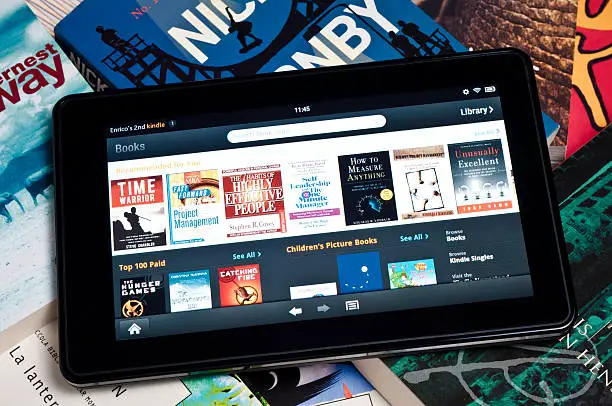
- Performance Limitations
- Limited App Ecosystem
- Battery Life Variability
- Display Quality Concerns
- Build Quality Issues
- Conclusion
Performance Limitations
- Limit Background Apps: Close unnecessary apps running in the background to free up system resources. You can do this by accessing the recent apps menu and swiping away those you aren’t using.
- Use Lightweight Apps: Opt for lighter versions of apps when available. For instance, use Facebook Lite or Messenger Lite to improve performance.
- Regularly Restart Your Device: Restarting your tablet can help clear temporary files and free up memory, leading to smoother operation.
Limited App Ecosystem
- Sideload Apps: If you’re comfortable with it, you can sideload the Google Play Store onto your device. This process allows you to access a wider range of apps beyond what Amazon offers.
- Utilize Web Versions: For essential services like Google Docs or Sheets, use the web versions through the Silk browser. While not as convenient as dedicated apps, they can still get the job done.
- Explore Alternatives: Look for alternative apps in the Amazon Appstore that serve similar functions to your favorite apps.
Battery Life Variability
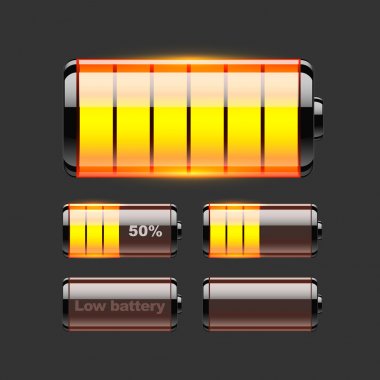
- Optimize Settings: Lower screen brightness and turn off features like adaptive brightness when not needed. This can help extend battery life during prolonged use.
- Use Battery Saver Mode: Activate battery saver mode under Settings > Battery to limit background data usage and conserve power.
- Manage Streaming Quality: When streaming videos, adjust the quality settings in your app to reduce battery consumption.
Display Quality Concerns
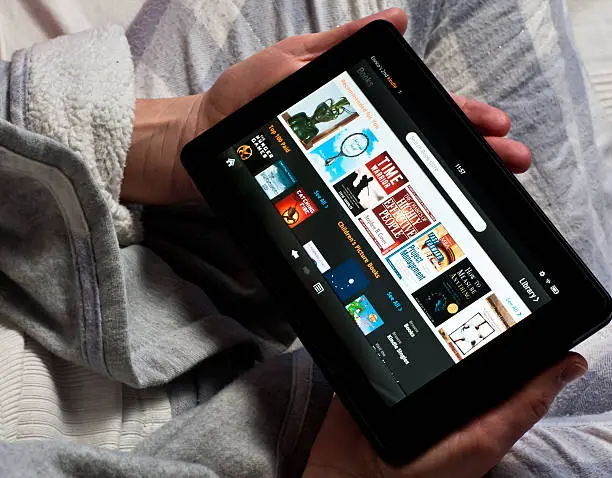
- Adjust Viewing Position: Try to view the screen straight on for optimal clarity and color representation.
- Utilize Adaptive Brightness: Enable adaptive brightness in Settings > Display to automatically adjust brightness based on ambient light conditions, improving visibility in different environments.
- Consider a Screen Protector: A matte screen protector can reduce glare and improve visibility in bright conditions.
Build Quality Issues
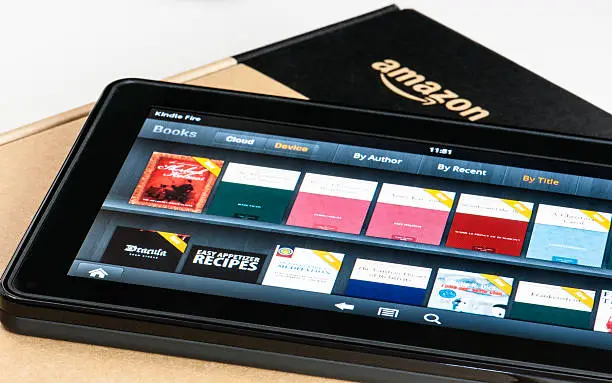
Some users have noted that while the tablet is durable, it has a plastic build that may not feel as premium as other tablets on the market. These two hacks will help:
- Invest in a Case: Protect your tablet with a sturdy case that enhances grip and provides additional durability against drops.
- Regular Cleaning: Keep the tablet clean from fingerprints and dust by using a microfiber cloth regularly.
Conclusion
Author:Ifeoluwa Adeleke
Add MobilityArena as a preferred source on Google
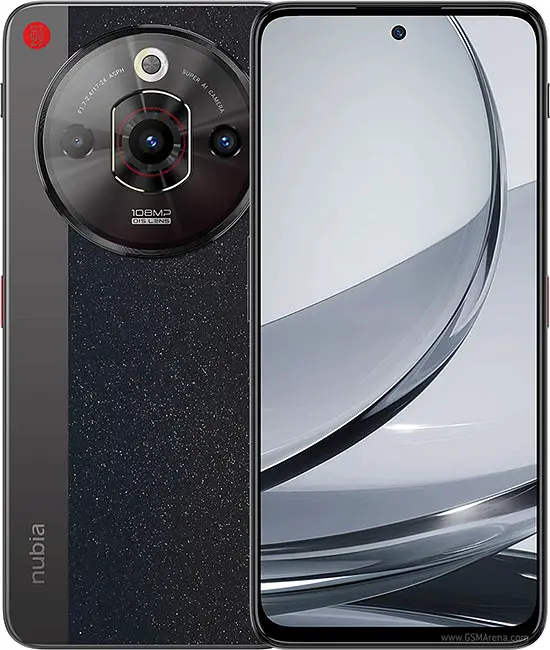
The ZTE Nubia Focus 5G has recently entered the smartphone market, boasting impressive specifications, including a 6.56-inch IPS LCD display, a powerful Unisoc T760 chipset, and a dual-camera setup featuring a 108 MP main camera. With its competitive pricing and solid performance, this device is designed to cater to users looking for a reliable smartphone experience. However, like any new technology, it comes with its own set of challenges. From conne https://en.droidchart.com/zte/nubia-focus-5g-9028 ctivity glitches and performance hiccups to camera quirks and battery life concerns, users have encountered several hurdles that can affect overall satisfaction. Understanding these challenges is crucial for maximizing the functionality of your ZTE Nubia Focus 5G. By addressing these common complaints proactively, you can ensure that your time with this impressive smartphone is both enjoyable and efficient. Let’s explore some common issues reported by users and provide practical solutions to enhance your experience with the Nubia Focus 5G
- Connectivity Issues
- Performance Hiccups
- Battery Life Variability
- Display Issues
- Conclusion
Connectivity Issues

Some users of the ZTE Nubia Focus 5G have reported difficulties connecting to 5G networks or experiencing intermittent connectivity drops, which can be frustrating in today’s fast-paced digital world. These solutions will be of help:
- Check Network Settings: Ensure that your device is set to connect to 5G networks. Go to Settings > Network & Internet > Mobile Network and select the appropriate network mode.
- Restart Your Device: A simple restart can often resolve temporary connectivity issues. Power off your device, wait a few seconds, and then turn it back on.
- Update Carrier Settings: Sometimes, updating your carrier settings can improve connectivity. Check for updates under Settings > About Phone > System Updates .
Performance Hiccups
While the ZTE Nubia Focus 5G is equipped with decent hardware, some users may experience lag or slow performance during multitasking or while using demanding applications. I recommend the following to get it resolved:
- Limit Background Apps: Close any unnecessary apps running in the background to free up system resources. You can do this by accessing the recent apps menu and swiping away those you aren’t using.
- Clear Cache: Regularly clear the cache of apps that tend to slow down your device. Go to Settings > Apps > [App Name] > Storage and tap on Clear Cache .
- Factory Reset: If performance issues persist, consider performing a factory reset after backing up important data. This can help eliminate software glitches that may be affecting performance.
Camera Performance Concerns

Although the ZTE Nubia Focus 5G features an impressive camera setup, some users have reported issues with image quality in low-light conditions or slow autofocus. Apply these tweaks and you will have a better camera performance:
- Use Night Mode: When shooting in low light, enable Night Mode in the camera app to enhance image quality and reduce noise.
- Keep the Lens Clean: Regularly clean the camera lens with a microfiber cloth to avoid smudges that can affect picture quality.
- Update Camera Software: Ensure that your camera app is up to date, as software updates often include improvements and bug fixes.
Battery Life Variability
While the ZTE Nubia Focus 5G comes with a robust 5000 mAh battery, some users have noted that battery life can vary significantly based on usage patterns. Follow these optimization settings to have a better battery experience:
- Optimize Battery Settings: Go to Settings > Battery and enable battery saver mode when necessary to extend battery life.
- Limit Background Activity: Restrict background activity for apps that you don’t use frequently by going to Settings > Apps > [App Name] > Battery and selecting “Restricted.”
- Adjust Display Settings: Lower screen brightness or set it to automatic adjustment based on ambient light conditions to conserve battery power.
Display Issues
Some users have experienced problems with touch responsiveness or display brightness inconsistencies. I recommend that you do the following:
- Remove Screen Protector: If you’re using a screen protector, try removing it temporarily to see if it resolves touch sensitivity issues.
- Adjust Display Settings: Check the display settings under Settings > Display and adjust brightness levels or enable adaptive brightness for better visibility.
- Restart Device: Restarting your phone can often resolve temporary display glitches.
Conclusion
The ZTE Nubia Focus 5G is an exciting addition to the smartphone market, offering impressive features at an affordable price point. While some challenges exist—such as connectivity issues, performance hiccups, camera concerns, battery life variability, and display problems—many of these can be effectively addressed through simple troubleshooting steps. By optimizing your settings, managing app usage wisely, and keeping your device updated, you can unlock the full potential of your ZTE Nubia Focus 5G. Embrace these solutions as opportunities to enhance your smartphone experience! With a little effort and care, you’ll find that this device can deliver reliable performance and enjoyment for all your mobile needs.
