Add MobilityArena as a preferred source on Google
Reports reaching us suggest that Apple may be open to working with LG to develop a display for a foldable iPhone. Earlier in January, reports surfaced indicating that Apple was working on a foldable device.
While it is common knowledge that Apple receives some of its OLED displays (especially higher-end devices) from Samsung, this bit of information about LG may point to cheaper alternatives for the company. However, certain rumors suggest that Samsung will be Apple’s first choice of suppliers for panels for its foldable iPhone rather than LG, as the company allegedly provided a number of samples for testing to Apple.
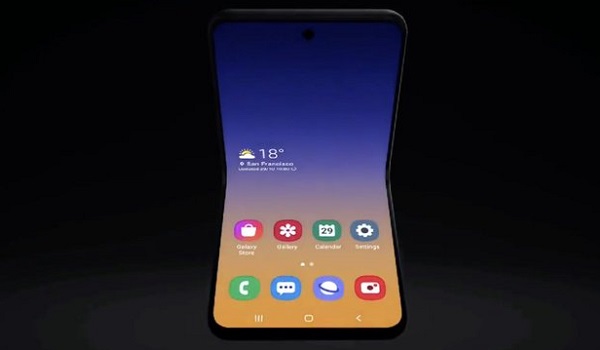
There are also reports suggesting Apple may opt for a clamshell design (much like Samsung’s Galaxy Z Flip or Motorola’s Razr) and bring S Pen support, while this mystery device is rumored to bring a 7” OLED display.
As at the time of this article, there is precious little in terms of information from the company regarding this foldable iPhone, but a number of quarters expect the device to launch sometime around 2023 (or later), giving us ample time to find out all we can about Apple’s potential foldable phone.
While companies like Moto and Samsung have had relative success with different variants of foldable devices, it will be interesting to see what Apple will bring to the table with their foldable device.
References
- Source ;
- Source .
Author:Alfa Baye
Staff Writer
Add MobilityArena as a preferred source on Google
Android phones have become increasingly faster nowadays, with newer software updates, better RAM and faster processor speeds making some of these devices operate at incredible speeds.
However, there are times when our Android devices may be clogged with junk, making this device rather slow and burdensome to operate. This is why we will look at a number of ways to speed up our Android devices whenever we notice them slowing down.
Turn On Data Saver Mode: Turning on the data saver option on your Chrome Browser (if you have one) can help you surf the internet faster. This is because this feature helps to compress the page, consuming less data and helping pages load faster. The downside to this is, you may need to sacrifice on image and video quality, as your images may now be a bit blurry on your android device.
Clear Cached Data: Perhaps one of the most popular methods of freeing up space on your Android device, this method is rather straightforward and can help you get rid of certain bits of information that may not be particularly useful to your smartphone.
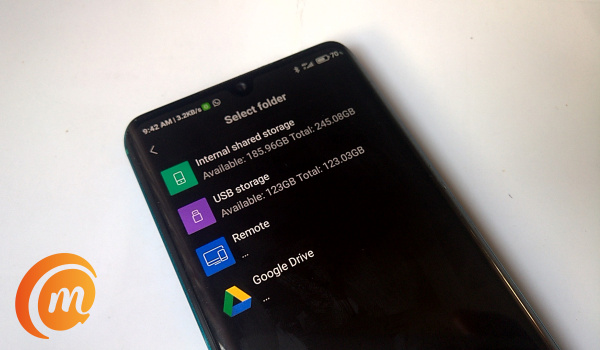
Turn off Auto-Sync: Turning off auto-sync on your Android device can help you speed up your smartphone and get it working with less hassles. The thing is, most smartphones nowadays have the Auto-sync feature that lets users sync certain apps in the background. You can go Settings to toggle this setting or select the apps you’d like to auto-sync.
Ensure Apps are not running in the background: You can stop apps from using up RAM space in the background. This will help your phone transit smoother between apps, while reducing the load on your android device’s processor and making it work faster generally. All you need to do is tap your home screen button, then get rid of the apps you are not currently using. This should help the other apps on your Android device work more smoothly.
Try to keep your Android OS up to date: A no-brainer, getting the latest updates and keeping your Android fresh should help it operate more smoothly. This should keep some of the old bugs away from your device with a number of fixes, although in a number of situations, this new update has introduced a number of new bugs to the device.
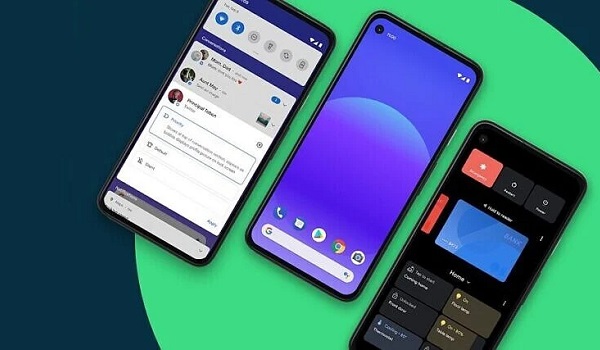
- Clean your device’s home screen: Cleaning up your smartphone’s home screen should reduce the occurrence of this issue. Using a live wallpaper with loads of widgets and other apps can slow your device down significantly, making simple processes take too long to respond. If you currently face this issue and seem to have too many apps/widgets on your home screen, then it may be time to get rid of some of these apps or widgets to make your device operate more smoothly.
Author:Alfa Baye
Staff Writer
