Add MobilityArena as a preferred source on Google
Why is my Apple Watch battery dying so quickly? If you have ever asked that question, I am here to help you with a useful answer, as well as tips to help you improve or extend your Apple Watch battery life. For starters, the battery life on the Apple Watch is not very good.
Apple claims that its latest models have all-day battery life of up to 18 hours, but users typically need to charge the device every day or every other day. While the Apple Watch does a lot of things, it has a small battery, which is a factor affecting battery life and lifespan. Therefore, the battery life of the Apple Watch can be considered passable but not exemplary.
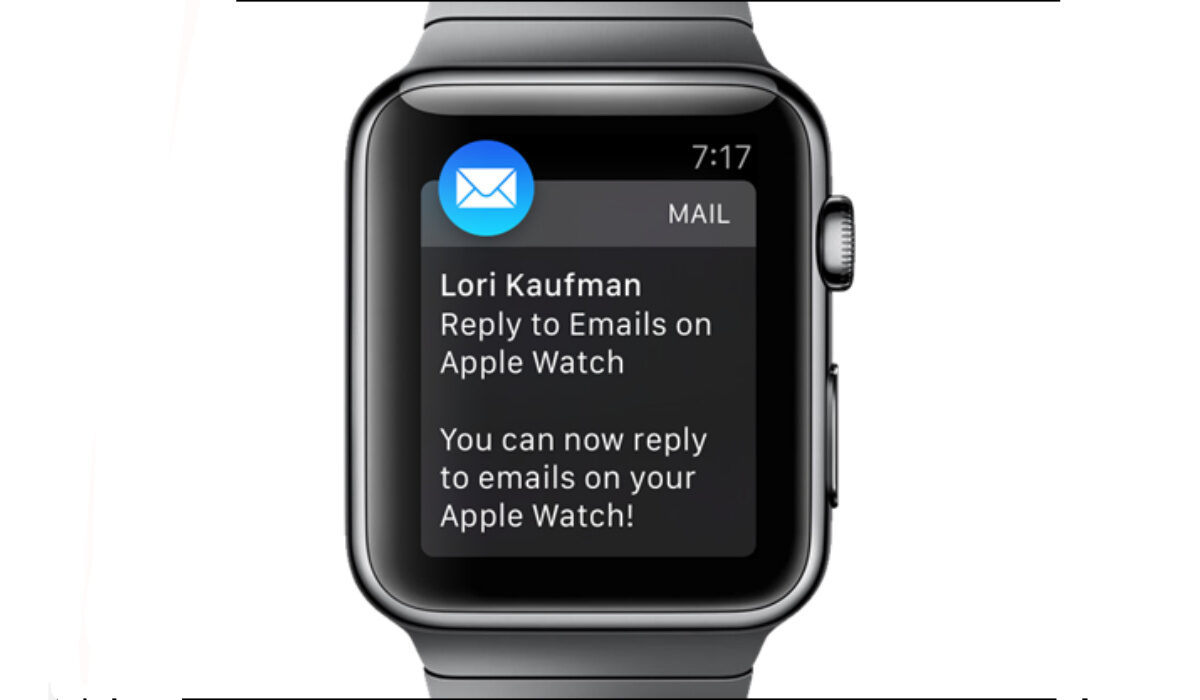
You can extend Apple Watch Battery Life
- Why your Apple Watch battery is dying so quickly
- How long does Apple Watch battery last?
- How to check the battery life of your Apple Watch
- How To Check the Battery Health Of Apple Watch
- Should I charge my Apple Watch every night?
- How to extend your Apple Watch battery life
Why your Apple Watch battery is dying so quickly
But beyond that, there are several other reasons why your Apple Watch battery may be dying quickly. Let’s explore them quickly:
- High usage : If you use your Apple Watch frequently, it may drain the battery quickly. Try reducing your usage or using Power Saving Mode to help extend battery life.
- Background App Refresh : If you have Background App Refresh enabled for certain apps, they may be using power even when you’re not actively using them. You can disable Background App Refresh by going to Settings > General > Background App Refresh.
- Outdated software : Older versions of watchOS may have bugs or issues that can cause battery drain. Make sure your Apple Watch is running the latest version of watchOS.
- Battery health : Over time, the battery in your Apple Watch may lose its ability to hold a charge. You can check the battery health of your Apple Watch by going to Settings > Battery > Battery Health.
- Settings : Certain settings on your Apple Watch, such as Always-On Display, can use more power than others. Try adjusting your settings to see if it helps improve battery life.
- Hardware issues : In rare cases, hardware issues such as a faulty battery or charging cable may be causing battery drain. If none of the above solutions work, contact Apple Support for assistance.
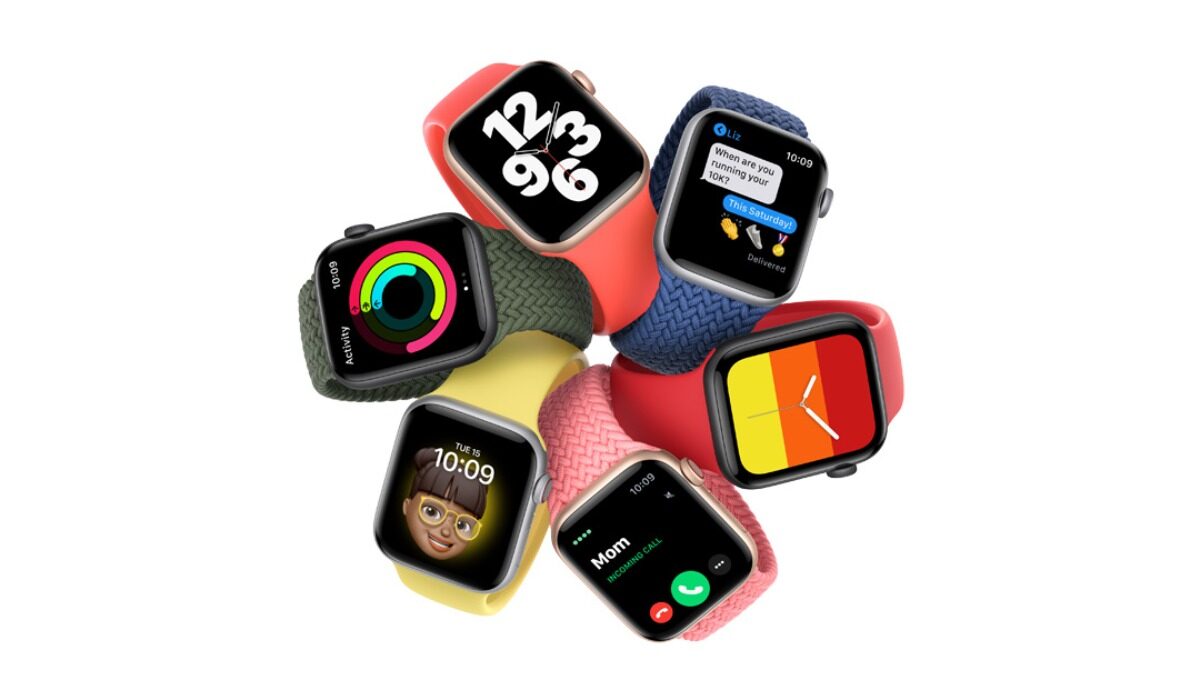
How can you extend your Apple Watch battery life?
How long does Apple Watch battery last?
The battery life of the Apple Watch varies depending on the model and usage. According to Apple, the latest models of the Apple Watch have an all-day battery life of up to 18 hours between charges. This includes time for checking the time, receiving notifications, using apps, and a 60-minute workout with music playback from the Apple Watch via Bluetooth. The Apple Watch Ultra (GPS + Cellular) usage includes a total of 8 hours of LTE connection and 28 hours of connection to iPhone via Bluetooth over the course of 36 hours. However, users typically need to charge the device every day or every other day, depending on their usage.
How to check the battery life of your Apple Watch
If you are interested in how to check Apple Watch battery life, there are multiple ways to do it.
The first one: You can check the battery life on your Apple Watch by going to the WatchOS Control Center and tapping the percentage icon.
Alternatively, you can check the battery life on your iPhone by adding the Battery widget, swiping right, going to Edit, tapping the + next to Batteries, tapping Done, and going to Today > Batteries section.
You can also check the battery life and charging details on your Apple Watch by opening the Settings app, tapping Battery, and viewing the current charge level along with a detailed charging graph.
How To Check the Battery Health Of Apple Watch
To check the battery health of your Apple Watch, you can go to the Settings app, tap Battery, and scroll down to tap on “Battery Health” located just above Power Reserve.
Should I charge my Apple Watch every night?
Apple recommends charging your Apple Watch every night. The device is designed to be charged overnight and has a feature called “Optimized Battery Charging” that helps reduce battery aging by reducing the time that the device spends fully charged. In addition, the battery life on the Apple Watch is typically not long enough to last more than a day, so charging it overnight ensures that it will have enough power for the next day. Therefore, it is recommended to charge your Apple Watch every night.
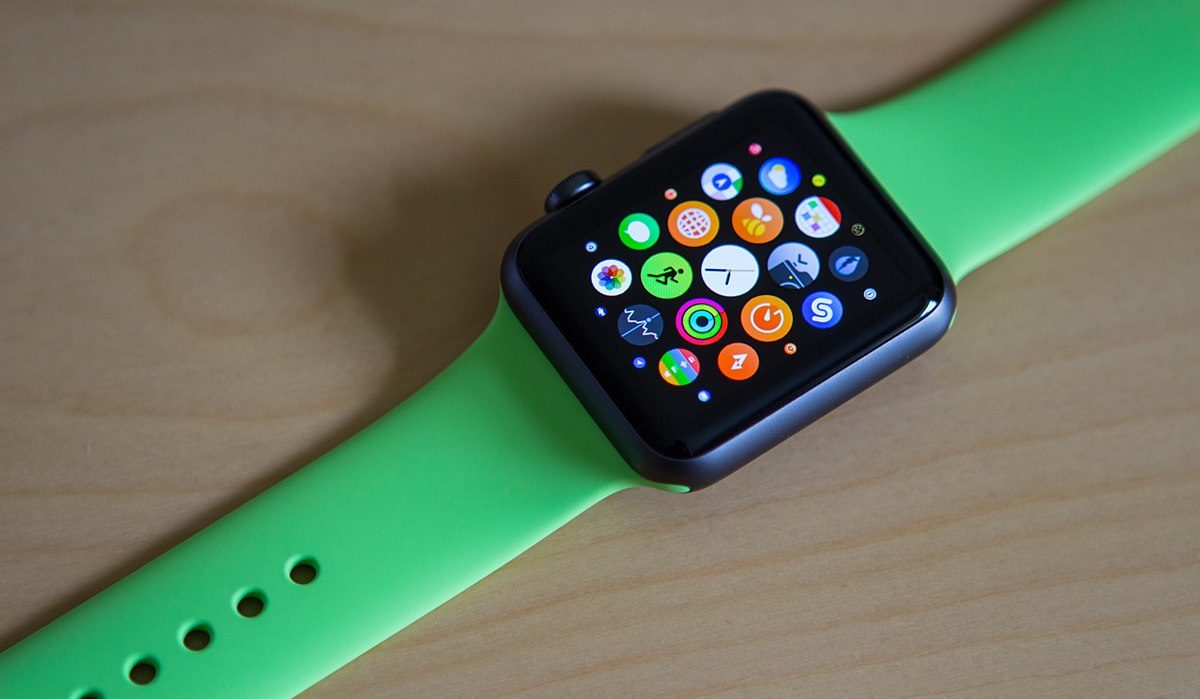
You can improve Apple Watch battery life
How to extend your Apple Watch battery life
There are several ways to extend the battery life on your Apple Watch:
- Adjust the brightness : Reducing the brightness of the screen can help save battery life. You can adjust the brightness by going to Settings > Display & Brightness.
- Turn off the Always-On Display : If you have an Apple Watch Series 5 or later, you can turn off the Always-On Display to help save battery life. You can do this by going to Settings > Display & Brightness > Always-On Display.
- Use Power Saving Mode : Enabling Power Saving Mode on your Apple Watch can help extend battery life by turning off certain features. You can enable Power Saving Mode by swiping up on the watch face, tapping the battery percentage, and toggling on Power Saving Mode.
- Turn off unnecessary features : Turning off features like Wi-Fi, Bluetooth, and location services when you’re not using them can help save battery life. You can turn off these features by going to Settings > Wi-Fi, Bluetooth, and Privacy.
- Limit app usage : Using fewer apps or limiting the amount of time you spend in certain apps can help save battery life.
- Adjust haptic feedback : Reducing the haptic feedback on your Apple Watch can help save battery life. You can adjust this by going to Settings > Sounds & Haptics.
- Use a black watch face : Using a black watch face can help save battery life on models with OLED screens. Black pixels on OLED screens do not require any power, so using a black watch face can help reduce power usage.
- Keep your software up to date : Apple regularly releases updates to improve battery life and performance. Make sure your Apple Watch is running the latest version of watchOS to take advantage of these improvements.
Author:MobileChic
That motivated, gadget-loving geeky chic who tries to stay on top of things. Unapologetic iFan.
Add MobilityArena as a preferred source on Google
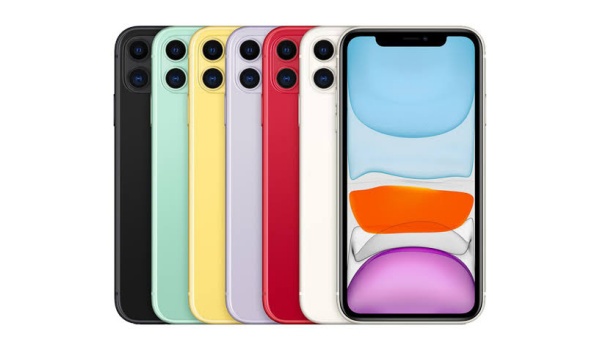
The Apple iPhone 11 is a smartphone that was released by Apple in September 2019. It is the successor of the iPhone XR and the lower-end model of the iPhone 11 Pro and Pro Max. The iPhone 11 features a 6.1-inch Liquid Retina display, a dual-camera system with a wide and an ultra-wide lens, an A13 Bionic chip, Face ID, wireless charging, and water and dust resistance. It comes in six colors: black, green, yellow, purple, red, and white.
- Design
- Hardware
- Software
- Camera
- Connectivity
- Does iPhone 11 have an IR blaster?
- Other features
- Availability and Price in the United States
- Availability and Price in the UK
- Availability and Price in the EU
- Availability and Price in Australia
Design
The Apple iPhone 11 has a glass front and back with an aluminum frame. It has rounded corners and a notch at the top of the screen that houses the TrueDepth camera and the earpiece. The back of the phone has a square camera bump that contains two lenses and a flash. The right side of the phone has a power button and a SIM card tray, while the left side has a volume rocker and a mute switch.
The bottom of the phone has a Lightning port and a speaker grille. The phone measures 150.9 x 75.7 x 8.3 mm and weighs 194 grams. It is rated IP68 for water and dust resistance, meaning it can withstand up to 2 meters of water for up to 30 minutes.
Hardware
Apple iPhone 11 is powered by the Apple A13 Bionic chip, which is a 7-nanometer hexa-core processor with two performance cores and four efficiency cores. It also has a four-core Apple GPU and an eight-core Neural Engine for machine learning tasks. The phone has 4 GB of RAM and comes in three storage options: 64 GB, 128 GB, and 256 GB. The phone does not have a microSD card slot or a headphone jack.
The phone has a 3110 mAh battery that supports wired fast charging with a 18W adapter (sold separately) and wireless charging with a Qi-compatible charger. The phone also supports reverse wireless charging, which allows it to charge other devices that are compatible with Qi.
Software
Apple iPhone 11 runs on iOS 13, which is the latest version of Apple’s operating system for mobile devices. iOS 13 introduces new features such as Dark Mode, Sign in with Apple, Swipe Typing, and improved privacy and security settings. iOS 13 also supports new gestures and features for the iPhone 11, such as QuickTake, which allows the user to record a video by holding the shutter button in the camera app, and Haptic Touch, which replaces 3D Touch and provides feedback when the user presses and holds on the screen.
The iPhone 11 also supports Siri, Apple’s voice assistant, and Face ID, Apple’s facial recognition system that unlocks the phone and authenticates payments and apps.
Camera
The Apple iPhone 11 has a dual-camera system on the back, consisting of a 12-megapixel wide-angle lens with an f/1.8 aperture and optical image stabilization, and a 12-megapixel ultra-wide-angle lens with an f/2.4 aperture and a 120-degree field of view. The camera system supports 2x optical zoom out and up to 5x digital zoom, as well as features such as Portrait Mode, Night Mode, Deep Fusion, Smart HDR, and Panorama. The camera can record 4K videos at up to 60 frames per second, 1080p videos at up to 240 frames per second, and slow-motion videos at 120 or 240 frames per second. The camera also has a dual-LED dual-tone flash, a True Tone flash, and a microphone.
The front-facing camera is a 12-megapixel TrueDepth camera with an f/2.2 aperture and a SL 3D sensor that enables Face ID and Animoji. The front-facing camera supports Portrait Mode, Smart HDR, and 4K video recording at up to 60 frames per second.
Connectivity
The Apple iPhone 11 supports GSM, CDMA, HSPA, EVDO, and LTE network technologies, as well as Wi-Fi 6, Bluetooth 5.0, NFC, and GPS. The phone also supports Ultra Wideband (UWB), which is a short-range wireless technology that enables precise spatial awareness and location tracking. The phone has a nano-SIM and an eSIM, or a dual nano-SIM for China. The phone does not support 5G.
Does iPhone 11 have an IR blaster?
If you are interested in having infrared (IR) blaster and have wondered whether the iPhone 11 has one, we clear the air on it. The iPhone 11 does not have an IR blaster. The growing interest in this feature in the last few years has motivated some phone brands to start including it in their devices. Unfortunately, Apple has not included it in the iPhone 11.
Other features
The Apple iPhone 11 has a built-in speaker and a microphone, as well as a barometer, an accelerometer, a gyroscope, a proximity sensor, a compass, and an ambient light sensor. The phone also has a haptic engine that provides tactile feedback when the user interacts with the screen or the buttons. The phone supports Apple Pay, which is a mobile payment service that uses NFC and Face ID. The phone also supports wireless audio accessories such as AirPods and Beats headphones.
Availability and Price in the United States
Apple iPhone 11 is available in the United States through Apple’s online and physical stores, as well as through various carriers and retailers. The phone’s starting price is $699 for the 64 GB model, $749 for the 128 GB model, and $849 for the 256 GB model. The phone is also eligible for Apple’s trade-in program, which offers up to $400 off the purchase price when the user trades in an eligible device.
The phone comes with a one-year limited warranty and 90 days of complimentary technical support from Apple. The user can also purchase AppleCare+, which is an extended warranty and service plan that covers accidental damage, theft, and loss. AppleCare+ costs $149 for two years or $7.99 per month.
Availability and Price in the UK
Apple iPhone 11 is available in the UK through various online and physical stores, such as Apple, Currys, John Lewis, and PriceRunner. The phone’s starting price is £429 for the 64 GB model, £479 for the 128 GB model, and £579 for the 256 GB model. The phone is also eligible for Apple’s trade-in program, which offers up to £655 in credit towards iPhone 15 or iPhone 15 Pro when you trade in an iPhone 11 or higher.
The phone comes with a one-year limited warranty and 90 days of complimentary technical support from Apple. The user can also purchase AppleCare+, which is an extended warranty and service plan that covers accidental damage, theft, and loss. AppleCare+ costs £149 for two years or £7.99 per month.
Availability and Price in the EU
The availability and price of the iPhone 11 in the EU may vary depending on the country a d the retailer. The Apple iPhone 11 is available in most EU countries, such as Germany, France, Italy, Spain, and more. The starting price of the iPhone 11 in the EU is €589 for the 64 GB model, €639 for the 128 GB model, and €759 for the 256 GB model.
The phone is also eligible for Apple’s trade-in program, which offers up to €700 in credit towards iPhone 15 or iPhone 15 Pro when you trade in an iPhone 11 or higher.
The phone comes with a one-year limited warranty and 90 days of complimentary technical support from Apple. The user can also purchase AppleCare+, which is an extended warranty and service plan that covers accidental damage, theft, and loss. AppleCare+ costs €169 for two years or €8.99 per month.
Availability and Price in Australia
Apple iPhone 11 is available in Australia through various online and physical stores, such as Apple, JB Hi-Fi, and Big W. The phone’s starting price is A$999 for the 64 GB model, A$1,079 for the 128 GB model, and A$1,249 for the 256 GB model.
The phone is also eligible for Apple’s trade-in program, which offers up to A$1,000 in credit towards iPhone 15 or iPhone 15 Pro when you trade in an iPhone 11 or higher.
The phone comes with a one-year limited warranty and 90 days of complimentary technical support from Apple. The user can also purchase AppleCare+, which is an extended warranty and service plan that covers accidental damage, theft, and loss. AppleCare+ costs A$199 for two years or A$9.99 per month.
