Add MobilityArena as a preferred source on Google
Android Auto allows you to use your phone for different functions while ensuring a safe and convenient driving experience. With the variety of apps available for Android Auto, I wouldn’t blame anyone that is confused about which ones to use. That’s why I’ve compiled this list of the best apps for Android Auto which I’m sure you’ll find very useful.
In this article, I’ll take a look at some of the best Android Auto apps in 2023. From music streaming to navigation apps, this guide has got you covered. So buckle up and find out which options you can benefit from to improve your driving experience.
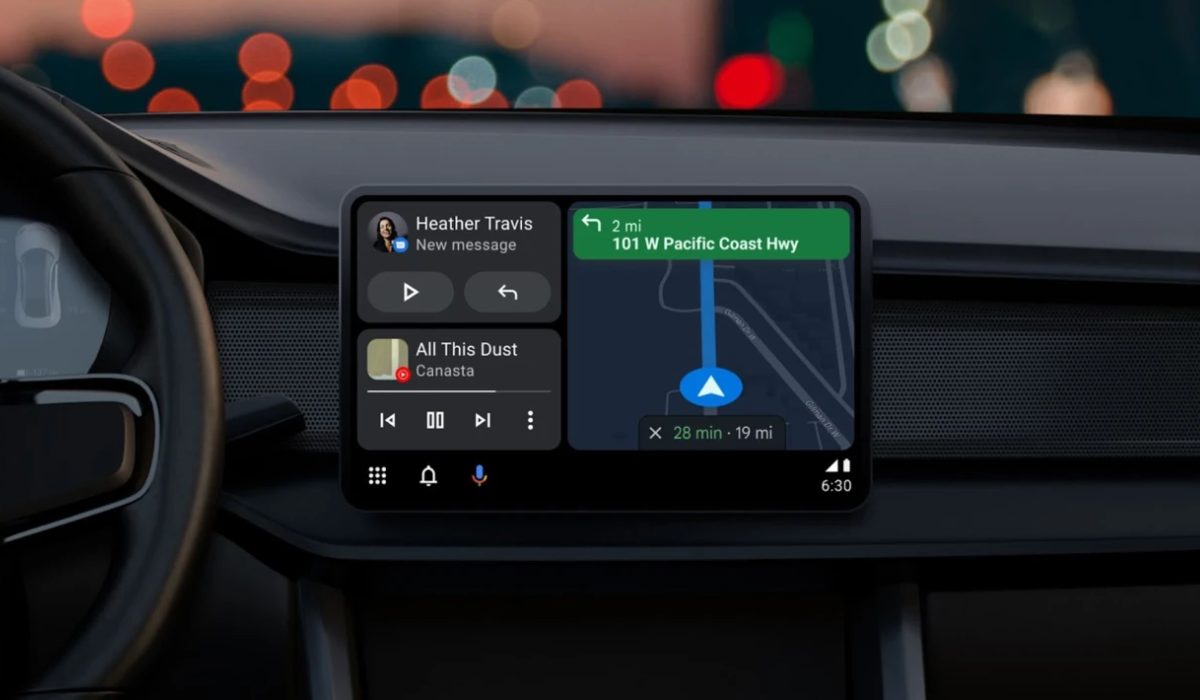
What is Android Auto?
One of the best improvements you can introduce to a car’s center console is Android Auto. It provides easy access to phone calls, texts, and other features like weather or traffic information. Additionally, you can navigate practically anywhere, listen to all kinds of audio content, and ask Google a ton of different things. It can be used on any Android device and is rather simple to use.
After plugging your phone into the USB port in the car, all that remains is to set it up. Google released wireless Android Auto in 2018, but there are currently very few compatible cars.
What are the Best Android Auto Apps in 2023?
If you’d like to get more out of your driving experience without compromising safety, you’ll find Android Auto very beneficial. This feature is made even better with the right apps, so without further ado, here are some of the best Android Auto apps in 2023.
Spotify
With Spotify , one of the most widely used music streaming services, you get to listen to all your favorite songs while driving. To access your library, which includes recent items, albums, playlists, and more, all you’d have to do is slide out the left panel. I’d advise that you make a playlist of your favorite songs beforehand so you don’t have to fiddle with it while driving.
You can also start the radio for songs, add it to your library, and examine the play queue by tapping the arrow on the player, which also displays other controls. Keep in mind that you can only use Shuffle mode in the mobile app if you do not have one of Spotify’s Premium subscriptions.
Pandora
Pandora is another app that is right at home in Android Auto. Once you’ve signed into your account using the standard app, you can slide out the left sidebar to pick one of your favorite radio stations. It will continually play music as you drive.
Tap the arrow to show more of the Thumbs Up / Down buttons, which let you change the station. There are Replay and Skip buttons at the bottom, too. It’s a simple interface, making Pandora a great option when you just want to start some music and get going. Like most streaming services now, it also offers podcasts.
Google Maps
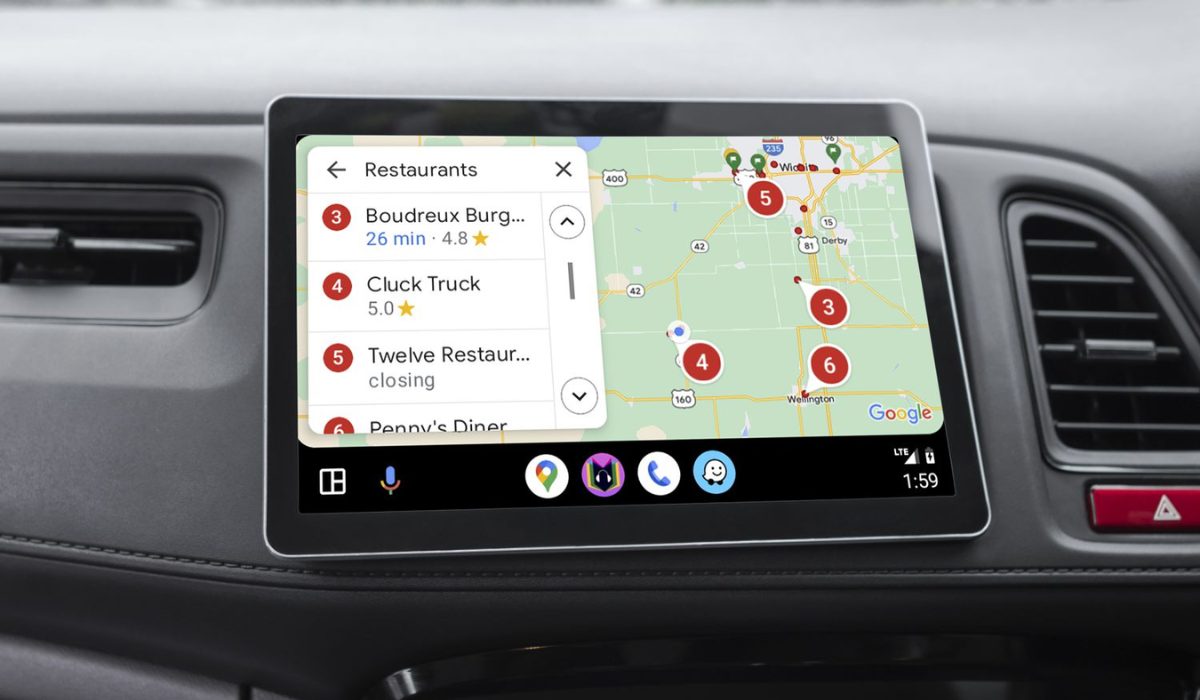
Google Maps is probably already on your phone, but it’s still important to mention it here. To use Maps and find your destination on Android Auto, tap the navigation icon. You can choose a destination using voice commands, by tapping the Set Destination box, or simply by leaving the app open to see traffic around you. The Android Auto version of Google Maps has a UI that is more straightforward and less cluttered, making it simple to navigate.
Waze
For many people, Google Maps remains the go-to choice for navigation, but Waze ‘s Android Auto app has a few more useful features that just might sway you. It informs you about traffic, accidents, and even police awaiting to apprehend speeders on your route thanks to information provided by other drivers. Waze can also reroute you automatically if necessary and helps you find the cheapest gas along the way.
If this is your first time using Waze, you can test both Google Maps and Waze on your Android Auto navigation system to discover which one works better.
Audible and OverDrive
The two most widely used audiobook services are Audible and OverDrive . They both support Android Auto as well and they function essentially the same. You can buy audiobooks to listen to while driving. It’s a fun alternative to music for those who want something a little less intense and works well for traveling or road trips. If you don’t want Audible, OverDrive is a substitute that works well enough.
iHeartRadio
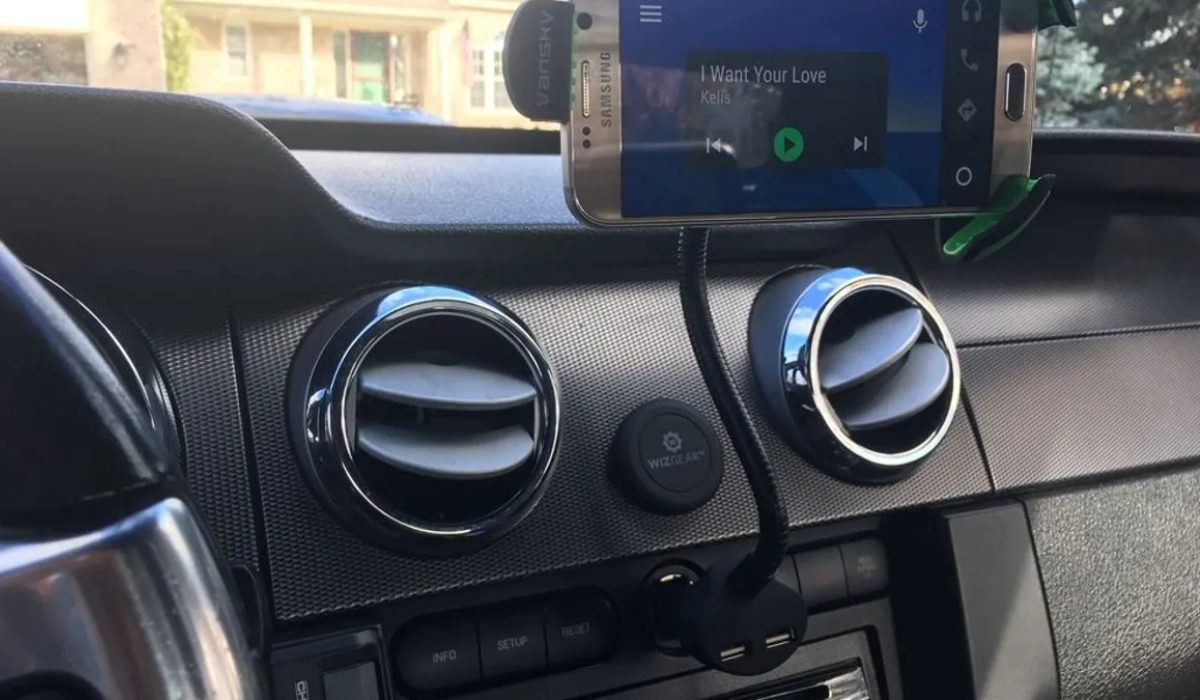
One of the best internet radio apps available is iHeartRadio , and Android Auto works perfectly with it. Along with actual radio stations, you’ll be able to access many other regular music stations. You can always use your car radio to listen to traditional radio stations, but iHeartRadio keeps everything inside Android Auto. The service is completely free with ads, and there is an optional subscription for those who want more content.
Telegram and Facebook Messenger
Facebook Messenger and Telegram have an Android Auto UI that can be lifesavers if you want to interact with your friends and family while driving. Sending messages is quick, all content is synced across your whole account (allowing you to continue where you left off when switching between devices), everything is protected, and you can delete your messages at any moment.
New features are regularly added to the Telegram app. There’s a lot to appreciate about this, and you can easily drive hands-free thanks to Telegram’s compatibility with Google Assistant and Android Auto. With Facebook Messenger, you can also use voice commands to send messages and hear read-aloud responses while keeping your eyes on the road.
Autovaras
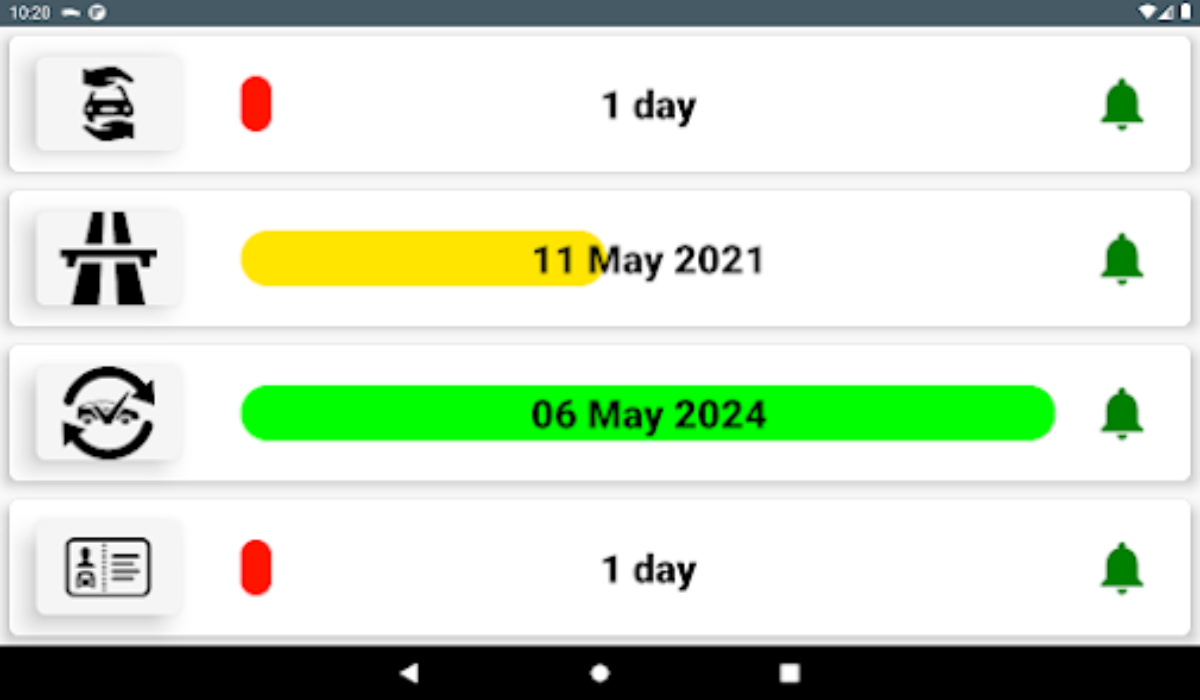
Autovaras is a car reminder app that you’ll find pretty useful for Android Auto. The app’s main function is to refresh your memory on any aspects that need attention in your vehicle. At the right time, the program also sends you relevant notifications.
For instance, you could get prompt reminders before your car insurance, road taxes, or periodic car inspections expire. In this manner, the Autovaras app acts as Android Auto’s faithful assistant. As such, I’d say it’s one of the apps to try out if you use Android Auto.
Pulse SMS
Pulse SMS features an auto-reply function, making it one of my top picks for Android Auto. So, if your current SMS service does not provide auto-responses, give Pulse SMS a shot. To access the auto-reply feature, all you need is to launch Pulse on Android Auto and slide out the left sidebar. Select Settings then scroll down to the bottom of the screen and select Advanced Features .
To use the function, navigate to the bottom of this menu and select the Message Features section. In that section, click the Auto Reply Configuration button. You can proceed with regular use after doing this.
To conclude , there are many excellent Android Auto apps available in 2023 that can make your driving experience much more enjoyable and convenient. I hope you found the suggestions in this guide helpful.
Ultimately, the best Android Auto apps will depend on your individual needs and preferences. If you’d like more app suggestions for different devices and purposes, check out these dedicated guides .
Author:Joan Agie
Add MobilityArena as a preferred source on Google
I picked up a new smartphone to review the other day. As is my practice, I dived into fishing out every little bit of info about it and in the process, I stumbled on the fact that it has a 3D ultrasonic fingerprint sensor for biometric authentication. That inspired me to write an article explaining the different types of fingerprint scanners found in cell phones today.
The first thing to point out is that while all fingerprint sensors provide your phone with security, the level of accuracy, detail, and security they provide differs from one type to another. How fast they work also differs from one type to the other. Some types of fingerprint scanners also work better under certain conditions that others perform poorly in.
- Types of Fingerprint Scanners
- Optical Fingerprint Sensors
- Capacitive Fingerprint Sensors
- Ultrasonic Fingerprint Sensors
- Ultrasonic vs Capacitive vs Optical Fingerprint Sensors, in Summary
- Which type of fingerprint scanner is best biometric authentication?
Types of Fingerprint Scanners
Regardless of the location of the fingerprint scanner on a phone – In-display, rear, or side, there are three types of fingerprint sensors in use in cell phones today. They are: Optical, Capacitive, and Ultrasonic. Which type is used in a particular smartphone depends on a number of factors, including cost.
Optical Fingerprint Sensors
These sensors use light to scan the fingerprint and create a 2D image of the fingerprint. They are generally less expensive than other types of sensors but may not be as accurate and can be fooled by fake fingerprints.
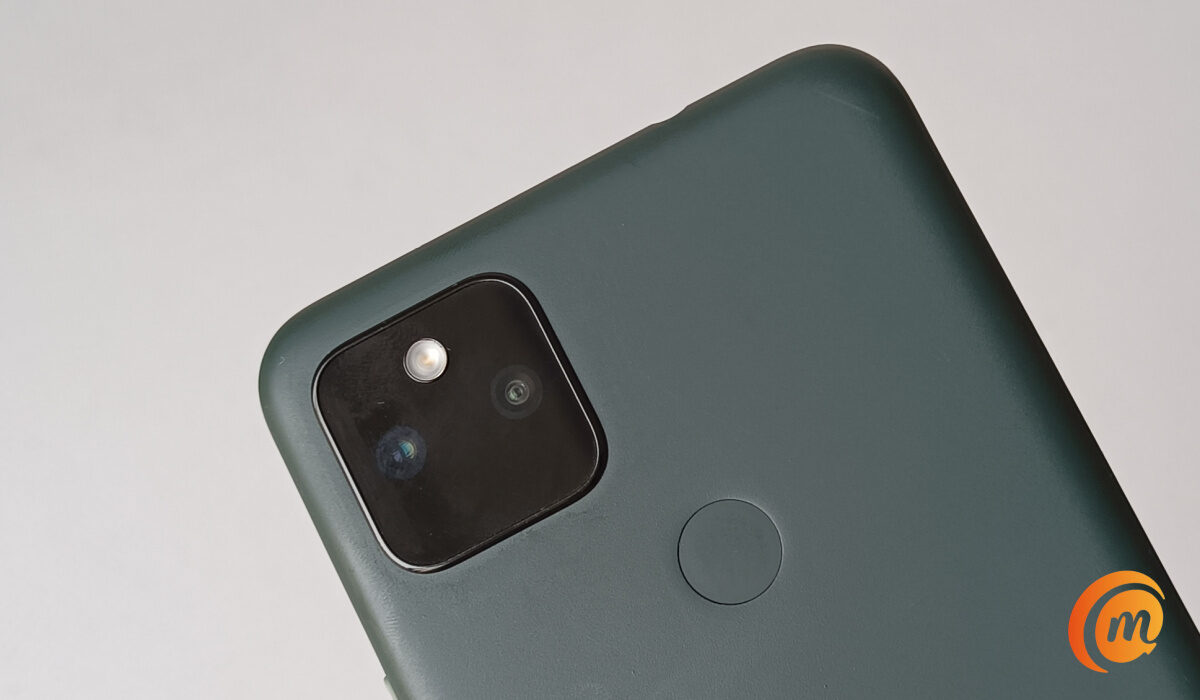
Optical sensors are the most common type of fingerprint sensors found in a wide range of smartphones, from entry-level models all the way to premium flagships. The list of cell phones with an optical scanner include older flagships like the Samsung Galaxy S21 and Pixel 6 Pro, as well as more budget models like Pixel 4a, Motorola Moto G Power (2021), and LG Stylo 6.
Capacitive Fingerprint Sensors
These sensors use electronic capacitors to scan the fingerprint. They can detect the ridges of the fingerprint and are more accurate than optical sensors. They are commonly used in smartphones and are fast and reliable.
A capacitive sensor is much more difficult to fool than an optical scanner, because the results can’t be replicated with an image, and even are difficult to fool with a prosthetic, as different materials will record slightly different changes in charge at the capacitor. This makes capacitive fingerprint scanners much more secure than optical ones.
Capacitive fingerprint sensors are popular among budget and mid-range smartphones. Some examples of popular smartphones with a capacitive fingerprint sensor include: iPhone 5s through to iPhone 8, Google Pixel phones all the way to Pixel 5, OnePlus 8 and 9 models, and Nokia 5.4.
Ultrasonic Fingerprint Sensors
These sensors use ultrasonic waves to create a 3D image of the fingerprint. They are more accurate than optical sensors and can work even if the finger is dirty, oily, or wet. They are also more expensive than other types of sensors. Ultrasonic fingerprint scanners are the most secure. They are also the ones used in premium flagship smartphones.
Examples of phones with ultrasonic fingerprint sensors include Samsung Galaxy S23 , S23+, and S23 Ultra, Samsung Galaxy Z Fold4, Samsung Galaxy Z Flip4, and Motorola Edge+.
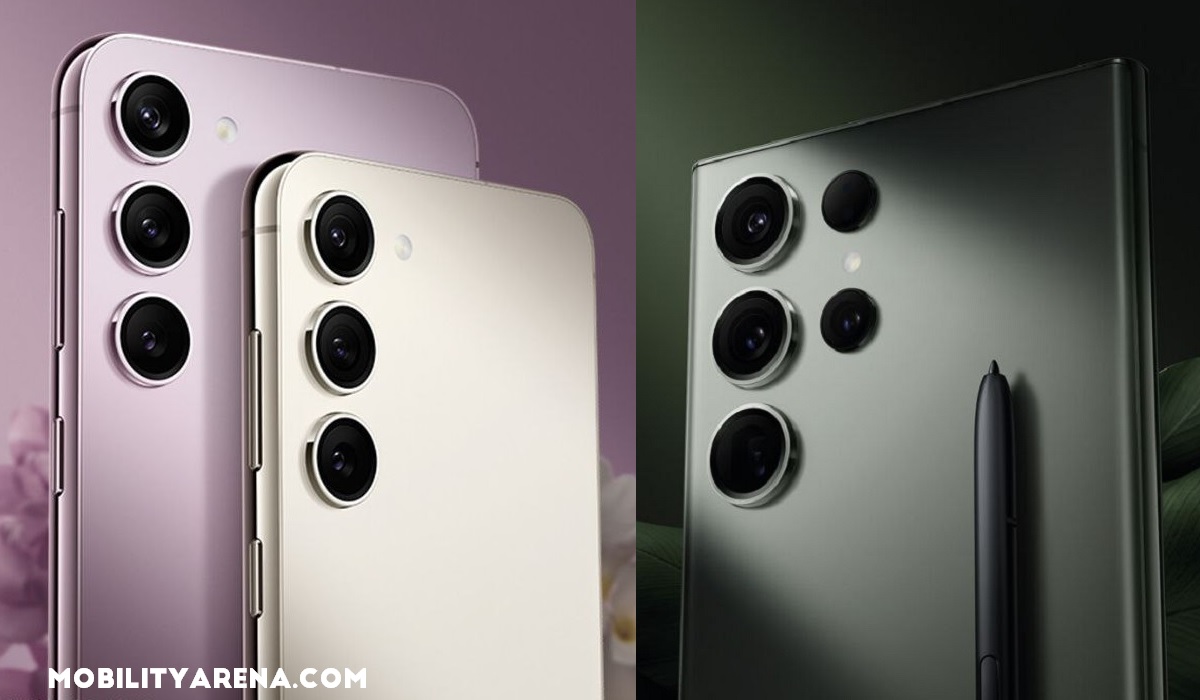
Samsung’s S23 range use ultrasonic fingerprint sensors
Ultrasonic vs Capacitive vs Optical Fingerprint Sensors, in Summary
The main differences between an Ultrasonic fingerprint sensor, a capacitive fingerprint sensor, and an optical fingerprint sensor are:
- Accuracy and Security : Ultrasonic fingerprint sensors are more accurate, and thus more secure, than optical sensors because they create a 3D image of the fingerprint, while optical sensors can only create a 2D image. Capacitive fingerprint scanners sit in the middle, in terms of accuracy.
- Speed : Traditionally, capacitive and optical sensors were initially much faster than ultrasonic fingerprint sensors. But the technology keeps maturing and the speed difference has been reduced to the barest minimum, if at all it still exists. On the Samsung Galaxy S23 which we reviewed , the 3D ultrasonic fingerprint scanner is very fast.
- Environmental conditions : Ultrasonic sensors can work even if the finger is dirty, oily, or wet, as well as in low-temperature conditions and strong sunlight. Optical sensors may have difficulty reading fingerprints in these conditions.
- Cost : Implementing an optical fingerprint scanning technology is generally less costly than implementing a capacitive or an ultrasonic fingerprint scanner. As such, optical scanners tend to be found in low-cost smartphones, capacitive in mid-range and budget smartphones, while ultrasonic scanners are found only in the most premium smartphones.
Which type of fingerprint scanner is best biometric authentication?
The answer is obvious: 3D ultrasonic fingerprint sensors are the best type for for biometric authentication in smartphones and other mobile gadgets. They offer the best accuracy, security, and have become really fast. If you can afford a premium smartphone that has one, buy it. If not, a budget device with a capacitive scanner will do just fine.
Author:Mister Mobility
Digital Skills and Communication Coach | Mobile Phone Connoisseur since 2001 | Tech Blogging since 2004
