Add MobilityArena as a preferred source on Google
There are now budget high refresh rate phones in the market for individuals looking for smoother scrolling and better effects and animations on their smartphones without breaking the bank. And in line with established patterns, there are people looking for the cheapest high refresh rate phones.
60Hz has been the smartphone industry standard refresh rate for years. Recently, smartphone manufacturers began to implement higher refresh rate screens – 90Hz and 120Hz being the most common, though there are even higher refresh rates available. These first appeared on expensive, premium, high-end smartphones. But now, high refresh rate displays have showed up in full force in the budget smartphone segment.
What is screen refresh rate and how does it work? A 60Hz display refreshes images on the screen 60 times a second. Taking that principle forward, it follows that a 90Hz display refreshes images 90 times a second, while a 120Hz refresh rate screen refreshes images 120 times a second. You can apply that to any refresh rate that is quoted for any smartphone.
Of course, a high refresh rate display has an impact on battery life, because more resources go into providing the improved visual experience. As such, smartphone makers have to find ways to balance between high refresh rate and battery life.
- Budget 90Hz Refresh Rate Smartphones
- The cheapest phones with 120Hz refresh rate
- The best budget high refresh rate smartphones
Budget 90Hz Refresh Rate Smartphones
Here is a quick list of some budget high refresh rate phones with 90Hz screens that are available in the market.
- Infinix Zero 8 (90Hz screen): $250
- Infinix Zero 8i (90Hz screen): $207
- TECNO Camon 16 Premier (90Hz screen): $270
- OPPO Reno5 (90Hz screen): $360
- Motorola Moto G30 (90Hz screen): $220
- Samsung Galaxy A52 (90Hz screen): from $310
- Samsung Galaxy A72 (90Hz screen): from $530
- Samsung Galaxy A32 (90Hz screen): from $290
- Xiaomi Redmi Note10 Pro (120Hz screen): from $297
- TECNO Spark 7P (90Hz screen): $155
- Realme Narzo:
- Lenovo K13 Pro:
- OPPO A53s:
- OPPO A11s:
- OPPO A33 (2020)
- Motorola Moto G 5G Plus
- Realme Narzo 20 Pro:
- TECNO Camon 18i: €150
- TECNO Camon 17: 13,999 Indian Rupees
- Motorola Moto E30:
- Motorola Moto E40: $155 in the United states. €119 in Europe. £165 in the UK.
- Nokia G21: $399.
- Poco M4 Pro 5G: €188
The above budget 90Hz refresh rate smartphones is not an exhaustive list of available devices in that category in the market right now, but those are some of the most high profile in North America, Europe, Middle East, and Africa.
The cheapest phones with 120Hz refresh rate
Listed below are the cheapest phones with 120Hz refresh rate. Understandably, the list is much shorter than the list for 90Hz devices.
- Realme Narzo 30 Pro 5G – €200
- Xiaomi Poco X2: $250. €200
- Pocofone POCO X3 NFC: from $230
The question now is, Which are the best? We hand-pick a few recommendations for you to consider.
The best budget high refresh rate smartphones
Samsung Galaxy A52 (the 4G variant) is easily our top pick for the best budget high refresh rate phone. It has a 90Hz Super AMOLED display with Gorilla Glass protection. Even more, it has IP67 dust and water-proof rating.
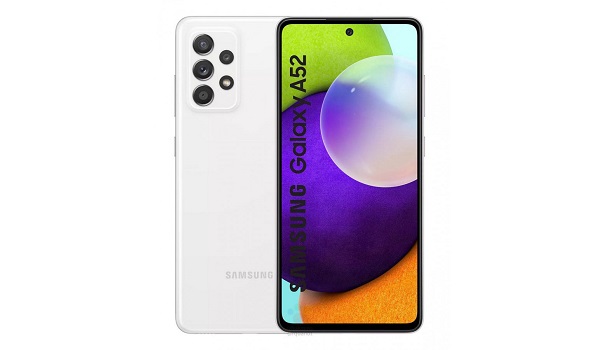
Samsung Galaxy A52
Under the hood is a decent Qualcomm Snapdragon 720G chipset. It runs OneUI 3.1 based on Android 11, and has a 64MP q uad-camera at the back, a 32MP front camera, 4500mAh battery, and 25W fast charging. The 6/128 GB variant is available for about $310, depending on whether you are in the US or Canada. In the UK, it sells for £420.
OPPO Reno5 has a 6.4-inch 90Hz AMOLED display with Gorilla Glass 3 protection on a gorgeous and stunning body, capable Snapdragon 720G chipset, 8 GB RAM, 128 GB ROM, 4310mAh battery, and 50W fast charging. It is available for $360.
It is one of the costliest on our list of best 90/120 Hz refresh rate, but it also offers much better performance than most of the others. This makes it one of the best budget 90/120 Hz refresh rate phones around. See our OPPO Reno5 review .
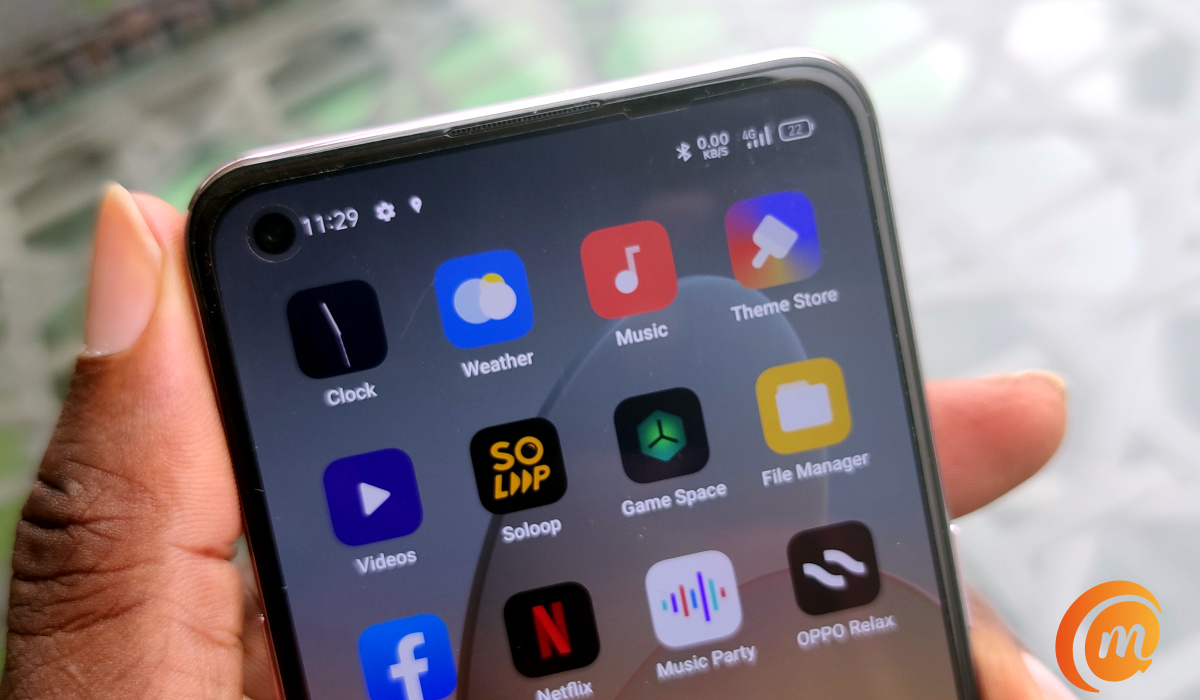
OPPO Reno5 is one of the top budget 90/120 Hz refresh rate phones around.
TECNO Camon 16 Premier sports a 6.9″ 90Hz refresh rate IPS LCD. Under the bonnet, it is powered by a MediaTek Helio G90 chipset, coupled with 8 GB RAM and 128 GB ROM. Battery capacity is 4500mAh battery and there is 33W fast charging to go with it. It sells for $270.
The last and the most affordable of our recommendations is the Samsung Galaxy A32 . It sports a 6.4″ Super AMOLED 90Hz display, and is powered by a Helio G80 chipset. Battery capacity is 5000mAh, and it has 15W fast charging available for topping that up. The 4/128 GB option is available for about $290, while the 6 GB RAM + 128 GB ROM variant of the A32 sells for about $250.
Just after we began celebrating Samsung A32 as the most affordable budget 90/120 Hz refresh rate phone of 2021, TECNO Mobile announced the even more pocket-friendly Spark 7P . It is arguable that it is the best, but it is certainly the most pocket-friendly and the best value for money on this list.
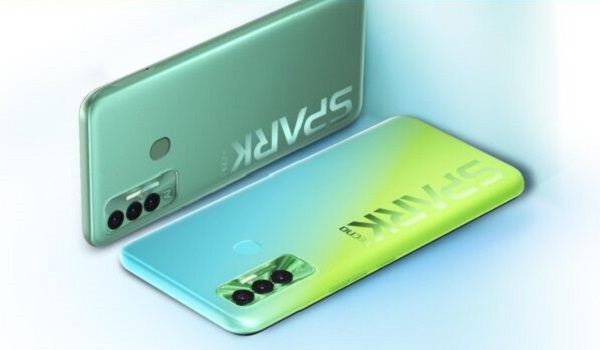
For $100 less than you spend on the Galaxy A32, you can have the TECNO Spark 7P instead and get a 90Hz refresh rate, Helio G70 chipset, 4 GB RAM, 64 GB ROM, and a 5000 mAh battery.
The above are our recommendations. There are many more budget 90/120 Hz refresh rate smartphones in the market that you can explore. A little Google or Bing search can yield wonders and help you find a surprise treasure.
Copyright Notice : Reproduction of this article on any website, e-book, book, newspaper, magazine or other media without express written permission from MobilityArena is a violation of copyright rules and will result in appropriate action being taken against violators.
Author:MobileChic
That motivated, gadget-loving geeky chic who tries to stay on top of things. Unapologetic iFan.
Add MobilityArena as a preferred source on Google
Imagine suddenly finding out that you look bad in selfies. Your face comes out weird or distorted. That was what happened to me after a surgery.
I had a surgery to fix a broken jaw. It was successful, and I came out of the hospital ready to resume my glammed up life of taking and sharing selfies.

You won’t notice the wonky jaw in this selfie because…
I was healing fine and checking myself in the mirror daily assured me that I wasn’t looking bad at all though there was a slight wonkiness (as a friend fondly teases me) in my jaw.
Nothing prepared me for the shock I got from my first selfie. I looked like I had food in my mouth in one side of my cheek! Horrors!! I held my head and screamed in terror!
Surely, my baby boy days could not be over yet. I wasn’t even 50 yet. I still had plenty of swag to show the world. Was this my village people at work?
Selfie after selfie produced the same results: I now looked terrible, weird, or bad in selfies. Why? I didn’t look that way in the mirrors at home. We have two. One in the bedroom and one in the hallway. I looked good in both. The slight imbalance in my facial symmetry hadn’t robbed me of good looks entirely.
But once I picked up a phone and took a selfie, boom! I was transformed into Shrek.
The mirrors testified that I was still among the finest in the world, but phone cameras had a different story to tell.
One day I was going through my archives of old selfies from before the jaw surgery, and something caught my attention: in many of them, my face was already distorted a bit. Not as much as what I was now seeing in my new selfies, but the distortion was unmistakable.
I have always pointed out that even the best selfie cameras do not take the best selfies , but this was a new low for front cameras on phones.
What was this, and why was it happening? I found out soon enough. Come with me.
Why you look bad in selfies from phone cameras
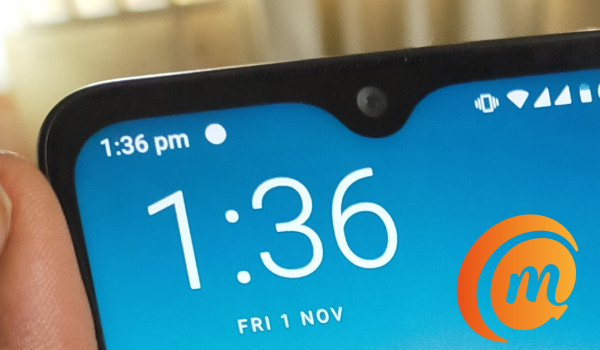
The answer is simple: many smartphone cameras use a wide angle lens for the front camera, because it helps capture more objects in the photo from the very short distance that our arms hold the phone away from our faces.
Wide angle lenses are convex lenses, which are known to cause unwanted distortion. These distortions are more pronounced the closer you are to the lens. I remember this clearly from physics class.
As such, the slightest misalignment on your face will come out exaggerated in any photos taken with a wide angle lens. The wider the angle of the lens is, the greater the distortion.
Try it. Take a selfie with your arm fully outstretched. Then take one from a shorter distance. Lastly, get a selfie stick, and take another. If you compare the three photos, you will see that your face is distorted or looks weird the most in the closest selfie you took and looks normal the most in the one taken with the selfie stick.
If all your selfies come out without distortions, and you do not look funny in any of them, your front camera does not use a wide angle lens. Lucky you!
If you look bad in selfies, convex (wide-angle) lenses used in front cameras of many smartphones are the culprit. They are the reason why you look weird or funny in those photos.
Some main cameras use a wide-angle lens for the primary lens
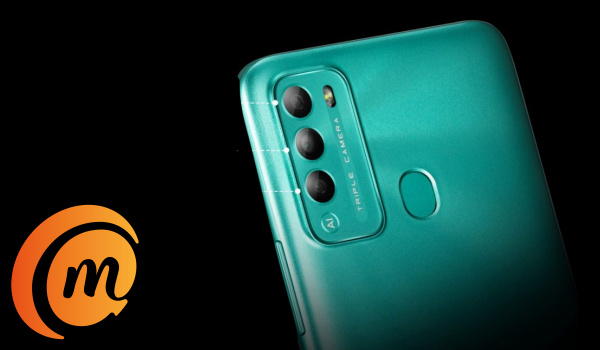
If you thought you had to worry about only front cameras, sorry. It gets worse. The main cameras at the back of some smartphones also use wide angle lenses for the primary shooter.
I began to notice this because even when I used the main camera of certain phones to take my selfies, I still looked distorted in them. So, I checked. It turned out that some smartphones use wide angle lenses for their main lens – the one that fires when you take a regular photo.
So, I was going to have to stay away from such phones going forward. This wouldn’t affect most people enough for them to notice any weirdness or distortion in their selfies when using such phones. But for me, thanks to a now slightly wonky jawline, it is in the best interest of world peace that I stay away.
A few tips to make sure you look good in selfies
If you notice that you look bad in selfies, here are a few things you can do to mitigate the issue.
- Use a selfie stick. It is your best bet right now if your smartphone camera is betraying you. I was never a big fan of these things, but I am converted now. Selfie sticks get better results because convex lens distortions reduce with greater distance of up to about 5 feet.
- If you don’t like the idea of carrying around a selfie stick, or you cannot be bothered, always extend your hand as far as possible when taking a selfie. It won’t help much, but it is better than holding the phone close to your face. If you don’t have long arms, eeya; sorry.
- Hunt for a smartphone that does not use a wide angle lens for its selfie camera. This is my preferred option. I don’t want to carry a selfie stick around, and though I have long arms, they are nowhere near 5 feet in length. I am not Mister Fantastic of The Fantastic Four after all; I am Mister Mobility.
- Also, if possible, you should buy a smartphone that does not use a wide angle lens as both front camera and as the primary lens of the main camera. Your selfie game will switch up and the distortions will go away.
I love my current smartphone, but its camera are traitors to my new wonky face. I look so unflattering in many selfies. My next smartphone will definitely be one that does not use convex lenses in the front camera and as the primary lens in the main camera.
With such a phone, I will no longer look bad in selfies.
Then I would be able to ask again, “Phone, phone, who is the fairest in the land?”
Copyright Notice : Reproduction of this article on any website, e-book, book, newspaper, magazine or other media without express written permission from MobilityArena is a violation of copyright rules and will result in appropriate action being taken against violators.
Author:Mister Mobility
Digital Skills and Communication Coach | Mobile Phone Connoisseur since 2001 | Tech Blogging since 2004
