Add MobilityArena as a preferred source on Google
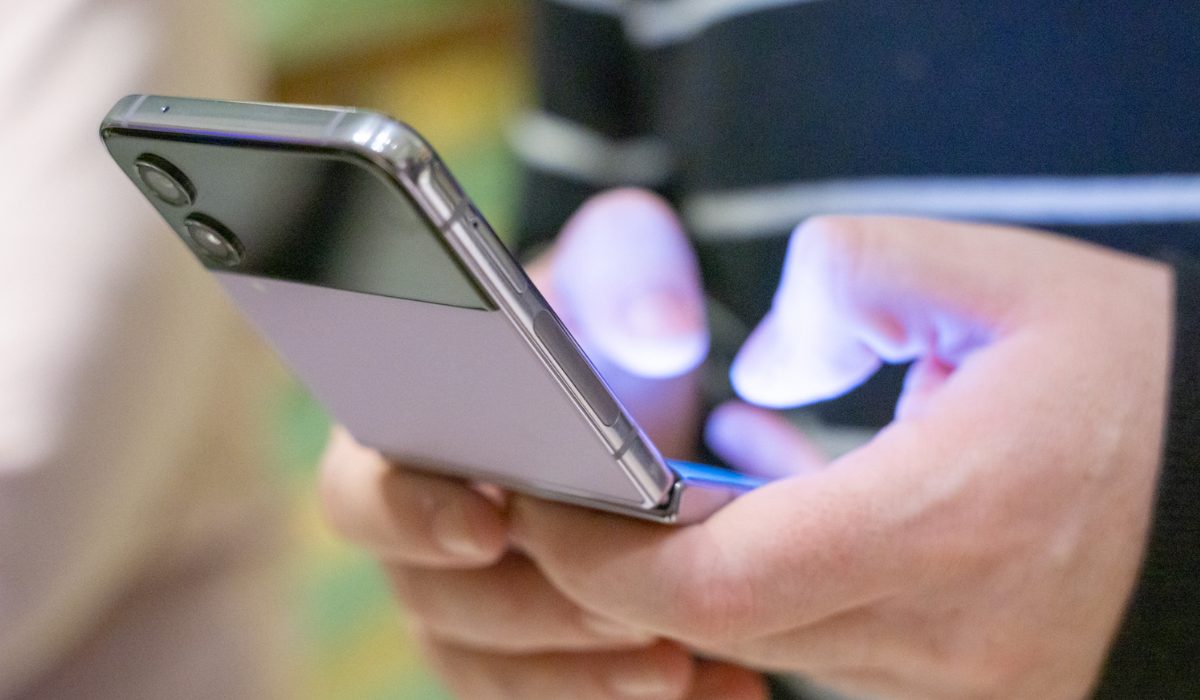
Flip phones have been around for decades, and while smartphones have taken over the market, flip phones never actually went out of style. They’re perfect for anyone with a taste for traditional cellphones, or just an option that’s more durable and long-lasting.
In this article, I’ll show you some of the best flip phones in 2023. Whether you’re looking for a high-end flip phone with all the latest features, or a more affordable option that still gets the job done, I’m sure you’ll find one that best suits your needs.
- What Are the Best Flip Phones in 2023? Samsung Galaxy Z Flip5 OPPO Find N3 Flip Samsung Galaxy Z Flip 4
- Other flip phones of 2023 Phantom V Flip 5G Alcatel Prepaid My Flip 4G Kyocera DuraXE Epic MOTOROLA Razr 40 Ultra
What Are the Best Flip Phones in 2023?
In 2023, there are still several flip phones available on the market that offer great features and useful functionality. I’ve included the options in this guide based on several criteria such as price, features, functions and durability. Check out some of the best flip phones in 2023:
Samsung Galaxy Z Flip5
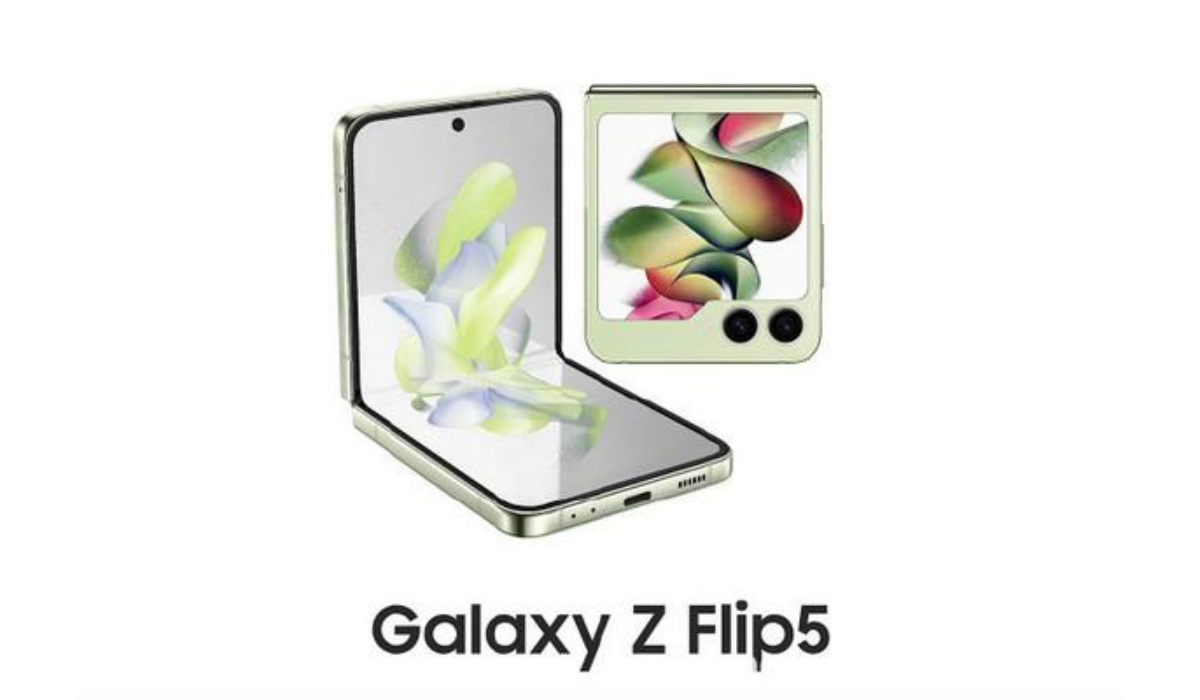
With the announcement and release of the Galaxy Flip5, it automatically took the spot of the best flip phone of 2023. It takes all of the great features of the Galaxy Flip5 below and improves on its weaknesses. Plus, the larger (3.4″) cover display is great news. What else is there to say? Samsung Galaxy Z Flip5 is the best flip phone of 2023.
OPPO Find N3 Flip
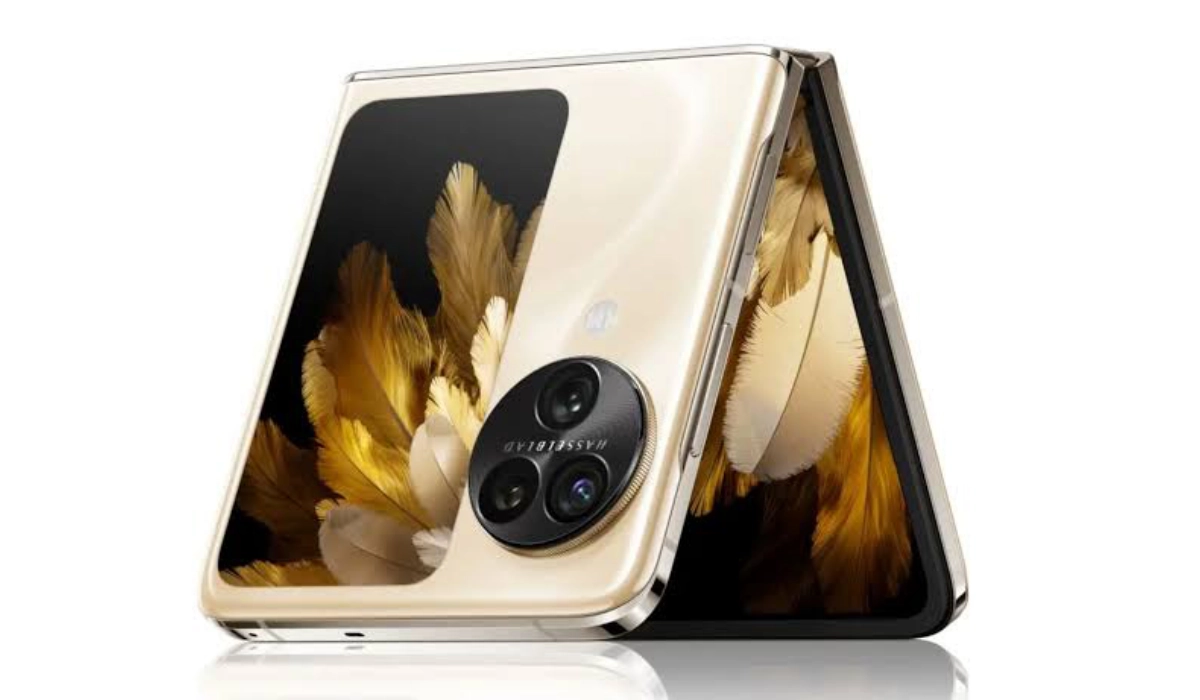
OPPO Find N3 Flip
Another outstanding flip phone of 2023 is OPPO’s Find N3 Flip. It has a 3.26″ Cover Screen, a 6.8-inch foldable OLED screen, Dimensity 9200 Octa-Core processor, 12GB RAM, and options of 256GB and 512GB internal storage. Battery capacity is 4303mAh battery, complemented by 44W SUPERVOOC Flash Charge. It is a solid device, and (in some ways) we recommend it over the Samsung Galaxy Z Flip5. Good luck getting your hands on one, if you are not located in Asia, though.
Samsung Galaxy Z Flip 4
The Samsung Galaxy Z Flip 4 is an affordable but powerful smartphone that blends design, performance, and durability. Its elegant design, Armor Aluminum frame, and Corning Gorilla Victus+ backside provide accident protection. The 6.7-inch Dynamic AMOLED 2X display has a refresh rate of 120Hz and a resolution of 2640 x 1080 pixels.
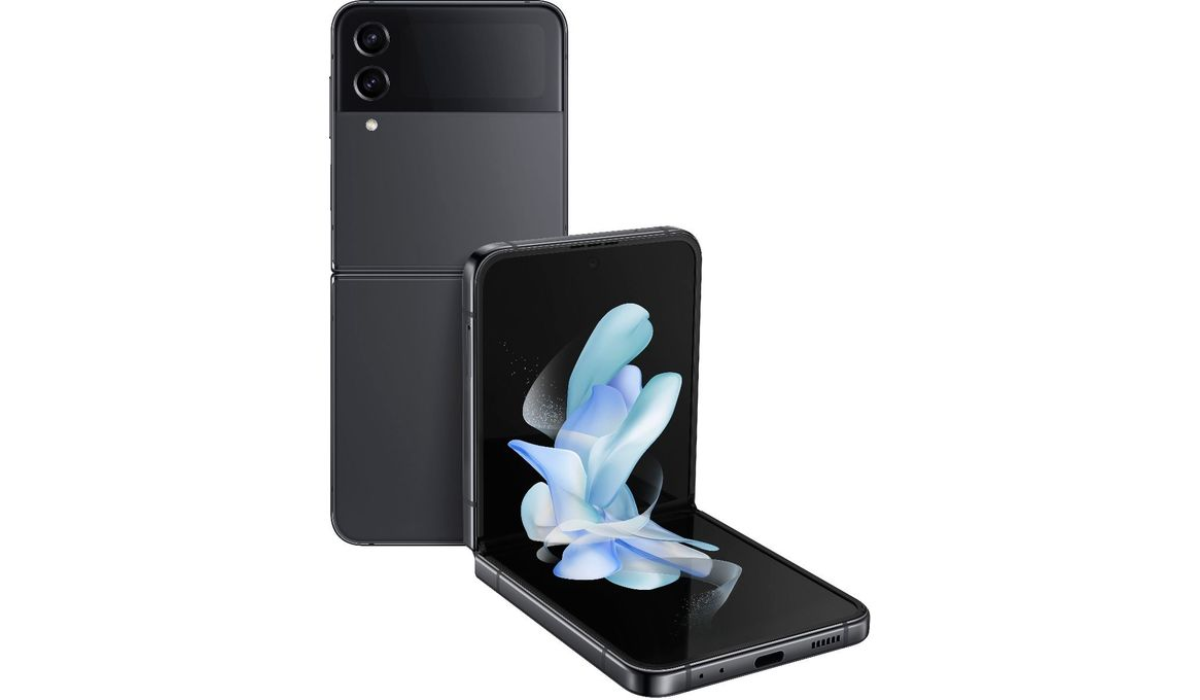
It also sports a 1.9-inch Super AMOLED cover display to show notifications when the phone is closed. Powered by the Qualcomm Snapdragon 8+ Gen 1 CPU, which has 8GB of RAM, you can expect that it’ll handle almost any task you need it for.
The Z Flip 4 also has Flex Mode , which allows you to sit the half-folded phone at a right angle with one app open on top and a control panel open at the bottom. The triple-lens camera system also does its best for everyday photography but that might not amount to much.
Even though its battery barely lasts a day and there’s restricted cover screen capability, its 3,700mAh battery gives plenty of juice making sure the Z Flip 4 remains one of Samsung’s best folding smartphones. So if you start your search for the best flip phones in 2023 here, you wouldn’t be wrong at all.
Other flip phones of 2023
Phantom V Flip 5G
If you are resident in parts of Europe, Asia, Africa, the Middle East, you will be able to get your hands on the most affordable flip phone of 2023: TECNO’s Phantom V Flip 5G . It combines a solid, premium build with good performance. The design is striking too, with a circular cover display.
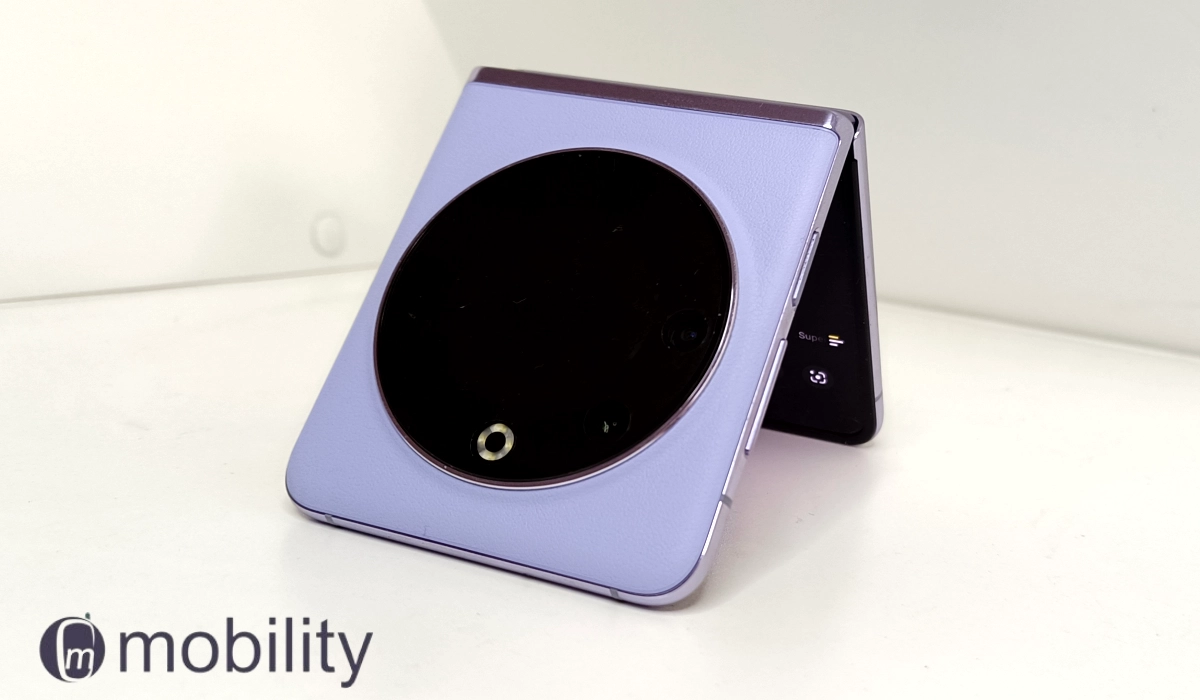
Phantom V Flip 5G is one of the best flip phones in 2023 for budget buyers.
The Phantom V Flip 5G also has the largest inner display of a foldable flip phone – 6.9 inches. It is available in European Union (EU) markets for €700.
Alcatel Prepaid My Flip 4G
The Alcatel Prepaid My Flip 4G is another one of the best and most current flip phones available. It includes a 2.8-inch display, a quad-core processor, and an in-built GPS. I like how it lets you see incoming calls and messages with its outer display. It’s also great that the battery has an excellent standby period of 16 days.
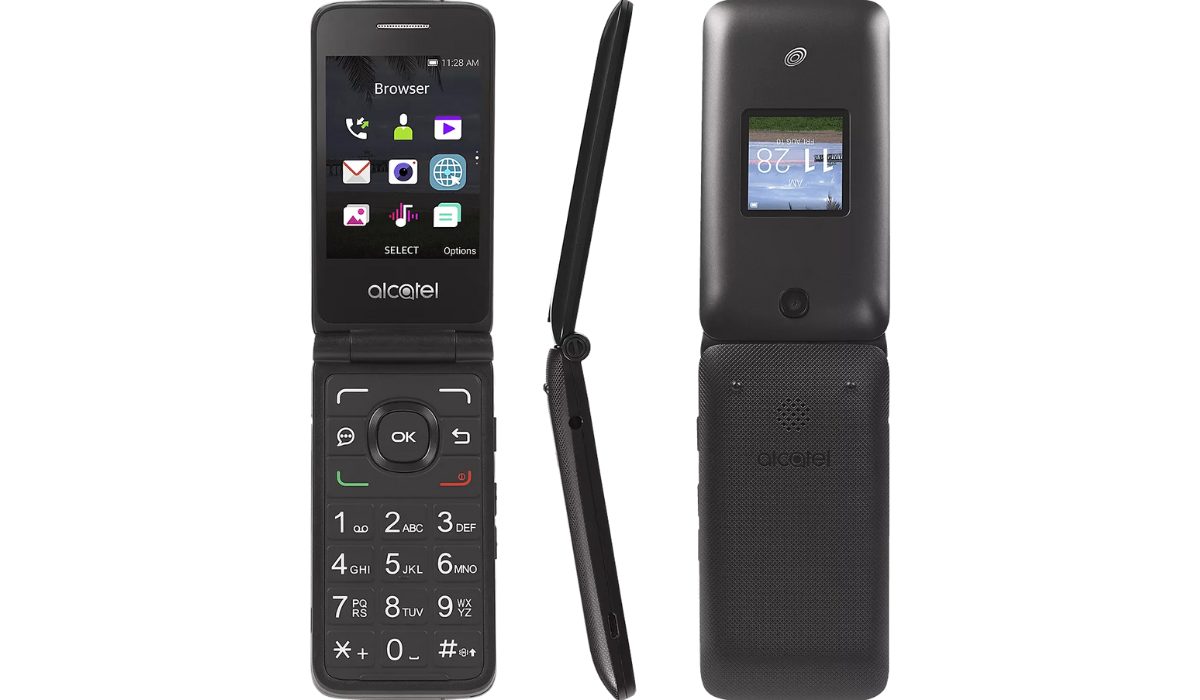
There’s a 2MP camera that lets you record HD video, and since the phone supports 4G, you can still send stuff without having to deal with the slow speeds of 2G or 3G networks from past generations.
Note that the speaker could be louder, but it still ranks among the best flip phones in 2023 due when you consider its usability, crystal clear audio quality, and wide app selection, which includes Google Maps.
Kyocera DuraXE Epic
The Kyocera DuraXE Epic is a rugged flip phone created for AT&T that offers military-grade protection and durability. It can endure drops from a height of five feet and is shockproof, dustproof, and waterproof. For increased protection, the phone has chamfered corners and a strengthened hinge.
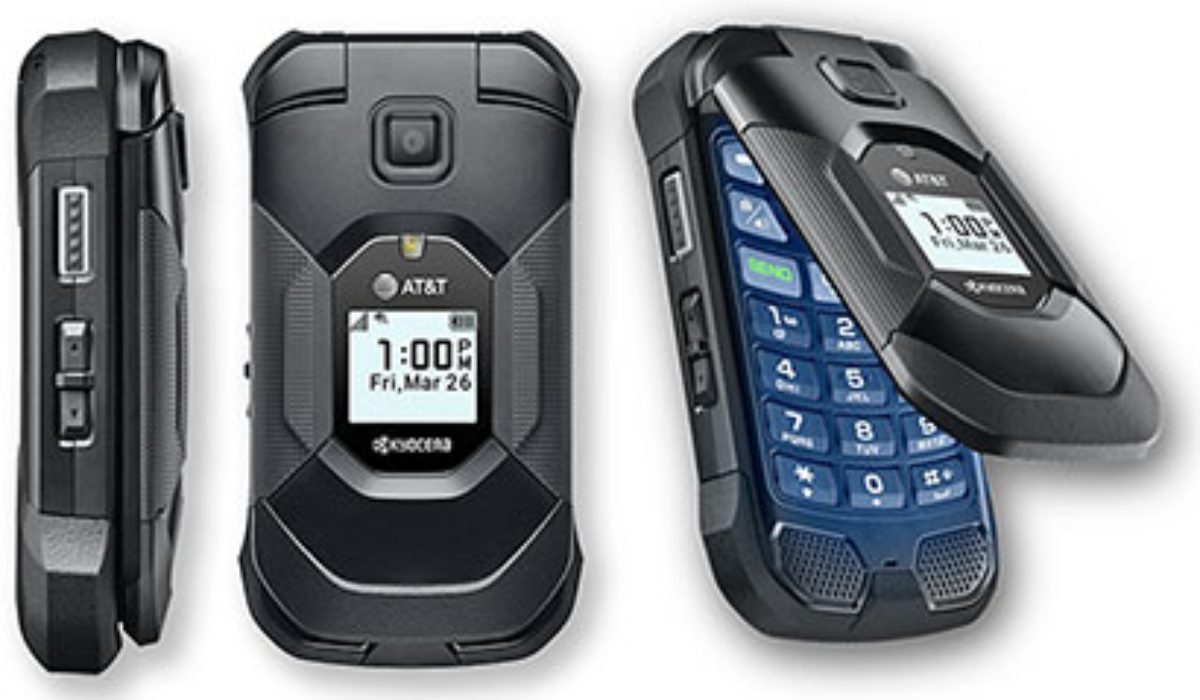
It comes with a MicroSD card slot that provides up to 16GB of storage. The 100+dB front-facing speakers deliver crystal-clear sound with dual-mic noise reduction, while the recessed sides and textured panels ensure a solid grip.
It supports Bluetooth and Wi-Fi and offers a talk time of more than nine hours and a standby time of 16 to 18 days. The DuraXE Epic is a top pick for durability lovers, so naturally it’s ranked among the best flip phones in 2023. It could do with a better camera, more storage, and less clunky features but I doubt you’d find more durable options.
MOTOROLA Razr 40 Ultra
The Motorola Razr 40 Ultra is Motorola’s most recent smartphone model and a premium flip phone with a 6.9-inch OLED display and 3.5-inch cover screen. It has Dolby Atmos speakers and two cameras for bright colors and a vivid HD viewing experience. It may not be the first choice but these features are enough to earn it a place among the best flip phones in 2023.
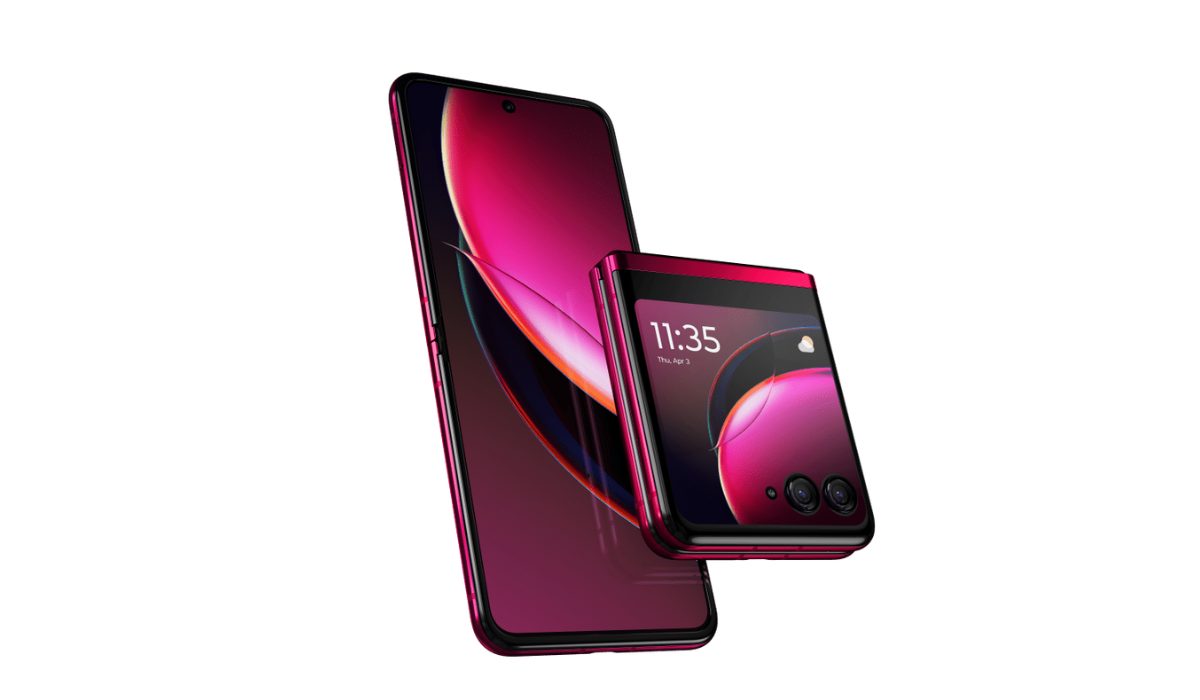
With a 165 Hz frame rate and a Snapdragon 8+ Gen 1 processor, the Razr 40 Ultra offers smoother gameplay in mobile games. You won’t find it easily available except through eBay or second-hand retailers, but it remains a popular choice among flip-phone enthusiasts.
To conclude , flip phones continue to be a popular choice for users that value simplicity, durability, and affordability. I hope the suggestions provided above make it simpler for you to choose one of the best flip phones in 2023. If you need more buyer recommendations, don’t forget to check out this category .
Author:Joan Agie
Add MobilityArena as a preferred source on Google
Android devices are versatile and work for various functions, including audio recording. Whether you need to record a lecture, an interview, or create a personal memo, there are several different methods you can use to capture high-quality audio on your Android device.
In this guide, I’ll help you figure out how to record audio on Android through different methods, including built-in recording apps, third-party apps, and external microphones. With these tips and tricks, you’ll be able to capture and share audio on your Android device like a pro.
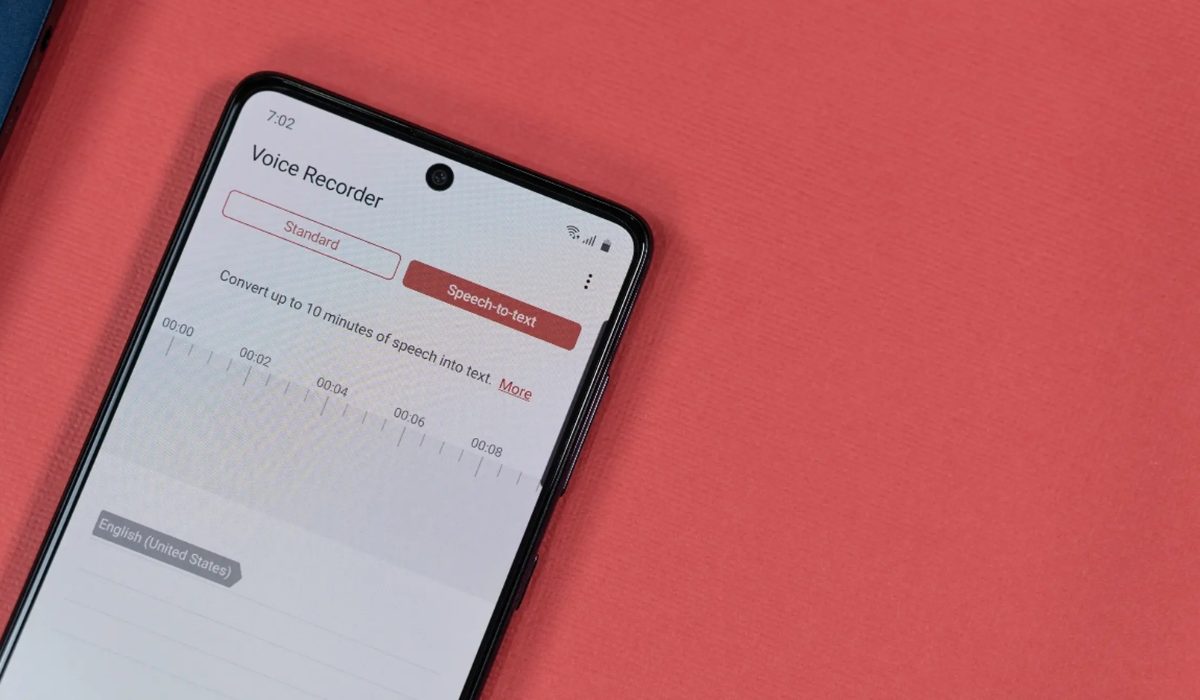
- How to Record Audio on Android How to Record External Audio on Android How to Record Internal Audio on Android How to Record Audio With a Free Android App
How to Record Audio on Android
One of the many features Android smartphones provide is the ability to record audio using built-in microphones. With the right setup, you may record calls, songs, broadcast your mobile games, and much more. You can also use this to take voice notes and set reminders. Find out below how to record internal and external audio on an Android device.
How to Record External Audio on Android
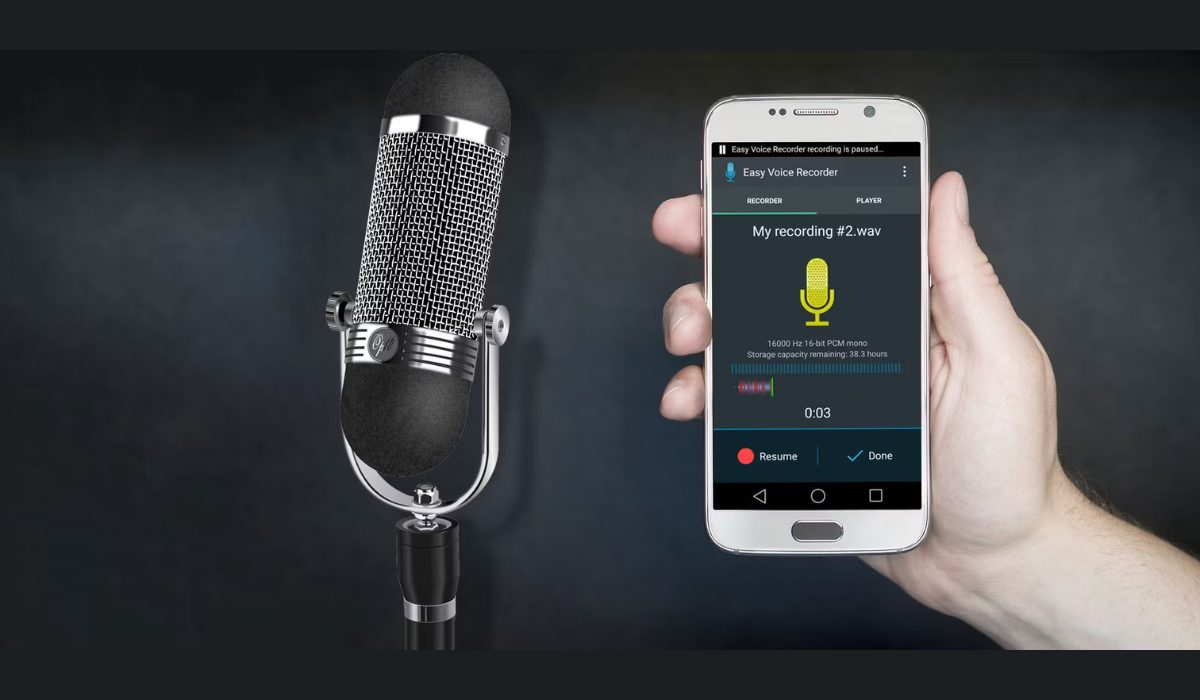
Most modern Android devices come pre-installed with a voice recorder or recorder app. I’ll show you how to record audio using the OnePlus Android phone’s recorder app. The procedure for your phone’s app may differ slightly.
- Swipe up from the bottom of the phone screen to access the app drawer. Click on the Recorder app to launch it.
- When you first launch the Recorder app, it will ask for your permission to record audio. You can permit Recorder to record audio whether at that time only or every time you use the app.
- To begin recording, tap on the microphone icon at the bottom of the screen.
- To record your voice, speak into the microphone. Keep some distance from the microphone when speaking because most phone mics are towards the bottom of the handset. Point the microphone in the direction of the sound if you are recording some other audio besides your voice. Additionally, when holding the phone, avoid accidentally covering the microphone with your hand.
- The timer will start to keep track of the duration as soon as the recording starts.
- When finished, press the Pause button.
- Then, tap the white square icon in the bottom right corner to save the recording. This brings up the option to save and name your recording.
In this manner, you can quickly make recordings on your phone without the need for a third-party app or additional tools. All of your saved recordings will be available to listen to in the Recorder app.
Open your File Manager to share your recordings on social media or email. Then, choose Audio , select the recorded file, and share it on social media, email, Bluetooth, or a USB cable.
How to Record Internal Audio on Android
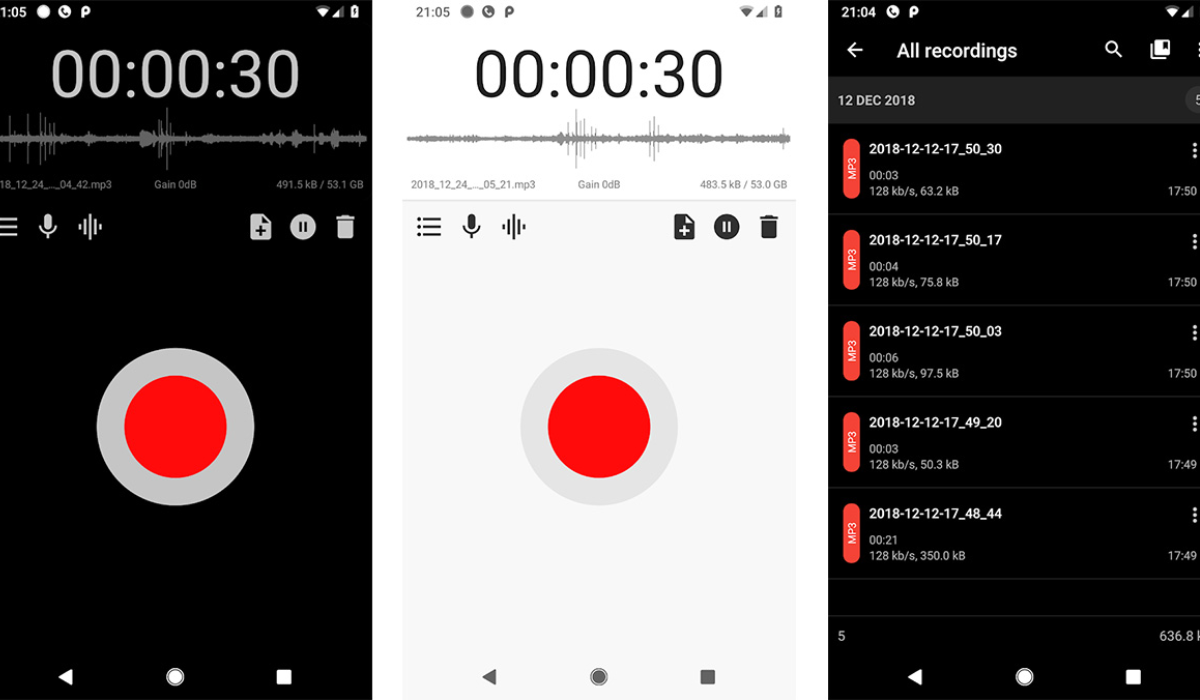
Most smartphones running Android 10 or later have a screen recorder app installed, and you can record audio with this app. Also, many popular phone brands like Google, Samsung, OnePlus, OPPO, Vivo, Xiaomi, and others have integrated screen recording features that allow you to record internal audio.
The following steps are specific to OnePlus Android phones, so the process may vary slightly depending on your device:
- To open the Quick Settings menu, swipe down twice from the top of the phone screen. You might have to swipe left to find the Screen Recorder app. Click on it and then select Start now .
- The Screen Recorder menu will appear on the screen, with buttons for Record , Settings , and Close/Stop .
- To begin, press Settings to launch the settings menu.
- In the Audio source option, select Microphone audio . Only audio from the phone’s microphone will now be recorded. Choose the Internal audio option if you want to record the audio of an app or a game.
- Choose the app or game you wish to record and press the red Record button. The screen recording and timer will both start.
- Click the Pause button to pause the recording, and then press the Record button again to resume.
- When you’re finished, press the white square Stop button to end the recording. The screen recording will be stored in your phone’s gallery.
How to Record Audio With a Free Android App
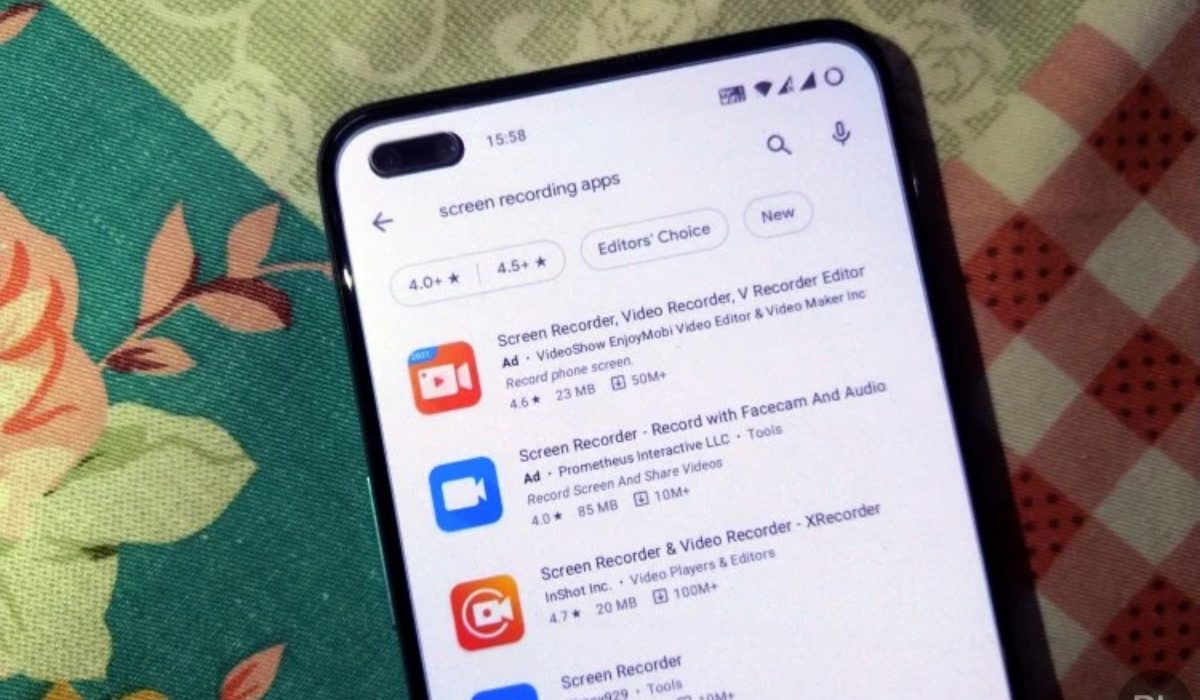
While the built-in voice recording apps may work perfectly for some, others may prefer a recording app with extra features. By going to the Google Play Store, you can easily find a variety of audio recording apps compatible with your Android phone. I’ve picked XRecorder by InShot for this guide, it’s free to use but with in-app purchases. It’s also one of the best screen recorders for Android and has several capabilities, including the ability to record both internal audio and microphone audio together.
- Launch the XRecorder app.
- To enable the floating menu ball on top of apps, select Allow .
- In the floating ball menu, tap the Settings icon. Under the Video section of Settings , choose Audio Settings .
- Choose the Microphone option if you wish to record your voice or audio using the phone’s mic.
- Alternatively, if you wish to record your voice with the audio of an app or game on your screen, select Internal and microphone .
You can now start recording any app on your screen. Note that there are several other voice recording apps for your Android device on the Google Play store, such as Easy Voice Recorder , Smart Recorder , Samsung Voice Recorder , among others.
To conclude, I believe you now know how simple it is to record audio or voice on an Android phone. All you require are the built-in recorders or an app from the Play Store. By following these guidelines, you’ll be able to create and share audio content on your Android device with ease. If you need more useful Android tips, check out this category .
