Add MobilityArena as a preferred source on Google
Gamers are now on the lookout for gaming tablets with high refresh rates that also deliver exceptional graphics for a smoother gaming experience. In the ever-evolving world of gaming, having the right device can make all the difference. For gamers on the go, tablets have emerged as a versatile option that combines portability with powerful performance. In this article, we’ll explore some of the best gaming tablets with high refresh rates available in the U.S. market, ensuring you can enjoy your favorite games without lag or stutter. With advancements in display technology, a higher refresh rate — such as 120Hz or more — can significantly enhance your gaming experience. This means fluid animations, reduced motion blur, and improved touch responsiveness, which are essential for fast-paced gaming. Whether you’re battling it out in a competitive shooter or exploring expansive worlds in an RPG, a tablet with a high refresh rate can elevate your gameplay to new heights. Additionally, when choosing a gaming tablet, consider factors like battery life and processing power to ensure that your device can handle demanding titles while maintaining performance. Let’s dive into our top gaming tablets with high refresh rates for 2024 and discover which tablets stand out in the crowded gaming market!
- Why Refresh Rate Matters
- List of Gaming Tablets with High Refresh Rates Samsung Galaxy Tab S9 Ultra Apple iPad Pro (2024) Lenovo Legion Y700 Xiaomi Redmi Pad Pro OnePlus Pad
- Conclusion: Choose Your Perfect Gaming Tablet
Why Refresh Rate Matters
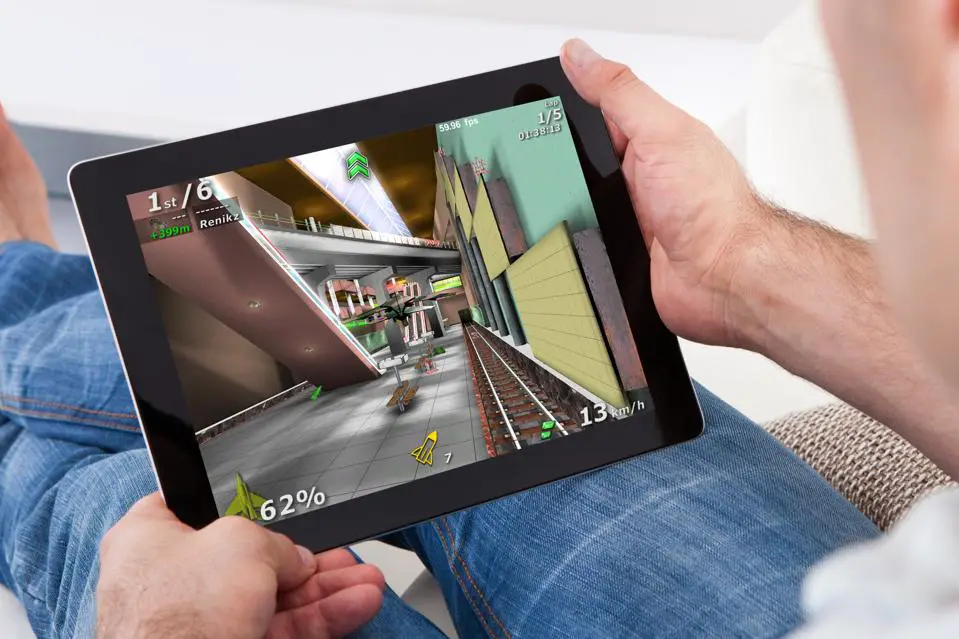
The refresh rate of a tablet’s display is crucial for gaming. Measured in hertz (Hz), it indicates how many times the screen updates its image per second. A higher refresh rate — such as 120Hz — means smoother visuals, reduced motion blur, and improved responsiveness during gameplay. This is especially important for fast-paced games where every millisecond counts. If you want to immerse yourself fully in your gaming experience, opting for a tablet with a high refresh rate is essential.
List of Gaming Tablets with High Refresh Rates
Samsung Galaxy Tab S9 Ultra
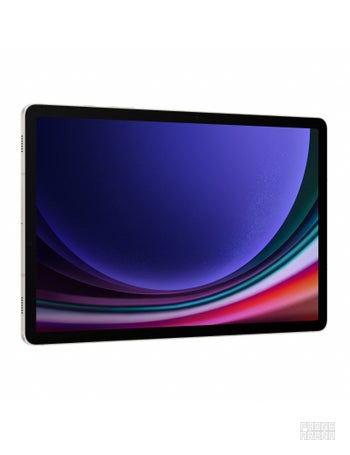
Kicking off our list of gaming tablets with high refresh rates is the Samsung Galaxy Tab S9 Ultra, which has quickly become a favorite among gamers and tech enthusiasts alike. Priced around $1,199, this tablet offers an impressive 14.6-inch Super AMOLED display with a 120Hz refresh rate. Key features:
- Processor: Qualcomm Snapdragon 8 Gen 2
- Display Resolution: 2960 x 1848 pixels
- Battery Life: Up to 14 hours
- Storage Options: Up to 1TB with expandable storage
With its stunning display and powerful processor, the Galaxy Tab S9 Ultra delivers an exceptional gaming experience. The vibrant colors and sharp resolution enhance gameplay, making it perfect for both casual and competitive gamers.
Apple iPad Pro (2024)
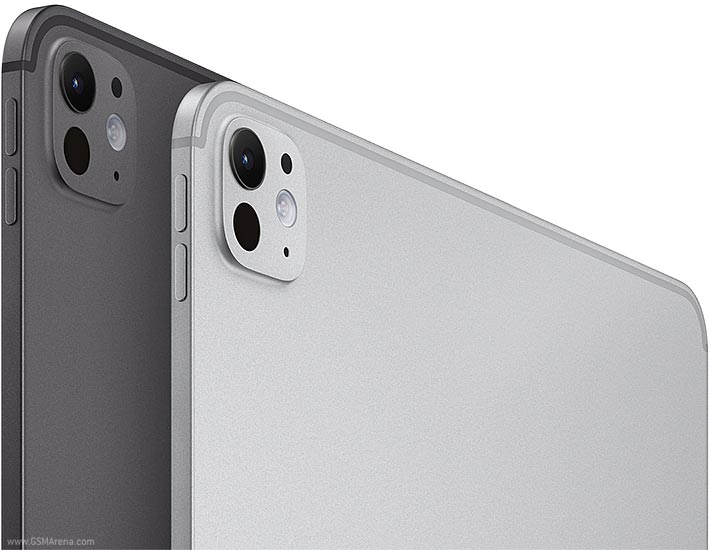
Next up on the list of gaming tablets with high refresh rates is the Apple iPad Pro (2024) , a powerhouse designed for serious gamers and creators alike. Starting at $1,299, this tablet features Apple’s latest M4 chip and a gorgeous 12.9-inch Liquid Retina XDR display with a 120Hz ProMotion refresh rate. Key features:
- Processor: Apple M4 chip
- Display Resolution: 2732 x 2048 pixels
- Battery Life: Up to 10 hours
- Storage Options: Up to 2TB
The iPad Pro’s performance is unmatched, allowing it to handle even the most demanding games effortlessly. The combination of high refresh rate and powerful graphics capabilities makes it one of the best choices for mobile gaming.
Lenovo Legion Y700
For gamers looking for value without sacrificing performance, the Lenovo Legion Y700 is an excellent option on the list of gaming tablets with high refresh rates priced at around $499. This tablet features an impressive 8.8-inch LCD display with a refresh rate of up to 120Hz, making it ideal for fast-paced gaming. Key features:
- Processor: Qualcomm Snapdragon 870
- Display Resolution: 2560 x 1600 pixels
- Battery Life: Up to 15 hours
- Storage Options: Up to 256GB
The Lenovo Legion Y700 is designed specifically for gaming, featuring dedicated gaming modes and customizable controls that enhance your overall experience.
Xiaomi Redmi Pad Pro
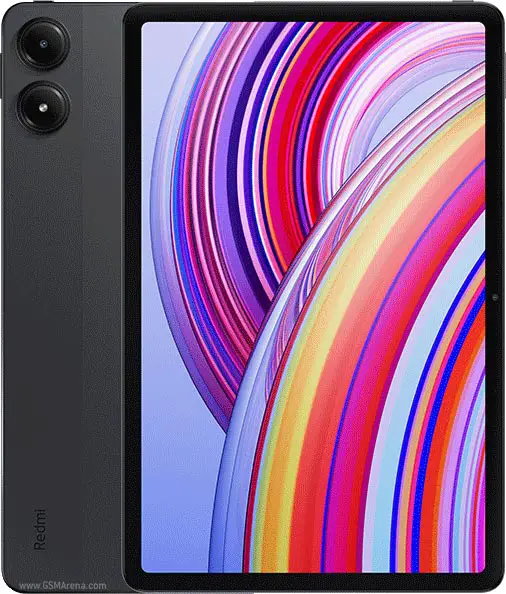
The Xiaomi Redmi Pad Pro sits pretty well amongst the list of gaming tablets with high refresh rates that offers remarkable features at an affordable price of around $399, making it one of the best budget-friendly options for gamers. It boasts a 12-inch QHD+ display with a refresh rate of up to 120Hz, ensuring smooth visuals during gameplay. Key features:
- Processor: Snapdragon 7s Gen 2
- Display Resolution: 2560 x 1600 pixels
- Battery Life: Up to 10 hours
- Storage Options: Up to 128GB
With its solid performance and vibrant display, the Redmi Pad Pro provides excellent value for gamers who don’t want to break the bank.
OnePlus Pad
Rounding out our list of gaming tablets with high refresh rates is the OnePlus Pad, which offers an impressive balance of performance and price at approximately $499. This tablet features an eye-catching 11.6-inch LCD display with a refresh rate of up to 144Hz, making it stand out in terms of speed. Key features:
- Processor: MediaTek Dimensity 9000
- Display Resolution: 2800 x 2000 pixels
- Battery Life: Up to 12 hours with fast charging capabilities
- Storage Options: Up to 256GB
The OnePlus Pad’s high refresh rate and powerful processor make it a fantastic choice for gamers who want responsive gameplay without sacrificing quality.
Conclusion: Choose Your Perfect Gaming Tablet
It’s clear that there are plenty of gaming tablets with high refresh rates that offer exceptional performance. From the premium Samsung Galaxy Tab S9 Ultra to budget-friendly options like the Xiaomi Redmi Pad Pro, each device caters to different user needs while ensuring an immersive gaming experience. When selecting your next gaming tablet, consider what features matter most—be it display quality, processing power, or battery life. With these top picks in mind, you can confidently choose a device that enhances your gaming adventures and keeps you engaged for hours on end! So grab your new tablet and get ready to dive into your favorite games like never before!
Author:Ifeoluwa Adeleke
Add MobilityArena as a preferred source on Google
Overheating issues in gaming phones is a major challenge faced by gamers. This issue can not only disrupt gameplay but also potentially damage the device over time. In this article, we’ll delve into the overheating problem in gaming phones available in the U.S. market and offer practical solutions to keep your device cool while you game. Overheating issues in gaming phones can occur for various reasons, including extended gaming sessions, high graphics settings, and even environmental factors like direct sunlight. When your device gets too hot, it may throttle performance to cool down, leading to lag and stuttering during critical moments in your game. This can be especially frustrating during competitive play where every second counts. Understanding how to manage your device’s temperature is essential for maintaining optimal performance and prolonging its lifespan. To combat overheating issues in gaming phones, there are several effective strategies you can implement. For instance, adjusting your graphics settings to lower levels can significantly reduce the strain on your phone’s CPU and GPU, allowing it to run cooler. Additionally, taking regular breaks during long gaming sessions gives your device a chance to cool down. Using a cooling fan or playing in a shaded area can also help mitigate heat buildup. By following these tips and being mindful of your device’s temperature, you can enhance your gaming experience while protecting your phone from potential damage caused by overheating. Let’s explore these solutions in detail and ensure that you get the most out of your gaming phone without the worry of excessive heat!
- Understanding the Overheating Issues in Gaming Phones
- The Risks of Overheating
- Practical Solutions to Prevent Overheating Optimize Game Settings Take Regular Breaks Close Background Applications Remove Phone Cases Avoid Direct Sunlight Use a Cooling Fan or Pad Check for Software Updates Limit Charging While Gaming
- Conclusion
Understanding the Overheating Issues in Gaming Phones
Gaming phones are equipped with powerful processors and graphics capabilities designed to deliver an immersive experience. However, this power comes at a cost — heat generation. When playing graphics-intensive games, the CPU and GPU work overtime, leading to increased temperatures. Factors contributing to overheating include:
- Extended Gaming Sessions: Prolonged use without breaks can cause devices to heat up.
- High Graphics Settings: Running games at maximum settings increases the load on hardware.
- Environmental Conditions: Playing in hot or direct sunlight exacerbates heat issues.
- Background Apps: Unused applications running in the background can consume resources and generate additional heat.
The Risks of Overheating
Overheating issues in gaming phones can lead to several problems, including:
- Performance Throttling: Devices may reduce performance to cool down, leading to lag and stuttering.
- Battery Damage: Excessive heat can shorten battery lifespan and efficiency.
- Component Damage: Prolonged exposure to high temperatures may damage internal components.
Practical Solutions to Prevent Overheating
Fortunately, there are several effective strategies you can employ to solve the overheating issues in gaming phones while enjoying your favorite titles:
Optimize Game Settings
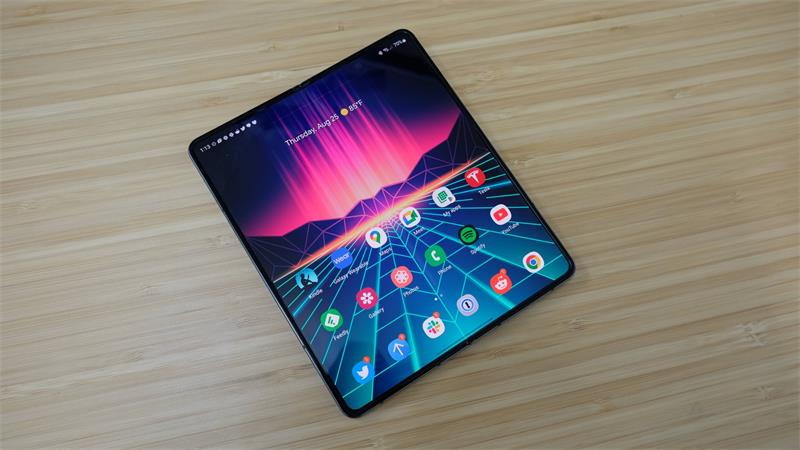
One of the simplest ways to reduce heat generation is by adjusting game settings. Lowering graphics quality and frame rates can significantly decrease the workload on your device. How to Do It: Access the game’s settings menu and reduce graphics settings or cap the frame rate at 30 FPS instead of 60 FPS.
Take Regular Breaks
Prolonged gaming sessions can lead to excessive heat buildup. Taking short breaks allows your device to cool down. Set a timer for every 30-45 minutes of gameplay to remind yourself to take a break for a few minutes.
Close Background Applications
Background apps consume resources that can contribute to overheating. Closing unnecessary applications helps free up processing power. On Android, swipe up from the bottom of the screen (or tap the recent apps button) and close any unused apps. On iOS, double-tap the home button and swipe up on apps you want to close.
Remove Phone Cases
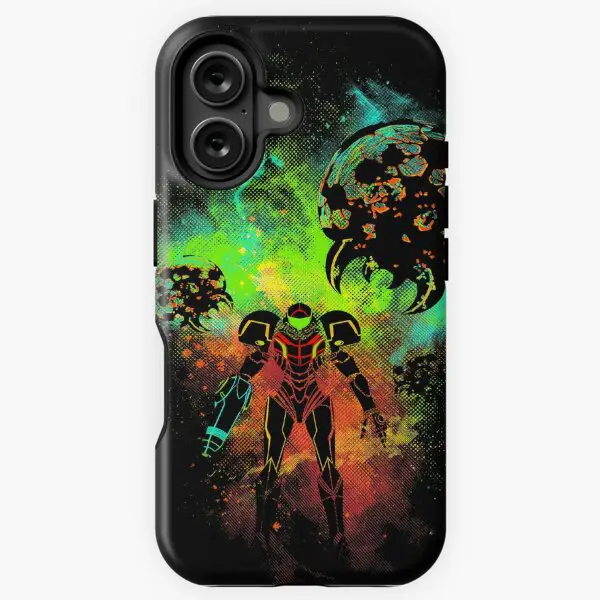
While cases provide protection, they can also cause overheating issues in gaming phones. Removing your case during intense gaming sessions can help dissipate heat more effectively. Take off your case before starting a gaming session and put it back on afterward if needed.
Avoid Direct Sunlight
Playing in direct sunlight can significantly increase your phone’s temperature. Find a shaded area or play indoors whenever possible. If you’re outside, seek shade or play indoors where temperature control is easier.
Use a Cooling Fan or Pad
Investing in an external cooling fan or pad specifically designed for gaming phones can help keep temperatures down during intense sessions. Attach a portable fan or cooling pad while gaming for additional airflow around your device. This will drastically reduce overheating issues in gaming phones.
Check for Software Updates
Keeping your device’s software up-to-date ensures that you benefit from performance optimizations and bug fixes that can improve thermal management. Simply go to Settings > System > Software Update and check for any available updates.
Limit Charging While Gaming
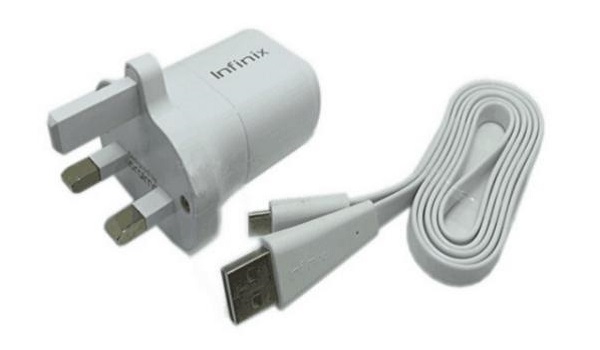
Charging your phone while gaming can generate extra heat. If possible, avoid playing while plugged in. Charge your device before or after gaming sessions rather than during them.
Conclusion
Overheating issues in gaming phones is a common challenge faced by gamers using high-performance devices, but it doesn’t have to ruin your experience. By implementing these practical solutions — such as optimizing game settings, taking breaks, closing background apps, removing cases, avoiding direct sunlight, using cooling accessories, checking for updates, and limiting charging — you can keep your gaming phone cool and performing at its best. With these tips in mind, you’ll be well-equipped to enjoy marathon gaming sessions without worrying about overheating issues. So gear up, dive into your favorite games, and let nothing hold you back from achieving victory!
