Add MobilityArena as a preferred source on Google
In our increasingly connected world, mobile accessories have become essential tools that enhance the functionality of our smartphones. As these devices play a pivotal role in communication, entertainment, and productivity, having the right accessories can significantly improve your experience. Imagine capturing stunning photos, staying powered up during long days, or enjoying your favorite music without hassle—all made possible with the right gear. Let’s explore the best mobile accessories every U.S. phone user should own to elevate their smartphone experience and make life a little easier and more enjoyable!
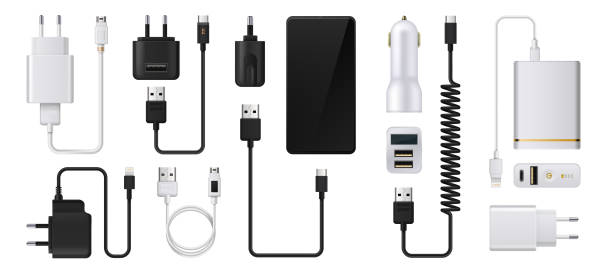
- Quality Screen Protector
- Portable Power Bank
- Wireless Earbuds
- Car Mount
- Bluetooth Tracker
- Conclusion
Quality Screen Protector
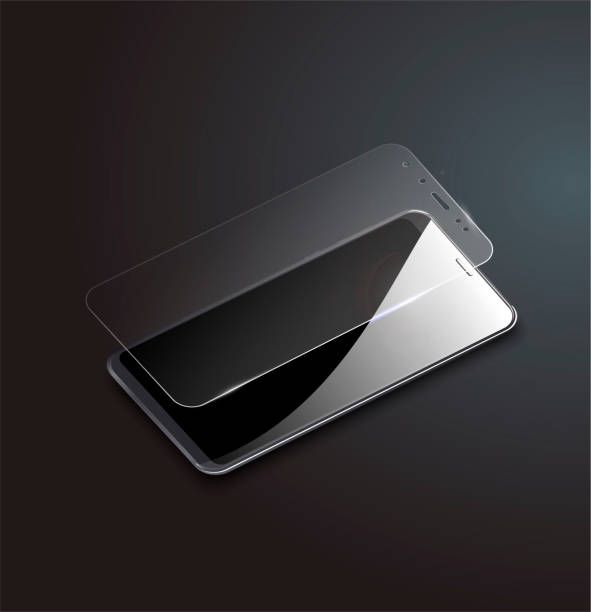
First on the list of important mobile accessories that you need is screen protector. Imagine this: You’ve just bought the latest smartphone, and within days, a small scratch appears on the screen. A quality screen protector can save you from this heartache. Whether you prefer tempered glass or a flexible film, investing in a good screen protector is essential to keep your display pristine. Why you need:
- Protection Against Scratches: Keeps your screen safe from everyday wear and tear.
- Reduced Glare: Many screen protectors reduce glare, making it easier to see your screen in bright sunlight.
- Easy Installation: Most come with easy application kits that make installation a breeze.
Portable Power Bank
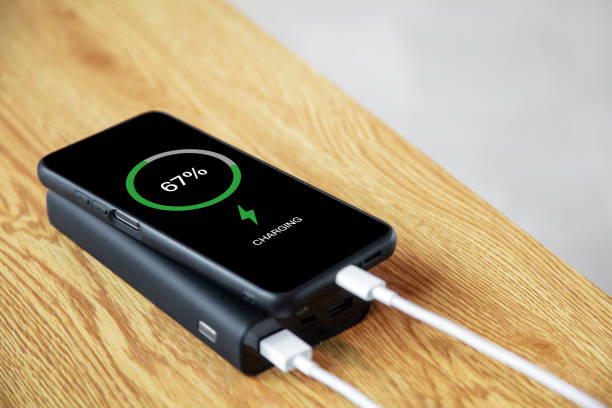
A power bank can be a handy one on the list of mobile accessories needed. Picture this: You’re out and about, enjoying a day trip when your phone battery starts to dwindle. A portable power bank can be a lifesaver in these situations, ensuring you stay connected no matter where you are. Why you need it:
- On-the-Go Charging: Recharge your phone anytime, anywhere.
- Multiple Ports: Many power banks can charge multiple devices simultaneously.
- Compact Design: Most power banks are lightweight and easy to carry.
Wireless Earbuds
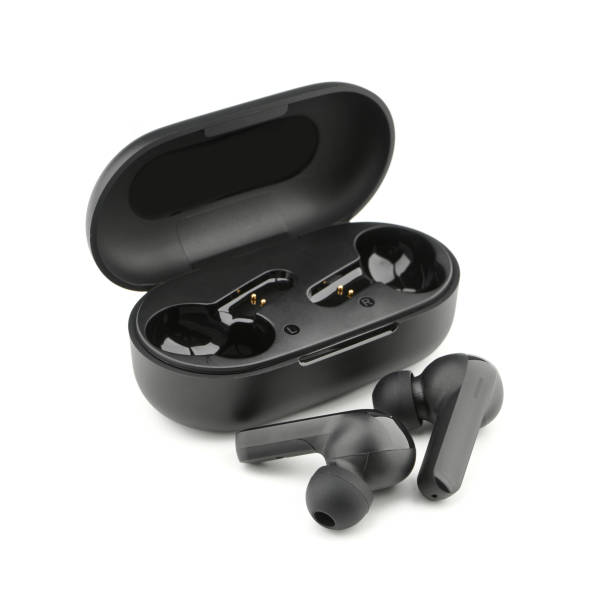
With the rise of audio streaming and podcasts, wireless earbuds have become essential mobile accessories for music lovers and busy professionals alike. Imagine walking through a park while enjoying your favorite playlist or taking calls hands-free—wireless earbuds make this possible. Why you need it:
- Convenience: No tangled wires to deal with.
- Sound Quality: Many models offer excellent sound quality with noise-cancellation features.
- Comfort: Designed for long-term wear, they’re perfect for workouts or commutes.
Car Mount
Navigating with GPS while driving can be tricky without a proper mount. A car mount allows you to keep your phone within reach and viewable without taking your eyes off the road. Why you need it:
- Safety First: Keeps your phone secure and accessible while driving.
- Hands-Free Navigation: Easily follow directions without fumbling with your device.
- Versatile Use: Many mounts can be adjusted for different viewing angles.
Bluetooth Tracker
Have you ever misplaced your keys or wallet? A Bluetooth tracker is a major on the list of important mobile accessories. It can help you locate lost items quickly using your smartphone. Simply attach the tracker to your belongings, and you’ll never have to worry about losing them again. Why you need it:
- Peace of Mind: Easily find lost items using an app on your phone.
- Compact Design: Small enough to attach to keychains or bags without adding bulk.
- Community Find Feature: Some trackers leverage a community network to help locate lost items even when they are out of Bluetooth range.
Conclusion
Having the right mobile accessories can significantly enhance how we use our smartphones. From protecting your device with a quality screen protector and case to ensuring you stay powered up on the go with a portable power bank, these accessories are essential for every U.S. phone user. So why not take some time to invest in these must-have accessories? They will not only improve your smartphone experience but also provide peace of mind as you navigate through daily life! Your smartphone is an incredible tool—equip it properly to unlock its full potential!
Author:Ifeoluwa Adeleke
Add MobilityArena as a preferred source on Google
Most modern smartphones have quite good battery life such that you never need to tinker to get a good performance. But every now and then, you might come across a phone with relatively disappointing battery life. One of the ways to improve battery life is to use the Developer Options menu in your Android device.
Our phone batteries are constantly draining for a number of reasons. One of them is that there is an endless stream of background process running inside your phone. The other one is that phones have these big, advanced displays that guzzle a lot of power. Two quick ways to increase battery life is to limit these background processes and limit the display processes.
You can limit background processes and some display processes using Developer Options.
Developer Options is disabled by default, so you have to enable it first. Go to your phone Settings, find the About page and look for the option that says “Build Number”. Tap on it repeatedly till you get a notice that Developer Options is now enabled. Now you are ready to make those moves.
- Increase battery life using Developer Options
- Increase battery life is by limiting screen refresh rate
Increase battery life using Developer Options
On your phone, go to Settings and follow these steps:
- Settings > General > Developer options
- At the top of the page, toggle Developer options on.
- Scroll down to “Mobile data always active” and toggle it off.
- Scroll down to “Windows animation scale” and toggle it off.
- Next, do the same for “Transition animation scale”.
- Next, scroll on till you see “Do not keep activities”. If you turn this off, you basically stop your phone from multitasking and that will increase your battery life greatly. Toggling it off means that every time you leave one app for another, the first app gets shut down immediately. The next time you open it, it starts up from scratch. If you are okay with that, toggle this option off.
- Tap on “Limit background processes” and select “No background processes” or pick any of the options to limit background process to one, two, three, or four. Personally, I chose to limit mine to two.
Once you have made your selection, you are all done. Simply exit the Settings app and you are good to go.
Increase battery life is by limiting screen refresh rate
If your smartphone has high refresh rate options, for example 90Hz, 120Hz, and higher, you can improve battery life by fixing the refresh rate to 60Hz which is the lowest or 90Hz if you do not like the basic 60Hz experience.
What is the science behind this? The higher the refresh rate, the more power a phone’s display consumes. This is because the display needs to update the image more frequently, which requires more energy. As such, pegging the display at a lower refresh rate reduces power consumption significantly, especially because the display is the biggest power guzzler in most smartphones.
With the above steps executed, your Android smartphone will record significantly better battery life.
Author:Mister Mobility
Digital Skills and Communication Coach | Mobile Phone Connoisseur since 2001 | Tech Blogging since 2004
