Add MobilityArena as a preferred source on Google
Planner apps are apps that help you get organized and ensure all of your important organizational tools are secured in one place, letting you gain unlimited access to them anytime. These apps are seen as a replacement to the traditional paper and pen planners.
In this piece, we will guide you through some of the best planner apps for your Android device, showing you what they offer and how they can make your day less stressful and more productive.
- Trello: Dubbed the app that takes care of everything, this app is versatile and can be used by individuals or teams. Trello lets you create to-do boards for every and anything. This tool also lets you incorporate Adobe, Kickstarter and a number of other tools, letting you enjoy great functionality and simplicity in one app.
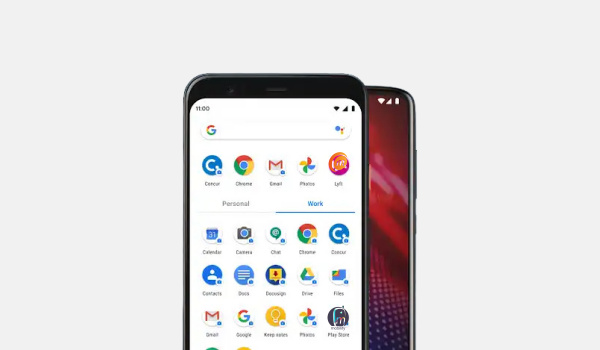
- Any.do: Any.do is a calendar and to-do list rolled in one and is ideal for users who want a tool that can help them organize anything ranging from work presentations to getting birthday presents. This app works like the traditional list where you have to tick off already completed activities.
This app lets you view your month at a glance, while letting you keep tabs on your day-to-day activities. Its home screen widget also means you can get all the important information about your schedule with just a few clicks and swipes. One of the best sides to Any.do is, it is compatible with iCloud, Outlook and Google Calendar.
- Google Calendar: One of the tools offered by the Google Suite, Google Calendar offers daily, weekly and monthly views, letting users switch stress-free between these modes. It also comes in handy for the forgetful types (like yours truly) who need reminders at certain times of the month to remember certain events or pre-arranged programs.
One of the best planner apps in the game right now, this app offers a number of extra benefits for Gmail users, as the events section of Gmail automatically synchronizes with the Calendar. It also lets you share your calendar with other users, coming in handy for households and teams.
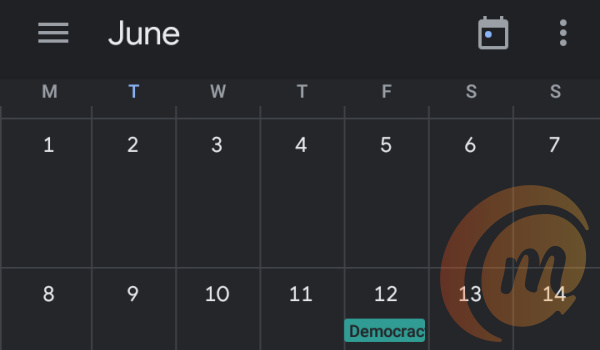
- ZenDay: One of the best planner apps out there, this app is ideal to help you improve your productivity, as it helps you zero in on your most important tasks and get them completed, while also keeping you updated with your next task.
ZenDay has a 3D display that scrolls as you complete different tasks, it also has a unique interface and a color-coding feature which gives distinct colors to completed and overdue tasks. One interesting feature about ZenDay is, it helps you reschedule tasks you may have missed, while also showing you how well you’ve completed tasks on time.
Author:Alfa Baye
Staff Writer
Add MobilityArena as a preferred source on Google
The iPhone 12 Pro launched in November of 2020, alongside the iPhone 12 and 12 Pro Max, bringing a slew of features and specifications with it. All three devices are wonderful devices, each bringing something different to the table.
However, in this guide, we aim to look at the iPhone 12 Pro more intently, showing some of the challenges users have faced in the first couple of months and how to solve them.
- High Standby Battery Drain: One of the common iPhone 12 Pro issues that its users have battled with, this problem has plagued quite a number of users, as certain users have reported their device draining by as much as 20% in about 8 to 10 hours when idle. Some have also reported that this problem persists even when the device is turned on airplane mode, making users even more perplexed.
While you can follow some of the traditional tips that can help you conserve your battery like reducing display brightness and clearing background apps, this issue points to an underlying bug in the OS, meaning that you may only get a solution to this when you update your device to a newer/updated OS.
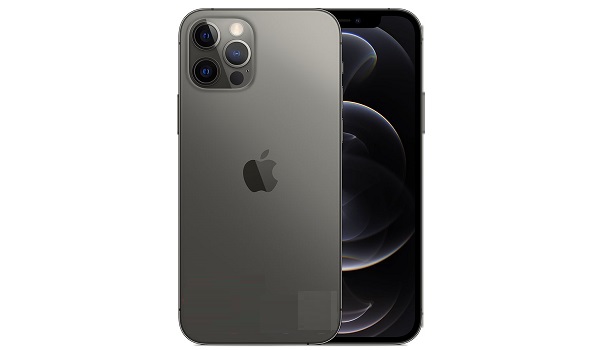
Greenish tint on display: A number of owners of the iPhone 12 Pro have reported a greenish hue on their devices. This tint could be due to a hardware or software issue, if it is a software problem (which is the more likely cause), it is best you update your device to the newest available OS. If you do this and this problem persists, it may just be a hardware issue and you will need to see a technician or visit the nearest Apple Store.
Bluetooth Connectivity Issues: Another one in the list of common iPhone 12 Pro issues, this challenge seems to be a recurring decimal in iPhones, as a number of users have reported this issue. Here, their devices refuse to pair with other devices and vice versa. This bug looks very much like a software bug, and you can temporarily fix this by restarting your device, as toggling the Bluetooth does not seem particularly effective. When your device restarts, you can try reconnecting both devices again.
Also, you can search for updates on your device, as newer updates may provide a permanent fix for this bug.
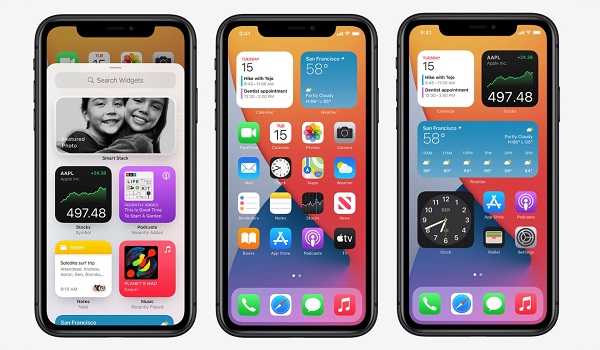
- 4G/5G Connectivity Issues: Another particularly disruptive issue, users of the iPhone 12 Pro have reported that some units of this smartphone experience difficulty with the network connectivity. Some users have noticed that their smartphones will drop the 4G or 5G network and then refuse to reconnect to the network automatically.
This issue, one of the common iPhone 12 Pro issues, mainly occurs when the user is on the move, as the device is trying to switch between towers for better connectivity. If this happens to you, you can simply toggle the airplane mode on and off, and then connect it to the mobile network again.
Author:Alfa Baye
Staff Writer
