Add MobilityArena as a preferred source on Google
What is Bluetooth audio stutter ? When the audio from your Bluetooth headset, earbuds, or loudspeaker cuts in and out, that phenomenon is called audio stutter or stuttering. It sounds like the audio wants to die.
Bluetooth connectivity is now a staple for a lot of mobile devices. One of the biggest advantages of the feature is that it reduces the amount of cords we have to carry around, which is pretty vital. However, there could be times when you connect your smartphone to an audio playback device, such as a pair of headphones, and you get Bluetooth audio stutter. This can be really annoying.
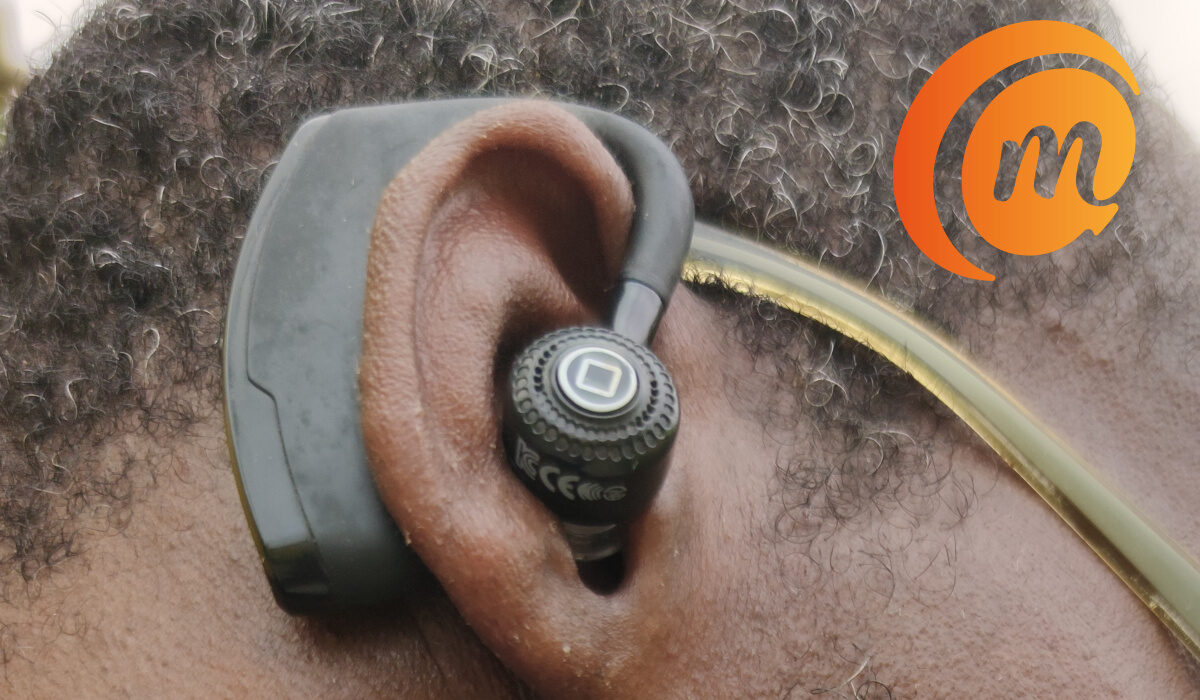
Anyone who uses a Bluetooth speaker or a pair of Bluetooth headphones will tell you that the connection should allow for seamless transmission of audio from one point to another, depending on the devices involved. There are a lot of things that can prevent this from happening, thus causing Bluetooth audio stutter.
Causes of Bluetooth Audio Stutter and Solutions
Some of the most common causes of stuttering on your Bluetooth device include a low battery, your connected Bluetooth devices being too far apart, or some form of physical obstruction between them. In these cases, check your battery and reduce the distance between the connected devices to see if the stuttering stops.
Bluetooth audio stutter can be caused by wireless signal/electronic interference. Devices like cordless phones, baby monitors and microwave ovens can disrupt the Bluetooth signal, since these devices all operate in the same frequency range. To fix this problem, you can try changing the channels on your wireless network. Also, you can minimize the number of active Bluetooth devices connected to your computer.
Mac users might also experience audio stuttering when they turn on the handoff feature on their devices. All you need to do in this case is to turn it off. Furthermore, your computer might be recognizing your Bluetooth device as both a speaker and a wireless headset. To solve this, deselect the headset, then choose it as a wireless speaker.
Mobile devices might experience audio stuttering when paired with a car’s audio system. A common fix to this problem would be to clear the cache files on your smartphone. If you are looking for a resolution for a specific phone pairing with a specific, it is a good idea to look for online forums for the phone brand and the phone carrier.
Now, since most wireless devices connect to various other devices through Bluetooth, there could be times when a particular mobile app associated with the headphones is the issue. If you use wireless headphones with a mobile app, always check that the operating system is up to date and you have the latest version of the mobile headphone app.
- Bluetooth Profiles – HSP, A2DP, AVRCP, HFP
- Use aptX Adaptive Phones and Earphones for Best Quality Bluetooth Audio
- Bluetooth Tethering: Share your phone’s Internet/data with other devices
Author:EmmyCN
Add MobilityArena as a preferred source on Google
This headline is not click-bait. It is the Gospel truth, the whole truth and nothing but the truth. Microsoft does not care whether you use Windows Phone or not. And the company has been saying it for a few years now. Come with me as I break it down.
If you are not up-to-date with the news, two days ago, we were told that Microsoft co-founder, Bill Gates, has moved to using an Android smartphone, presumably from a Windows smartphone.
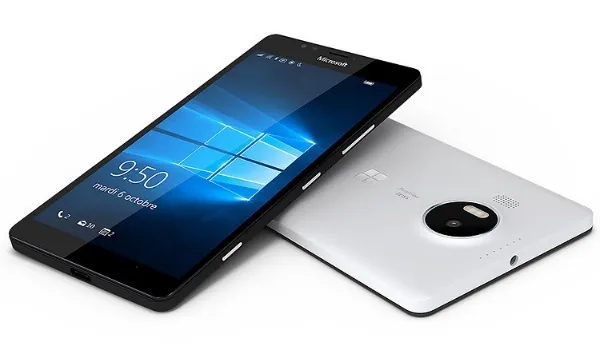
When the co-founder of a company moves to using a competitor’s product, it is news. But really? Why should Gates use a Windows phone? All the latest and coolest apps are not available for Windows Mobile. Instead, they are available on Android OS and iOS.
“Chairman Gates (that has a nice ring to it; doesn’t it) has abandoned the ship. he is a traitor!”, some Windows Mobile fans will say. I disagree. Microsoft has been telling us for years now that you are better off on Android. They started making their apps available on Android. See: Microsoft apps on Android from 2015. Then, the company released a tool that any developer could use to create apps for Android, iOS and Windows . See the trend?
Microsoft’s current CEO, Satya Nadella, has not hidden his position that Microsoft is better off with its apps and services being available and used on competing platforms. Nadella was not a fan of the Nokia Mobile division acquisition. The project failed anyway and he has been vindicated. Now, as long as you use Microsoft services, he is good. He doesn’t care in whose house you use them. That is the official policy at Microsoft now. The platform does not matter to Microsoft any more.
Since when?
Let’s just say since 2015. Check the timeline. That was when Microsoft went full drive with making their apps available for Android OS and iOS (and better than what existed on Windows Phone too). That was when Microsoft Mobile division was scaled back. The last Lumia, Lumia 650 , was launched in early 2016, meaning the company likely already had decided to halt the Lumia line back in 2015.
Let me rephrase this article’s title. Microsoft says you shouldn’t use Windows Phone. That’s it. Go get yourself an Android smartphone, or if you care to be locked in to Apple, get an iPhone. Not a lot of people in the world will be as hung up on the photography capabilities of the Lumia 950 and 950 XL as some of us are .
I am a lover of Windows Phone though and will keep my beloved Lumia 950 till it dies or I die . It is love, after all. In the 1989 rap lyrics of Heavy D, “ They also say that love is blind. It ain’t that blind that I can’t see “. Enjoy the video:
- Don’t miss our reviews .
- Follow our news on Google News .
- Join our WhatsApp Group , to be notified of the most important articles and deals,
- Follow us on Instagram , Facebook , Twitter , and YouTube .
Author:Mister Mobility
Digital Skills and Communication Coach | Mobile Phone Connoisseur since 2001 | Tech Blogging since 2004
