Add MobilityArena as a preferred source on Google
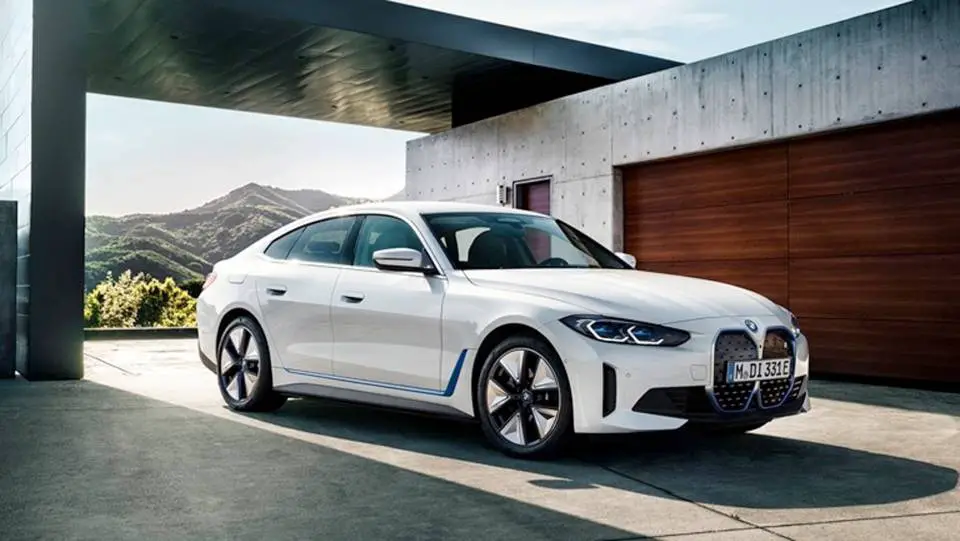
The BMW i4 eDrive35 is a remarkable electric vehicle that combines performance , luxury, and cutting-edge technology. Among its standout features is the Heads-Up Display (HUD), which projects vital driving information directly onto the windshield for easy visibility. While this feature enhances convenience and safety, some users have reported visibility issues that can detract from their overall driving experience. These challenges can arise from various factors, such as lighting conditions and the use of polarized sunglasses. By addressing these issues effectively, you can maximize the benefits of this innovative technology and enjoy a safer, more informed drive. Explore with me the common visibility challenges associated with the HUD in the BMW i4 eDrive35 and provide practical solutions to ensure a clearer and more enjoyable driving experience on every journey.

- Common Visibility Issues with the Heads-Up Display Polarized Sunglasses Interference Brightness Levels Reflection and Glare Positioning of the HUD
- Conclusion
Common Visibility Issues with the Heads-Up Display
Polarized Sunglasses Interference

Many drivers who wear polarized sunglasses report significant visibility problems with the HUD of the i4 eDrive35. The polarized lenses can create a glare that makes the display difficult to see, particularly when sunlight hits the windshield at certain angles. In cases as such, I recommend you adjust sunglasses, simply do the following:
- Switch to Non-Polarized Lenses: If you frequently wear polarized sunglasses, consider switching to non-polarized options while driving. This simple change can significantly improve visibility of the HUD.
- Experiment with Angles: If you prefer polarized lenses, try adjusting their angle while wearing them. Sometimes tilting your head or rotating the glasses can reduce glare from the HUD.
Brightness Levels
Users have noted that the HUD of the i4 eDrive35 can appear dim, especially in bright daylight conditions. This can make it challenging to read important information while driving. Adjusting the brightness level will give you a better experience. Simply follow these steps:
- Increase HUD Brightness: Access your vehicle’s settings to increase the brightness of the HUD. This can usually be done through the infotainment system under display settings.
- Use Night Mode: If driving at night or in low-light conditions, switch to night mode if available. This setting often enhances contrast and readability.
Reflection and Glare
The HUD of the i4 eDrive35 relies on reflections to project information onto the windshield, which can sometimes result in unwanted glare or reflections from other light sources, further obscuring visibility. I recommend that you minimize glare and reflections, here is how to:
- Clean Windshield Regularly: Ensure that your windshield is clean and free from smudges or dirt, which can exacerbate glare issues.
- Adjust Seat Position: Experiment with your seat height and angle to find a position that minimizes reflections from other light sources while maximizing visibility of the HUD.
Positioning of the HUD

The positioning of the HUD may not be optimal for all drivers, leading to awkward viewing angles that can hinder clarity. Follow these steps below to get this resolved:
- Customize Display Settings: Check if your BMW i4 eDrive35 allows you to adjust the position of the HUD display on your windshield. Many vehicles offer customization options for height and angle.
- Consult Your Manual: Refer to your owner’s manual for specific instructions on adjusting HUD settings tailored to your preferences.
Conclusion
While visibility issues with the Heads-Up Display in the BMW i4 eDrive35 can be frustrating, understanding these challenges and implementing practical solutions can significantly enhance your driving experience. By adjusting sunglasses, managing brightness levels, minimizing glare, and optimizing HUD positioning, you can ensure that vital information remains clear and accessible while on the road. Embrace these strategies as opportunities to improve not only your comfort but also your safety while driving this exceptional electric vehicle. With a little effort and attention to detail, you’ll find that the BMW i4 eDrive35 provides an unparalleled driving experience
Author:Ifeoluwa Adeleke
Add MobilityArena as a preferred source on Google
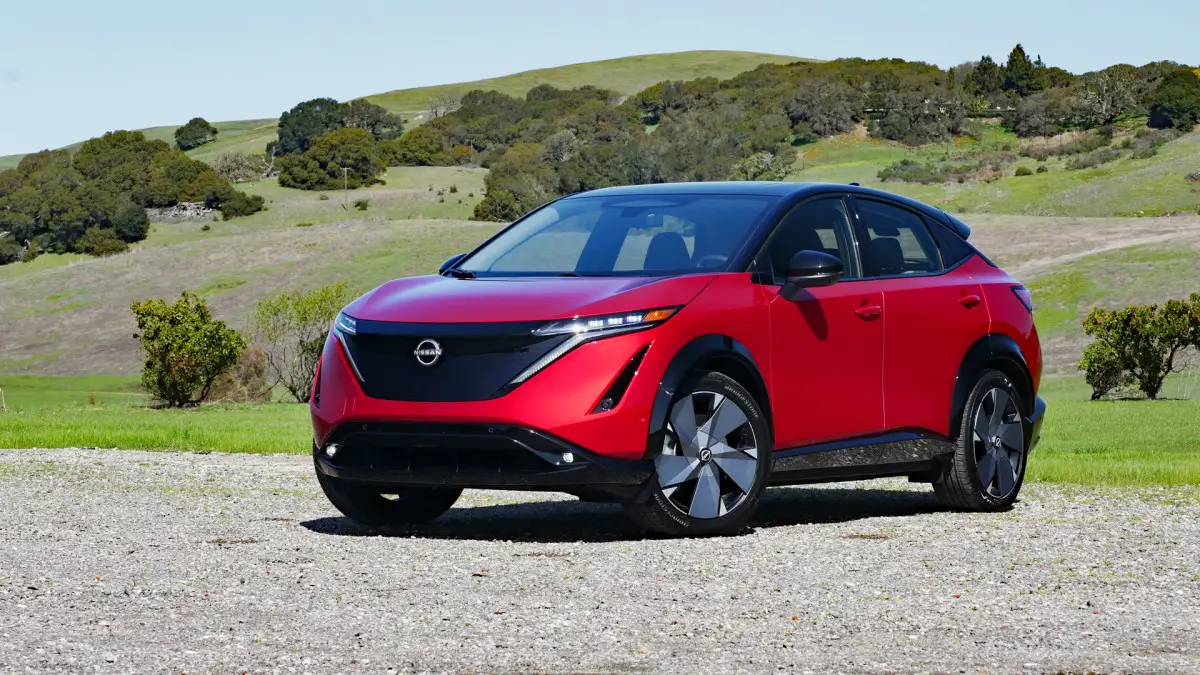
The Nissan Ariya is an innovative electric vehicle (EV) that combines cutting-edge technology with comfort and style. One of the standout features of the Ariya is its advanced air conditioning system, designed to provide a refreshing driving experience regardless of external weather conditions. However, some users may encounter challenges when navigating the air conditioning controls, especially in varying climates or while using additional features. The air conditioning unit is strategically designed to maximize efficiency and effectiveness, ensuring that you remain comfortable during your journey. Understanding how to utilize its various settings can greatly improve your experience, especially when adjusting to different temperatures or humidity levels. Additionally, we will address common user concerns regarding performance and ease of use, providing tips to help you make the most out of this impressive feature. By the end of this article, you’ll be equipped with the knowledge to optimize your air conditioning system for a more enjoyable ride in your Nissan Ariya.
- Key Features of the Air Conditioning System Touchscreen Controls Automatic Climate Control Airflow Modes Recirculation Mode Climate Control Timer
- Common Challenges with Air Conditioning Controls
- Practical Solutions for Enhanced Comfort Familiarize Yourself with Controls Use Automatic Climate Control Wisely Utilize Airflow Modes Effectively Monitor Battery Usage Regular Maintenance Checks
- Conclusion
Key Features of the Air Conditioning System

Touchscreen Controls
The Nissan Ariya features a user-friendly touchscreen interface that allows drivers to easily adjust climate settings. By tapping on the climate control icon, you can access various settings, including temperature control, fan speed, and airflow direction.
Automatic Climate Control
The automatic climate control feature allows the system to maintain your desired cabin temperature. Once set, it automatically regulates fan speed and airflow based on current conditions, ensuring a consistently comfortable environment.
Airflow Modes
The air conditioning system offers multiple airflow modes, allowing you to choose where air is directed within the cabin. You can select options such as defrosting windows or focusing airflow on the driver and passenger seats.
Recirculation Mode
This mode helps improve cooling efficiency by recirculating interior air instead of drawing in outside air. While effective, it’s important to use this mode judiciously to prevent stale air buildup.
Climate Control Timer
The Nissan Ariya includes a climate control timer feature that allows you to precondition your vehicle’s interior while it’s still charging. This ensures a comfortable cabin temperature before you even start driving.
Common Challenges with Air Conditioning Controls

While the air conditioning system in the Nissan Ariya is designed for ease of use, some users have reported experiences such as:
- Difficulty Adjusting Temperature Settings
- Inconsistent Cooling Performance
- Confusion Over Airflow Modes
- Battery Drain Concerns.
Practical Solutions for Enhanced Comfort

Familiarize Yourself with Controls
- Spend some time getting acquainted with the touchscreen controls and their functions while parked.
- Refer to your owner’s manual for detailed explanations of each feature and setting.
Use Automatic Climate Control Wisely
- Set your desired temperature and allow the automatic climate control to manage fan speed and airflow.
- If you notice inconsistent cooling, check if any vents are blocked or if recirculation mode is activated unnecessarily.
Utilize Airflow Modes Effectively
- For optimal comfort during winter months, use defrost mode to keep windows clear.
- In summer, focus airflow on passengers using dedicated settings for a more enjoyable ride.
Monitor Battery Usage
- When using climate control while parked, be mindful of battery levels.
- The Nissan Ariya’s climate control timer can help precondition your vehicle without significantly impacting battery life.
Regular Maintenance Checks
- Ensure that your air conditioning system is regularly serviced to maintain its efficiency.
- Check for any obstructions in vents or filters that may hinder performance.
Conclusion
The air conditioning controls in the Nissan Ariya EV are designed to provide an exceptional level of comfort and convenience for drivers and passengers alike. By familiarizing yourself with these features and implementing practical solutions, you can enhance your overall driving experience. Embrace these strategies as opportunities to optimize your comfort while enjoying all that this innovative electric vehicle has to offer. With a little attention and care, you’ll find that navigating the air conditioning system in your Nissan Ariya becomes second nature, allowing you to focus on what truly matters—enjoying the journey ahead!
