Add MobilityArena as a preferred source on Google
Efficient management is the foundation of every well-functioning company in the telecom industry. What makes a reliable business support system? What features and integrations should it include?
Today, it’s hard to find a telecom company that functions without BSSs (Business Support Systems). Together with the OSS (Operations Support Systems), they constitute a complementary system that covers all the areas of the company’s functioning. What does it mean in practice? Is it necessary for the telecommunications service providers to develop your custom business support systems, or it’s enough to rely on the existing platforms?

- The business support system in a nutshell
- Custom or off-the-shelf business support systems?
The business support system in a nutshell
Business support systems are responsible for handling four types of processes: customer management, revenue management, product management, and order management . As particular components, they may serve different purposes, like processing orders, prospecting, or solving customer issues. Based on Comarch’s offer, these components may include:
- application integration framework
- convergent billing system
- product catalog
- customer order management
- digital self-service
- CRM for telecoms
- BSS Mediation
BSS may cover both B2B and B2C-related processes, increasing their efficiency, making them more cost-effective, boosting customer satisfaction, improving customer relationship management, fault management and service assurance, reducing the number of errors, and much more.
Custom or off-the-shelf business support systems?
Business support systems play such a crucial role in optimizing business processes in the telecom industry that they should meet your needs 100%. That doesn’t mean that you need to create new solutions from scratch. Reaching out to reliable, experienced providers, you can pick various modules in different configurations and customize them by choosing the functionalities and integrations.
An extensive number of features that are not necessarily useful may have a negative impact on the telecom business process, so it’s better to limit them to the essential ones. Reliable providers offer solutions modular by design so that you can have maximum control over their shape. You should be able to introduce third-party integrations, too. Note, however, that the more third parties you engage, the less efficient the systems may be when cooperating together.
The choice of BSS telecom systems and their structure depends on the size and specifics of the telecom network and many other variables. Aside from offering advanced customization, a flexible provider should offer you an option to choose between on-premise and SaaS solutions for BSS in telecom . In some cases, on-premise variant might be a safer choice due to security requirements.
Author:Content Partner
Add MobilityArena as a preferred source on Google
Square is a financial services company that let’s businesses accept both card payments and contactless payments via a POS terminal. Beyond that, as a business taking payments, Square for mobile phone allows you to manage your payments and records from your smartphone too.
Square for mobile phone exists as two separate apps – the a Point of Sale app and a Dashboard app . Together, they are a full suite of useful business tools. These apps are available only for Android and iOS at this time. There are no apps for other platforms yet.
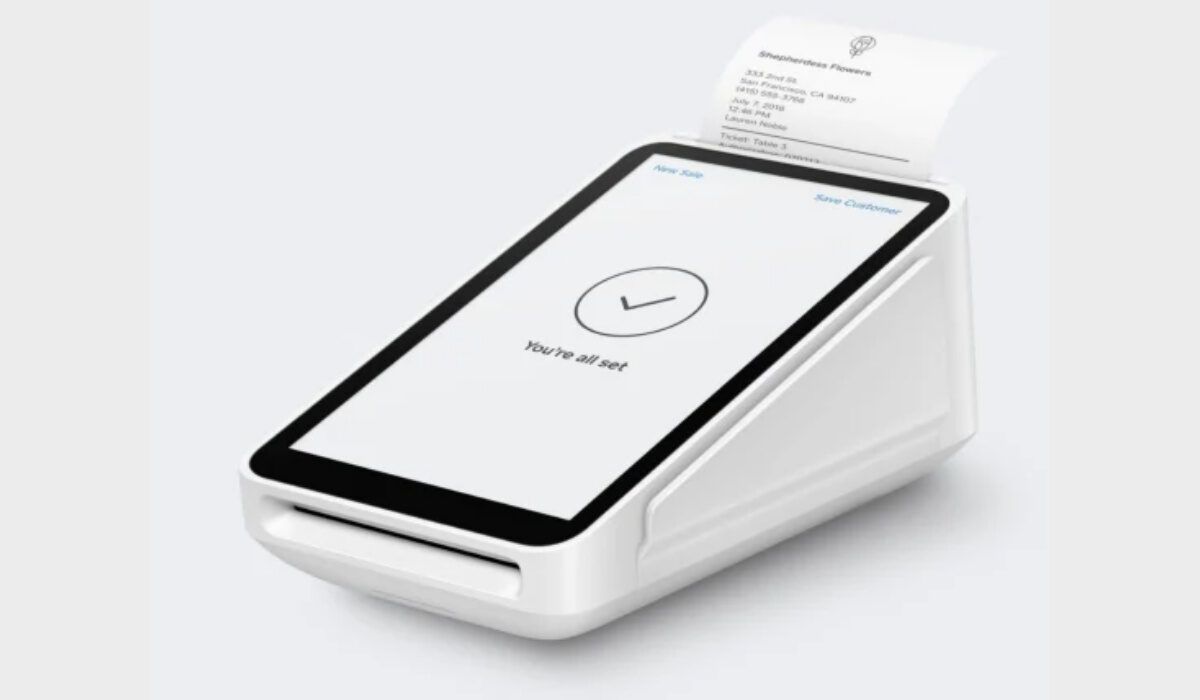
Square POS terminal
- How does Square work?
- Square for mobile phone: the Point of Sale app
- Square for mobile phone: the Dashboard app
- How do I download the Square for mobile phone apps on my iPhone or iPad?
- How do I put the Square for mobile phone apps on my Android cell phone?
- Download the Square for mobile phone apps
How does Square work?
Square lets vendors, service providers, and all sorts of businnesses accept Contactless and Remote Credit Card Payments via a Point of Sale terminal.
The Square Terminal works as a standalone payment-and-POS terminal with software and receipt printer built in. It accepts mobile wallets, chip (EMV), magstripe and contactless ( NFC ) cards, and you can key in card details manually.
Apart from credit cards, Square accepts debit, corporate, prepaid and rewards cards – even HSA, FSA, government and military cards. It is a versatile platform that makes it easy for any kind of business to setup and go.
And the beauty is that all of a business’ invoicing, payments, records and analytics can be done on a mobile device. Let’s have a look at how this works.
Square for mobile phone: the Point of Sale app
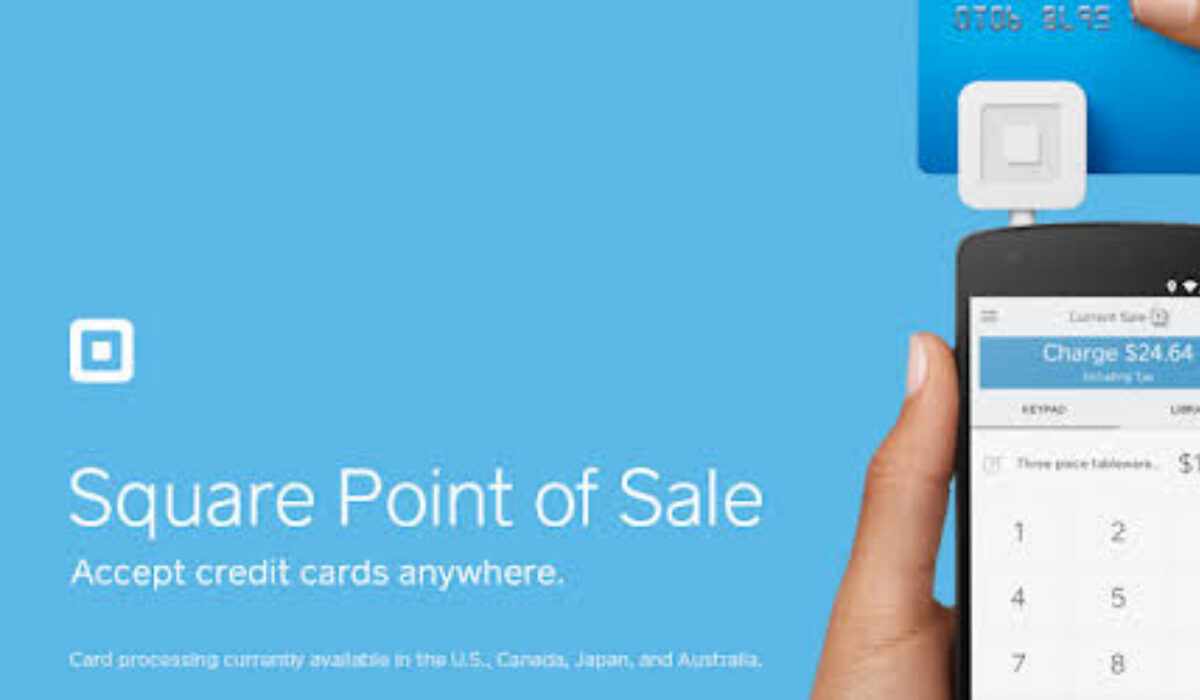
Square Point of Sale app works seamlessly with a Square Reader for contactless and chip to allow customers to pay touch free using payment links, QR codes, Apple Pay, and EMV chip cards. You can pretty much run and manage your payments from anywhere without a need for a desktop or laptop PC.
The app also let’s you create, send, and track invoices directly from the convenience of your smartphone. Customers can immediately pay online, remotely, with a credit or debit card. It offers the convenience of not needing to get to a laptop to issue an invoice.
You can also connect your Point of Sale app to a free Square Online Store to accept orders for pickup and delivery.
The Point Of Sale app is free to download and is available for devices running Android 4 and later, and iOS 12 and later.
Square for mobile phone: the Dashboard app
The Square Dashboard app works seamlessly with the Square Point of Sale app to give you an overview and details of your transaction details. You are able to view sales information in really time too.
Other features of the app include:
- Record cash, gift cards, and other forms of tender
- Customize your POS with photos, names, and variations
- Send receipts via email or text message
- Apply discounts and issue refunds
- Track inventory in real time
- Connect to a receipt printer, kitchen ticket printer, barcode scanner, and cash drawer
Like the Point Of Sale app, the Dashboard app is also available for download free, and supports devices running Android 4 and later, and iOS 12 and later.
How do I download the Square for mobile phone apps on my iPhone or iPad?
- Tap the App Store icon on your iPhone, iPad, or iPod.Tap the search icon in the navigation bar > search for Square Point of Sale or Square Dashboard for POS .Tap Get next to the Square app icon > tap Install > enter your Apple ID password or Touch ID.
- Once downloaded, tap Open or tap the Square icon in your Home Screen to open.
How do I put the Square for mobile phone apps on my Android cell phone?
- Tap the Google Play icon on your Android device.
- Tap the search field or icon > search for Square Point of Sale .
- Tap the result Square Point of Sale > Install > follow the onscreen instructions to complete the download.
Once you have successfully downloaded and installed the app on your iPhone or Android smartphone, you can sign in to begin accepting payments and sending invoices. Alternatively, you can use the direct download links below to install the Square for mobile phone apps.
