Add MobilityArena as a preferred source on Google
iPhone facial recognition camera, aka Face ID, is built into certain Apple iPhone models to provide secure unlocking of the device. For Face ID to work, it requires you to point the camera at your face. If the face is identified as matching the stored data, the phone is unlocked.
However, beyond working as a tool for security, you also want to know if this can be used to spy against you. After all, anything that can be used to recognise you is potentially a dangerous tool; right?
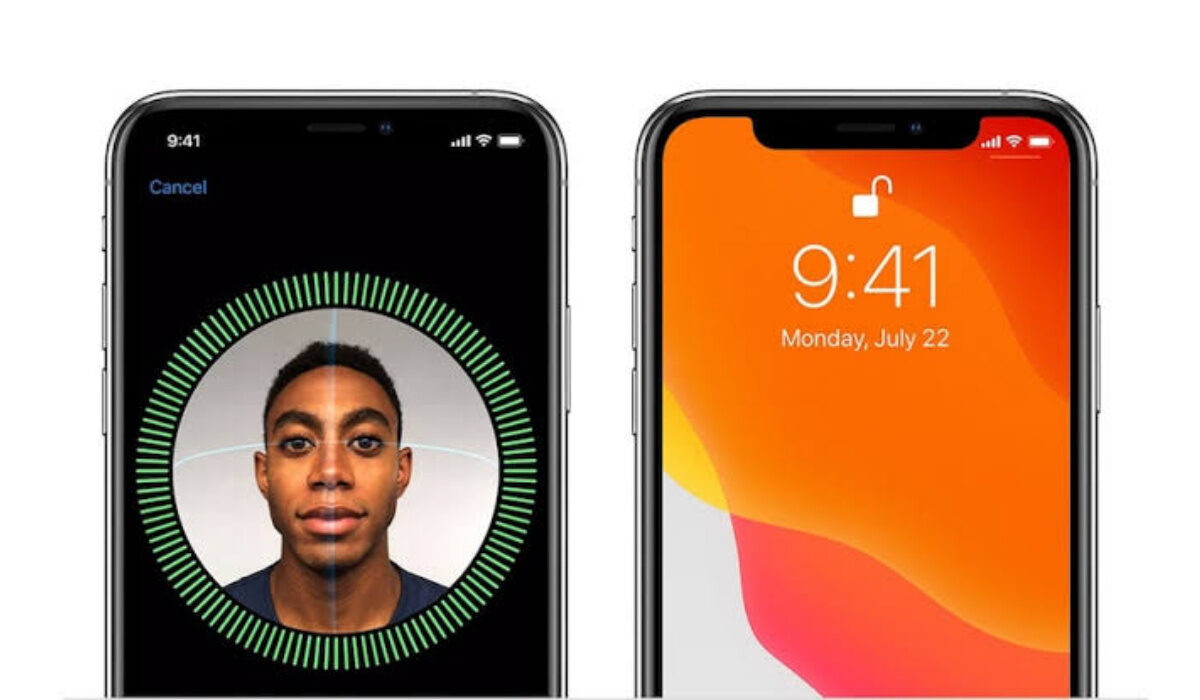
How secure is the Apple iPhone facial recognition camera system – Face ID?
The world got the first taste of the iPhone facial recognition camera in 2017 with the launch of the iPhone X . Apple says it uses 30,000 points of reference to map out a user’s face. Pretty cool, futuristic stuff.
Facial recognition has been studied and experimented with as a means of tracking and surveillance for years. while the technology is relatively new to smartphones, it has existed outside of the smartphone world.
Police departments and higher level government security agencies have been using facial recognition scans to identity wanted persons. Now, with the iPhone facial recognition camera, individuals are actually carrying around a device that can potentially do the same.
Apple assures users that the facial ID data that your iPhone collects is secure and not accessible by anyone, Apple staff included. But there is the question of what Apple would do should the government, for example, issue an order requesting them to scan for certain profiles or targets.
Well, they can’t comply with such an order, because the iPhone facial recognition data is not stored on Apple’s servers or any other server. It is stored on the phone itself. Apple does not have access to it. And it is completely encrypted as well.
For anyone to spy on you with the iPhone facial recognition camera system, they would first have to steal your iPhone and hack it, then find a way to decrypt the information. Errrr….that’s not a very elegant procedure. Unless you have access to nuclear launch codes, no-one is going to go to those lengths to access that data.
Of course, the government already has the capacity to track you via your iPhone and other mobile devices by accessing the regular camera remotely, so they do not really need the iPhone facial recognition camera system for this.
How safe is the iPhone facial recognition camera?
In summary, Face ID is quite secure and safe to use. There is little chance that it can be used to spy against you, so you shouldn’t get worried about having a phone with a facial recognition camera. If government wanted to track you via your phone, chances are that they are already doing it, Face ID or not.
If you want to buy an Apple iPhone X or other device that supports Face ID but are concerned about the facial recognition camera, don’t worry your head. Go ahead and enjoy your new phone.
iPhone and iPad models that have facial recognition camera
The iPhone X is not the only Apple product with Face ID. The following iPhones and iPads all have the iPhone facial recognition camera system and so support Face ID.
- iPhone 12 Pro Max
- iPhone 12 Pro
- iPhone 12 mini
- iPhone 12
- iPhone 11 Pro Max
- iPhone 11 Pro
- iPhone 11
- iPhone XS Max
- iPhone XS
- iPhone XR
- iPhone X
- iPad Pro 12.9-inch (4th generation)
- iPad Pro 12.9-inch (3rd generation)
- iPad Pro 11-inch (2nd generation)
- iPad Pro 11-inch
Author:Mister Mobility
Digital Skills and Communication Coach | Mobile Phone Connoisseur since 2001 | Tech Blogging since 2004
Add MobilityArena as a preferred source on Google
As someone who has been a digital entrepreneur all my adult life, emails are the lifeblood of my work. The ability to get, read, and respond to mails is so core to my work that I am constantly looking for ways to manage my emails more effectively. Which is why, you can imagine, that being able to read emails on a smartwatch is important to me.
I get lots of useless mails, though, and so would like to be able to see exactly what a mail is about before I pick up my phone or grab my laptop. That way, I can save myself some time and trouble. I am not particular about being able to reply to emails from a smartwatch, because that tiny screen is just a pain for such activity. I am aware that replies can be done via voice, but that is a conversation for another day.
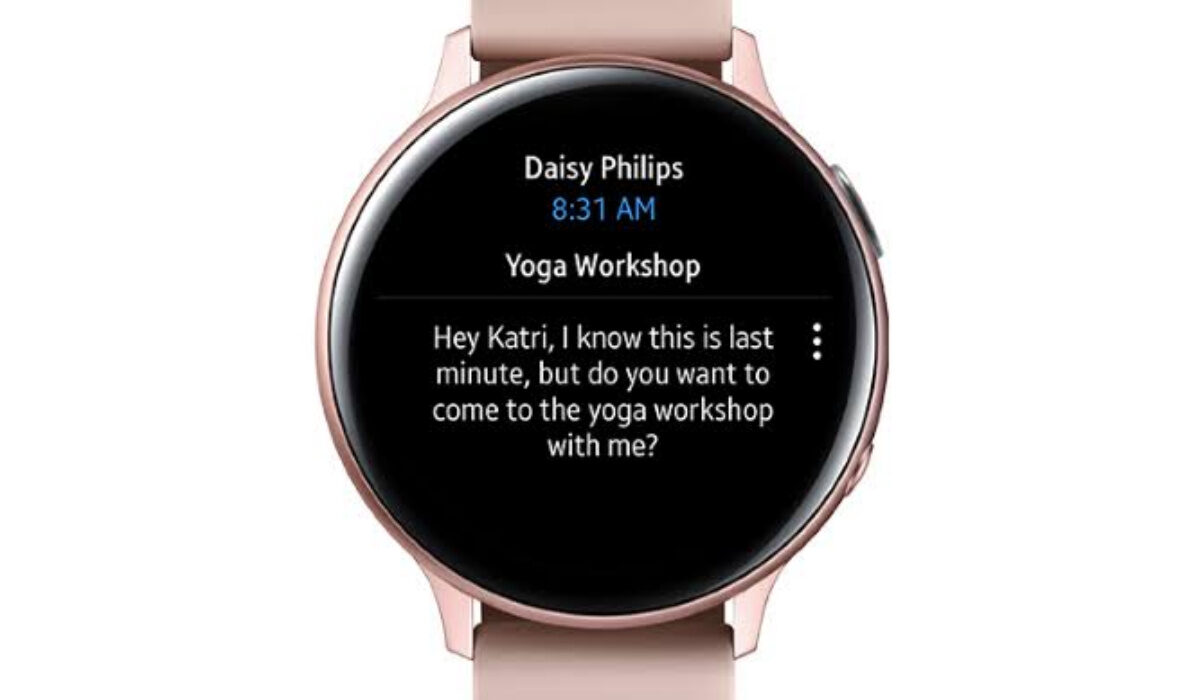
Can you read emails on a smartwatch?
- Can you read emails on a smartwatch?
- Smartwatches you can read email on
- How to setup email for supported Samsung watches
- How to read your email on your Samsung Watch
- Can you read emails on your Apple Watch?
Can you read emails on a smartwatch?
While it is not a popular functionality on smartwatches yet, there are some models that provide the ability to read your e-mails without picking up your smartphone. Most current wearable devices allow you to only see email notifications. You cannot read or reply to your mails on them.
I have owned the Oraimo Tempo C Waterproof Smart Fitband, as well as the Oraimo Tempo-S, and both of them only allow the user to see email notifications. The notifications do not even display the subject line of the mails, which would have been adequate for me. If the notifications included the subject line, I would be able to figure out whether a mail was important or not. Alas, they do not. It is such a limiting thing.
Below, I highlight a few smartwatch models that let you read your emails without picking up your phone or laptop.
Smartwatches you can read email on
If you want the functionality to read emails on a smartwatch, these are the brands and models you should be looking at: Samsung, Amazfit, Apple. Some of the models that already allow you to read and even reply to your mails include:
- Amazfit Bip
- Amazfit GTR
- Samsung Gear S
- Samsung Gear S3
- Samsung Galaxy Watch Active2
- Apple Watch
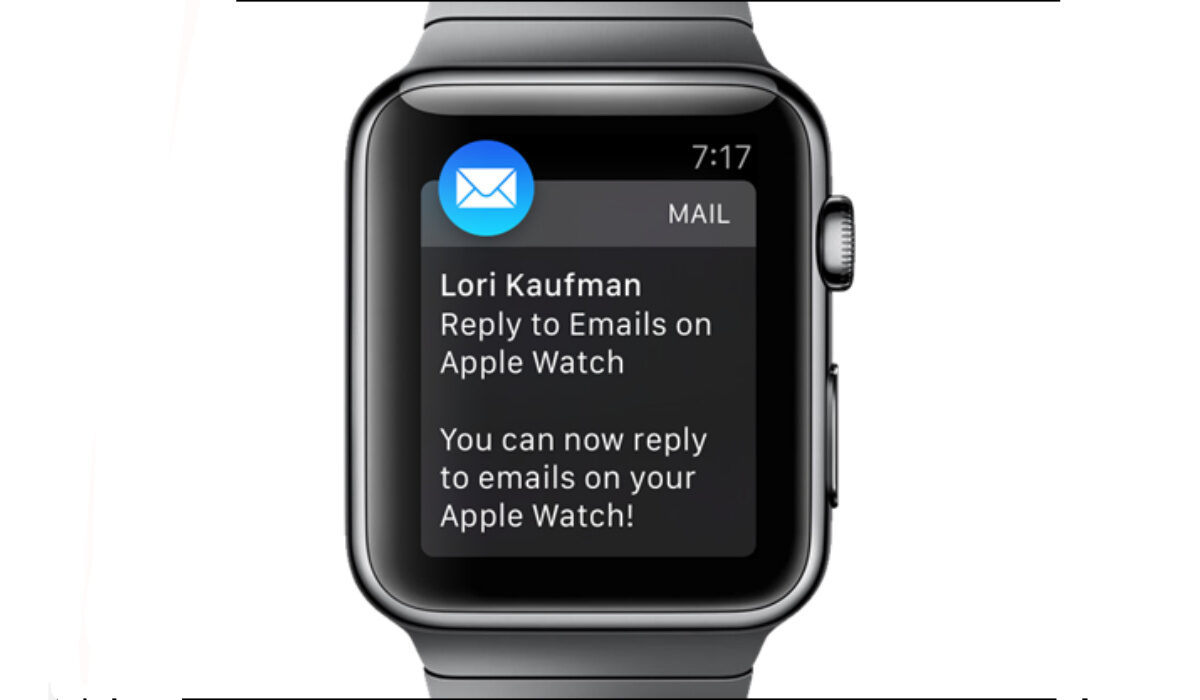
With any of these smartwatches, you can reply to, delete, or access emails conveniently from your wrist.
Note that for Samsung watches, this full email functionality is only available if your watch is connected to a Samsung smartphone. It works via the Galaxy Wearable app. It works for Gmail, as well as Microsoft Outlook.
At the time of typing this, as already alluded to earlier, Oraimo smartwatches do not have the functionality to read emails. You can get email notifications, and that’s it.
How to setup email for supported Samsung watches
- On your smartphone, tap the Galaxy Wearable app .
- Tap Apps .
- Tap the Email Settings icon then do one of the following: If no email account has been linked, tap Email accounts . If an email account has previously been linked, tap Add account .
- If prompted, tap Allow for applicable permissions.
- Complete all remaining steps to add the account (e.g., enter the email address, password, etc.) then tap Sign in (lower-right).
You will now be able to read emails on your Samsung watch.
How to read your email on your Samsung Watch
- From the Watch screen, press the Home button to go to the Apps screen.
- Tap Email .
- Tap an email to open the email screen.
- Tap the More options icon for additional options: Reply: Compose a reply email from your Gear . Star: Mark the email as a Favorite. Show on phone: View the email on your smartphone.
Can you read emails on your Apple Watch?
You can also read and reply emails on your Apple Watch. This feature has been available since WatchOS 2. Of course, it is only available when your Apple Watch is paired with an iPhone. When you receive an email notification, tap on it to open the mail to read it.
Over time, more wearable manufacturers will add the ability to read emails on their smartwatches and fit bands. It is a convenient tool that makes life easier for users.
Author:Mister Mobility
Digital Skills and Communication Coach | Mobile Phone Connoisseur since 2001 | Tech Blogging since 2004
