Add MobilityArena as a preferred source on Google
“Cell phone” is short for “cellular phone”, and I will get to the reason why it is called that shortly. In most other places in the world, the common terminology is mobile phone. But in the United States, this connected mobile device is known differently – as a cell phone. But is it written as cellphone or cell phone?
In most other places in the world, this device that allows users to make and receive calls (and later, send and receive messages, and access the internet wirelessly) is called a mobile phone. There are some other names that are not quite common by which it is called. They include: handset, handphone, and handy phone, among others, but mobile phone is the most common term by which it is called globally. Why is it known differently in the land of the free?

Cellphone or Cell Phone is derived from the concept of a network of cells similar to the structure of a honeycomb.
- Historical Background
- Cellphone or Cell phone? One Word or Two?
- Cellular
- What is the difference between cellphone and cell phone?
- Is an iPhone a smartphone or cell phone?
- Do you write it cellphone or cell phone?
Historical Background
Mobile phone networks first appeared in the mid-20th century. Mobile phone networks are built on the concept of cells, with an entire network made up of connected cells. As a layman, think of it like a honeycomb to get a good picture of it.
The term “cellphone” has its roots in the word “cellular,” which was first used in 1753 to describe something consisting of or resembling cells. In 1947, two Bell Lab engineers named Douglas H. Ring and W. Rae Young proposed a network composed of hexagonal cells to allow mobile phones in cars to operate from one spot to another seamlessly, adding a new technological meaning to the word “cellular”.
This cellular network consisted of network towers or cell towers. Each tower was the centre of each cell, and each cell was linked to adjacent ones, just like the cells in a honeycomb. This remains the practice, the fundamental way that carriers and mobile networks operate, till date. And so, Americans began to call mobile devices cell phones.
An important thing to note is that “Cell phone” is short for “cellular phone”, which distinguishes it from other types of mobile phones, such as satellite phones. Satellite phones do not use a terrestrial network of towers for wireless communications. Rather, as the name suggests, they connect via wireless transmission from networks of satellites hovering in low orbit above the earth.
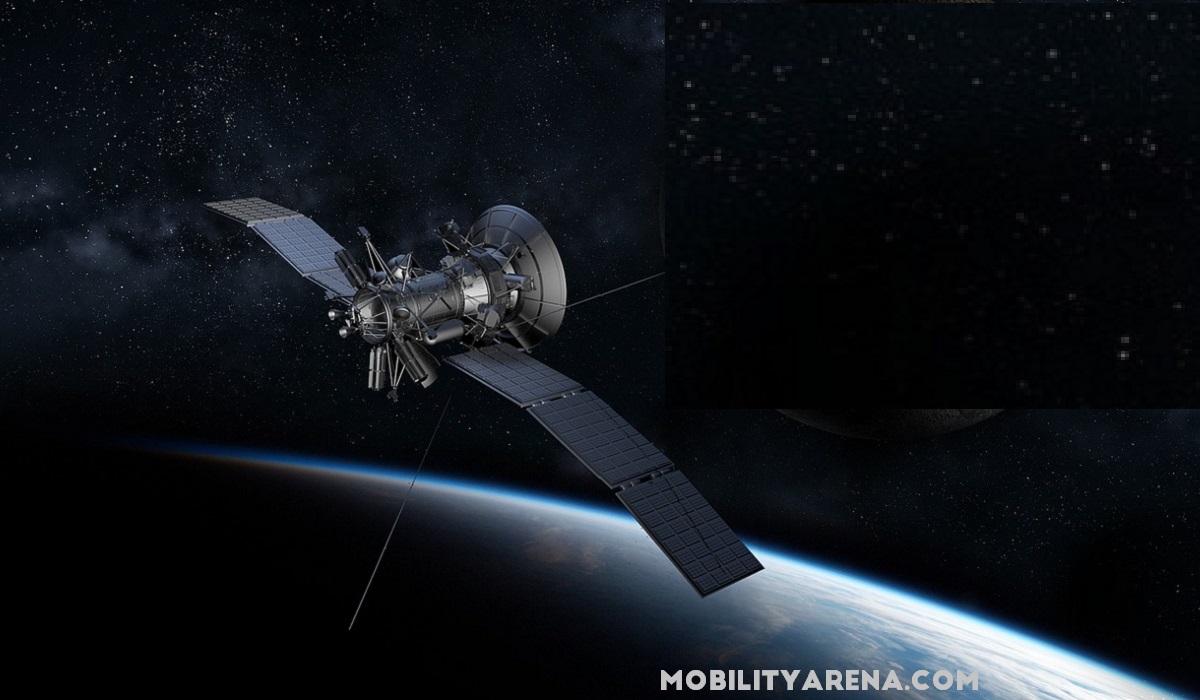
A satellite phone uses beams form satellites in space.
Cellphone or Cell phone? One Word or Two?
The more common term in use in North America is “cell phone”. This is how most Americans and Canadians write it. However, some have been known to write it as cellphone. I doubt that anyone gets marked down for writing it as either cellphone or cell phone.
For example, from time to time, I see articles in which the word smartphone is written as two words – smart phone. It irks me, to be honest. But I doubt that there is any committee of scholars giving out grades for how the word is written. I write it as smartphone all the time, because that is the widely accepted way to write it.
I have mentioned that “cell phone” is more common in American and Canadian English. The variant, “cellphone”, is sometimes used in British English, though the British more commonly refer to it as a mobile phone.
Language usage keeps evolving, and compound words or phrases have often become hyphenated or written as separate words, reflecting changing conventions in language and communication. This phenomenon is not unique to the question of whether it should be written as cellphone or cell phone. It is part of the broader evolution of language and the influence of regional and cultural factors.
Cellular
The word “Cellular” is derived from the cellular network structure used in mobile telephony, where the service area is divided into small geographical cells served by individual base stations. This term gained popularity in the United States and became widely accepted.
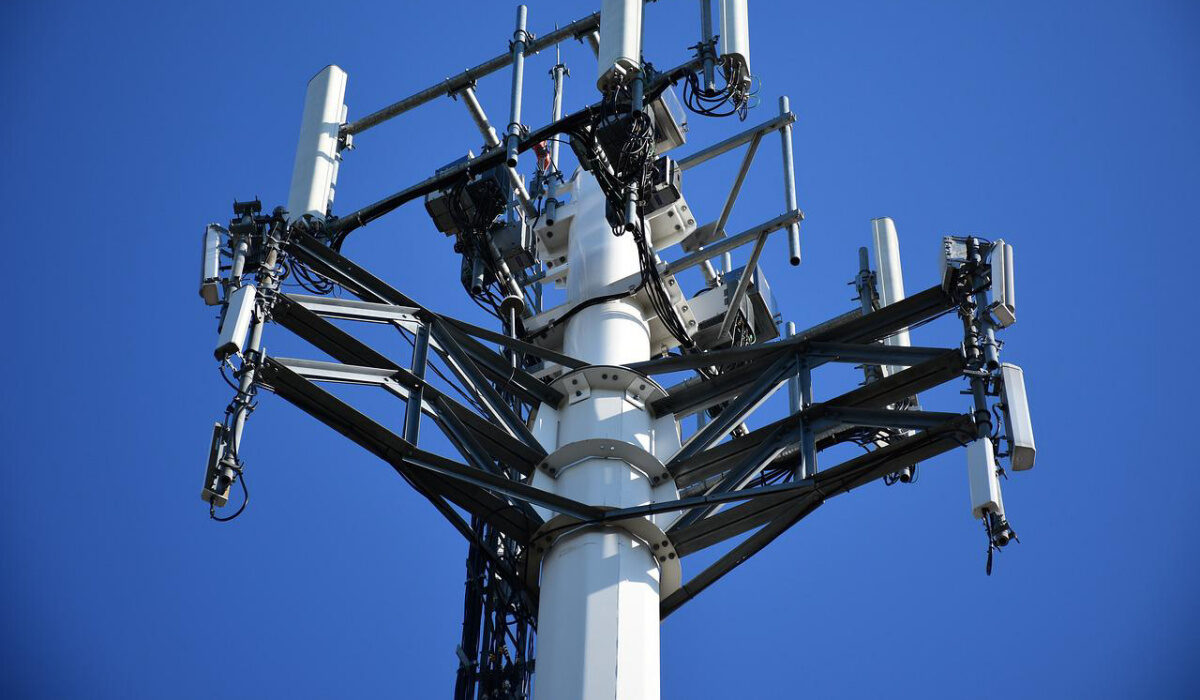
A cellphone or cell phone uses a connected network of terrestrial towers.
What is the difference between cellphone and cell phone?
Nothing. It is a question of language. The terms “cellphone” and “cell phone” are two ways of writing the same word, which refers to a device that allows users to make and receive calls, send and receive messages, and access the internet wirelessly. Whether you write it as cellphone or cell phone is most likely dependent on your location and exposure. If you have been more exposed to American English, you likely write it as cell phone. If British, then cellphone (though more likely, mobile phone). If you did not grow up with exposure to either, I imagine that you have picked whichever caught your fancy. You probably never gave a thought to it.
So, either cellphone or cell phone is correct. It depends entirely on personal preference which one you prefer to use. The widely accepted term in North America is cell phone (two words). I recommend that you write it that way, too. If you do choose instead to write it as cellphone, nobody is likely to wonder what you are referring to, I am sure. Everyone knows what you are talking about. Before I wrap this up, I want to answer a question that I have been asked too often.
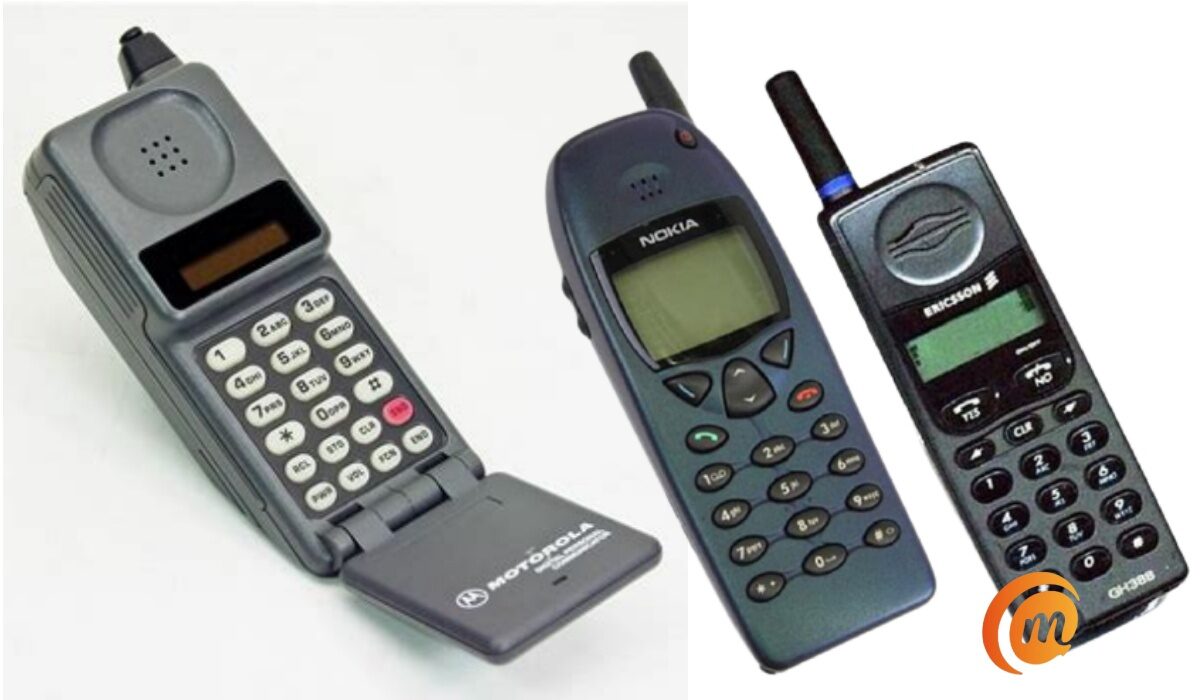
Some early cell phones.
Is an iPhone a smartphone or cell phone?
A smartphone is an advanced type of cell phone or mobile phone. A dumb phone is another type of cell phone. A feature phone is yet another type of cell phone. And of recent, a new category of cell phone has been introduced; a smart feature phone. An example is the Alcatel Go Flip 3 , running KaiOS.
To answer the question, an iPhone is a smartphone, which is an advanced type of cell phone.
Do you write it cellphone or cell phone?
Having clarified on the subject, I am curious and would like to know how you write it – cellphone or cell phone? And if you are from somewhere else in the world where mobile devices have another name, I’d like to hear from you. What is it called in your neck of the woods? Talk to me.
Author:Mister Mobility
Digital Skills and Communication Coach | Mobile Phone Connoisseur since 2001 | Tech Blogging since 2004
Add MobilityArena as a preferred source on Google
The automatic time and date setting on Android devices is a useful function. Even if you get a brand new phone, there’d be no need to stress about changing the time. However, this Android clock is sometimes inaccurate by a few minutes or, in rare instances, a whole hour.
In this article, I’ll explain how to fix Android showing the wrong time. No one wants to get into trouble just because you read the time wrong. So learn what you need to do to fix Android showing the wrong time to avoid missed appointments.
- How Do You Fix Android Showing the Wrong Time? Deactivate and Reactivate the Automatic Date Settings Restart your Phone Disable the Automatic Time and Date Settings Check Your Daylight Savings Setting Wait for the Time Difference to Resolve Update Your Operating System Perform a Hard Reset
How Do You Fix Android Showing the Wrong Time?
If your Android displays the wrong time, you may miss crucial appointments. Some apps could experience issues connecting to their servers and unusual errors if your Android’s clock is inaccurate. Here are some tips to fix Android showing the wrong time so that you can avoid scheduling errors.
Deactivate and Reactivate the Automatic Date Settings
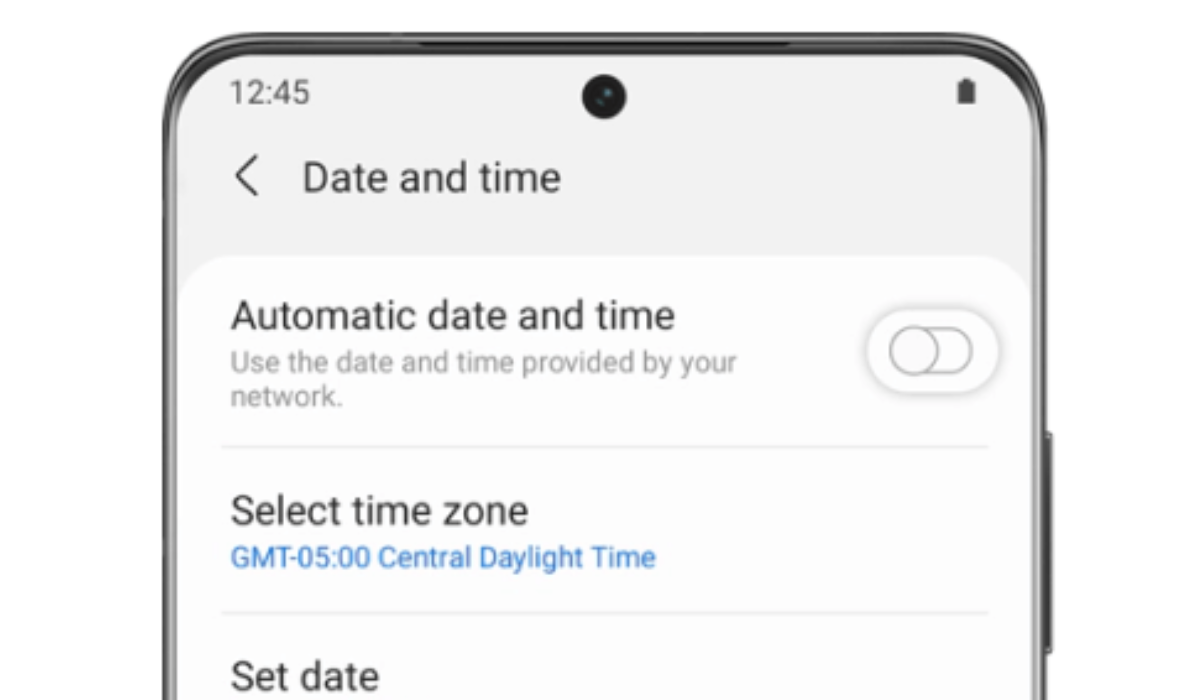
The first port of call to fix Android showing the wrong time is to disable and re-enable the Automatic date and time button in Settings > General management or System > Date and time . These options may differ significantly depending on your device. In most cases, this procedure will reset your clock to the correct time and fix Android showing the wrong time.
Restart your Phone
Any temporary glitch impairing your phone’s functionality can be resolved by restarting it. So, if disabling and reenabling the automatic date and time setting doesn’t help to fix Android showing the wrong time, try this alternative.
Disable the Automatic Time and Date Settings
Another way to fix Android showing the wrong time is to turn off automatic date and time by going to Settings > General Management or System > Date and time . Afterward, set the time manually for whatever you need. When setting the time in this manner, make sure your phone is set to the correct time zone as well, navigate to Settings > General management or System > Date and time , click the Select time zone option, and choose the appropriate time zone.
The best strategy to fix Android showing the wrong time is this option, especially if you typically experience your phone showing the wrong time during a specific period. But keep in mind that each time you enter a new time zone, you will need to set the time and date manually again.
Check Your Daylight Savings Setting
If your device’s time difference is exactly one hour, you might be using the incorrect daylight saving setting. You can therefore fix Android showing the wrong time in this case by selecting the correct time zone, as demonstrated in the previous fix I recommended. Additionally, switch to the Automatic date and time setting, this should resolve any time difference caused by daylight saving.
Wait for the Time Difference to Resolve
Many times, your Android phone displays the incorrect time without you noticing it. This is because your clock eventually corrects itself, especially if the culprit is your network or carrier.
Keeping this in mind, sometimes the best thing to do to fix Android showing the wrong time is to wait. If you have the Automatic date and time setting enabled and your time is off by a few minutes, you can simply ignore it and it will fix itself in a couple of hours or so.
Update Your Operating System
If your phone still shows a wrong time after applying the options described above to fix Android showing the wrong time, the issue could be software-related. In such cases, updating your Android’s system can fix the problem.
To install any new updates and fix Android showing the wrong time, navigate to Settings > System > Advanced > System Update to see if your phone needs any upgrades. On Samsung mobile devices, you can find it via Settings > Software update > Download and install .
Perform a Hard Reset
Finally, if the system update doesn’t fix Android showing the wrong time, you can run a hard reset on your phone. To clear whatever is causing the problem, your entire system would be erased. Just keep in mind that all of your personal information will be deleted.
Ensure that you backup your data and sync all of your information to your Google account before the reset. You will not lose any data this way, and Google will restore it all after the reset is complete. You should now have the right time.
To conclude, using your Android is a good way to keep track of the time, like many people do. The suggestions I provided above should help you fix Android showing the wrong time if the need ever arises. If you also face any issues with the Alarm feature on your Android, check out this guide .
