Add MobilityArena as a preferred source on Google
It’s getting pretty common for users— I’d say especially from developing countries—to buy iPhones from third-party sellers, rather than directly from Apple. Granted, this might be a cheaper option that is not illegal, but at the same time, it’s not safe or advisable. And while I can’t entirely stop you from buying iPhones from a source other than Apple, I can help you avoid getting scammed.
So, in this guide, I’ve provided tips to check iPhone authenticity during purchase. With these useful tips, you can tell if the iPhone you’re buying is actually genuine and unused as the seller may claim. So, here goes…
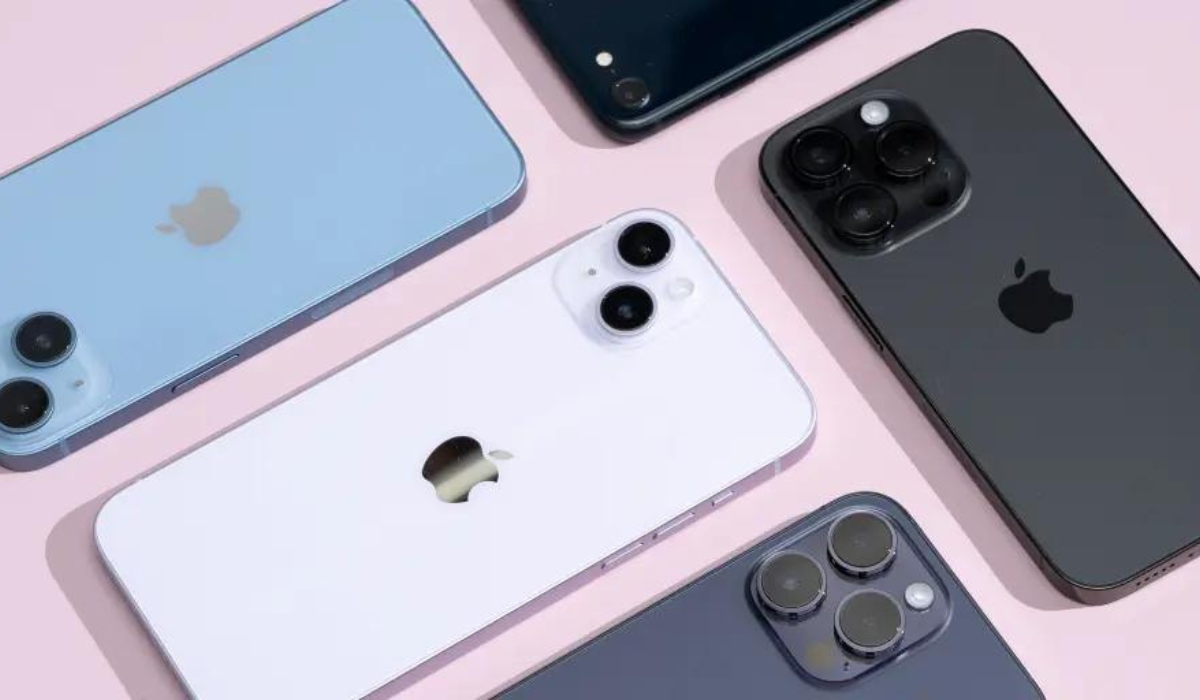
- How Can You Check iPhone Authenticity During Purchase? Check the Serial Number Check Apple Support Website Compare Coverage Check Data With Purchase Date
How Can You Check iPhone Authenticity During Purchase?
There’s an increased demand for Apple products that has caused more fake iPhones to circulate in the smartphone market. However, you don’t have to fall victim to such scams, there are ways to determine if your iPhone is indeed genuine and brand-new. Here’s how to check iPhone authenticity during purchase.
Check the Serial Number
An original iPhone has a special serial number that serves as a code for storing details such as the date and location of the device’s manufacture. In essence, this serial number can help you check iPhone authenticity during purchase, so you’ll be able to tell if the iPhone is brand-new or refurbished. Apple consumers can also use this serial number to verify the status of their phone’s warranty and see if they qualify for additional AppleCare coverage.
If there isn’t a serial number, the iPhone model in question is probably a fake. Go to Settings on your smartphone, select General , and then click on the About section to view the serial number of your device. Scroll down afterward to locate the serial number, then long-press on the serial number when you see it, and finally, select Copy . You’ll need this serial number in the next tip in this guide.
Check Apple Support Website
Remember the serial number you copied in the previous section? Here’s where it comes in handy. You can check to see if Apple’s database contains any information on the iPhone you’re purchasing with this serial number. This can in turn help determine the device’s validity. Using this method to check iPhone authenticity during purchase is more trustworthy because the output comes directly from Apple.
Follow these steps:
- Visit Apple’s device coverage website and paste the serial number into the serial number search box after copying it as instructed in the previous section.
- Enter the verification code after that, then press the Submit button.
- Apple will retrieve the record for the iPhone you’re purchasing from its database after a while. Afterward, check the model and purchase date that will display on the screen against your own.
Your device is authentic if both of your credentials are true. But if Apple claims to be unaware of a device with the serial number you’ve inputted, it’s probably a fake. This is a good way to check iPhone authenticity during purchase, so you can safely avoid paying for a counterfeit product.
Compare Coverage Check Data With Purchase Date
Even after confirming that your purchased device is not fake, there’s still the matter of confirming if it’s new and unused like the seller may have claimed. You can find out if the iPhone device you’ve purchased is pre-owned or brand-new using the coverage check data collected in the previous section.
To check iPhone authenticity during purchase in this regard, pay particular attention to the phone’s purchase date from the coverage check data. Your device is brand new if the date of purchase there coincides with the day you actually purchased and activated it.
Check the expiration date of your device’s limited warranty if the dates differ or if you can’t recall when you activated your phone. You’ll also be able to tell how old your phone is by looking at the Apple warranty, which is typically valid for one year from the date of purchase.
Even though you should be able to check the warranty details from the same coverage report, if it doesn’t show any information about the warranty, you can check directly through the iPhone. Follow these steps:
- Navigate to the General section in Settings .
- Next, select About .
- You’ll see either of these options here: Limited Warranty or Coverage Expired .
Your iPhone is still covered by warranty if you see the Limited Warranty option. To find out when the warranty expires, click the option. The warranty should not be close to expiry if the iPhone is indeed brand new. Instead, this shows that the iPhone has been activated long before you even bought it.
On the other hand, if the option you see says Coverage Expired , the iPhone in question is probably more than a year old and definitely not brand-new. This is a neat way to check iPhone authenticity during purchase, so you don’t pay more than the phone is worth.
Ultimately , you can save yourself from getting scammed by taking note of the tips I’ve provided in this guide to check iPhone authenticity during purchase. If the device turns out to be fake or older than you were made to believe, request a refund or a newer, more original device. If these seem impossible, you can help others to prevent similar scams by reporting the seller’s listing to Apple or marketplace support.
Author:Joan Agie
Add MobilityArena as a preferred source on Google
Samsung Galaxy S23 is a premium flagship smartphone that was released in February 2023. It has everything you would expect a smartphone of its class to have. Everything except a charging brick. Yes, the Galaxy S23 does not come with a charger in the box. Bummer.
Why though? Why does Samsung A14 not come with a charger in the box? Samsung says it is on a quest to minimize e-waste, so they do not include one any more. The reasoning is that many phone users already have a charger. Why pile them up? That is a fair point.
- How many chargers do you have now?
- Xiaomi fast charger to the rescue
- There is a USB-C cable in the Galaxy S23’s box
- What of wireless charging and reverse wireless charging?
- The moral of the story
How many chargers do you have now?
If the phone you are using now is not your first, chances are that you already have one charger lying around. I am on my two hundred and something phone, so as you can imagine, I have owned a fair bit of chargers. Currently, I have four chargers here at home, and I would have more if my young adults hadn’t appropriated some of them. The chargers I have are from my Xiaomi Mi Note 10 Pro (QC 3 and PD3), Unihertz Slim (18W), AGM G2 Guardian (18W), and iPhone SE 2022 (20W). So what do I need another charger for; right?
The answer to that question will depend on the kind of chargers I have and the kind that the Galaxy S23 needs. For example, the S23 supports Samsung’s own proprietary charging system that delivers 25W fast charging, as well as Power Delivery 3.0. I don’t have a Samsung fast charger, so that’s goodbye to the proprietary option. But my Xiaomi charger supports Power Delivery 3.0 with a maximum charge of 30W, which is (thankfully) higher than what Samsung’s in-house system does on the S23. Power Delivery 3.0 can charge a smartphone up to 50% in 30 minutes.
Xiaomi fast charger to the rescue
That sounded good enough for me. I plugged the Samsung S23 review unit using my Xiaomi Mi Note 10 Pro’s PD-compliant charger that tops at 30W fast charging. It is the fastest charger I have at this time. How did this odd pairing go? The animation indicating fast charging came up on the screen immediately. The charging exercise kicked off at 51% and the phone hit 100% 51 minutes after I plugged the phone in.
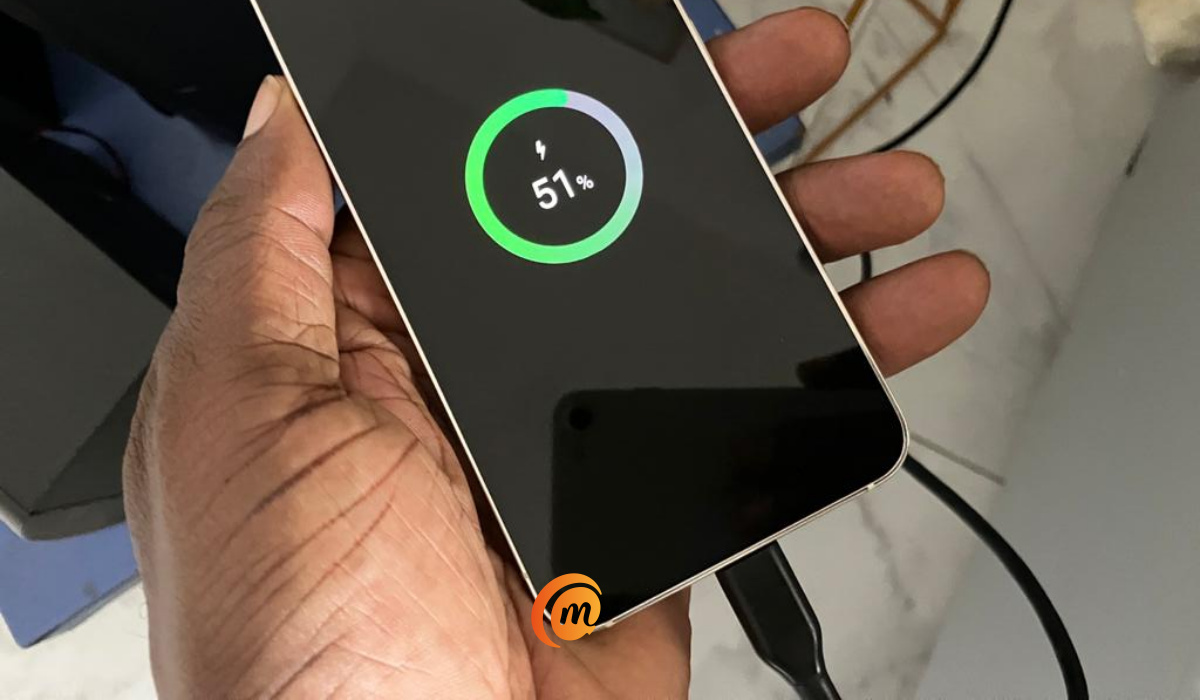
That is not bad at all, considering that the 25W Samsung charger would have topped up the phone from zero to 100% in roughly 70 minutes. A rough estimate tells me this Mi charger charges a little slower than the Samsung 25W charger. I can live with that. Sorry Samsung, I won’t be buying that adapter of yours.
Of course, we all suspect that one of the reasons that Samsung does not include a charger in the box is that they want you to buy theirs. Just like Apple. Extra income for them. But we can’t prove that; can we? Let’s move on.
There is a USB-C cable in the Galaxy S23’s box
Lest I forget, I need to mention that Samsung included a USB Type-C to USB Type-C cable in the box, though. What is missing is the charging brick. As if I didn’t have a number of cables lying around the house as well. Anyway, that’s the situation.
What of wireless charging and reverse wireless charging?
Does Samsung S23 support wireless charging? Yes, it does. It supports 15W Qi standard. I have an old 9W wireless charger in the house, fished it out, plugged it I to a wall socket and placed the S23 on it. Did it charge? Yes, it did. And it charged faster than regular speed, too. So, I have two ways of charging the S23 now. Lastly, this phone also supports 4.5W reverse wireless charging, so it can be used to wireless charge another phone.
The moral of the story
Ahem! What’s the moral of the story? Take good care of your fast chargers, folks. Keep them in good shape. Imagine if I had damaged or discarded my Mi charger from 2020. What would be my fate today? If you ever buy a versatile fast charger, keep it in good condition. Take good care of it.any of today’s high-end and premium smartphones do not ship with a charger.
Author:Mister Mobility
Digital Skills and Communication Coach | Mobile Phone Connoisseur since 2001 | Tech Blogging since 2004
