Add MobilityArena as a preferred source on Google
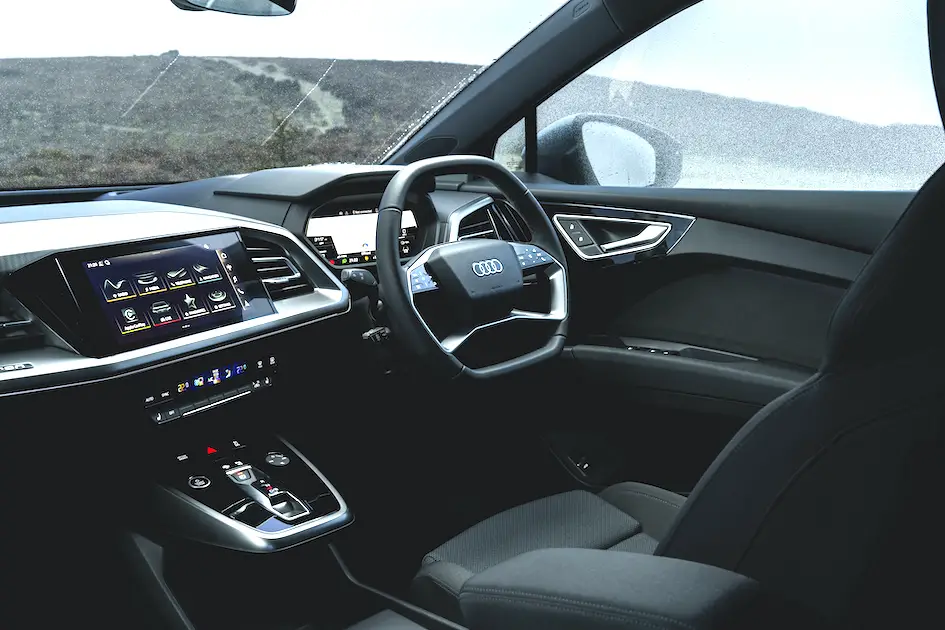
Understanding the common causes of the Audi Q4 e-tron electrical issues will empower you to properly address them and enjoy a seamless driving experience. The Q4 e-tron is a remarkable electric vehicle that combines luxury, performance, and cutting-edge technology. However, like any advanced system, there are electronic errors that may leave owners feeling frustrated. Let’s explore the typical culprits behind electronic errors in the Q4 e-tron and how to tackle them with confidence.
- Software Glitches
- Electrical System Malfunctions
- Battery Management Issues
- Sensor Malfunctions
- Environmental Factors
- Conclusion
Software Glitches

One of the most prevalent causes of electronic errors in the Audi Q4 e-tron stems from software glitches. Users have reported erratic behavior from the infotainment system, including unexpected resets and warning lights activating without cause. These software-related issues can disrupt your driving experience but are often resolved with a few simple steps. These simple steps include:
- To keep your vehicle running smoothly, ensure that your Q4 e-tron’s software is up to date.
- Check for updates through the Audi app or your vehicle settings regularly. Manufacturers frequently release patches that fix bugs and improve overall system stability.
Electrical System Malfunctions
Another common issue is related to electrical system malfunctions. Drivers have encountered warnings indicating an “Electrical system malfunction,” which can lead to unexpected gear shifts or even temporary shutdowns while driving. These incidents can be alarming but are often manageable. If you experience persistent electrical issues:
- Try performing a soft reset of your infotainment system. This process can clear temporary glitches and restore functionality, providing a quick fix for many electronic errors.
Battery Management Issues
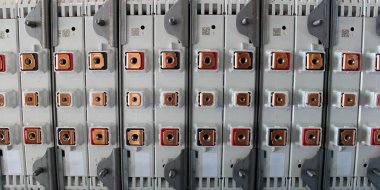
Battery management problems can also contribute to electronic errors in the Audi Q4 e-tron. Issues with battery coolant systems may lead to overheating or performance limitations, triggering warning messages that affect your driving experience. To prevent battery-related issues:
- Schedule regular maintenance checks with your Audi dealer. They can inspect battery coolant systems and overall battery health, addressing any potential problems before they escalate.
Sensor Malfunctions
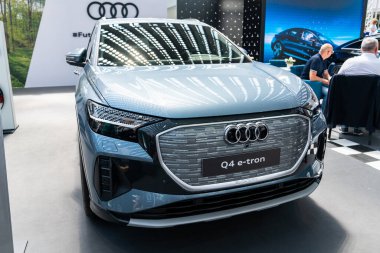
The Audi Q4 e-tron relies heavily on sensors for various functions, including automatic parking and safety features. If these sensors malfunction or provide incorrect readings, it can result in warnings and operational errors that may hinder your driving experience. If you notice recurring sensor malfunctions:
- Consult your Audi dealer for diagnostics. They may need to perform more in-depth checks to identify underlying hardware issues and ensure that all systems function correctly.
Environmental Factors
Lastly, environmental factors can significantly impact the performance of electronic systems in the Audi Q4 e-tron. Some users have reported that certain weather conditions affect sensor functionality or lead to unexpected electronic behavior. For instance, cold temperatures can reduce battery efficiency and overall range, while extreme heat may cause overheating issues or impact charging times. Be aware of how weather conditions might affect your vehicle’s performance. If you notice issues during specific weather patterns, such as reduced range in colder climates or sensor malfunctions in heavy rain, report these observations to your dealer for further investigation. Additionally, it’s essential to precondition your vehicle before driving in extreme temperatures. This practice can help optimize battery performance and ensure that the cabin is comfortable upon entry. Regular maintenance checks can also help identify any potential issues related to environmental factors, allowing for timely solutions and adjustments. By staying proactive and informed, you can enhance your driving experience and ensure that your Audi Q4 e-tron performs at its best, regardless of the weather conditions.
Conclusion
While electronic errors in the Audi Q4 e-tron can be frustrating, understanding their common causes empowers you to tackle them head-on. By staying proactive with software updates, regular maintenance, and troubleshooting techniques, you can enjoy a smoother driving experience in this exceptional electric vehicle. Embrace the innovative technology of your Audi Q4 e-tron with confidence! With a little knowledge and preparation, you’ll be well-equipped to navigate any challenges that come your way on the road ahead.
Author:Ifeoluwa Adeleke
Add MobilityArena as a preferred source on Google
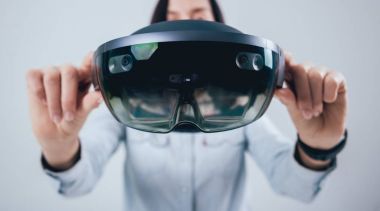
The Microsoft HoloLens 2 is hailed as a groundbreaking device in the realm of augmented reality (AR) , giving users a glimpse into a future where digital and physical worlds seamlessly intertwine. With its impressive capabilities, it has found its place in various industries, ranging from healthcare to manufacturing. However, despite its innovative technology, users have reported several complaints that can hinder the overall experience. Let me show you some of these issues and explore practical solutions to enhance your journey with the HoloLens 2.
- Where it all started
- Common Complaints of the Microsoft HoloLens 2 Visual Distortions: The Rainbow Effect Limited Field of View Battery Life Concerns Comfort Issues Intermittent Glitches and Performance Issues
- Conclusion
Where it all started
Think of stepping into a world where holograms float around you, sometimes scary, sometimes fun you know, allowing you to interact with digital content as if it were right in front of you. For many early adopters and professionals, this was the promise of the Microsoft HoloLens 2. However, as they donned the headset, excitement quickly turned to frustration when they encountered various challenges.
Common Complaints of the Microsoft HoloLens 2
Visual Distortions: The Rainbow Effect

One of the most common complaints from users is the “rainbow vision” effect, where colors appear inconsistent across the field of view. Users have described seeing bands of different colors, especially against white backgrounds, which can be distracting and diminish immersion. I recommend you adjust Brightness and Settings. This is how to:
- Users can manually adjust the brightness settings on the headset to find a level that minimizes glare and improves color consistency. Additionally, using the device in well-lit environments can help reduce the prominence of this effect.
Limited Field of View
While the Microsoft HoloLens 2 offers an impressive AR experience, many users have noted that its field of view (FOV) is somewhat limited. This restriction means that holograms can feel confined to a small area, requiring users to move their heads frequently to see everything. There’s a need for conscious Positioning and Awareness:
- To make the most of your experience, be mindful of your positioning when using the headset. Try to center your focus on holograms within your immediate view and adjust your physical space to accommodate better interaction with virtual objects.
Battery Life Concerns
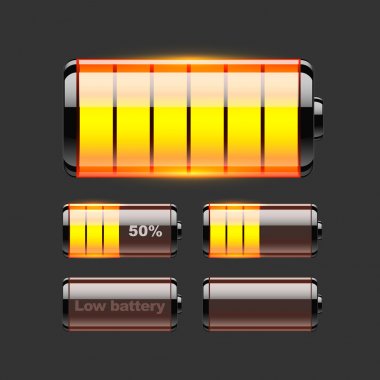
Users have reported that the battery life of the Microsoft HoloLens 2 can be quite limited, especially during intensive use cases like collaborative work or gaming. Many find that continuous use drains the battery quickly, often lasting only two to three hours. Simply optimize the usage patterns:
- To extend battery life, consider using power-saving modes when possible. Additionally, plan your usage around charging opportunities or invest in a portable charger compatible with the HoloLens 2 for longer sessions.
Comfort Issues
Some users have expressed discomfort while wearing the Microsoft HoloLens 2 for extended periods. The weight and design can lead to fatigue or pressure points on the head. I recommend that you adjust fit and take breaks:
- Ensure that the headset is properly adjusted for a comfortable fit. Taking regular breaks during extended use can help alleviate discomfort and allow your eyes to rest.
Intermittent Glitches and Performance Issues
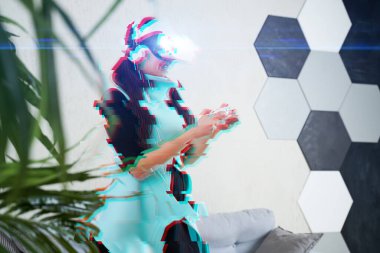
Users have experienced occasional glitches, such as flickering images or lag when interacting with holograms. These interruptions can disrupt workflow and detract from the immersive experience. Software Updates and Restarts will help:
- Regularly check for software updates from Microsoft that may address these performance issues. If glitches persist, try restarting the device to refresh its systems.
Conclusion
While the Microsoft HoloLens 2 is undoubtedly a powerful tool for augmented reality experiences, it’s essential to recognize and address common user complaints proactively. By implementing these practical solutions, users can enhance their experience and fully embrace the potential of this innovative technology. As you embark on your journey with HoloLens 2, remember that every new technology comes with its learning curve. With patience and a willingness to adapt, you can overcome these hurdles and unlock a world of possibilities right before your eyes! Embrace the future of augmented reality with confidence!
