Add MobilityArena as a preferred source on Google
Do you like music videos? Do you want to make your own? There’s a lot of work that goes into making a music video. But you can skip all that and just record a music video with your phone, using an music video maker app.
Note that this is just for fun. If you want to shoot an actual music video, this isn’t what you need. You and I know, though, that the you could use some more fun in your life; right?
- Introducing Triller
- Other Music Video Maker Apps To Consider
Introducing Triller
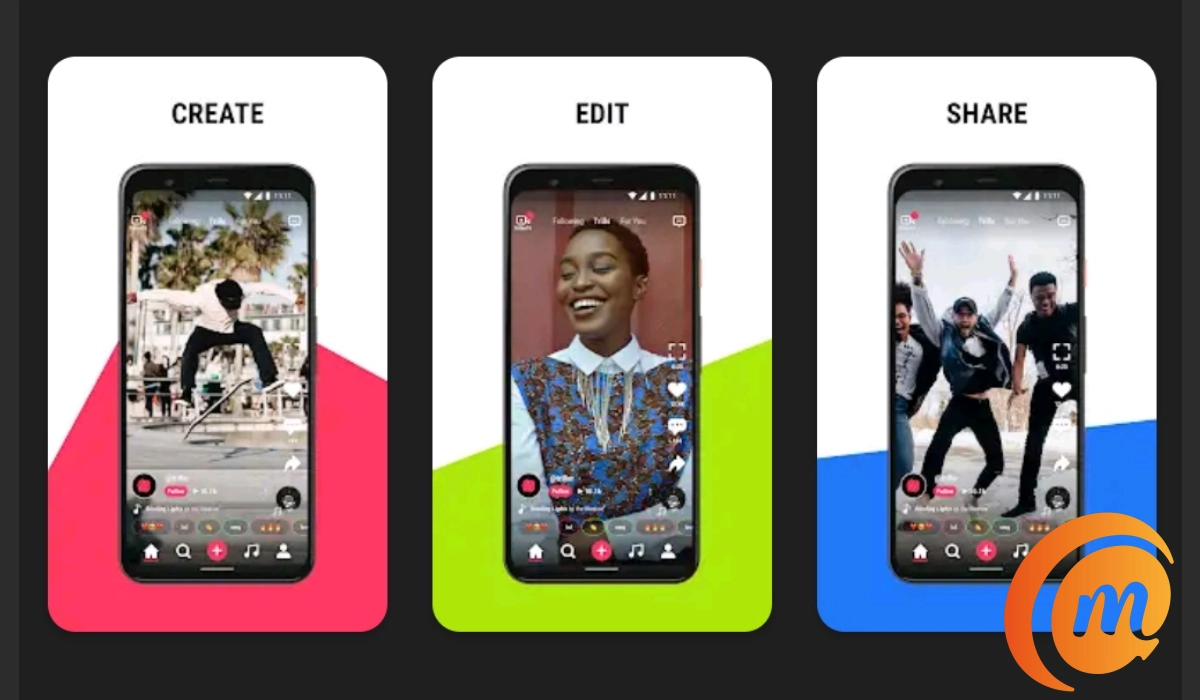
My recommended music video maker app is called Triller. This app allows you to record yourself lip-syncing to any song of your choice. You can record yourself as much as you want. After making as many recordings as you like, Triller creates a decent music video. This video will consist of the recording you made along with the sound from the original song. You can also edit the video by adding filters, removing parts of it and adding other effects. Once you are done, you can share the video on your social media platforms.
Triller does sound like a dumb idea at first. I mean, why would you make a music video and have your voice cut out? But when you try it, you see that it actually is fun to watch yourself pretend to be a huge pop star. Did I say pretend? In this day and age of social media sensations, you could become one yourself.
Other Music Video Maker Apps To Consider
This music video maker app is available on the Google Play Store here , and the Apple App Store. You can also check out other great video apps like Funimate, Musical.ly, Dubsmash and VivaVideo. Go ahead and make a music video today. It could be the beginning of something great.
Author:EmmyCN
Add MobilityArena as a preferred source on Google
There are a lot of puzzle games on the Android platform right now. So many, in fact, that you might lose track of which ones are really worth your time. No matter your choice of puzzle games, however, it will be a good idea to check out this one called ZHED.
The game app is developed by the team of Ground Control Solutions and is a numerical brain-teasing puzzle game that truly challenges your abilities.
How to Play ZHED
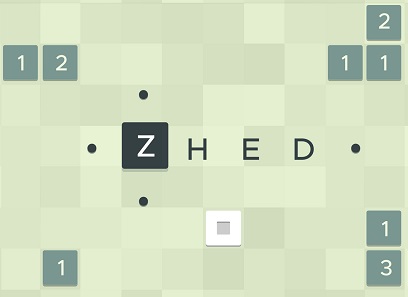
ZHED is an instant classic among puzzle games. The objective of the game is to unlock a path to the exit of the stage. To play this game, tap on a square and select a direction. You can select either up, down, left or right. See how the square reacts when they intersect, and build a path to fill the target square.
The game has no timers, clocks, stars, or tricks. It is just pure puzzles for you to enjoy at your own pace. If you are connected to the Internet while playing, your game progress is automatically saved.
This mobile game is perfect for fans of brain-teasers and complex puzzle challenges. It involves your focus, concentration, and memory. The best part? It is free. So check out this game on the Google Play Store and the Apple App Store.
Download ZHED
Download for Android | Download for iPhone .
- Don’t miss our reviews .
- Follow our news on Google News .
- Join our WhatsApp Group , to be notified of the most important articles and deals,
- Follow us on Instagram , Facebook , Twitter , and YouTube .
