Add MobilityArena as a preferred source on Google
WhatsApp Stories are status updates that you share and which are visible for only 24 hours after which they disappear automatically. Here are tips for using it like a pro.
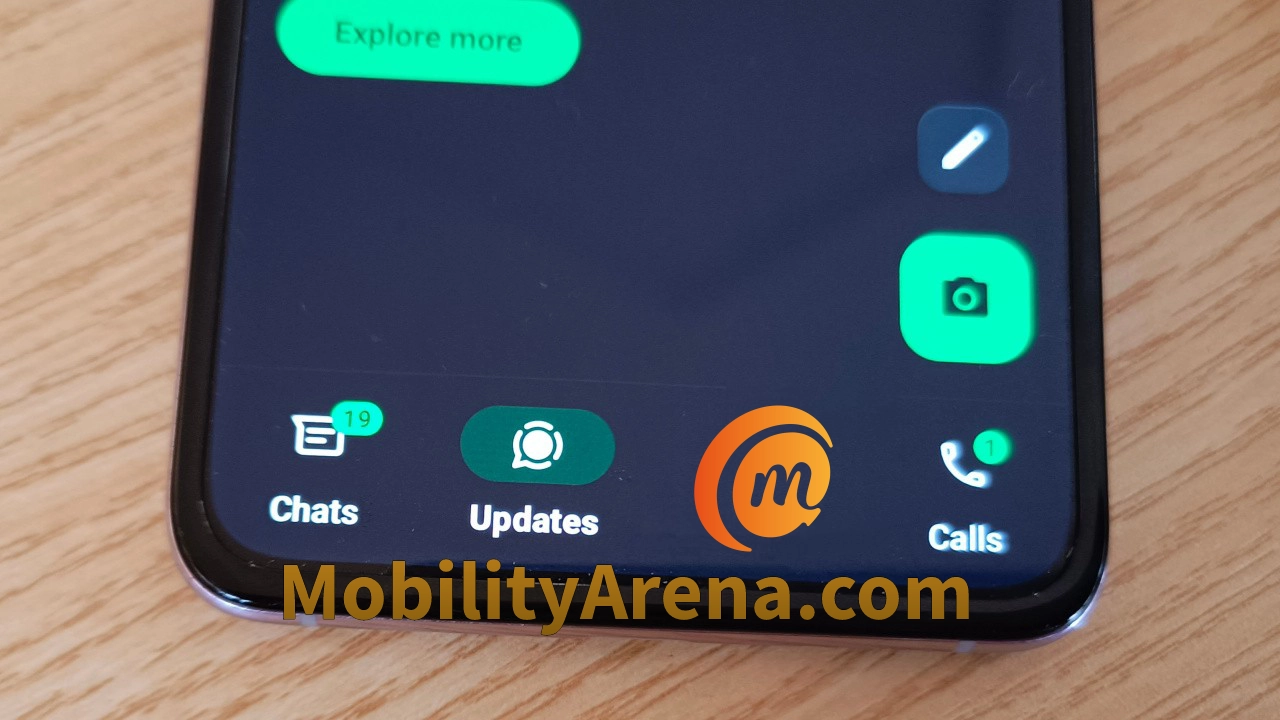
What are WhatsApp Stories? Also known as Whatsapp Status, it is a feature of the WhatsApp app that allows users to share photos, videos, text, links, and even a combination of these formats.
The app allows you to share WhatsApp Stories from your smartphone and your updates will appear in the “Updates” tab in the app’s interface.
WhatsApp Stories are visible for only 24 hours after which they disappear automatically. The feature is a great way to share what is going on on your life with your family, friends, business connections, and others.
- Who can view your WhatsApp Stories?
- How to view someone’s WhatsApp Stories or Status
- Why do people use WhatsApp stories?
- Can you see who views your updates?
- How to know who is viewing your WhatsApp status
- Does WhatsApp notify when you screenshot a status update?
- How to delete your WhatsApp Status
Who can view your WhatsApp Stories?
Contacts who have your WhatsApp phone number can view your updates. However, using the Status privacy settings, you can limit who sees your updates. There are three modes available;
- My Contacts: everyone you have in your Contacts
- My Contacts except: everyone in your Contacts except the individuals that you mark here.
- Only share with: only the individuals you mark here.
The WhatsApp status privacy menu gives you full control of who you let see your updates. You can select which option you prefer for each status update you want to share. So, depending on the situation, you can share some updates to everyone, and others to more exclusive lists.
How to view someone’s WhatsApp Stories or Status
Of you want to view a specific contact’s WhatsApp Story, there are two options. The first is to go to the Updates tab in your WhatsApp app, tap the search icon at the top of the screen, and type their name, and tap on their name when it appears in the search results. If they have any updates, they will appear on the screen.
The other option to view someone’s updates is to find them in your Chats tab, tap on their display image, then two on the “I” icon under the image, and their updates will be displayed to you.
Why do people use WhatsApp stories?
The social connection angle is one valid reason why people publish WhatsApp Status updates. Humans want to share bits and pieces of their lives with others. We want to express our opinions and views, too. But that is only one angle to it.
WhatsApp Stories are also effective marketing tools for those who have services and goods to offer. This makes it an effective business marketing tool.
Can you see who views your updates?
By default, you can see who views your updates. But if a Contact of yours has disabled Read Receipts in their own WhatsApp account, you will not be able to see that they have viewed your WhatsApp Stories. If you view theirs, too, they will not be able to tell that you did so. All isnfair in love and in war.
Also, if you do not find an individual’s updates useful or edifying, you can mute such updates. Simply two on their update to open it, select the 3 vertical dots in the top right corner and tap on “Mute”. From that point, their updates will not be visible to you any more. You can always unmute their updates whenever you want: just repeat the same steps and tap “Unmute”.
How to know who is viewing your WhatsApp status
Open the update you want to check and look at the bottom end of the screen. You will see an icon like an eye: tap on it and it will display a list of all your contacts who have viewed that update. If you have multiple updates up, repeat the same process for each of them, to see who has viewed them.
Does WhatsApp notify when you screenshot a status update?
Not at all; WhatsApp does not notify your contact when you take a screenshot of their updates or stories. Neither does it notify you when someone else takes a screenshot of yours. It is best for you to assume that anything you post to your WhatsApp Stories is public.
How to delete your WhatsApp Status
If you have shared something and then decide that it was a bad idea, you can delete it. Go to the Updates tab, tap on “My status” at the top of the screen, and you will see a vertical list of your updates. Tap the three-dot menu beside the update that you want to delete, then select Delete, and confirm your choice. The update is deleted and will no longer be visible to anyone.
Author:Mister Mobility
Digital Skills and Communication Coach | Mobile Phone Connoisseur since 2001 | Tech Blogging since 2004
Add MobilityArena as a preferred source on Google
Early iPhone 16 rumoured specs are here and if we were in the dark ages and sorcery was a thing, Apple would be accused of being practitioners of the dark arts.
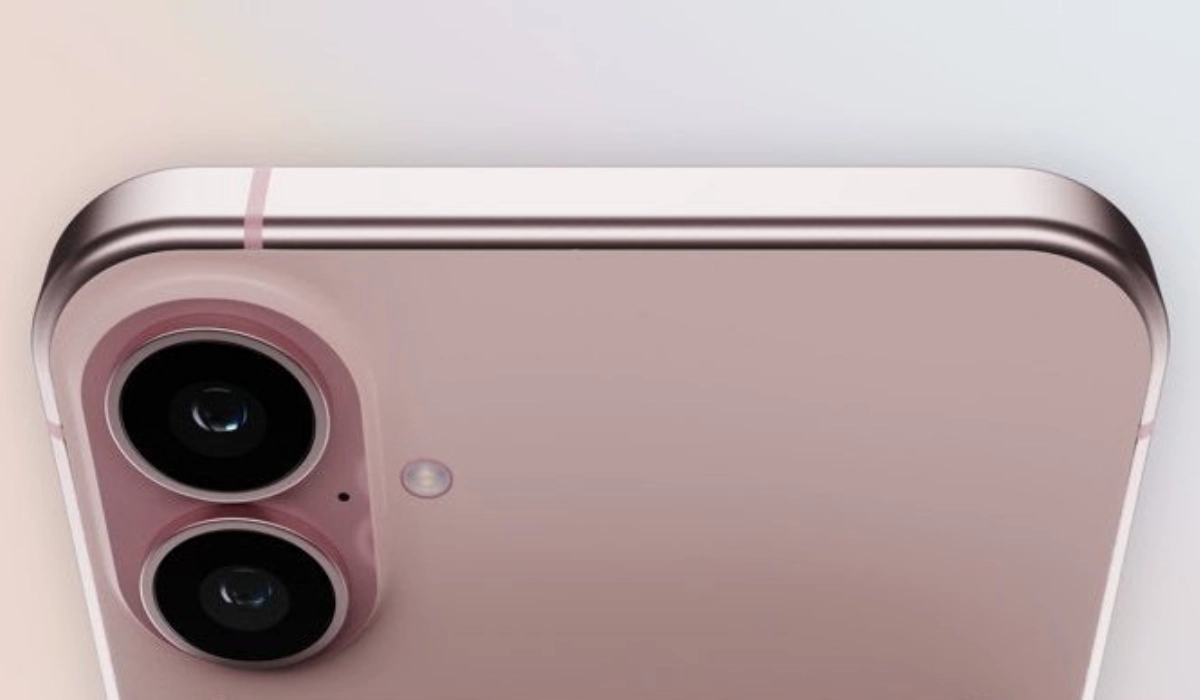
Every year, Apple announces new iPhone models that are not merely incremental updates to the previous ones, but also do not offer as much functionality as Android smartphones in their classes. Need I mention that they are sold at outrageous prices? And every year, iPhone lovers buy them anyway. Apple smiles to the bank.
Last year, Apple became the last phone maker to release a premium flagship phone with a 60Hz display. It was the most ridiculous thing ever. Even $250 budget Android smartphones have had displays with 90Hz refresh rate, for some years now, and top tier flagships sometimes come with as much as 144Hz and recently 165Hz. But in Apple’s world, a 60Hz display was one of the ways to differentiate between the base iPhone 15 models and their Pro siblings (have you seen our iPhone 15 Pro hands-on ?). Insane stuff.
2024 is here and we are seeing the first leaks and rumoured specs of the upcoming Apple iPhone 16. Guess what? The iPhone 16 is rumoured to sport a 60Hz display, just like the iPhone 15 and 15 Plus do. And if the Cupertino dudes stick to last year’s game plan, the iPhone 16 Plus will also show up with a 60Hz display. That is, if the rumor turns out to be legit.
iPhone 16 rumoured specs
- A18 Bionic chipset
- 6.1 inch 60Hz OLED display
- 48MP main + 12MP Ultrawide cameras
- Action button
- 3561mAh battery
- 8GB RAM
I love the compact form factor and the 6.1-inch size of the display. And iPhone cameras have held their own since forever, so I’m not worried about those. The main grouses here are the 60Hz refresh rate for the display and the 3561mAh battery. I’ve ranted above about the refresh rate and I have ranted elsewhere about these measly battery capacities that Apple bestows most of its phones. It is appalling.
This is 2024 and every other smartphone brand out there is fitting their devices with 4500mAh and 5000mAh batteries. OnePlus even has a new Glacier battery technology that allows up to 6000mAh in an extremely slim profile, and the new OnePlus Ace 3 Pro has it already. But not Apple. They prefer to have iPhone users almost permanently tethered to power sources. Everyone knows an iPhone user who carries a power bank and cable around.
Everyone else is innovating at the things that make your everyday mobile usage more bearable and less troubling than ever. But not Apple who charges a premium on their devices.
These unimpressive specs will allegedly cost you $799 if you want the iPhone 16. Let’s hope the rumors turn out to be false; right? Otherwise, this is a rip-off. But then, I have no doubt that iPhone lovers will lap it up again. It is the circle of life in the Matrix. It is either that, or Apple are masters of the dark arts and have people bewitched.
References
- The Galox ( source )
Author:Mister Mobility
Digital Skills and Communication Coach | Mobile Phone Connoisseur since 2001 | Tech Blogging since 2004
