Add MobilityArena as a preferred source on Google
Cell phones have become a necessity in our day to day life as a lot of things can be done on our phones. There are some essential smartphone accessories that make the user experience more enjoyable. To avoid any mix ups, smartphones and feature phones (or dumb phones) are all categorized under cell phones.
What are cell or mobile phone accessories? Smartphone accessories include any hardware that is not built into a mobile phone but is designed to attach to, hold or house, support, or connect to a mobile phone, to enhance its operations, protect it, or add additional functionality to it. Let’s look at some of the best smartphone accessories that everyone might need.
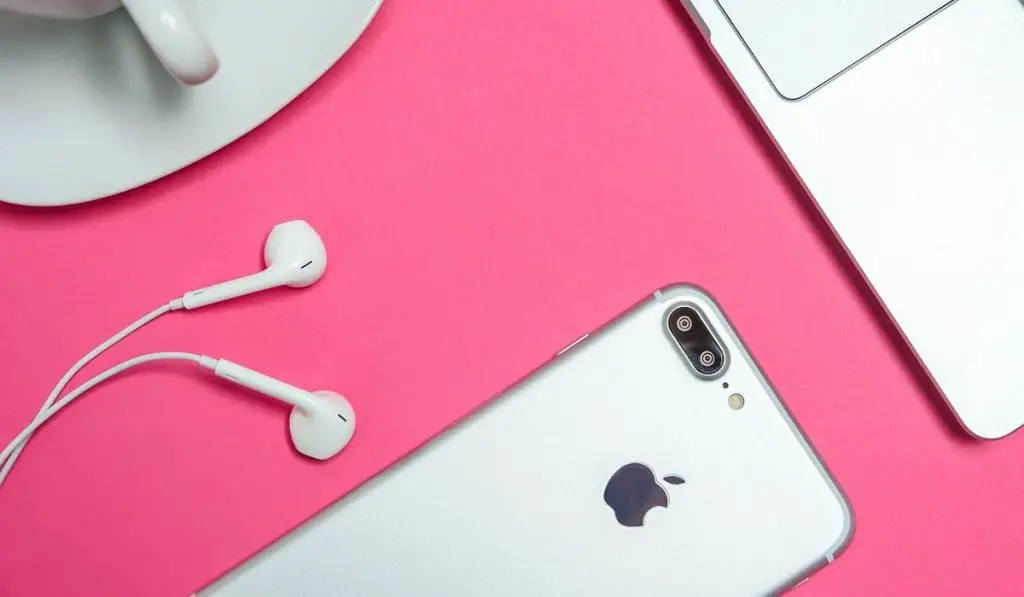
- Best Smartphone Accessories: Phone Case
- Best Smartphone Accessories: Screen Protector
- Best Smartphone Accessories: Portable Battery Or Power Bank
- Best Smartphone Accessories: Audio Headphones
- Best Smartphone Accessories: Extra Chargers
Best Smartphone Accessories: Phone Case
When we buy phones, whether expensive or not, we are quite careful because we don’t want them broken. Some people may not like phone cases because they hide the beauty of their phones but if you want your phone in good condition then it can’t be helped. A phone case is an accessory that can ease your mind when it comes to the safety of your phone.There are different types of cases, based on your preference e.g durability, style, simplicity and capacity.
Best Smartphone Accessories: Screen Protector
This is very essential for your Cell phone especially if you are a bit clumsy. I know a lot of people would agree with me when I say that when a phone screen cracks, the phone is never the same as it was. To prevent or reduce the chances of cracking your phone screen, it would be a wise decision to purchase a screen protector. There are also different types of screen protectors for example there are privacy screen protectors that prevent prying eyes from seeing your phone screen.
Best Smartphone Accessories: Portable Battery Or Power Bank
Another accessory on this list is a power bank. A lot of Cell phones nowadays do have good battery power but you can never go wrong with a portable charger. There might be some days where your phone battery might drain because of excessive use and a power bank will be a real lifesaver. At least with a power bank you know that at any moment you don’t have to worry about a low battery ever again.
Best Smartphone Accessories: Audio Headphones
Some smartphones do come with earphones which are very handy. If your phone however doesn’t come with earphones then purchasing Headphones or Earphones would be a wise decision. Headphones are useful when making calls at work or in public or watching your favourite TV shows or movies, and listening to music without disturbing others near you. There are wireless and wired headphones so the decision is based on your preference.
Best Smartphone Accessories: Extra Chargers
Chargers are essential mobile accessories, because it’s quite handy to have a few in case anything happens to your main one. Even when you are going out, instead of unplugging your main charger, you can carry your extra charger around and find places to charge your phone. If your smartphone supports fast charge , make sure you get a spare charger that is compatible.
Author:Dun
Dun enjoys reading and writing, and is always on her smartphone. She currently uses a Google Pixel 3.
Add MobilityArena as a preferred source on Google
All of Apple’s services, including Apple Music, Apple Arcade, Apple TV+, and many others, are accessible through your Apple ID. In essence, without your Apple ID, you can’t fully enjoy all the benefits the Apple ecosystem has to offer.
As such, it’s important to safeguard your account, so you should change your Apple ID whenever you start using a new email address or if you ever misplace the one you were using. If you don’t know how to change your Apple ID email address, there’s no need to worry.
In this guide, we’ve discussed different ways to easily change your Apple ID email address if the need ever arises. It’s pretty easy, so keep reading to find out.
- Easy Ways to Change Your Apple ID Email Address Using the Website to Change your Apple ID Email Address Using your iPhone’s Settings to Change your Apple ID Email Address
Easy Ways to Change Your Apple ID Email Address
First things first, you need to log out of any Apple device connected to your Apple ID before you change your Apple ID email address. Additionally, make sure your iCloud backup is current to prevent losing crucial information like contacts or other relevant data.
You should also confirm that you know your email account’s password because you’ll also need access to it to verify the change.
Now, proceed to any of the methods described below to change your Apple ID email address.
Using the Website to Change your Apple ID Email Address
Follow the steps below if you choose to change your Apple ID email address via the website:
- On your iPhone, Mac, or PC, navigate to appleid.apple.com and sign in using your current Apple ID and password. If you can’t remember your Apple ID password, it’s simple to reset it.
- You can go directly to the Sign-In and Security portion of the website. To proceed, tap the Apple ID tab.
- Next, fill out the Change your Apple ID box with your new email address. If the email address you provided isn’t valid, it signifies that another Apple user is already using it. You’ll need to use an alternative email address or set up a new Apple ID if the person doesn’t remove that email from their account.
- You will be prompted to enter a verification number that was sent to your new email address after clicking Change Apple ID . Search for the code in your inbox, then type it into the corresponding fields. Make sure you are checking the correct email if you can’t locate the verification code. Try looking for the most recent email that “noreply@apple.com” sent.
- The dialog box will close after you enter the verification code, signifying that you have succeeded in changing your Apple ID email address.
- Using your new Apple ID, log in to all of your Apple products and services. It’s important to note that within 30 days of the previous modification, you’ll be unable to change your Apple ID email address.
Also note that only non-Apple email accounts, such as those with the @gmail.com, @hotmail.com, or @yahoo.com email domains, can have their Apple IDs changed. You won’t be able to change your Apple ID email address if it employs a proprietary domain such as @icloud.com, @me.com, or @mac.com.
You can check out and then sign in with another Apple ID if you simply want to move to another Apple ID account.
Using your iPhone’s Settings to Change your Apple ID Email Address
Through the Settings app on your iPhone, you can also change your Apple ID email address. This is how to get it done:
- Launch your iPhone’s Settings app.
- Click your name at the screen’s top portion, then access the Name, Phone Numbers, and Email area.
- From the Contactable At section, select Edit .
- After that, click Delete on the screen’s right side after tapping the red minus (-) sign next to your name.
- Select Continue to confirm that you wish to delete your current email and create a new one on the pop-up page.
- On the new screen that displays, type in or paste the email address you intend to use for your Apple ID.
- Use the email that Apple sends to your new Apple ID email address to confirm your new address.
You’re all done at this point, it’s that easy to change your Apple ID email address from your iPhone’s settings.
Summarily , using the instructions we’ve provided in this guide, it’s really easy to change your Apple ID email address. So, make sure to follow this guide correctly to get your desired results.
