Add MobilityArena as a preferred source on Google
Fast charging for electric vehicles (EVs) works differently than fast charging for smaller consumer electronics like smartphones . In electric cars, fast charging is a technology that allows for a significantly faster recharge of the vehicle’s battery, reducing the charging time from several hours to a much shorter duration. The most common fast charging technology used in electric cars is known as DC fast charging.
- How does fast charging work in a car?
- Is fast charging good for electric cars? Pros of Fast Charging for Electric Cars: Cons of Fast Charging for Electric Cars:
- Which is better in electric cars – fast charging or normal?
- What is the main advantage of fast charging in electric vehicles (EVs)?
How does fast charging work in a car?
Here is a quick and brief rundown of how fast charging works in an electric car:
- DC Fast Charging : Most fast charging stations use direct current (DC) to charge the vehicle’s battery directly, bypassing the vehicle’s onboard charger. By supplying DC power directly to the battery, the conversion process from AC (alternating current) to DC is eliminated, making the charging process much faster.
- High Power Output : Fast charging stations are designed to deliver a much higher power output than standard Level 1 or Level 2 chargers. While Level 1 chargers typically provide around 2 to 3 kilowatts (kW) of power and Level 2 chargers offer up to 22 kW, fast chargers can deliver anywhere from 50 kW to 350 kW or more, depending on the charging station’s capabilities and the car’s compatibility.
- CCS and CHAdeMO Standards : There are three main DC fast charging standards used globally: CCS (Combined Charging System), CHAdeMO, and NACS (North American Charging Standard). CCS is commonly used by European and North American manufacturers, while CHAdeMO is more prevalent among Japanese manufacturers. NACS originally developed for Tesla vehicles but is now gaining wider acceptance. Many modern EVs support both CCS and CHAdeMO standards, ensuring compatibility with a broader range of charging stations, but more electric vehicle manufacturers are also adopting NACS.
- Battery Management : During fast charging, the car’s battery management system plays a crucial role in ensuring the battery’s health and safety. The system monitors the battery’s temperature, voltage, and current to prevent overheating and overcharging, which could potentially damage the battery.
- Charging Time : The charging time during a fast charging session depends on various factors, including the car’s battery capacity, the state of charge, the charging station’s power output, and the vehicle’s compatibility with the fast charging standard used by the station. In general, fast charging can provide an 80% charge in as little as 30 minutes, making it much more convenient for long-distance travel or quick top-ups.
- Charging Infrastructure : The availability of fast charging stations is crucial for the widespread adoption of electric vehicles. Governments, private companies, and EV manufacturers are continuously working to expand the fast charging infrastructure to make it more accessible and convenient for EV owners.
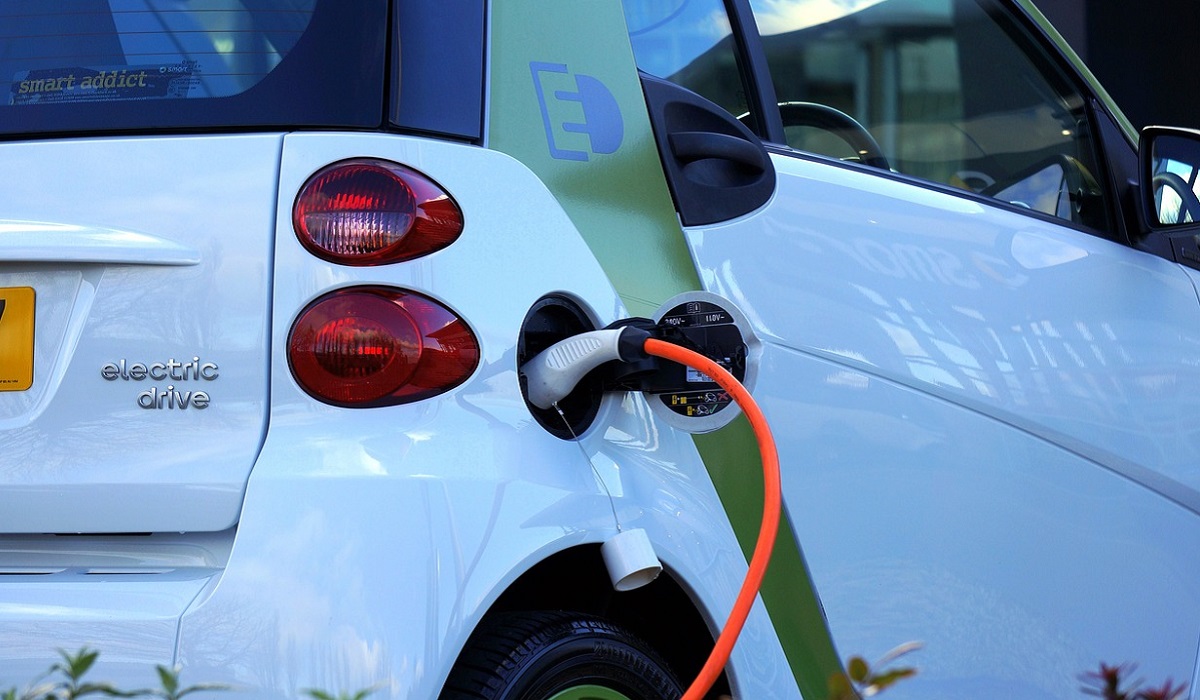
Is fast charging good for electric cars?
Fast charging can be beneficial for electric cars in certain situations, but it also comes with some considerations. Here are the pros and cons of fast charging for electric vehicles (EVs):
Pros of Fast Charging for Electric Cars:
- Quick Recharge : The most obvious advantage of fast charging is its ability to recharge an electric car’s battery rapidly. It can provide an 80% charge in a significantly shorter time compared to regular Level 1 or Level 2 chargers, making it convenient for long-distance travel and reducing charging downtime.
- Extended Range : With access to fast charging stations, EV drivers can confidently take longer trips without worrying about running out of battery power. Fast charging allows for more frequent top-ups during the journey, extending the effective driving range of the electric car.
- Convenience : Fast charging stations are often strategically located at key points, such as along major highways, in cities, or at shopping centers. This accessibility increases the convenience of owning and driving an electric car.
- Increasing Charging Infrastructure : The push for fast charging infrastructure by governments, private companies, and automakers is expanding rapidly, making fast charging stations more widely available.
Cons of Fast Charging for Electric Cars:
- Battery Stress : Fast charging puts a higher load on the EV’s battery and generates more heat during the charging process. Frequent use of fast charging, especially at high power levels, can lead to increased battery degradation over time, reducing the overall lifespan of the battery.
- Limited Charging Speed : Not all electric cars support extremely high-power fast charging. Some older or lower-end EV models may not be compatible with the highest-powered fast charging stations, limiting the charging speed.
- Cost : While the cost of fast charging varies depending on the charging station and location, it can sometimes be more expensive per kilowatt-hour compared to charging at home with a regular charger. This cost consideration may affect the overall cost of ownership for an electric car.
- Energy Grid Impact : Fast charging stations, especially those with ultra-fast charging capabilities, require a substantial amount of power. In some cases, this can put stress on the local energy grid, leading to potential demand management issues.
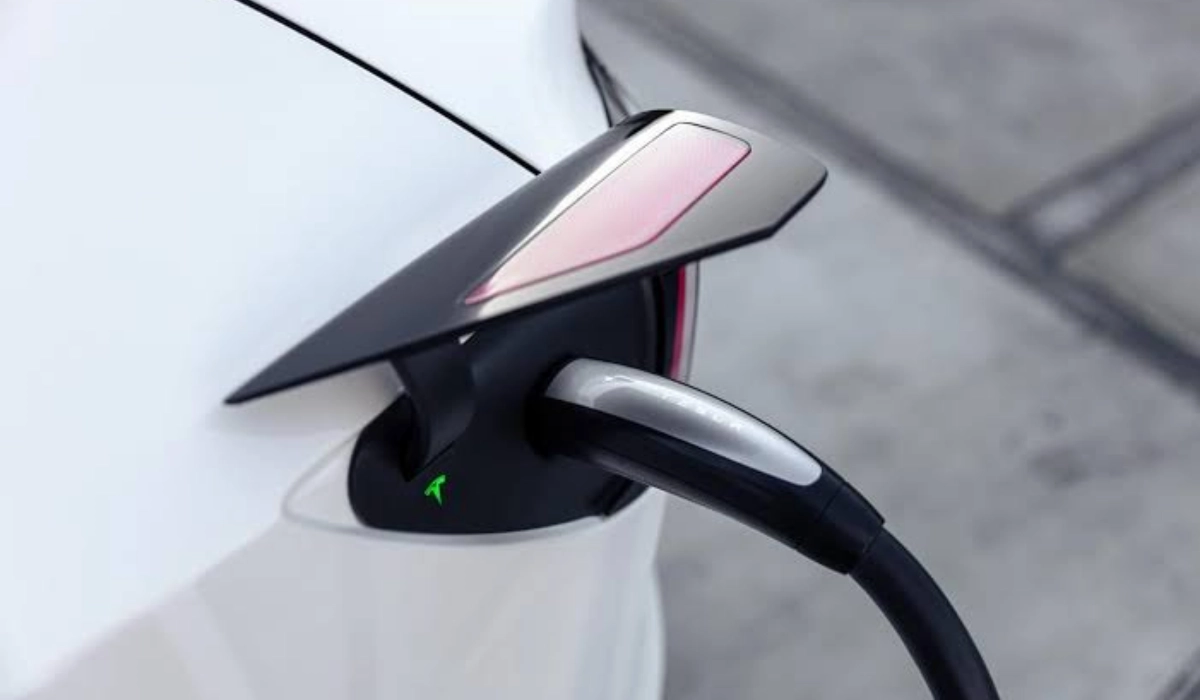
Which is better in electric cars – fast charging or normal?
As I have pointed out above, fast charging in electric vehicles comes with advantages and disadvantages. Having said that, in terms of practical uses, I would say that fast charging in electric cars is better than normal charging. I will rather have a car that supports a higher rate of charging than one with normal charging.
What is the main advantage of fast charging in electric vehicles (EVs)?
The main benefit of fast charging in electric vehicles is reduced downtime – the ability to top up the car batteries quickly means you can use the car more often and regularly. It spends less time plugged into a power source. This convenience is priceless.
Author:MobileChic
That motivated, gadget-loving geeky chic who tries to stay on top of things. Unapologetic iFan.
Add MobilityArena as a preferred source on Google
Samsung Galaxy A14 5G was released in January 2023 with an Exynos 1330 or Dimensity 700 chipset on the inside, depending on your location. The US market gets the Dimensity chipset, while the rest of the world gets the Exynos chipset. Whichever chipset you have in yours, you will often find that you need to make your Samsung Galaxy A14 5G go faster from time to time.
Why is this so? These chipsets are not particularly low-end, but they are no power horses either. In addition, the Galaxy A14 5G has limited memory resources. All put together, all these mean that your device will slow down from time to time, and maybe even stutter or become sluggish, and you will need to optimise it to run faster and smoother.
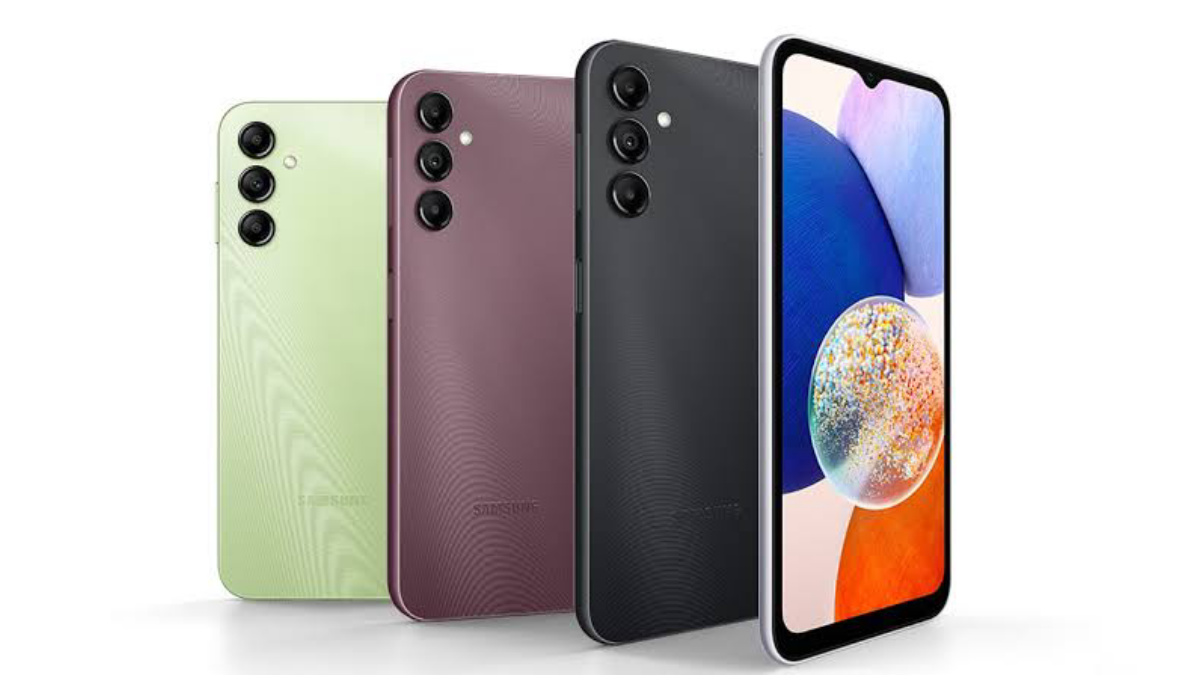
You can make your Samsung Galaxy A14 5G go faster with manual or automatic optimisation
- Three ways to make your Samsung Galaxy A14 5G go faster Restart your phone Clear the memory Shut down apps
- Perform an optimisation cycle with Device Care
- To optimise your Samsung A14 5G manually
- To set your Samsung A14 5G to optimise automatically
Three ways to make your Samsung Galaxy A14 5G go faster
There are three main ways to make your Samsung Galaxy A14 5G go faster and run smoother.
Restart your phone
The first one is to restart it. As I have mentioned on MobilityArena too many times, a simple restart does wonders for the memory settings of a smartphone that is beginning to slow down. What it does is clear the memory of junk. Think of it like when a human takes a nap or goes to sleep at night and wakes up refreshed. That is what happens when you restart (reboot) your smartphone.
To restart your phone, press and hold the power button till the power options show on the screen; then select “restart”. Your phone will restart in a few moments.
Clear the memory
The second one is to clear the phone’s RAM (Random Access Memory). RAM lets your Samsung phone load apps and information quickly. If you have noticed that your device has slowed down or if your apps or games don’t function as they should, free up memory by closing background apps to improve performance.
- Go to “Settings”, then tap “Device care”.
- Tap “Memory”.
- If you wish to exclude any apps from the cycle, tap “Apps to exclude from cleaning”, then tap “Add apps”, then select the apps and tap “Add”.
- Tap “Clean now”.
Shut down apps
The third way is to close background running apps and shut down apps that use excessive power.
Thankfully, with a Galaxy A14 5G, the ability to carry out these tasks easily has been built into the device. The A14 5G comes with a built-in feature called Device care which gives you all the tools you need to keep your device running smoothly and optimise your smartphone’s performance. Not only does it provide quick access to check your device’s battery, storage, memory and security, it can also run automatic optimisation checks on your phone for faster, better performance.
I will share details of how this works below. You can perform these tasks manually or you can set your phone to run an optimisation cycle automatically
Perform an optimisation cycle with Device Care
Give your device a quick boost by running a quick optimisation check. This feature is designed to identify apps that use excessive battery power, clear away redundant items from your device’s memory, delete unnecessary files and close apps that are running in the background. You can run a one-off cycle manually or set your device to automatically optimise once a day.
To optimise your Samsung A14 5G manually
- Go to “Settings”, then tap “Device Care”.
- Wait for a moment while Device care runs a diagnosis on your device. Your device will be given a score out of 100. The higher the score, the better optimised your device is.
- Tap “Optimise now.”
Your device will now complete an optimisation run. Once complete, the results will be displayed on-screen. Tap “Done” to finish.
To set your Samsung A14 5G to optimise automatically
- Go to “Settings”, then tap “Device Care”.
- Tap the More options icon (three dots).
- Tap “Advanced”.
- Tap the switch to activate “Auto optimisation”.
Setting up automatic optimisation this way is the most convenient way to make your Samsung Galaxy A14 5G go faster and run smoothly. You set it and forget it; the system will take care of keeping things running smoothly.
Author:Mister Mobility
Digital Skills and Communication Coach | Mobile Phone Connoisseur since 2001 | Tech Blogging since 2004
