Add MobilityArena as a preferred source on Google
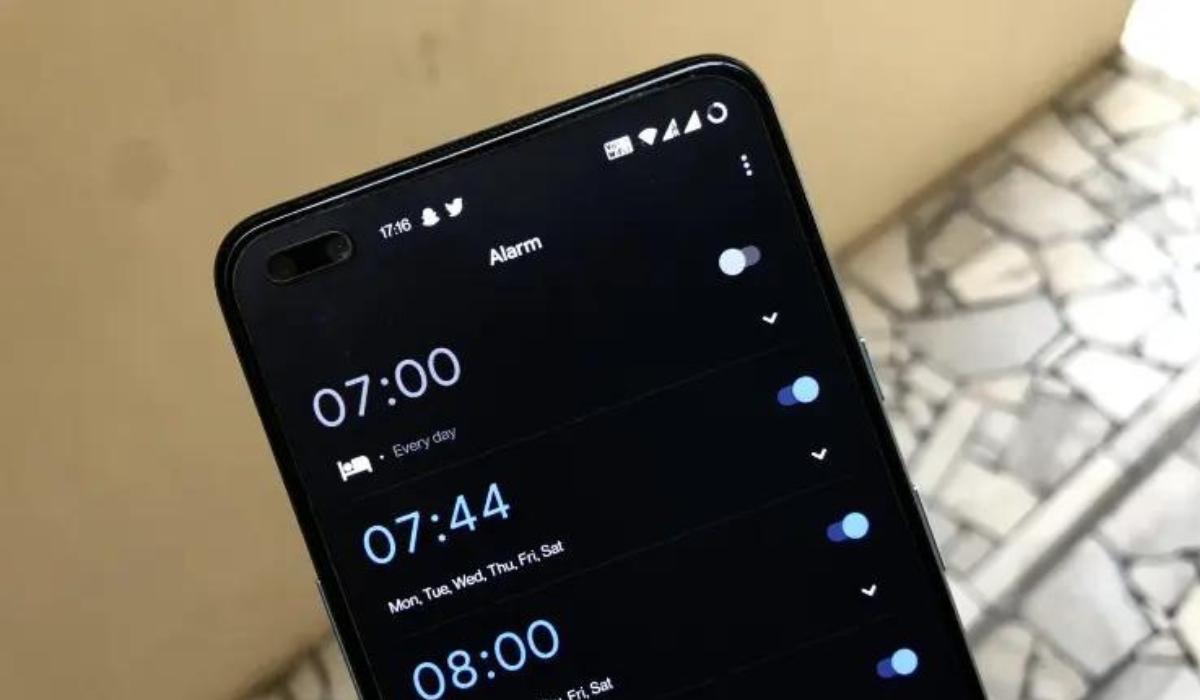
The built-in alarm on smartphones is one useful feature, whether you’re trying to be timely with work or prevent missing an appointment. Regardless of how much of a morning person you are, you’ll need an alarm at one point or the other. It can thus be upsetting if for any reason, your smartphone’s alarm does not go off, ring, or work.
In this guide, I’ll walk you through a few ways to fix an Android alarm not going off when you need it to. Pay attention to the instructions in this guide so you don’t miss anything crucial because of a faulty alarm.
- How Can You Fix an Android Alarm Not Going Off? Restart Your Phone Increase the Alarm’s Volume Check Do Not Disturb (DND) Settings Clear the Cache and Storage Data for the Clock App Check the Notification Settings in the Clock App Reset the Clock App’s Preferences
How Can You Fix an Android Alarm Not Going Off?
If your Android’s alarm clock doesn’t go off despite taking care to set it, this could be due to different reasons. Luckily, you don’t have to be a technical guru to troubleshoot your Android phone’s Clock app. All you need is to know which settings to change to get your alarm clock working again.
Here are some possible ways to fix an Android alarm not going off.
Restart Your Phone
The temporary cache clears whenever you restart your device. As such, any slight modifications are restored when your phone turns back on. A restart cycle also clears the RAM, which stores the data that you used while your phone was malfunctioning.
Restarting your smartphone resolves many common problems, so it’s the first recommended fix for many smartphone issues. I’ll therefore recommend that you try this to fix an Android alarm not going off, then proceed to other fixes if it doesn’t work.
Increase the Alarm’s Volume
Sometimes, there’s no issue with your alarm, its volume could just be too low to hear. One advantage of the alarm app on smartphones is being able to personalize it to fit your needs. So you can easily adjust the ringing volume or change the alarm sound to a more disruptive tone.
Simply check the sound settings on your phone, turn up the level, and give the alarm a good, loud sound to fix an Android alarm not going off. Here’s how to go about it:
- Open your Android’s Settings app and to view the volume sliders for Media , Call , Alarm , and Ringtone .
- Adjust the alarm volume (slide to the right) until you hear a loud enough sound to wake you up from your sleep.
- If the alarm sound you hear isn’t very good, scroll down and click Default Alarm Sound .
- Choose your desired alarm sound and press OK .
Check Do Not Disturb (DND) Settings
Do Not Disturb (DND) is a great feature that allows you to turn off unnecessary notifications and focus for a certain period of time. However, if you do not use the correct DND settings, your phone alarm may not ring out loud.
Follow the instructions below to work around DND restrictions and fix an Android alarm not going off:
- Open your phone’s Settings app and select Do Not Disturb . If you can’t locate it there, return to the Settings page and select Notifications , then Do Not Disturb .
- Then, click View all exceptions to see all functions or apps that are permitted or prohibited from sending notifications while DND is enabled.
- Several DND exceptions will appear; make sure “ Allow alarms ” is enabled.
Clear the Cache and Storage Data for the Clock App
It’s also beneficial to clear the cache for your phone’s Clock app. This may be what works to fix an Android alarm not going off. To do so, open your phone’s main Settings app and navigate to Apps > Clock > Storage > Clear Cache .
If your Android’s alarm still doesn’t work, select Clear data from the Manage Storage menu to the left of the Clear Cache option. As is customary, the option may differ slightly depending on the phone you’re using.
The disadvantage of deleting your Clock app’s storage data is that you’ll lose any existing alarms and need to create them again. You can always take a screenshot or make a note of your alarms.
Also, try forcing the Clock app to close or stop if the problem persists after clearing the cache and storage data. To get to the Clock’s App Info screen, follow the steps outlined above, and then select the Force Stop option. This option may be labeled Force Close depending on your Android device.
Check the Notification Settings in the Clock App
There’s a setting on some Androids’ clock app that can be toggled to turn off alarms when the system’s sound is off. When this feature is enabled, alarms and timers will vibrate instead of sounding when your phone is set to Mute or Vibrate .
If you find yourself needing to fix an Android alarm not going off, this is something worth investigating. So, check and reactivate notifications for your clock app by following the steps listed below.
- On your phone, click Apps & Notifications in the Settings app.
- Click App Info or the option to View all apps from there.
- Locate and launch Clock from the list of applications.
- When you click here, you will see all of the Clock app’s notification channels.
- Check that “ Show notifications ” is enabled. You can also check the notification channels to see if they are configured to emit sounds.
Reset the Clock App’s Preferences
You can try to reset your app options if none of my earlier suggestions have worked to fix an Anfroid alarm not going off. Personal information (such as the alarms you have set) won’t be deleted by this. Instead, it will return all of your phone’s settings—across all of your apps—to their original defaults.
With this procedure, you should be able to correct any settings that were interfering with your Clock app’s regular operation. Open the main Settings on your phone and enter “ Reset ” in the search bar to reset the preferences. Then select Reset settings > Reset all settings .
It’s easier to just look through the settings on your phone to find this reset button because different phone manufacturers have it tucked away in different menus. This should hopefully provide a permanent solution, but it should only be tried as a last resort to fix an Android alarm not going off.
I hope the above tips I’ve provided in this guide help you successfully fix an Android alarm not going off. If all else fails though, you can download an alarm app, which may have more functionality than your phone’s native alarm.
Author:Joan Agie
Add MobilityArena as a preferred source on Google
If you dabble in photography, chances are you own a Canon camera. Canon’s imaging products are extremely popular — they hold a cumulative 70% of the market share in the global photography industry, alongside products from the Sony Group Corporation. This popularity stems from their dedication to quality and expertise in manufacturing cameras for photographers of all kinds and levels of expertise, from amateurs who want to create memorable photo books to photojournalists of top newspapers. Owning a Canon product means possessing a powerful tool for capturing photos, and you’ll want to make sure you’re maximizing yours to its fullest potential.
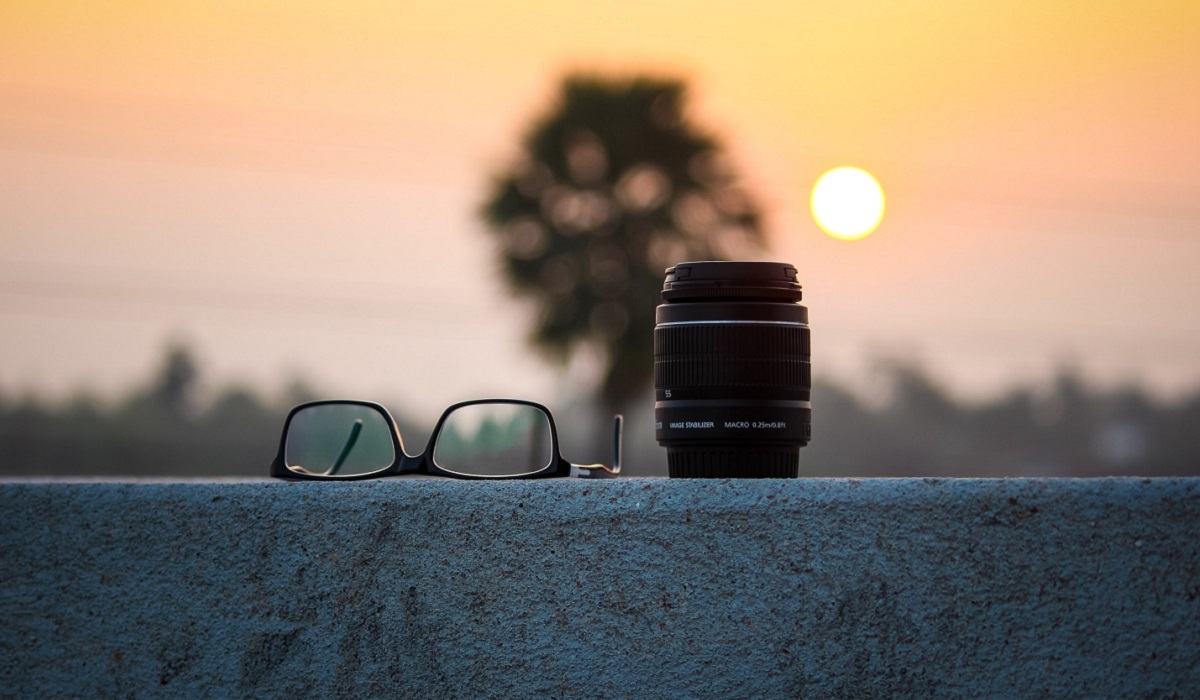
One way to do so is with the right lens — the most important part of the camera in determining the image quality of your photograph. While it’s your camera’s sensors that record the shot, it’s the lens that focuses the light your camera shoots into the image that you desire. Wondering which lens best suits your needs? Here are a few things to consider when finding one to use with your Canon camera.
- Its compatibility with your current camera DLSR cameras Mirrorless cameras
- The kind of photography you want to undertake Self-portraiture Wedding photography Sports photography
- How much you’re willing to spend
Its compatibility with your current camera
The first step is to consider what kind of lens is compatible with the camera you already have. Many cameras are designed for different purposes, and if you have a special type of camera, you’ll need to research what lens best suits it. Most likely, however, you have a digital single-lens reflex (DSLR) camera or a mirrorless camera, both of which are encompassed by various models in Canon’s EOS series.
DLSR cameras
DSLRs use a reflex mirror called a prism to reflect light into an optical viewfinder, which you can then use to see the exact image you will capture. When you take a picture and release the shutter, the mirror in the camera slides out of the way, allowing the light to reach the image sensor. Canon DSLR camera lenses are built to optimize this process.
Typically, DSLR cameras are larger than their mirrorless counterparts, and the size of their mounts means they’re compatible with a wide range of lenses. One great choice for everyday photography is the Canon EF 50mm f/1.8 STM. It boasts a versatile 50mm focal length you can use for anything from fashion to product photography, as well as an ultra-wide aperture that creates great background blurs.
Mirrorless cameras
One reason mirrorless lenses have become more popular is that you can use lenses to emulate the features of a DSLR. Mirrorless camera lenses have advanced electronic contract points such as autofocusing, enhanced image stabilization, and aperture adjustment. These lenses’ continuously expanding features make them worthy competitors of their DSLR rivals. The Canon RF 24-70mm F4.5-6.3 IS STM is an excellent example. Its f/2.8 aperture renders out distracting background details. It also has an ideal 24-70mm focal length range that can capture the full scope of everything from cityscapes to environmental portraits in great detail.
The kind of photography you want to undertake
Another consideration for your ideal Canon camera lens is the type of photography you wish to engage in. Different photography genres have varying standards, so reviewing those conventions is important before selecting your lens. Here’s an overview of a few popular genres — and the best Canon lenses that work for them — to get you started.
Self-portraiture
Self-portraiture is a highly effective way to experiment with and refine photography techniques. Practicing this type of photography will help you understand the perspective of your clients and models, generate an essential toolkit for flattering shots and poses, and identify your own unique approach to portrait-taking. For this, you might want to use a Canon EF 24-70mm f/2.8L II USM lens.
While not exactly a traditional choice, a 24mm lens gives you the space to showcase gorgeous surroundings and create an eye-catching character that interacts with them. You’ll be able to fine-tune the art of harmonizing the environment with your subject. Additionally, you can do more than just use those skills to create lovely pictures of yourself — Canon cameras are also equipped with the ability to be easily utilized as a webcam , so you can use this lens to look particularly good in Zoom meetings.
Wedding photography
Wedding photography is the art of capturing pictures during one of the most important events of a couple’s lives: their nuptials. As a wedding photographer , you’ll be evaluated on your photography style, if your fees are justified and your interpersonal skills. You’ll capture unrepeatable moments, such as the bride’s walk down the aisle, the vows, and the first kiss—with the added pressure of knowing that your photographs will be the couple’s prized possessions in the years to come. Because of this, you’ll need to get a multitude of difficult shots right on the first try and have the equipment that gives you the best chance to do so. For this, one piece of equipment you’ll want to check out is the Canon RF 70-200mm f/2.8 L IS USMl lens.
It has optical image stabilization with up to five stops of shake correction—so no unwanted blurriness will mar your couple’s happiest moments. Its high-speed autofocus will help you catch soft micro-expressions of love and tenderness, while the nine-blade aperture system can produce a gorgeous first portrait with sharp silhouettes and a wonderfully hazy background.
Sports photography
Sports photography is an exciting field where you can get up close and personal with the vibrant action of sporting events. You’ll have the opportunity to capture behind-the-scenes material of athletes, strategic team huddles, and the high-energy tension of an actual game. Because of this, you have to get used to taking shots in the electric heat of the moment—and you need to be extremely precise about what you and your camera are focusing on. This is where the Canon EF 70-200mm f/2.8L IS III USM Zoom lens can help.
Its f/2.8 maximum aperture grants it the shutter speed to snatch lightning-fast shots, the capability to capture subjects even in indoor arenas with low lighting, and a shallow depth of field that can accentuate particular subjects. The lens’ coating is also specifically designed to reduce ghosting and lens flare — so you’ll have consistently sharp photos of every movement made on the playing field.
How much you’re willing to spend
Now that you’ve considered your camera’s compatibility and the kind of photography genre you want to explore, you can now consider the most practical aspect of choosing your lens: the price. While there are many exciting lenses you might want to try out, you have to be realistic with your budget—it can be the determining factor between whether you choose an affordable Canon EF 40mm f/2.8 STM (approx. price $199) or a deluxe Canon RF 50mm f/1.2L USM (approx. price $2,299 new or $1,900 used).
At the same time, you don’t have to swear off attaining the best equipment possible for your craft. If you’ve identified the lens you’re convinced will take your photography to the next level but don’t have the means to purchase it right now, you can create a savings plan. Put away as much money as possible every month to gradually grow towards the goal of owning premium Canon equipment and support this process by selling old equipment after your capabilities have advanced beyond them. You can also buy your Canon gear second-hand.
Your lens is one of the most vital pieces of equipment you’ll need — so regardless of whether you’re taking up photography as a hobby or profession, make sure you invest in the right one for your Canon camera. Whether you are an amateur Canon photographer or a veteran, we hope the above guide proves useful.
Author:Anna Makama
Gadget lover making my way through life one day at a time.
