Add MobilityArena as a preferred source on Google
However, there are workarounds to get Apple Music for free if you want. These options come in the form of free trials and other promotions when you purchase specific Apple products. In fact, you can get up to six months (or more) of Apple Music for free in some cases. So if you’d like to get Apple Music for free, simply follow this article to learn all the available options to enjoy free Apple Music.

How Can I Get Apple Music For Free?
Apple Music is typically only available for a one-month free trial, but there are ways to get it without paying, including longer trials with certain purchases. Here are all of the ways to get Apple Music for free, as well as instructions on how to redeem them if possible.
Get Free Apple Music Through the Free Trial
With Apple Music, you get access to more than 75 million tracks in its music library. Moreso, free features like downloads and spatial audio are available.
- Navigate to the Apple Music website in your browser.
- Click the button labeled “ Try 1 Month Free ” in the top-right or center of the screen.
- Sign up and begin streaming by following the instructions.
Note that after your free trial of one month is over, Apple Music will begin to charge you. You have the option to end your subscription prior to that if you are not ready to start paying for Apple Music. Here’s how to end your free trial or membership to Apple Music:
- Go to Settings on your iPad or iPhone.
- To access Apple Music, go to your Apple ID > Subscriptions .
- In the bottom-right corner of the screen, select Cancel Free Trial or Cancel Subscription .
Get Apple Music For Free with Apple One
Apple One is probably already familiar if you’re an Apple user. This subscription service combines several apps into a single subscription. It’s a way to save money when purchasing apps you enjoy.
To get your free trial, simply follow the steps below.
- Navigate to the Apple One website in your browser.
- On the screen’s center or upper right corner, select the Try Apple One Free button.
- To finish the sign-up process, simply follow the on-screen prompts.
Get Apple Music For Free With Shazam
You can also try taking advantage of Shazam’s Apple Music promotion if one month isn’t long enough for you to get Apple Music for free. It entitles you to a three-month free trial of Apple Music.
This promotion is only available on Shazam’s website. You don’t have to buy anything to qualify, simply have the Shazam app on your mobile device, as with Apple’s free trial. To get Shazam’s free Apple Music trial, follow these steps:
- In your browser, navigate to the Shazam website.
- Using your phone’s camera, scan the QR code on the page.
- To redeem your offer, simply tap the Shazam QR code at the top of the screen and adhere to the instructions.
Get Free Apple Music For Free by Purchasing Apple Products
With Apple’s assistance, you can also get Apple Music for free through Apple Music free trials that last up to six months. Buying specific Apple products from the Apple Store or online is one such way to receive Apple Music at no cost. You can buy any of the following products to be eligible to get Apple Music for free:
- AirPods (2nd and 3rd generation).
- Pro AirPods (1st and 2nd generation).
- Max AirPods.
- Powerbeats Pro, Beats Solo Pro,Beats (Beats Studio Buds, Powerbeats, and Beats Fit Pro).
- iPhone.
Here’s how to use your eligible Apple audio devices to redeem get Apple Music for free for up to six months. Use your iPhone or iPad to complete this task:
- Make sure your iPad or iPhone is updated.
- After that, connect your iPhone or iPad to your music device.
- Now go to your device’s Apple Music app. If you originally signed out, you may need to sign in using your Apple ID. You could also visit the Apple Music redemption website, scroll down, and select Get Started.
- If the offer isn’t instantly visible in Apple Music, check the Listen Now tab.
- Click the option to Get 6 months free.
You can now get Apple Music for free using the tips we’ve provided in this guide. Follow any of our recommendations and enjoy free music streaming.
Author:Joan Agie
Add MobilityArena as a preferred source on Google
It looks like anyone who wants stock Android will eventually be left with only one option – Google Pixel phones. Why? All the major phone brands that used stock Android in their smartphones have all discarded it for their own custom user interfaces . Nokia was the last brand standing, and with the introduction of Pure UI, that comes to an end.
What is Nokia Pure UI ? It is a new graphical user interface developed by Nokia for their Android phones. It means that when you switch on your Nokia phone in the future, the user interface that you touch, and that you swipe, will look and act differently from what you have been used to up till now.
- What is Nokia Pure design system like?
- When will Pure UI show up in Nokia smartphones?
- Will any existing Nokia phones be updated with Pure UI?
What is Nokia Pure design system like?
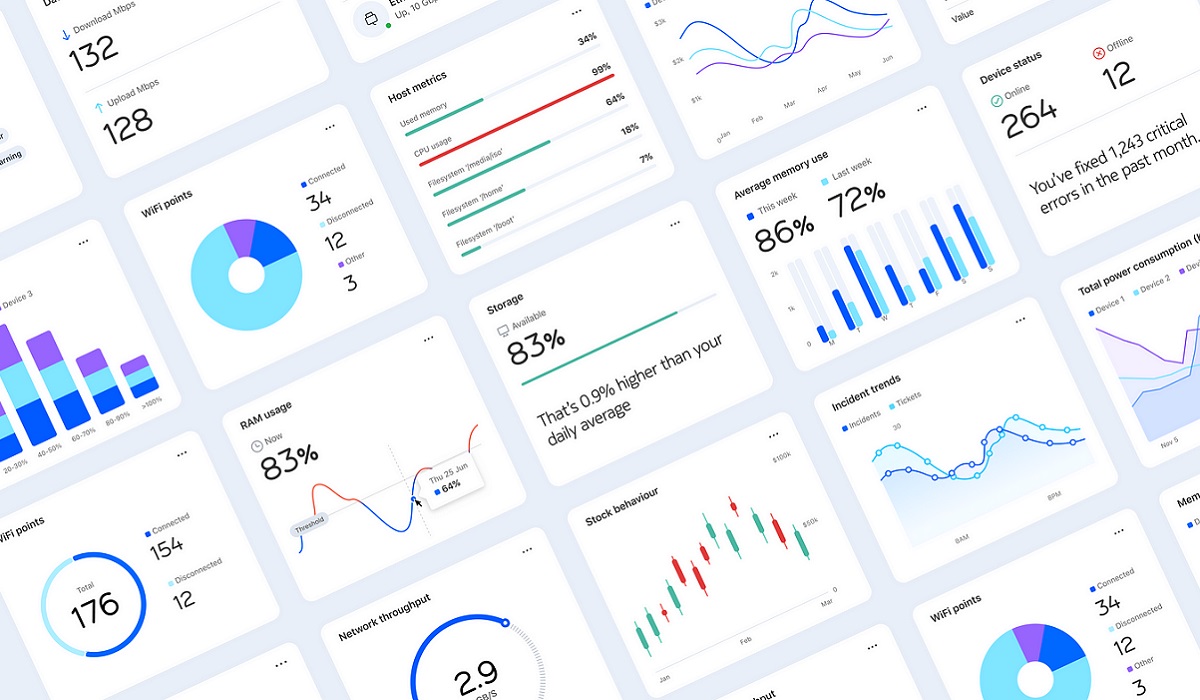
From what I have seen of the images floating around the Web, Nokia Pure has a clean, minimalistic appearance – something that makes me think of what OnePlus’ older OxygenOS looked like. Am I the only one thinking of it that way? Anyway, Nokia says that the new design system will be used not only in their smartphones but other products as well.
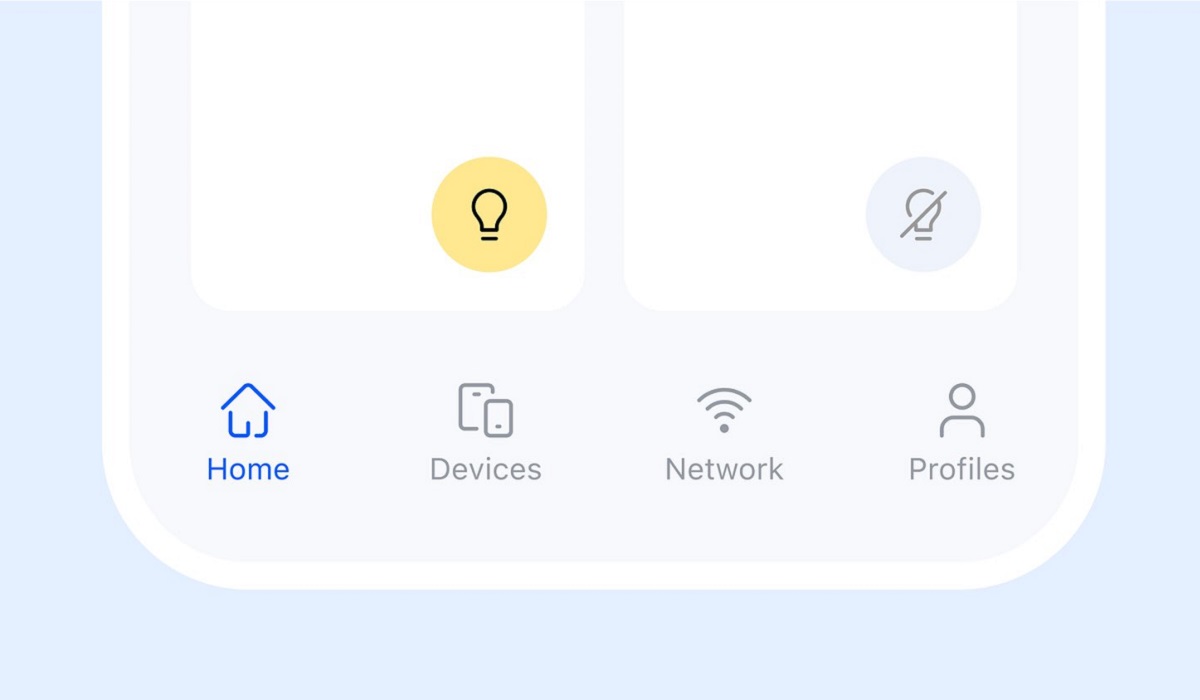
The design system will likely have Nokia fans splitting hairs, but like it or hate it, it really is different from anything out there. It is super-minimalistic in a futuristic sci-fi way. Personally, I like what I see now. Hopefully, I will like it also when it shows up live in a Nokia phone.
When will Pure UI show up in Nokia smartphones?
At this time, I have no idea. Nokia has not provided us with dates or a schedule. It might be next month, or a few months, or next year. We will have to wait to hear from the Finnish boys. All we know for now is the name and the fact that Nokia smartphones will give up the stock Android user interface for this. Pretty much go from purist Android software to Pure UI. Was any pun intended?
Will any existing Nokia phones be updated with Pure UI?
Nokia has not said anything, but I doubt it, seriously. It is very likely that to experience the new Nokia Pure design system, you will need to buy whatever new phones it launches with out of the factory. But I might be wrong. Come on, HMD Global; surprise me.
I will update this page with more information and images as they are made available by HMD Global, the home of Nokia phones.
Author:Mister Mobility
Digital Skills and Communication Coach | Mobile Phone Connoisseur since 2001 | Tech Blogging since 2004
