Add MobilityArena as a preferred source on Google
Are you tired of constantly shelling out money for your favorite apps and games on the Google Play Store? Look no further than Google Play Pass, a subscription service that provides access to a wide selection of premium apps and games for a monthly fee. With Google Play Pass, you can enjoy ad-free, unlocked, and unlimited access to a vast library of popular titles, from puzzle games to productivity apps.
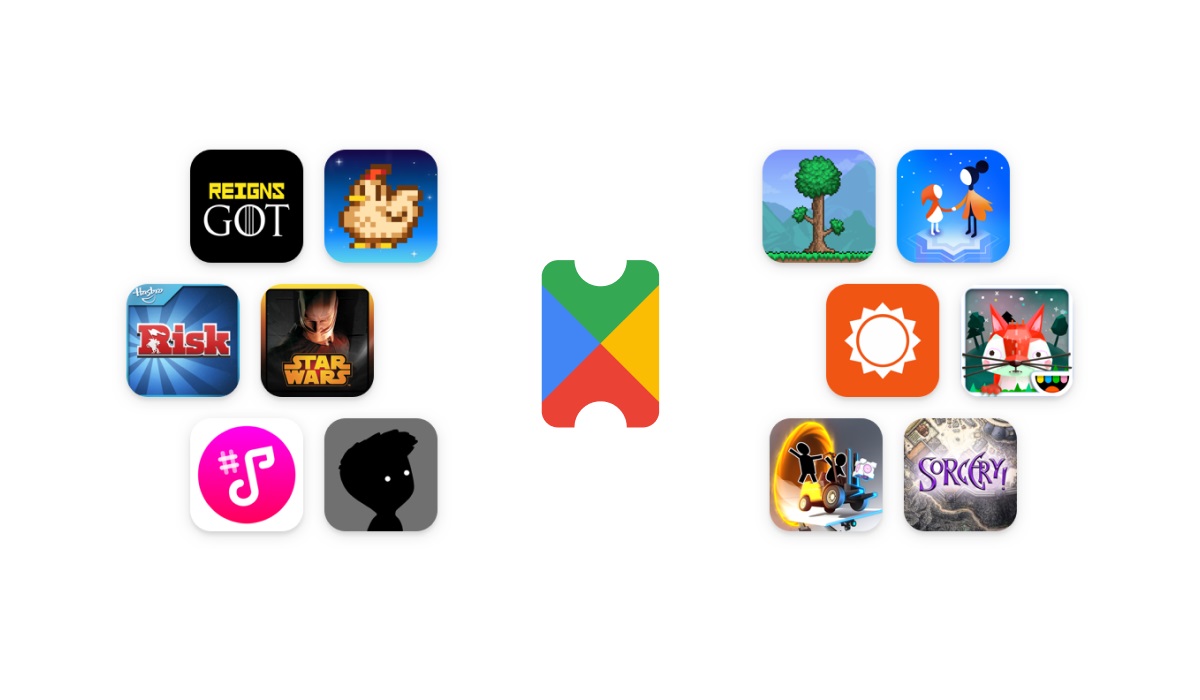
In this guide, we’ll walk you through the steps to get Google Play Pass and start enjoying all the benefits it has to offer.
Advantages of using Google Play Pass
There are several advantages to using Google Play Pass:
- It is c ost-effective : Google Play Pass is a subscription service that costs a reasonable monthly fee. For the cost of a few individual apps or games, you can have access to hundreds of premium titles.
- Family sharing : Google Play Pass allows you to share your subscription with up to five other family members , making it a cost-effective way to provide access to premium apps and games for everyone in your household.
- Get new titles every month : Google is constantly adding new apps and games to the Play Pass library, so there’s always something new and exciting to discover.
- No ads : Ads can be frustrating and disruptive, but with Google Play Pass, you won’t have to worry about them. All apps and games on Play Pass are ad-free, providing a more seamless experience.
Requirements for the Google Play Pass
To buy a subscription to Google Play Pass, there are some requirements to meet. You need to:
Have version 16.6.25 and above of the Google Play Store app on your smartphone.
Use a smartphone with an Android version 4.4 and above.
Be based in one of the countries where the Play Pass is available.
Have a valid payment method.
Ensure that you have the same Google Play country and billing country.
Have a Google account without a Google account, you can’t subscribe to Play Pass.
Be able to create a family or be a family manager if you want to share Play Pass with your family.
Note: If you are a family manager, you need to make sure to check all apps and games before you allow any child in your family group to install them.
How to buy a subscription to Google Play Pass
Open up your Google Play Store app.
Tap on “Profile Picture”, at the top right of your screen.
Tap on “Play Pass” and then on “Get started”
Follow the rest of the on-screen instructions.
If you are a new user, you will only get a trial at no charge. You will get charged at the end of your trial period. You can cancel your subscription before the trial period ends if you don’t want to be charged.
Apps and games at no charge (Free apps and games)
Paid apps and games
When it comes to the paid apps and games, you can still use the paid app or game for some time before you’ll need to buy the app or game separately, outside of Play Pass. You can also choose to uninstall the app if you don’t want to deal with the ads, etc.
How to Deactivate Google Play Pass
Only members of a family can activate or deactivate Play Pass. When you deactivate Play Pass, you only deactivate it for your account. Other family members still have access to the Play Pass. To deactivate the Play Pass:
Open the Google Play Store app.
At the top right, tap the Profile picture.
Tap on “Payments & subscriptions”, then on “Subscriptions”, and finally on “Play Pass”.
Tap “Cancel subscription”.
Author:Flamez
Flamez loves basketball, art, gadgets and cars.
Add MobilityArena as a preferred source on Google
If and when you do move from one country to another (for whatever reason), you might want to change the listed country in Google Play Store, as the need may be. Your listed country in Google Play Store determines the kinds of apps, games, and content that you have access to in there.
In this guide, I will list out the pros and cons, as well as walk you through the step-by-step process, of changing your Google Play Country. By the end of this article, you will be able to easily switch to a new country and enjoy access to apps and content that were previously unavailable to you.
- What are the pros and cons of changing your country in Google Play Store?
- Conditions required to change your country in Google Play Store
- How to change your country in Google Play Store
What are the pros and cons of changing your country in Google Play Store?
There are both pros and cons to changing your Google Play country.
Pros :
- Get access to new apps and content : Changing your Google Play country can open up a world of new apps and content that may not be available in your current location.
- Enjoy regional discounts and offers : Different countries may have different prices for apps and games, and changing your Google Play country could give you access to regional discounts and offers that you wouldn’t otherwise have.
- Get multilingual support : If you move to a new country or are learning a new language, changing your Google Play country can give you access to apps and content that are in your target language.
Cons :
- Possible loss of access to current apps and content : Changing your Google Play country means that you may lose access to apps and content that are available in your current location but not in the new one.
- Payment issues : Changing your Google Play country may affect your ability to pay for apps and content if the payment methods used in your new country are not the same as those in your current location.
- You can’t use your Google Play balance from your old country in your new one. The balance is there though, and if you switch back to your old country, you will have access to it again. Of course, that also means you will no longer have access to any balance you have in the other country.
- You will lose access to your Google Play Points, and your level won’t carry over to the new country you are switching to.
- Legal issues : Changing your Google Play country may not be legal in certain situations, such as if you are trying to circumvent regional restrictions on certain content.
Changing the listed country in Google Play Store can be beneficial in certain situations, but it is important to weigh the potential benefits against the potential drawbacks before making a decision.
Conditions required to change your country in Google PlayStore
You need to wait for a period of 12 months after creating a payments profile before you can change your Google Play country. You are allowed to change your listed country in Google Play Store only once a year. This means you can’t change it back to what it was or to some other country for a full year.
You need to set up a new country in Google Play Store to change your country.
To set up a new country, you must be in that country (Google checks to confirm that your IP address matches the new country). If you are not physically present in the country you want to change to, you will need to use a VPN ( Virtual Private Network ) to hide your real IP address.
You need to have a payment method from the new country.
How to change your country in Google Play Store
Using your Android smartphone, open the Google Play Store app.
Tap on the profile icon at the top right of your screen.
Tap on Settings – General – Account and device preferences – Country and profiles.
Select the country where you want to add an account.
Follow the rest of the on-screen instructions to add a payment method for that country.
Note: Your profile could take as long as 48 hours to be updated to your current status.
Author:Flamez
Flamez loves basketball, art, gadgets and cars.
