Add MobilityArena as a preferred source on Google
Google’s Pixel phones are loved by a small but vocal fan base around the world. This is partly due to the quality of images that Google’s camera app delivers, thanks to computational photography. But Pixel phones have been plagued by poor battery life and heating problems for quite a while.
The Pixel 5a 5G has the best battery life of any Pixel phone in the market today and delivers such good usage times in between charges that it deserves accolades. But, and a very big but, the heating problem is much worse. The Pixel 5a 5G overheating problem is so bad that many times, you have to shut down the camera, or turn off hotspot, or shut down the phone outright, to get it to cool down.
I am not exaggerating. For months, it was painful trying to use the phone in everyday scenarios that I had used other phones from Apple, Samsung, Nokia, TECNO, and Xiaomi. The 5a 5G just kept heating up and disabling features by itself. Below is a notification that I got used to seeing multiple times every single day.
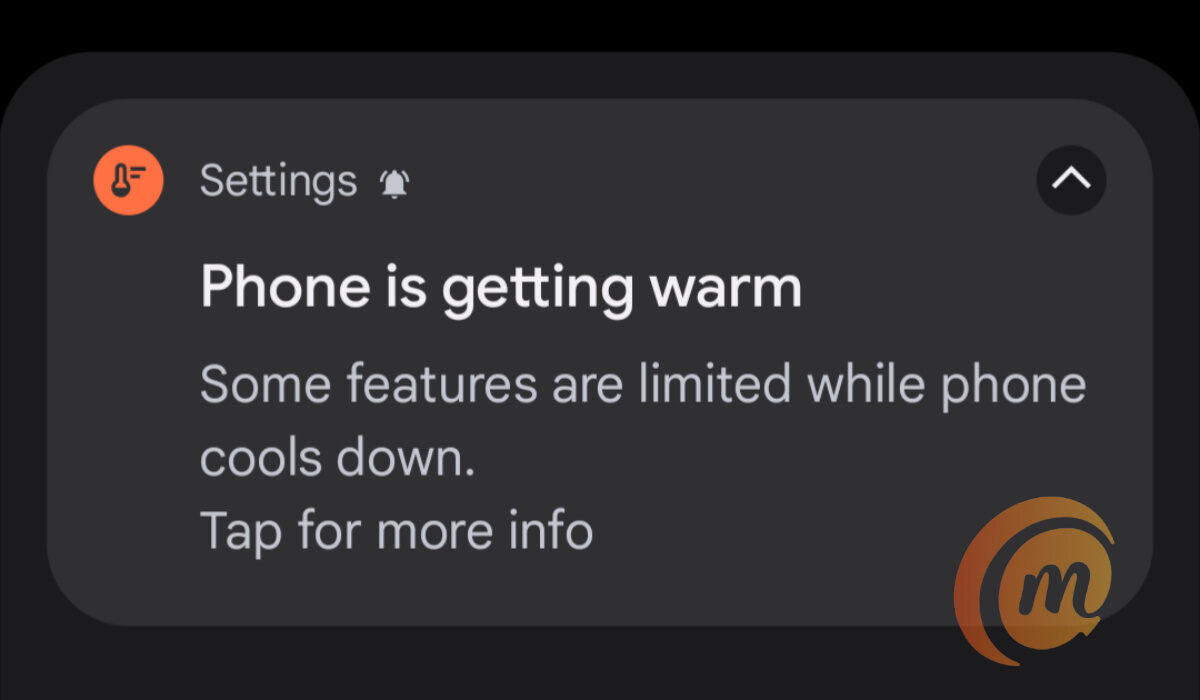
A notification due to the Google Pixel 5a 5G overheating problem
This would pop up even when the camera wasn’t in use. Perhaps I was browsing the Web and using social media. Perhaps I was using the phone as a hotspot to get work done online on my laptop. It would warm up and the above notification would pop up on the screen in a little while.
While the phone also heated up and popped a different error while using the camera, often, it would also overheat if I left the camera open but not in use. I found that disturbing: overheating from an idle camera? This was ridiculous.
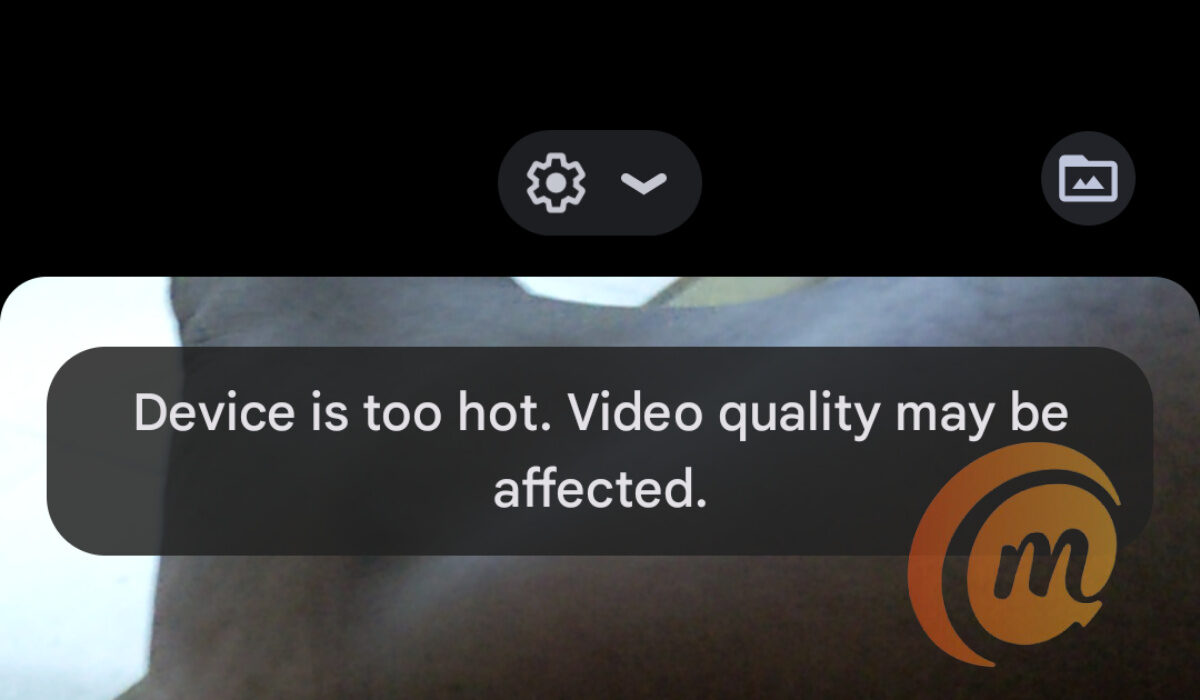
I was not recording anything when this error popped up. I just had the camera app open and switches to video, and voila.
I checked Google support forums and scoured the Web for anyone who had found a solution to this persisting problem. I found none. The best words of comfort out there were those that said Google was aware of the issue. There was no timeline for a fix.
Reading others describe the issue helped me narrow down the problem. And then, I thought to change a few settings on this unit. And the result is that while the phone still warms up a little (and many phones do that now), the Pixel 5a 5G overheating issue that caused the phone to disable features and services has not popped up again since then. So, hopefully, this is a valid fix.
What I did to fix the Google Pixel 5a 5G overheating problem
I figured this has something to do with the camera, so I dived into the camera settings and fiddled around a while with settings that looked like could be behind this stressing of the phone. I won’t bore you with all the details. Here are the settings that I now have disabled in the Google camera:
- Google Lens suggestions
- Social share
- Frequent Faces
- Framing hints
- Exposure
- RAW+JPEG control (under Advanced)
- Social media depth features (under Advanced)
- Enable time lapse for Astrophotography (under Advanced)
I know these are a lot of features to disable, but I was desperate to have a stable and functional phone that I could actually use daily without being sabotaged in the middle of an important task. And it looks like I achieved just that. There is still some warmth when you use the phone for a while, but it doesn’t get severely warm any more and those warmth/heat notifications don’t pop-up anymore.
It might be too early to say that I solved the Google Pixel 5a 5G overheating problem for myself. Feel free to try out the above settings for yourself and see if it makes a difference. If it works for enough people, at least, we’d have given Google an idea of where to look to fix the underlying problem.
For now, it is a relief that I am able to use the Pixel 5a 5G without feeling like I am carrying a hot plate around. If there is anything you have done to successful get your Pixel 5a 5G to not warm up so badly, do share. Lastly, if you are interested, please see my Google Pixel 5a 5G review .
- Don’t miss our reviews .
- Follow us on Instagram , Facebook , Twitter , and YouTube .
Author:Mister Mobility
Digital Skills and Communication Coach | Mobile Phone Connoisseur since 2001 | Tech Blogging since 2004
Add MobilityArena as a preferred source on Google
TFT and LCD are two different types of electronic displays used in computers, TVs, and smartphones. For example, when going through the specs of different cell phones, you will notice that some are listed as having a TFT display and others as having an LCD display.
TFT and LCD are two of the most common types of displays found on mobile phones. Other common types are OLED, AMOLED, Super AMOLED, and IPS-LCD, and while I will touch on some of these others briefly, I am keeping the focus of this article primarily on TFT and LCD. Let’s start by exploring what these two abbreviations mean.
- What is a TFT Display in phones?
- What is an LCD Display in phones?
- TFT vs LCD: Differences between them
- TFT vs LCD: Summary Which is better – TFT or LCD? OLED vs LCD – which is better? LCD vs AMOLED – which is better? What are Super AMOLED displays? What is Retina display?
What is a TFT Display in phones?
TFT stands for Thin-Film transistor and is a phone display technology designed to show quick animations, complex graphics, and custom fonts on your phone screen. TFT display works by having one transistor connected to each of the pixels on your screen.
What is an LCD Display in phones?
LCD stands for Liquid Crystal Display and is a flat-panel display technology that uses light-modulating properties of liquid crystalline compounds to produce images on the phone screen. The display consists of several layers, including a backlight, polarizers, and color filters, and each pixel is controlled by a transistor. When an electric current passes through the liquid crystals, they twist and untwist to allow or block light, creating the images that we see on the screen.
TFT vs LCD: Differences between them
TFT : stands for “thin-film transistor.” They are actually a kind of LCD panel that uses thin film transistor technology to deliver sharper and brighter images. TFT panels also tend to be plastic, meaning they are less susceptible to break or crack on impact with the floor or other hard object. Plastic displays are used on entry-level phones. As you go higher, plastic gets replaced with glass, meaning LCD, IPS, AMOLED, etc.
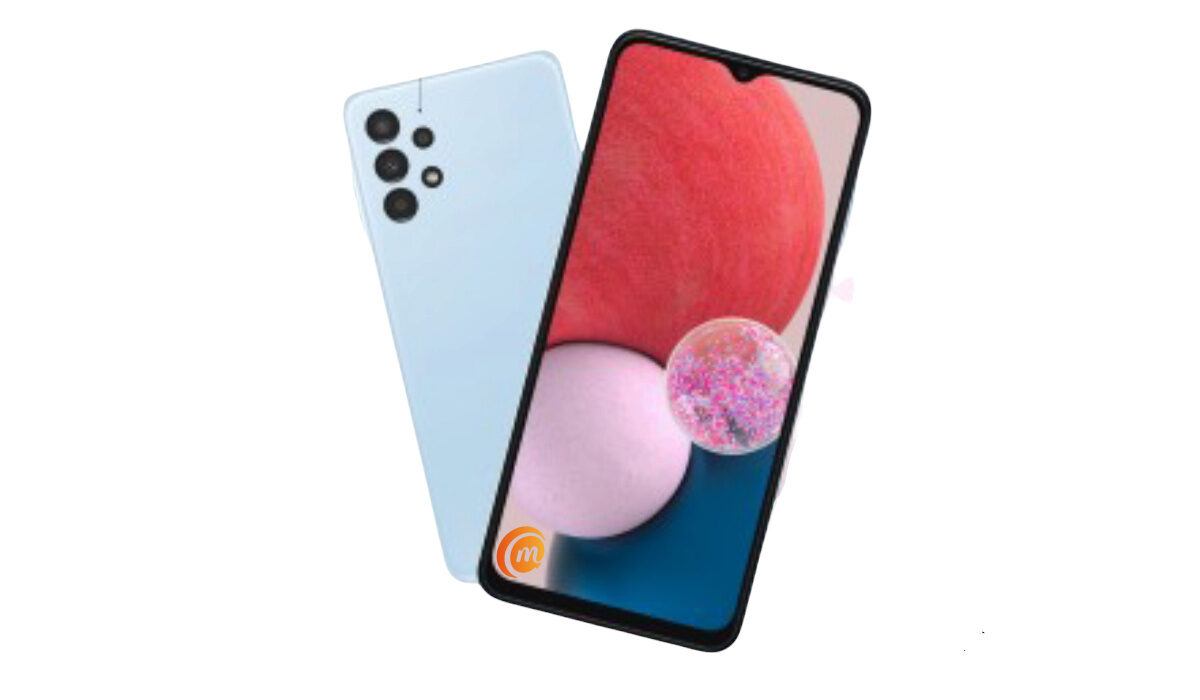
TFT vs LCD: The budget Samsung A23 uses a TFT display
A key weakness of TFT panels is that they do not have wide viewing angles, so they are better suited to displays that require you to view head-on. This can be a good or a bad thing, depending on your needs. For example, the narrower viewing angles mean people sitting or standing around you are less likely to be able to snoop on what you are doing on your mobile phone.
TFT panels are cheaper to manufacture, but they also consume much more power than regular LCD panels. Lastly, they have poorer sunlight visibility. You will find TFT displays on feature phones, smart feature phones, and low-end Android phones.
LCD : This is an abbreviation for “liquid crystal display”. It is a flat panel display with wider viewing angles compared to TFT. They also have lower power consumption and so deliver much better battery life than their TFT counterparts.
TFT vs LCD: Summary
In summary, while TFT panels have some distinct advantages, they fall short in other areas and so their use have been limited to low end phones, from feature phones to entry-level Android phones. Plastic feels inferior to touch than glass, which means that TFT screens don’t get to feature much on mid-range and premium devices.
As we see improvements to TFT technology, we will see them deployed on higher end devices over time. In 2022, Samsung used TFT displays in its mid-range Galaxy A13 and Galaxy A23. Perhaps those improvements are happening already.
For now, LCD is the most widely used display type in modern smartphones. At the very top end, we have premium flagships using OLED and AMOLED displays.
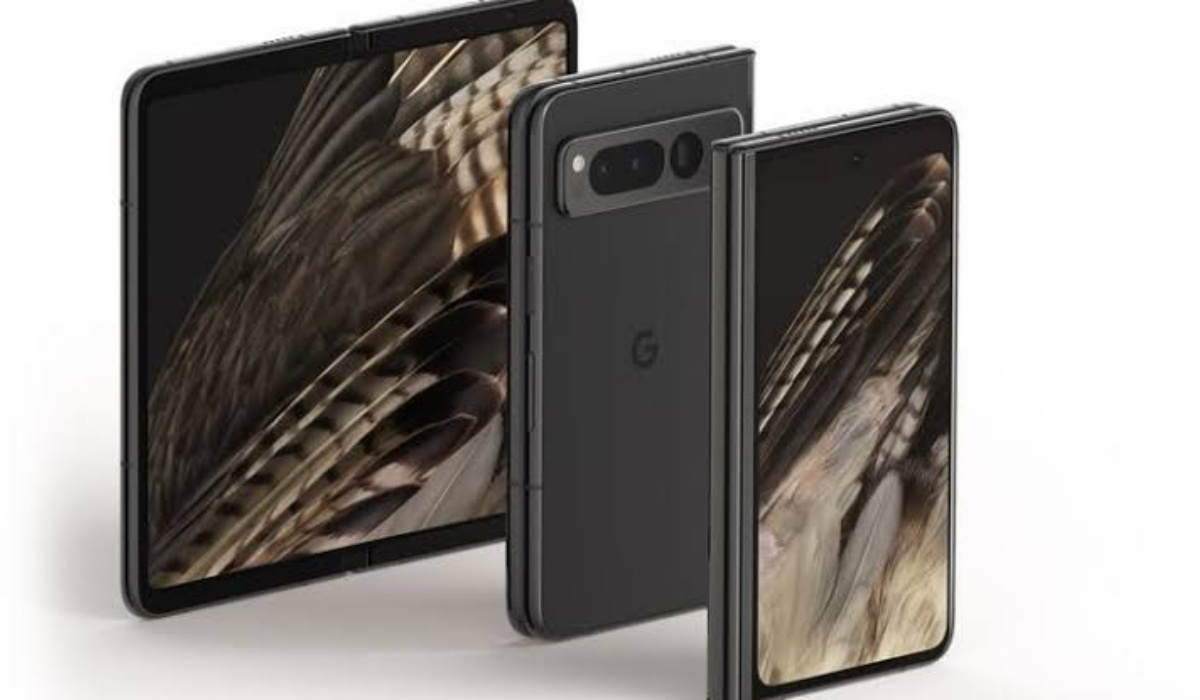
2023 Update: With the arrival of foldable devices, we are also now seeing foldable variants of OLED and AMOLED displays in the market. It is safe to say that OLED and AMOLED screen types have proper cornered the premium, high-end smartphone market.
Which is better – TFT or LCD?
TFT displays are higher quality components than regular LCD displays. TFT displays are sharper, brighter, and refresh better than LCD panels. However, they have weaknesses that make them unsuitable for higher end phones.
OLED vs LCD – which is better?
Compared to LCD, OLED panels have better color reproduction, faster response times, wider viewing angles, and better brightness.
LCD vs AMOLED – which is better?
AMOLED panels have all the benefits of OLED screens, which means they are better than LCD panels. They are expensive though, and so are used in high-end smartphones only.
What are Super AMOLED displays?
These are improved versions of AMOLED screens and were developed by Samsung. They are also thinner. The name explains it: think of Super AMOLED as AMOLED on steroids.
What is Retina display?
Retina Display is a term used by Apple for its IPS LCD screens.
Author:Mister Mobility
Digital Skills and Communication Coach | Mobile Phone Connoisseur since 2001 | Tech Blogging since 2004
