Add MobilityArena as a preferred source on Google
There are four generations of devices on the Google Pixel Android 15 update list. In all, the list includes a total of 15 devices, ranking from the regular bar Pixel phones to their foldable siblings. One tablet is on the list too.
Usually, the year’s new phones get released with the latest Android update, but things took a different turn this year. This year, Google launched and released the Pixel 9 series with older software , Android 14, inside. All Pixel 9 series devices are on the Android 15 update list.
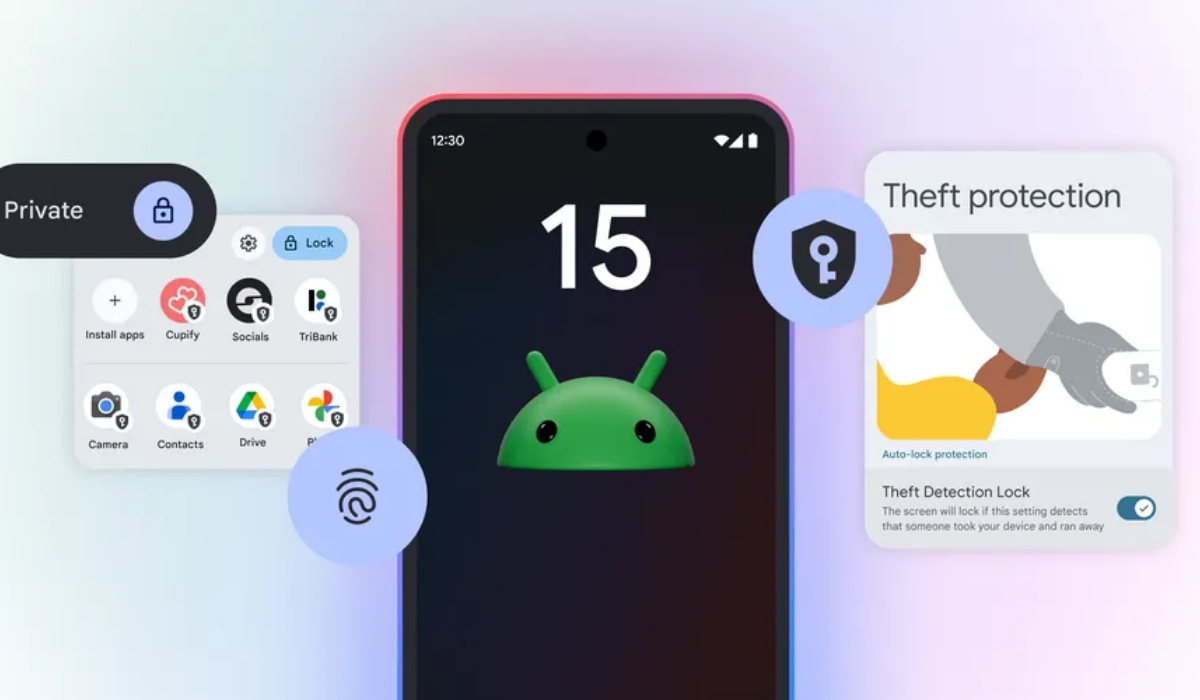
- Google Pixel Android 15 Update Eligible Phones
- When will the Android 15 update roll out to Google Pixel phones?
Google Pixel Android 15 Update Eligible Phones
- Pixel 6 – Guaranteed Android updates till October 2024
- Pixel 6 Pro – Guaranteed Android updates till October 2024
- Pixel 6a – Guaranteed Android updates till July 2025
- Pixel 7 – Guaranteed Android updates till October 2025
- Pixel 7 Pro – Guaranteed Android updates till October 2025
- Pixel 7a – Guaranteed Android updates till May 2026
- Pixel Fold – Guaranteed Android updates till June 2026
- Pixel Tablet – Guaranteed Android updates till 2026
- Pixel 8 – Guaranteed Android updates till October 2030
- Pixel 8 Pro – Guaranteed Android updates till October 2030
- Pixel 8a – Guaranteed Android updates till May 2031
- Pixel 9
- Pixel 9 Pro
- Pixel 9 Pro XL
- Pixel 9 Pro Fold
This update will be the last to be pushed out to the Pixel 6 and Pixel 6 Pro models. If you own a Pixel 5 series or older, sorry, but your device has reached the end of its software update support cycle.
When will the Android 15 update roll out to Google Pixel phones?
Google is rolling out the stable Android 15 update to eligible devices from the 14th of October 2024. The phased rollout will see different models in different regions get it it over the course of a few weeks.
Am email from the Google Pixel Community Support Team confirmed that Android 15 started rolling out on the 15th of October 2024. Here is what the email says:
Dear Pixel Community,
This month, all supported Google Pixel devices running Android 14 will receive the software update to Android 15. The update is already available for some users today. Over the next week, it will gradually be made available on the devices via the mobile operators. You will receive a notification as soon as the system update is available for your device. We recommend that you check your Android version and update to the latest version.
The US is the home market and the primary market for Google Pixel phones so US users of any of the eligible models can expect to start seeing it arrive on their phones first.
That said, I know two people in my connections outside of the US who have received the update. So, I imagine the the update is rolling out nicely in most places.
If your model is on the Google Pixel Android 15 update list, the system update is on its way to you. If it doesn’t get to your phone early, do exercise some patience. It will get to you soon. Google Pixels are known for getting updated rather fast, so you won’t have to wait long.
Author:Mister Mobility
Digital Skills and Communication Coach | Mobile Phone Connoisseur since 2001 | Tech Blogging since 2004
Add MobilityArena as a preferred source on Google
The Google Pixel Watch 3 has made significant strides in the smartwatch market, boasting a sleek design, advanced health tracking features, and improved battery life. However, some users have expressed concerns about battery performance, particularly regarding how long the watch lasts under various usage conditions. With claims of up to 24 hours with normal use and 36 hours in Battery Saver mode, many wonder if these figures hold true in real-world scenarios. By understanding how different features impact battery performance and implementing effective strategies, you can enhance your experience and make the most of your smartwatch. Whether you’re tracking workouts, receiving notifications, or simply checking the time, ensuring optimal battery life is crucial for maximizing the functionality of your Pixel Watch 3. Let’s dive into the details and discover how to tackle these battery concerns effectively!
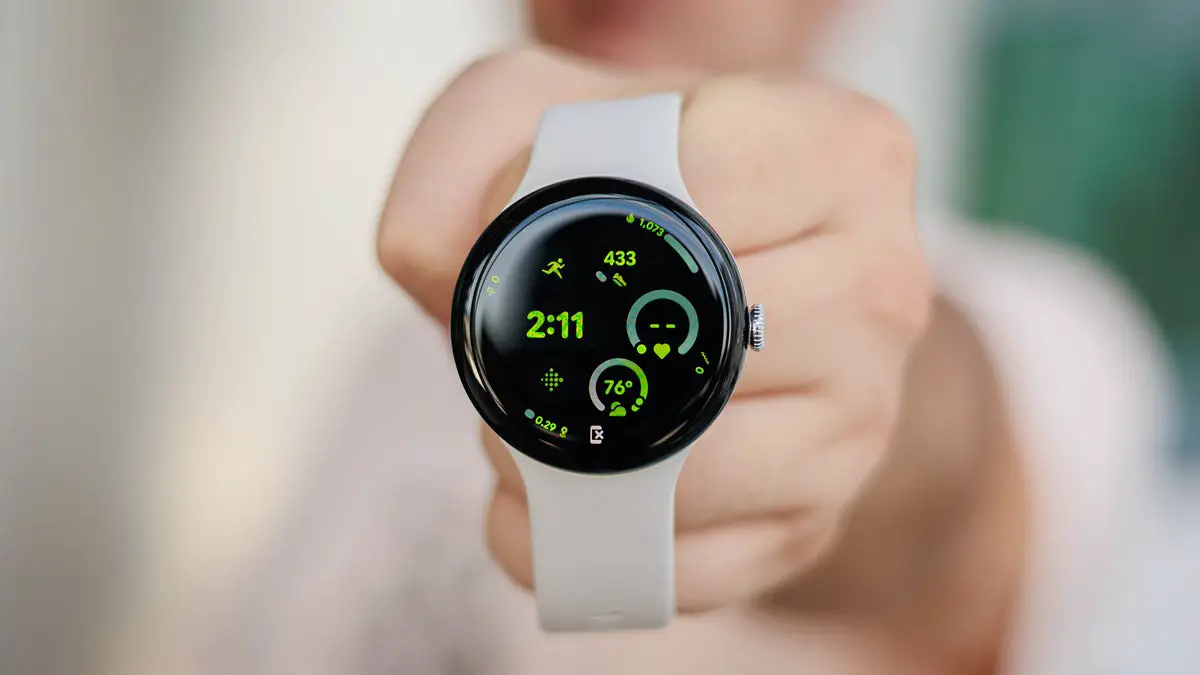
- Common Battery Life Issues Limited Daily Usage Impact of Always-On Display Heavy App Usage Background Processes
- Charge Smartly
- Conclusion
Common Battery Life Issues
Limited Daily Usage

Although the Pixel Watch 3 is designed to last up to 24 hours with standard use and can extend to 36 hours in battery saver mode, many users find that their watch often requires charging before the end of the day. This can be particularly inconvenient for those who rely on it for fitness tracking or notifications throughout the day. I recommend that you activate Battery Saver mode when you anticipate needing your watch to last longer. Here is how to enable:
- Swipe down on your watch face, tap the settings cog, then select the battery icon and turn on Battery Saver. This mode disables features like the always-on display and limits background activity while still allowing essential notifications.
Impact of Always-On Display

The always-on display feature on the Pixel watch 3 is a popular option for many users, but it can significantly drain battery life. When enabled, this feature keeps the watch face visible at all times, which can lead to quicker battery depletion. Consider disabling or adjusting the always-on display feature. Here is how to adjust:
- Go to Settings > Display > Always-On Display and choose a setting that suits your needs without draining too much battery.
Heavy App Usage
Using resource-intensive apps, such as those for fitness tracking or streaming music, can also contribute to rapid battery drain on the Pixel Watch 3. Users who frequently switch between apps may notice a decline in battery performance. Monitor and limit the use of apps that consume significant power.
- NB: Use offline music options instead of streaming when working out or during commutes. Download music directly onto your watch to minimize data usage.
Background Processes
Certain background processes and notifications can consume additional power, leading to unexpected battery drain. This is especially true if location services are constantly active. Turn off unnecessary background processes that may be draining your battery:
- Navigate to Settings > Apps and review which apps are running in the background. Disable any that you do not need active at all times.
Charge Smartly

Use the provided charger correctly and avoid charging overnight.
- NB: The Pixel Watch 3 charges faster than previous models—up to 50% in just 28 minutes for the larger size—so take advantage of this by charging during short breaks rather than overnight.
Conclusion
While some users may experience battery life concerns with the Google Pixel Watch 3, understanding these issues and implementing effective solutions can significantly enhance your experience with this remarkable smartwatch. By utilizing Battery Saver mode, adjusting display settings, limiting app usage, managing background processes, optimizing location services, regularly updating software, and charging smartly, you can maximize your watch’s battery life. Embrace these strategies as opportunities to optimize your device for peak performance throughout your day. With a little attention and care, you’ll find that navigating any battery-related challenges becomes much more manageable, allowing you to fully enjoy all that your Google Pixel Watch 3 has to offer!
