Add MobilityArena as a preferred source on Google
Google Search is a rich and powerful tool that gives you access to the global Web library of knowledge. Using it more skilfully can help you get the best results. However, most users are not getting the results they want.
This article is a compilation of quick and easy tips you can use on a daily basis to improve your use of the Google search engine. Be sure to practice the below tips as you read them, so you stand a batter chance of remembering them when you need them later.
You can use Google Search on your smartphone by tapping on the Google app icon, using the search bar on your phone’s home screen, or open the Web browser and typing google.com in the address bar. Of course, you can also use it on your laptop or desktop computer. Let’s go.
How to find an exact phrase
To find an exact phrase only, put the phrase in quotation marks.
Example: “Motorola Moto E16”.
The above example will produce only results that have the complete phrase, Motorola Moto E16 (in that exact order), in them, and exclude results that mention only “Motorola Moto”, “Motorola E16”, “Moto E16”, etc.
How to exclude a word in Google Search results
If you want to exclude a word from your results, include a dash or hyphen before that word.
Example: apple-fruit
The above example looks for the word, apple, but excludes all mentions of apple as a fruit. This is good for when you want to find out about Apple, the brand or company, or their products.
How to include synonyms of a word in your results
To include synonyms of a word in your search results, use a tilde.
Example: BlackBerry ~phones
The above example will give you results that feature not just BlackBerry phones, but all mentions of Blackberry smartphones, gadgets, etc.
How to limit your search results to a specific website
To use Google to search a site – just one website, here is how to go about it. Type your search phrase, leave a space, and then add site:domain-name right after it.
Example: Samsung Galaxy A12 site:mobilityarena.com
This will look for Samsung Galaxy A12 on the website, mobilityarena.com.
To find an exact image size
Type your search phrase, then add the text imagesize:widthxheight after it, specifying the exact dimensions you want, as in the example below:
Example: OPPO Reno6 imagesize:600×350
The above example will give you images of OPPO Reno6 that have a width of 600 pixels and a height of 350 pixels.
To search within a date or range
If you need to find information within a date range (years) or any other number range, use two periods.
Example: best smartphones 2015..2020.
The above example will look for mentions of the best smartphones from 2015 to 2020.
For information within a specific location
To find news or information related to a particular location, use the colon as illustrated below.
Example: Samsung phones location:germany.
The above example will look for mentions of Samsung phones in Germany.
You are reading Mobility Arena .
- Don’t miss our reviews .
- Join our WhatsApp Group , to be notified of the most important articles and deals,
- Follow us on Instagram , Facebook , Twitter , and YouTube .
Author:InfoDesk
Add MobilityArena as a preferred source on Google
Android Security.
Have you ever wondered about how secure your Android device is, who has access to what and when? Well you are not alone in your thoughts, millions around the world have also asked the same question.
It has become very common for most people to write off Android security quickly. This has made a lot of people to view Android as a less secure option to iOS. But how true is that? Is it a proven fact or just based on personal opinion?
To answer this question we need to closely consider how Android security has performed over the years.
The Journey Of Android Security.

Over a decade ago Android was this “rather difficult” operating system that a lot of devices ran on. It was up against a few major competitors the number of which later on narrowed down to one being iOS. So whenever users where to pick a device they had two major choices Android or iOS, this is where a big line was drawn.
Unlike iOS which was the operating system for only one line of devices being the iPhone, Android powered a lot of devices from various manifacturers. Second issue Android faced was that it was an open source code, what this means is that the lines of code present in the Android software could be modified by anyone and everyone.
Here security was of the essence and manifacturers like Apple where very quick to update its firmware to protect its users from malicious attacks since they had complete control of their OS. With Android, security took an entirely different route, firmware updated had to be first rolled out by Android then pushed to manifacturers who will in turn update their various devices at different times.
So Android security was a bit lazy and at this stage people could quickly draw the conclusion that Android security performed poorly, can we still say the same today?
The Current State Of Android Security.
Android has come a long way when it comes to properly addressing security issues and this growth is evident in the way it sets out to handle it’s security updates and patches.
These patches ensure that any vulnerabilities to the Android ecosystem is addressed as soon as possible even before the users are affected by these vulnerabilities.
That is where Google Play Services comes to the spotlight! What is Google Play services? How can it boost Android users security?
Now Google Play Services is a system app that comes pre-installed with every Android device and it gets updated remotely by Google without users having to worry. It is responsible for the smooth running of your Android device, this app does not have a user interface but it is integrated into or is made up of almost every core Android application as it grants permission for the access of other Google services.
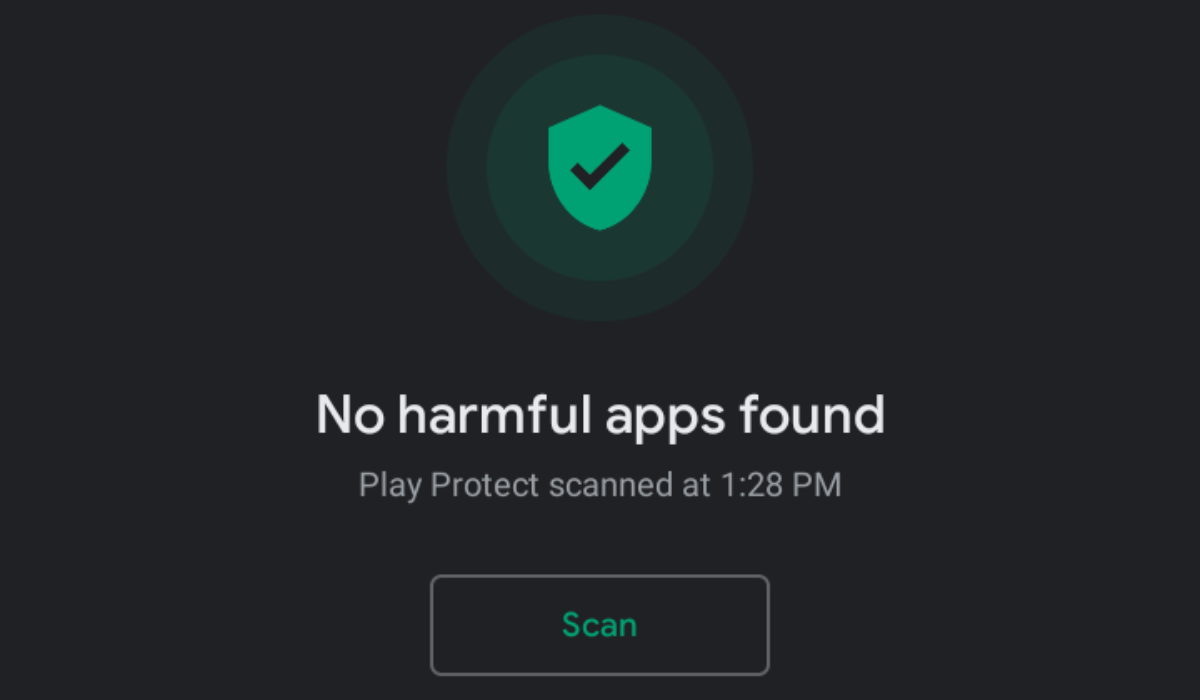
Play Protect.
So how does Play Protect boost Android security? Remember how we said that Play Services is “a collection of core Android applications”, Play Protect is also part of the services under Google Play Service and it is responsible for the scanning of your Android applications for malware and whether or not they where downloaded for the proper sources. Since Google Play Services are updated in the background the functionality of Play Protect is always up to date for years to come without users stressing a muscle.
A Change to The Nature Of Android System To Boost Security.
Previously bits of the Android operating system could not be updated as individual entities when necessary, this in itself was bad for the Android Security. A change was needed in other to put security at the fore front and Google took a bold step.
The codes in Android where made Modular, this means that the operating system was in a sense grouped into various level where each level could be treated individually as an entity. So if a bug is discovered to attack a particular part of the Android OS, a code could be written to solve that problem individually without having to updated the entire system. This in itself was good for manifacturers since they could now more quickly push out security updates to their users. This action in itself is known as what Google calls project mainline .
With this feature, issues that might arise in the future can be fixed as soon as possible by Google without the manifacturers getting involved.
Android Security patch levels have also become a trend without Android devices with a new patch being rolled out every month or so to address vulnerabilities being discovered, these patch levels protect users from exploits, this article here shows what a security patch is.
Google has mandated that Android devices get at least two years of security updates, but certainly flagship devices go beyond two years as they keep their devices security up to date for four years.
Note worthy is also the fact that on Android, Google has begun to crack down on the level of malicious applications that might be uploaded to the Play Store for download. It is of high importance that you take note of the applications recently pulled down from the PlayStore in this article .
When looking at Android security in recent time it is truthful to say that the Android is secure as the focus is no longer on attacking the device but on tricking the owner. Android and Apple are relatively on the same level when it comes to device security as the two companies try as much as they can to roll out more features to keep devices clean from malicious attacks.
Author:KittysTech
Tech analyst, Collins Eshiet, writes about technology. Follow me on Twitter @KittysTech.
