Add MobilityArena as a preferred source on Google
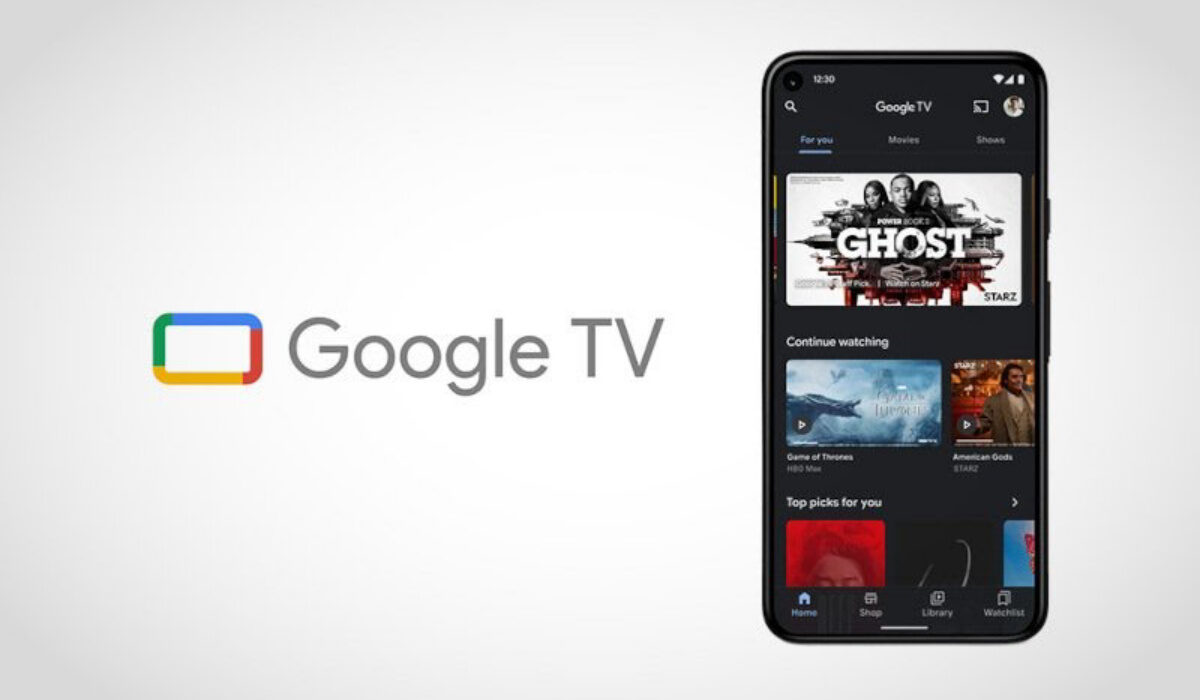
What is Google TV ? It is a service running on top of Android TV, but with a graphical user interface that looks different from Android TV. The app provides video content from platforms like Netflix, HBO Max, Prime Video, Disney+, and Hulu, and is available for both iPhone/iPad and Android devices. If you are in a supported country, you can download the app from your device from the device’s app store.
You can watch on your Apple iPhone, iPad, Android smartphone and tablet, or on your smart TV, via Chromecast. There is an in-app remote controller available with the service, so you can control things right from your smartphone.
What is the difference between Android TV and Google TV ? They are essentially the same, but with the latter having a more refined user interface, an in-app remote, and other extra features. Android TV manufacturers are expected to embrace Google TV going forward. As a matter of fact, some manufacturers are already pre-installing it in their TV sets. Google may also push out software updates to replace Android TV on existing sets with the new service.
- List of Google TV available countries
- Does Google TV work outside the US?
- When was Google TV introduced?
- Is Google TV available in South Africa?
- What kind of content is available?
- Which manufacturers support Google TV?
- Does Google TV cost money?
- What channels are available?
- Can you watch regular TV or local channels on Google TV?
- Is Google TV free with Chromecast?
List of Google TV available countries
It is now available in over 100 countries, including the following:
Angola. Australia. Austria. Belgium. Benin. Botswana. Burkina Faso. Canada. Cape Verde. Cote d’Ivoire. Egypt. France. Gabon. Germany. India. Ireland. Italy. Mali. Mauritius. Mexico. Namibia. Niger. Japan. Rwanda. Senegal. South Africa. Spain. Switzerland. Tanzania. Uganda. United Kingdom. United States of America. Zambia. Zimbabwe.
Find the full list of countries at the end of this article.
Does Google TV work outside the US?
Yes; it works inside and outside the United States. It is currently available in over 100 countries, and counting.
When was Google TV introduced?
It was introduced in September 2020 to replace Google Play Movies and the TV app.
Is Google TV available in South Africa?
In July 2022, the service and app was officially made available in South Africa and 18 other African countries.
They include: Angola, Benin, Botswana, Burkina Faso, Cape Verde, Cote d’Ivoire, Egypt, Gabon, Mali, Mauritius, Namibia, Niger, Rwanda, Senegal, Tanzania, Uganda, Zambia and Zimbabwe.
What kind of content is available?
You can watch movies and shows from your streaming services in the app . You can also buy or rent movies and shows.
Which manufacturers support Google TV?
Manufacturers already supporting the service include: TCL, Sony, and HiSense.
Does Google TV cost money?
What channels are available?
Available channels and platforms include:
Can you watch regular TV or local channels on Google TV?
Yes; you can – by installing an app that provides access to regular TV channels.
Is Google TV free with Chromecast?
Google TV Available Countries: The Full List
North America
- United States, Canada
Europe
- Albania, Austria, Belarus, Belgium, Croatia, Cyprus, Czech Republic, Denmark, Estonia, Finland, France, Germany, Greece, Hungary, Iceland, Ireland, Italy, Latvia, Lithuania, Luxembourg, Malta, Moldova, Netherlands, North Macedonia, Norway, Poland, Portugal, Russia, Slovakia, Slovenia, Spain, Sweden, Switzerland, Turkey, Ukraine, UK
Asia-Pacific
- Australia, Cambodia, Fiji, Hong Kong, Indonesia, Japan, Kazakhstan, Korea, Kyrgyzstan, Laos, Malaysia, Nepal, New Zealand, Papua New Guinea, Philippines, Singapore, Sri Lanka, Taiwan, Tajikistan, Thailand, Turkmenistan, Uzbekistan, Vietnam
Latin America & Caribbean
- Antigua and Barbuda, Argentina, Belize, Bolivia, Brazil, Chile, Colombia, Costa Rica, Dominican Republic, Ecuador, El Salvador, Guatemala, Honduras, Jamaica, Mexico, Nicaragua, Panama, Paraguay, Peru, Trinidad and Tobago, Uruguay, Venezuela
Africa, Middle East, and India
Angola, Armenia, Azerbaijan, Bahrain, Benin, Botswana, Burkina Faso, Cape Verde, Egypt, India, Jordan, Kuwait, Lebanon, Mali, Mauritius, Namibia, Niger, Oman, Qatar, Saudi Arabia, Senegal, South Africa, Tanzania, Uganda, UAE, Zimbabwe
Don’t miss our reviews .
Follow our news on Google News .
Follow us on Instagram , Facebook , Twitter , and YouTube .
Author:InfoDesk
Add MobilityArena as a preferred source on Google
Who still uses shares their smartphone’s Internet connection with other devices via USB in 2022? By default, I doubt that anyone uses it anymore. But USB tethering is a great backup for emergency situations when your WiFi hotspot fails. Windows laptop users know that WiFi hotspot connections fail. You are blissfully working on your laptop, and suddenly it disconnects from the hotspot and just won’t connect back for a long while.
Just tonight, I was in one such situation. I was watching the movie, Interceptor , on Netflix on my laptop, while connected to my phone’s hotspot. Right in the middle of the action, my Windows laptop disconnected, and nothing I did solved that problem. Thankfully, there was a USB-C cable close by and I plugged one end to my phone and the other to the laptop, and I was back to watching my movie on no time. So, how does USB tethering work? Come with me, as I explain it.
Is USB tethering faster than WiFi hotspot?
Is USB tethering faster than WiFi hotspot? Yes, all other things being equal, it is. However, its big limitation is that you can share your Internet with only one device at a time. With a hotspot, you can share to multiple devices simultaneously. But when it comes to speed, nothing beats a cable.
How to use USB Tethering
To tether via USB, you need a USB cable. The specific type depends on which port your phone uses – B or C. Open the settings menu of your phone and look under Mobile Networks , Networks , or Hotspot and tethering . The names and precise location will vary from one manufacturer to the other. But the USB tethering toggle will be found under those menus. Once you have found it, connect your host smartphones and your laptop with the cable, then enable the feature on your phone. Your phone will create a wired network with your laptop and automatically start sharing its Internet connection with the laptop.
You are good to go: start browsing and streaming and downloading on your laptop. You may not get to use it regularly, but like Bluetooth tethering , it is one of those features that you will be glad you have on that rare say that the need arises.
How to share your iPhone Internet with your computer
You can also tether with your iPhone and share your mobile data with your laptop via a cable. Connect iPhone and your computer with a cable. If you receive an alert that says Trust this Computer?, tap Trust. In your computer’s network preferences, choose iPhone, then configure the network settings. You will have to get the correct network configuration settings from your carrier or operator.
- Don’t miss our mobile phone reviews .
- Follow our news on Google News .
- Join our WhatsApp Group , to be notified of the most important articles and deals,
- Follow us on Instagram , Facebook , Twitter , and YouTube .
Author:Mister Mobility
Digital Skills and Communication Coach | Mobile Phone Connoisseur since 2001 | Tech Blogging since 2004
