Add MobilityArena as a preferred source on Google
I used to be a lover of the smartphone stylus, that pen-like tool used to stab at and scribble on touchscreens. My first was the Ericsson R380 . I also owned a Motorola A008 . Fast forward to 2021 and I am no longer a champion of the stylus. As far as I am concerned, the stylus is dead. This afternoon, my friend and fellow blogger, Habeeb , buzzed me to ask if I knew why Infinix had stopped shipping their Note series with a stylus.
To be honest, I hadn’t thought of it until he asked the question. But thinking of it, it is clear to me that a lot of people did not want it. And the numbers do not lie about that. There is no significant demand for a stylus on modern smartphones. If a lot of people did not want the smartphone stylus or pen, what was the point of incurring and slapping on the extra costs?
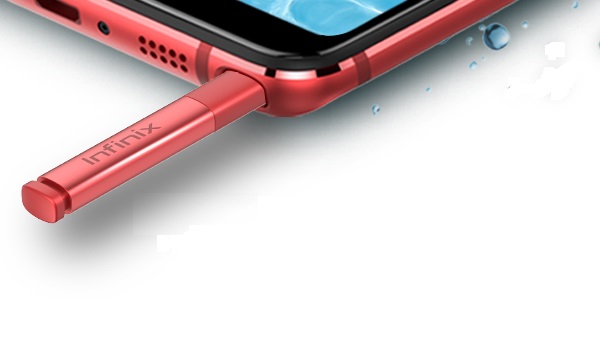
Is the smartphone stylus dead? Mister Mobility believes it is.
There is a very narrow use-case scenario for a stylus with a modern smartphone – artistic creatives. Not a lot of people are artists. And so, they do not need a smartphone stylus. Habeeb further went on to asked me if I would buy a phone that has the option of a stylus, like the Galaxy S21 Ultra. My answer was a definite no, and I will tell you why. You see, a long time ago, I came to the conclusion that I no longer need a stylus.
A smartphone stylus offered improved text entry back in the days when phones mainly had alphanumeric keyboards. And so, when devices like the Ericsson 380 and Motorola Accompli showed up, those of us who needed to do a lot of text entry on our mobile devices gravitated to them.
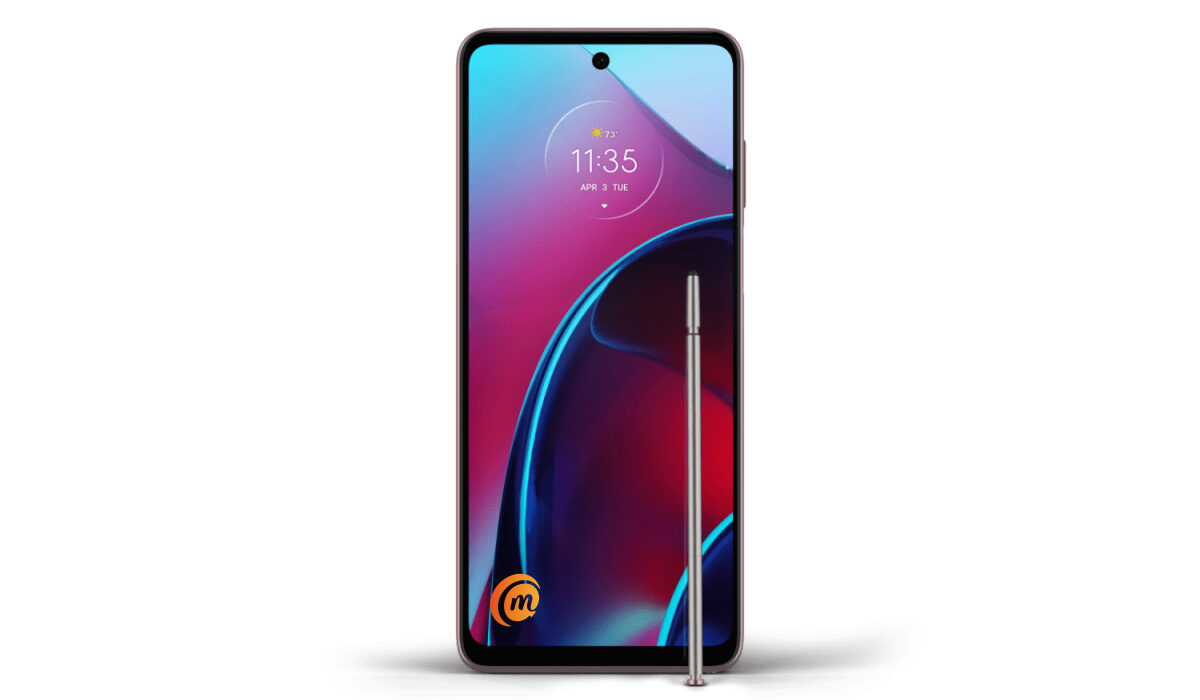
Motorola Moto G with a smartphone stylus
Why The Smartphone Stylus Is No Longer Needed On Phones
The smartphone stylus and the old school resistive touchscreens met that need for easier text entry back then. The resistive touchscreens in use then did not support the use of fingers. Following after the R380 and A008, touchscreens with stylus became more popular and we saw models like Sony Ericsson P800 , P900 and others take centre stage in the smartphone world.
Once QWERTY keyboards showed up, the value proposition for a smartphone stylus dropped. And with the arrival of capacitive touchscreen phones that supported the use of fingers, that value proposition nosedived even further. Samsung is the last standing champion of the stylus pen on smartphones. People may look at the sales of the Galaxy Note series and say that is proof that there is still huge demand for the stylus. And they would be wrong.
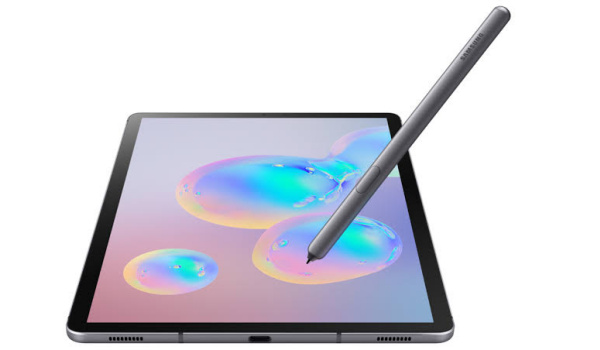
Samsung Galaxy Tab S6 5G with a smartphone stylus
It is so far from the truth. The Galaxy Note series is proof that there is a huge demand for powerful.smartphones. Samsung’s Galaxy Note phones are some of the most powerful – and they just happen to come with a stylus. Samsung could do away with the smartphone stylus and their Galaxy Note (now discontinued and replaced by the Galaxy S21 Ultra ) would still sell like hot cake.
The smartphone stylus as a phone accessory is dead. It has largely outlived its usefulness in today’s world. It will remain in use by a few artistic people who use tablets and iPads for creative purposes. People like artists, designers, and the like. But beyond that, the smartphone stylus is dead to the rest of the mobile world.
- Don’t miss our mobile phone reviews .
- Join our WhatsApp Group , to be notified of the most important articles and deals,
- Follow us on Instagram , Facebook , Twitter , and YouTube .
Author:Mister Mobility
Digital Skills and Communication Coach | Mobile Phone Connoisseur since 2001 | Tech Blogging since 2004
Add MobilityArena as a preferred source on Google
Every day, we create thousands of memories with the people we love. Sometimes, we decide to capture these memories forever with the aid of a smartphone’s camera, ensuring that these beautiful memories last forever. But what happens when we mistakenly delete these videos on our smartphone? Can we ever get these memories back?
In this article, we will look at a number of tips that can help you recover deleted videos from your iPhone. These tips are helpful for iPhones from the iPhone 11 Pro and below.
- Recover messages from iCloud/iTunes Backup: This method can come in handy when you maintain an iCloud or iTunes backup of your videos. It is also useful to recover deleted videos from your iPhone that were lost after an iOS update or due to a damaged iPhone. However, one downside to this method is that it may end up restoring your smartphone to its previous state, replacing the existing data on your device. To do this, follow these steps:
- Go to Settings > General > Reset > Erase all Contents and Settings.
- Click Restore from iCloud backup on Apps and Data screen.
- Sign in to your iCloud account.
- Tap the last backup and Restore.
As earlier stated, this method is helpful in recovering deleted videos, but it also restores the previous data on your device. However, if you want to recover just your videos, you can try using a third-party app like Stellar Data Recovery . This helps you recover just the deleted videos you want. You can follow these steps to try this method:
- Download and launch Stellar Data Recovery for iPhone on your computer.
- Choose Recover from iCloud Backup .
- Select Camera Roll and click Next .
- Enter the Apple ID and password.
- Select the relevant backup of your device and click Scan to download the backup files.
- On the left-hand side, click Camera Roll in the iCloud backup files list. Here, you can preview existing videos or search for specific videos in the search area.
- Tap Save , a dialog box will pop up prompting you to save to your PC or iPhone, save the videos on your iPhone and ensure your iPhone is connected to your PC.
- Recover videos from iTunes backup: To do this, you can follow these tips below:
- Connect iPhone to PC/Mac.
- Launch iTunes then select your device under the Device list and choose the most recent backup entry date.
- Click Restore Backup .
Restore using a third-party app: You can recover deleted videos from your iPhone by using a trusted third-party app. All you need to do is plug your device into your computer, launch the application and follow the on-screen instructions. These apps are also useful in recovering call history, they include: Stellar Data Recovery, APower Rescue and Tenorshare UltData.
Recover from ‘Recently Deleted’ Folder: When you mistakenly delete a video on your iPhone, it stays in the Recently Deleted album for 30 days. Here, you can still recover deleted videos from your iPhone through these easy steps.
- Open Photos app and navigate to albums.
- Open the Recently Deleted album and click Select.
- Click the video(s) you wish to restore.
- Tap Recover and confirm you want to recover the videos.
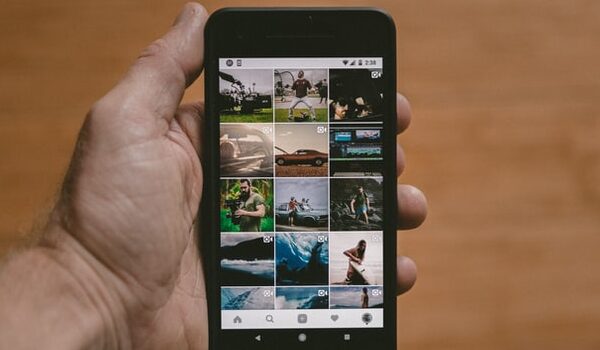
- Re-download from iTunes store: You can try this method in cases where the deleted videos were downloaded from iTunes store. To do this, follow these tips:
- Open the iTunes Store app.
- Click on More in the menu just at the bottom of your screen.
- Click on the Purchased icon and select the videos, movies you’d like to re-download.
- Click on the icon of the video name and the video will download again.
Author:Alfa Baye
Staff Writer
