Add MobilityArena as a preferred source on Google
Proximity sensors in smartphones and IR radiation from IR LEDs used for remote controls or TV remotes are related because they both use infrared technology to detect objects.
Proximity sensors in smartphones detect when an object is nearby, and when it detects a nearby surface (usually your face), it shuts off the screen and touch sensitivity so that the phone pressing against your ear or cheek doesn’t register any actions.
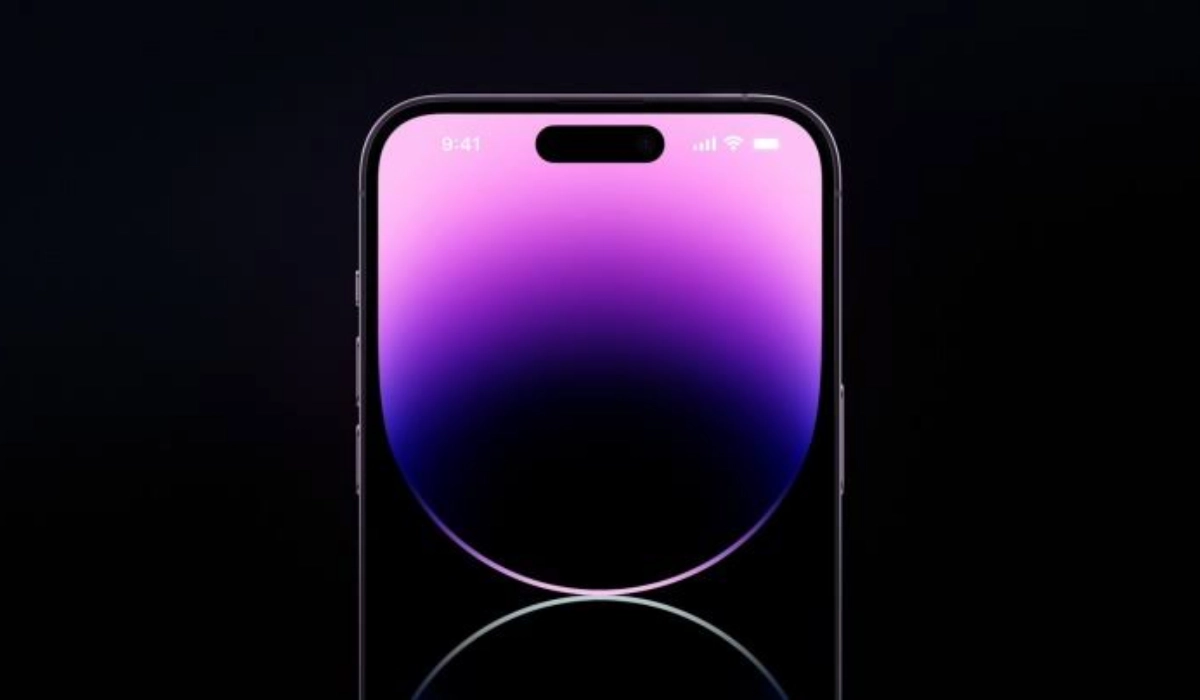
- How does the proximity sensor work in a smartphone?
- How infra-red TV remote controls work
- Infra-red is the common ground
How does the proximity sensor work in a smartphone?
The sensor emits an infrared beam, and when an object is close enough to reflect the beam back to the sensor, the sensor detects the object and triggers a response, such as turning off the screen during a phone call to prevent accidental touches.
How infra-red TV remote controls work
Similarly, IR LEDs used for remote controls or TV remotes also emit infrared radiation to communicate with the device they are controlling. When a button is pressed on the remote, the IR LED emits a signal that is picked up by a receiver on the device, which then interprets the signal and performs the corresponding action. This is the same technology and process in all IR blasters .
Infra-red is the common ground
In both cases, infrared technology is used to detect objects and trigger a response. While the specific applications of IR technology in proximity sensors and remote controls are different, they both rely on the same basic principles of infrared radiation and reflection.
This revelation about proximity sensors may come as a surprise to you. Apparently, infra-red technology is not as dead in cell phones as we suppose; it is just used differently from how it used to be applied decades ago.
Author:Mister Mobility
Digital Skills and Communication Coach | Mobile Phone Connoisseur since 2001 | Tech Blogging since 2004
Add MobilityArena as a preferred source on Google
Before we dive into the nitty-gritties of how to activate a SIM card for Straight Talk, let’s look at important information that will help you understand what you are getting into first.
Straight Talk is a mobile virtual network operator (MVNO) that operates on the networks of major carriers such as AT&T, Verizon, and T-Mobile. This means that Straight Talk customers can use the same networks as these carriers, but at a lower cost.

- What kind of wireless networks does Straight Talk run?
- Prepaid, Contract, Locked, and Unlocked phones on Straight Talk
- Coverage: Where you can activate and use a Straight Talk SIM card
- How to Activate a SIM Card for Straight Talk
What kind of wireless networks does Straight Talk run?
As already mentioned, Straight Talk uses the networks of major carriers such as AT&T, Verizon, and T-Mobile, which offer a range of network technologies, from now dated 2G and 3G networks to 4G LTE and 5G networks. This means that the specific network technology available to you may vary depending on the carrier network used in your area and the type of phone you have.
For example, if your phone is compatible with 4G LTE, and you are in an area with 4G LTE coverage on the carrier network used by Straight Talk, then you will be able to activate a SIM card for Straight Talk to access 4G LTE speeds. Similarly, if your phone is compatible with 5G, and you are in an area with 5G coverage on the carrier network used by Straight Talk, then you will be able to access 5G speeds.
Prepaid, Contract, Locked, and Unlocked phones on Straight Talk
Straight Talk offers a wide range of prepaid phones that you can purchase outright without a contract. These phones are available at a variety of price points and include both basic and smartphone options.
Straight Talk offers both locked and unlocked phones. Locked phones are typically sold at a lower price and are tied to a specific carrier network. if you activate a SIM card for Straight Talk with a phone locked to the network, that phone cannot be used on other carriers. Unlocked phones, on the other hand, can be used with any carrier network that is compatible with the phone.
Coverage: Where you can activate and use a Straight Talk SIM card
Straight Talk offers nationwide coverage in the United States, with service available in all 50 states. However, the specific coverage area may vary depending on the carrier network used in your area.
To check coverage in your area, you can visit the Straight Talk website and enter your ZIP code. This will show you a map of the coverage area and the specific network used in your area. You can also view coverage maps for each of the carrier networks used by Straight Talk on their respective websites.
How to Activate a SIM Card for Straight Talk
To activate a SIM card for Straight Talk, you can follow these steps:
- Make sure your phone is compatible with Straight Talk . You can check compatibility on the Straight Talk website or by calling customer service.
- Purchase a Straight Talk SIM card . You can buy a SIM card online or at a retail store.
- Insert the SIM card into your phone . Make sure to follow the instructions that came with the SIM card.
- Activate the SIM card . You can activate the SIM card online or by calling Straight Talk customer service. You will need to provide your phone’s IMEI number, which can usually be found in the phone’s settings or by dialing *#06#.
- Choose a plan . Once your SIM card is activated, you can choose a plan that fits your needs and budget. You can do this online or by calling customer service.
- Set up your phone . Follow the instructions provided by Straight Talk to set up your phone and start using your new service.
Whether you are buying a new device for use with an existing Straight Talk SIM card, or you want to activate a new SIM card for use on the network, it is always a good idea to check with Straight Talk customer service or visit their website to see what options are available to you.
Author:Mister Mobility
Digital Skills and Communication Coach | Mobile Phone Connoisseur since 2001 | Tech Blogging since 2004
