Add MobilityArena as a preferred source on Google
Target is an incredible destination for purchasing a vast array of products, and that includes mobile phones. At Target, you’ll discover an extensive selection of phones and accessories, catering to a wide range of preferences. What’s even better is that they offer a variety of unlocked smartphones , giving you the freedom to select the carrier that suits you best.
In this article, I’ll explore how to buy an unlocked phone at Target, share tips to save money, and give you an idea of the types of phones you can expect to find. Let’s dive in and discover how you can make the most of your unlocked phone shopping experience at Target.
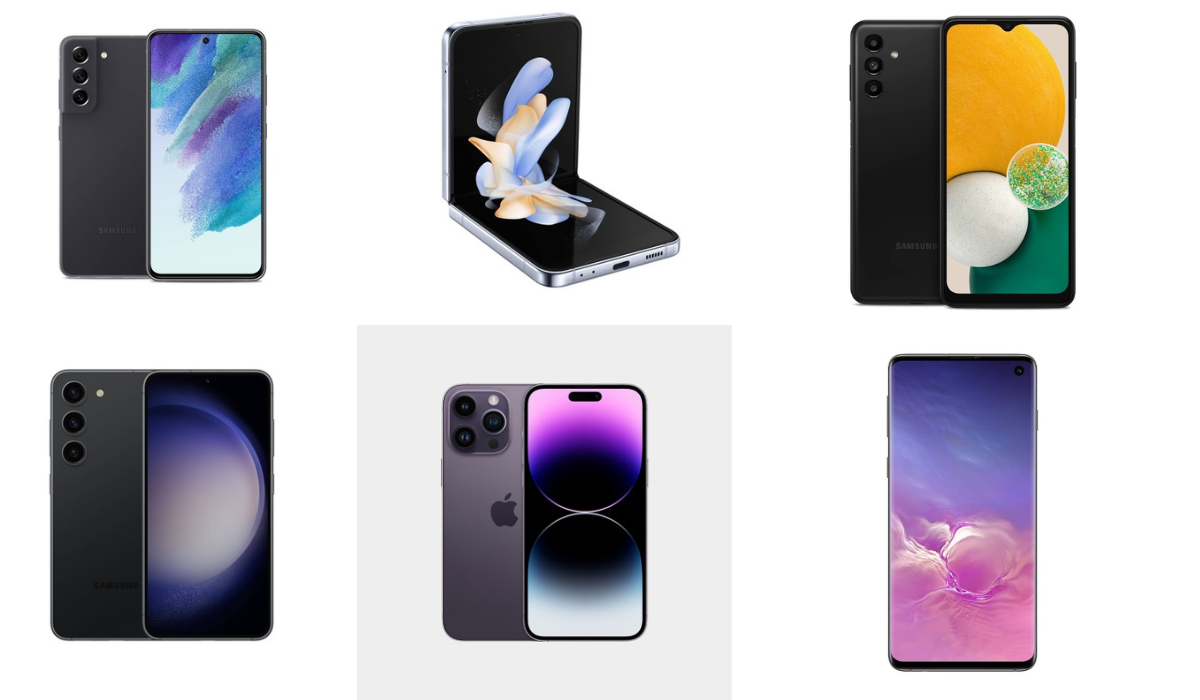
- How Can I Buy An Unlocked Phone At Target? What Kind of Phones to Expect From Target Which Cellular Carriers Do Target Unlock Phones Support? Tips to Save Money When Buying Unlocked Phones at Target Target Cell Phone Return Policy
How Can I Buy An Unlocked Phone At Target?
When it comes to buying an unlocked phone at Target, there are a few things you need to know. Target offers a wide selection of unlocked phones, giving you the freedom to choose the carrier of your choice. This means you can switch between carriers or use a prepaid plan without any restrictions. Buying an unlocked phone at Target is a convenient and affordable option, allowing you to find the perfect phone that suits your needs.
What Kind of Phones to Expect From Target
At Target, you’ll find a vast selection of phones, including the newest models from top brands like Apple, Samsung, Google, and Motorola. They have a mix of brand-new phones, pre-owned devices, and refurbished options. If you’re looking to save some money, they also offer older-model phones at discounted prices. When new models come out, the previous year’s devices often get significant price cuts. So, if you don’t mind not having the very latest version, opting for a slightly older phone can give you some great discounts.
However, it’s important to note that Target doesn’t offer preorders for the latest models. So, if you want to get your hands on the newest iPhone or any other brand-new phone on release day, it’s best to preorder directly from the manufacturer. Additionally, Target is a convenient place to pick up accessories for your new phone. They have a variety of items like cases, chargers, screen protectors, headphones, and more.
Which Cellular Carriers Do Target Unlock Phones Support?
Target offers unlocked phones that can be used with various cellular carriers. They don’t come with SIM cards, so you’ll need to get one from your preferred carrier. This allows you to select the plan and carrier that best suits your needs. Whether you’re with AT&T, Verizon, T-Mobile, or another carrier, you can typically use an unlocked phone from Target with your existing plan. Just ensure to check the compatibility of the specific phone model with your carrier’s network before making a purchase.
Tips to Save Money When Buying Unlocked Phones at Target
When you’re purchasing an unlocked phone at Target, there are a few tips and tricks that can help you save money while getting the phone of your dreams. Target offers a wide range of unlocked phones, from popular brands to budget-friendly options. By shopping smart and taking advantage of Target’s deals and promotions, you can score a great deal on your unlocked phone. Here are some tips for you:
Use a Target RedCard: Using a Target RedCard (credit or debit) gives you a reliable way to save. You get 5% off most purchases, including cell phones. There’s no annual fee, and you also enjoy benefits like free 2-day shipping and extended return windows.
Keep an eye on Target’s weekly ads and online deals: Target often features discounts and special offers on electronics, including unlocked phones. Check their website or weekly ads to stay updated on the latest deals.
Consider buying during sales events: Target frequently holds sales events like Black Friday, Cyber Monday, or their own Target Deal Days. These events often feature significant discounts on unlocked phones, so it’s a perfect time to make your purchase.
Compare prices: Before making a purchase, compare the costs of the same phone model at different retailers. This way, you can ensure you’re getting the best deal available.
Look for manufacturer or carrier rebates: Sometimes, manufacturers or carriers offer rebates on unlocked phones. Check if there are any available for the phone you want to buy at Target. This can help you save even more money.
Consider refurbished or previous-generation models: Target often offers refurbished or previous-generation unlocked phones at discounted prices. These phones are still reliable and can save you a significant amount of money.
Use Target Circle offers and promotions: Target’s loyalty program, Target Circle , offers exclusive discounts and promotions. Be sure to sign up and take advantage of any offers that can further reduce the cost of your unlocked phone.
Take advantage of price matching: Even after purchasing a phone from Target, if you find a lower price on the same item at another store, Target will match the price. You can request price matching within 14 days of purchase.
Target Cell Phone Return Policy
Target’s cell phone return policy states that phones must be returned or exchanged within 14 days, and they should be returned in-store, even if they were purchased online. If you have a Target RedCard, you have an additional 30 days to return items, except for contract phones, which still need to be returned within 14 days. It’s always a good idea to double-check the return policy details on Target’s website or contact your local Target store for any specific information or updates.
To sum up, buying an unlocked phone at Target is a fantastic way to save money. They offer a wide selection of unlocked phones from top brands like Apple, Samsung, Google, and Motorola. By following the tips above, you’ll be well on your way to buying an unlocked phone at Target at the best possible price.
With the flexibility of an unlocked phone, you can choose the best plan for your needs and switch carriers whenever you want. If you’d like more buying guides, feel free to check out this category .
Author:Joan Agie
Add MobilityArena as a preferred source on Google
Why is my Apple Watch battery dying so quickly? If you have ever asked that question, I am here to help you with a useful answer, as well as tips to help you improve or extend your Apple Watch battery life. For starters, the battery life on the Apple Watch is not very good.
Apple claims that its latest models have all-day battery life of up to 18 hours, but users typically need to charge the device every day or every other day. While the Apple Watch does a lot of things, it has a small battery, which is a factor affecting battery life and lifespan. Therefore, the battery life of the Apple Watch can be considered passable but not exemplary.
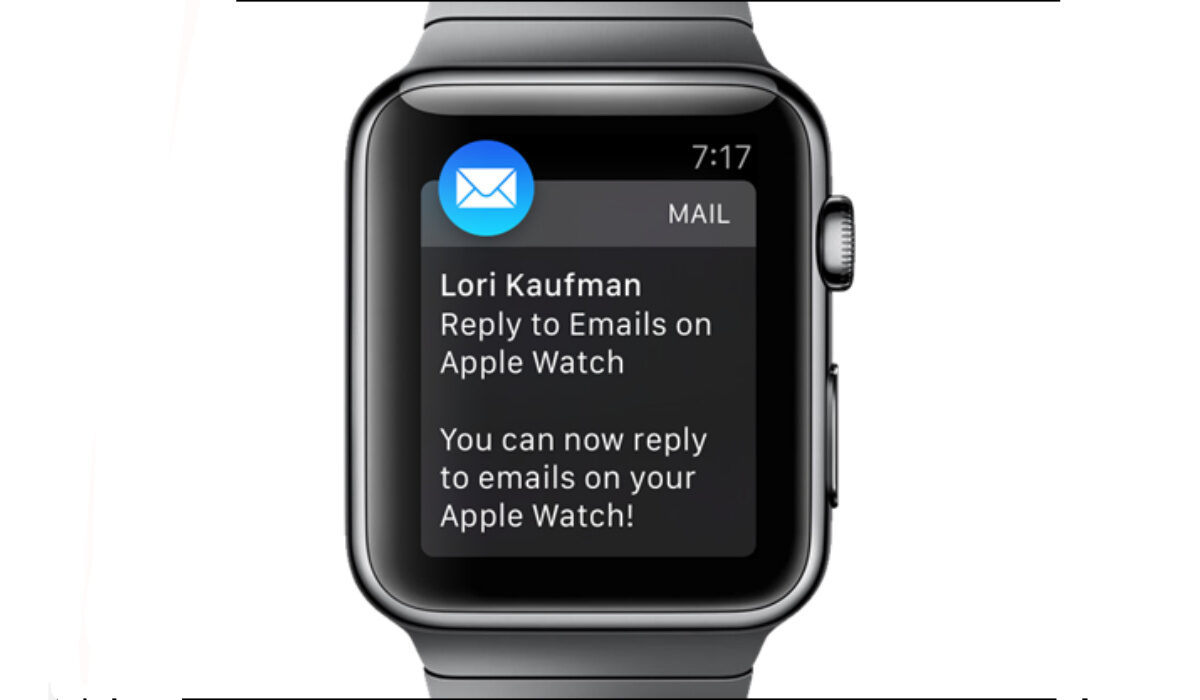
You can extend Apple Watch Battery Life
- Why your Apple Watch battery is dying so quickly
- How long does Apple Watch battery last?
- How to check the battery life of your Apple Watch
- How To Check the Battery Health Of Apple Watch
- Should I charge my Apple Watch every night?
- How to extend your Apple Watch battery life
Why your Apple Watch battery is dying so quickly
But beyond that, there are several other reasons why your Apple Watch battery may be dying quickly. Let’s explore them quickly:
- High usage : If you use your Apple Watch frequently, it may drain the battery quickly. Try reducing your usage or using Power Saving Mode to help extend battery life.
- Background App Refresh : If you have Background App Refresh enabled for certain apps, they may be using power even when you’re not actively using them. You can disable Background App Refresh by going to Settings > General > Background App Refresh.
- Outdated software : Older versions of watchOS may have bugs or issues that can cause battery drain. Make sure your Apple Watch is running the latest version of watchOS.
- Battery health : Over time, the battery in your Apple Watch may lose its ability to hold a charge. You can check the battery health of your Apple Watch by going to Settings > Battery > Battery Health.
- Settings : Certain settings on your Apple Watch, such as Always-On Display, can use more power than others. Try adjusting your settings to see if it helps improve battery life.
- Hardware issues : In rare cases, hardware issues such as a faulty battery or charging cable may be causing battery drain. If none of the above solutions work, contact Apple Support for assistance.
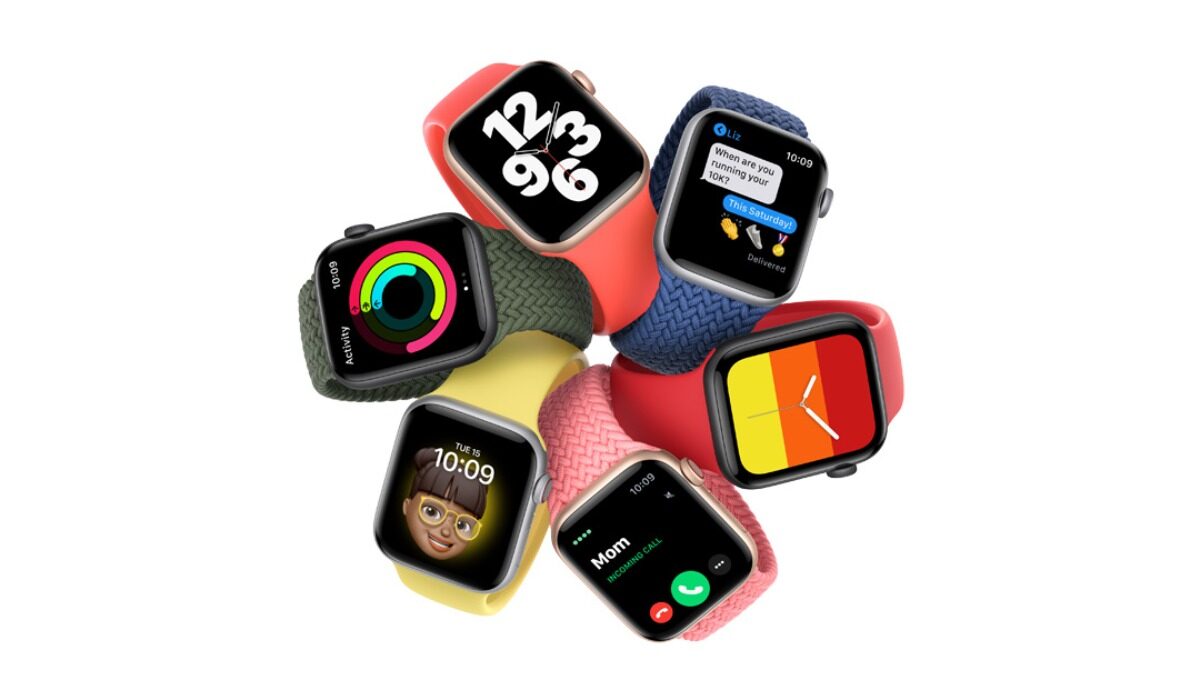
How can you extend your Apple Watch battery life?
How long does Apple Watch battery last?
The battery life of the Apple Watch varies depending on the model and usage. According to Apple, the latest models of the Apple Watch have an all-day battery life of up to 18 hours between charges. This includes time for checking the time, receiving notifications, using apps, and a 60-minute workout with music playback from the Apple Watch via Bluetooth. The Apple Watch Ultra (GPS + Cellular) usage includes a total of 8 hours of LTE connection and 28 hours of connection to iPhone via Bluetooth over the course of 36 hours. However, users typically need to charge the device every day or every other day, depending on their usage.
How to check the battery life of your Apple Watch
If you are interested in how to check Apple Watch battery life, there are multiple ways to do it.
The first one: You can check the battery life on your Apple Watch by going to the WatchOS Control Center and tapping the percentage icon.
Alternatively, you can check the battery life on your iPhone by adding the Battery widget, swiping right, going to Edit, tapping the + next to Batteries, tapping Done, and going to Today > Batteries section.
You can also check the battery life and charging details on your Apple Watch by opening the Settings app, tapping Battery, and viewing the current charge level along with a detailed charging graph.
How To Check the Battery Health Of Apple Watch
To check the battery health of your Apple Watch, you can go to the Settings app, tap Battery, and scroll down to tap on “Battery Health” located just above Power Reserve.
Should I charge my Apple Watch every night?
Apple recommends charging your Apple Watch every night. The device is designed to be charged overnight and has a feature called “Optimized Battery Charging” that helps reduce battery aging by reducing the time that the device spends fully charged. In addition, the battery life on the Apple Watch is typically not long enough to last more than a day, so charging it overnight ensures that it will have enough power for the next day. Therefore, it is recommended to charge your Apple Watch every night.
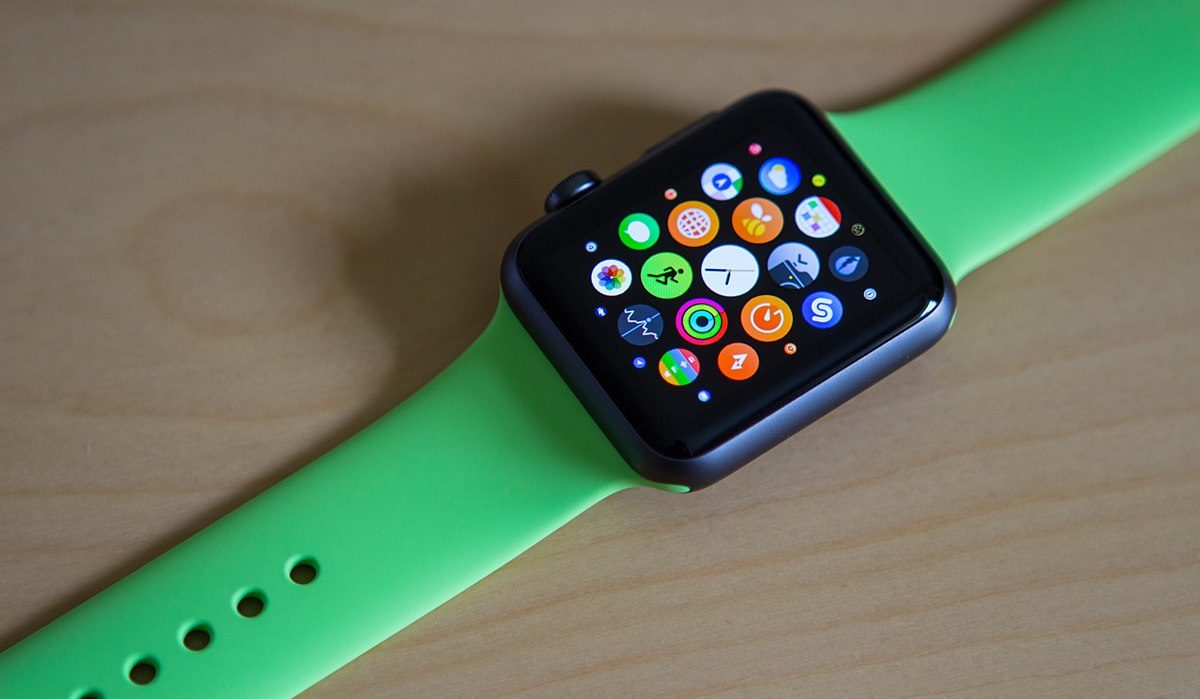
You can improve Apple Watch battery life
How to extend your Apple Watch battery life
There are several ways to extend the battery life on your Apple Watch:
- Adjust the brightness : Reducing the brightness of the screen can help save battery life. You can adjust the brightness by going to Settings > Display & Brightness.
- Turn off the Always-On Display : If you have an Apple Watch Series 5 or later, you can turn off the Always-On Display to help save battery life. You can do this by going to Settings > Display & Brightness > Always-On Display.
- Use Power Saving Mode : Enabling Power Saving Mode on your Apple Watch can help extend battery life by turning off certain features. You can enable Power Saving Mode by swiping up on the watch face, tapping the battery percentage, and toggling on Power Saving Mode.
- Turn off unnecessary features : Turning off features like Wi-Fi, Bluetooth, and location services when you’re not using them can help save battery life. You can turn off these features by going to Settings > Wi-Fi, Bluetooth, and Privacy.
- Limit app usage : Using fewer apps or limiting the amount of time you spend in certain apps can help save battery life.
- Adjust haptic feedback : Reducing the haptic feedback on your Apple Watch can help save battery life. You can adjust this by going to Settings > Sounds & Haptics.
- Use a black watch face : Using a black watch face can help save battery life on models with OLED screens. Black pixels on OLED screens do not require any power, so using a black watch face can help reduce power usage.
- Keep your software up to date : Apple regularly releases updates to improve battery life and performance. Make sure your Apple Watch is running the latest version of watchOS to take advantage of these improvements.
Author:MobileChic
That motivated, gadget-loving geeky chic who tries to stay on top of things. Unapologetic iFan.
