Add MobilityArena as a preferred source on Google
The best way to give you a quick idea of Google RCS Messaging is to compare it to Apple’s iMessage. You know how on an iPhone you can send text messages to other iPhones without the messages going through the regular SMS and you do not get charged from your airtime? The feature is called iMessage, and it is just like WhatsApp, but only for iPhones.
Google also launched something similar to that exclusively for Android devices, and this feature is called RCS (Rich Communication Service). In this article, we explain what Google RCS Messaging is, what it brings to users, and how you can access this feature.
Google RCS Messaging.
- What Google RCS Messaging Brings To The Table
- How To Access Google RCS Messaging Chat Features
What Google RCS Messaging Brings To The Table
Google RCS is designed to take text messaging to the next level. This feature allows users do what they love most while texting like share high-res photos, files, voice notes, GIFs and a lot more. Google allows you to send text messages without extra charges from your service provider, only data charges.
• Privacy: Messaging via Google RCS is end-to-end encrypted and since this feature is brought by Google to the Android community there is certainly a good level of security.
• Sharing High-Res Photos: Have you ever tried to send a photo to someone through regular SMS? The charges are high, and the image might not come out clear. So most people pick other multimedia messaging applications like WhatsApp to send photos to friends. Well with RCS Messaging, this is no longer the case, just by using your mobile data or a Wi-Fi connection you can easily send photos to anyone also using the RCS feature on their Android device at little cost and the image comes out at the other end looking crisp.
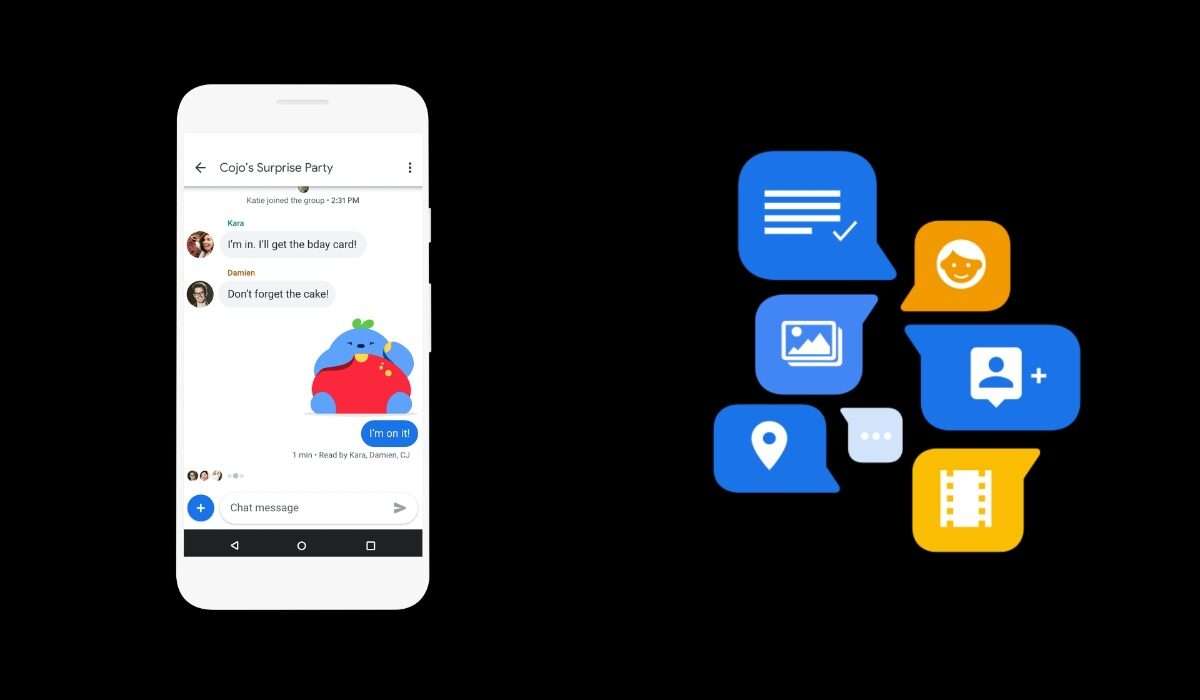
• GIFs: A lot of people love using GIFs while chatting to spice up their conversations and make them more fun. Google RCS Messaging also gives you this feature at no extra cost at all. There is a rich collection of GIFs already baked into the Google keyboard, and a lot more can be searched for.
• Voice Notes: Sometimes while chatting with friends you might be lazy to type out long messages or just for the sake of emphasis, you might need to send a voice note. Google RCS Messaging also packs this feature in a well-designed way.
• Group Chats: Everyone loves the feeling of chatting with more than one friend at the same time via a group chat. Maybe for business purposes or just fun, group chats bring this feeling of talking with a lot of people at a particular time. Google RCS lets users create and manage group chats for various purposes.
• Organization: Most people I have talked with about Google RCS Messaging have said that it will be difficult to balance your chat messages and regular messages from your service providers, OTP sent to you, messages from your bank relating to your bank transactions and lots more. Google helps group your messages into categories to make your device look more organized. There is a category for OTP’s, transactions, personal but this is only available for the non Android-Go devices.
How To Access Google RCS Messaging Chat Features
Google RCS is available for most countries, virtually all countries in Africa are included in the list of available countries. So we can all welcome the Android version of “iMessage” as I see it. Messaging on Google RCS only occurs between two Android devices that both have the Google messaging application and chat feature is active on both.
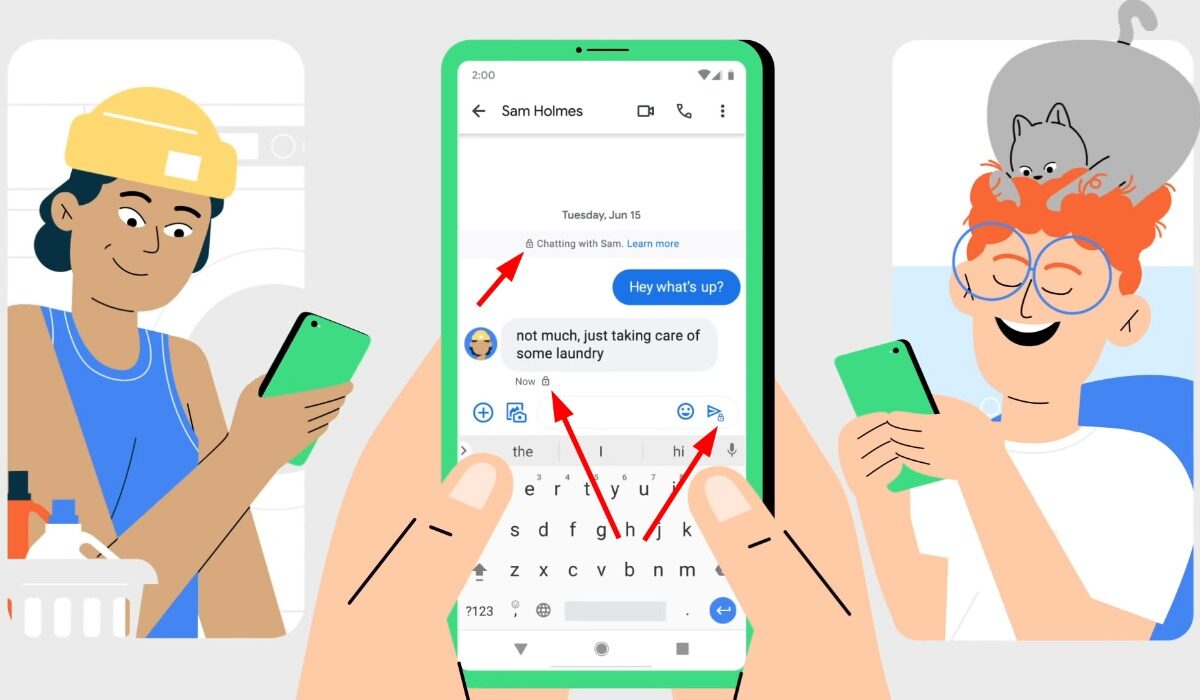
Activating this feature is really simple, just follow the steps below and you are good to go:
- Ensure that your data connection is on, or you are connected to a Wi-Fi network.
- Open your Google messaging application. It comes as the default messaging application on most devices. If your device uses a different messaging application, then download it from Google PlayStore.
- Tap on the three dots at the top right-hand corner of the interface.
- Select settings. Then tap on Chat feature.
- Activate chat features (the application will use of your mobile number to make you visible to other users)
Note: Your device must be running on a full Android version, not a Go version.
Author:KittysTech
Tech analyst, Collins Eshiet, writes about technology. Follow me on Twitter @KittysTech.
Add MobilityArena as a preferred source on Google
The Qualcomm Snapdragon 460 (SM4250), also sometimes called SD460, is a chipset for lower-end Android smartphones and tablets. It is an entry-level SoC, so you will find it in devices at the lower end of the medium smartphone market. It is built on the 11 nm process and supports 4G LTE network connectivity.
- How Good Is Qualcomm Snapdragon 460?
- List Of Qualcomm Snapdragon 460 Mobile Phones
How Good Is Qualcomm Snapdragon 460?
The Snapdragon 460 chipset is a low-end mobile processor that offers some advantages over its predecessor, the Snapdragon 450. Some of the advantages are:
It supports higher memory bandwidth, which means faster data transfer and better performance for multitasking and gaming.
It has a smaller transistor size, which means lower power consumption and less heat generation.
It performs better in floating-point computations, which are important for graphics and scientific applications.
It has a more advanced neural processor, which enables faster and more accurate artificial intelligence tasks, such as face recognition and voice assistants.
The SD460 chipset is a good choice for budget-friendly smartphones that can handle basic tasks and some gaming. It is not as powerful as the higher-end Snapdragon chipsets, such as the 6-series or the 8-series, which offer faster speeds, better graphics, and more features.
We have compiled a list of all current smartphones with the Qualcomm Snapdragon 460 processor, for your convenience. Because of the SD460, all the listed phones are equipped with performance cores, and so offer decent performance in everyday usage. Snapdragon 460 is coupled with Adreno 610 GPU for graphics processing.
List Of Qualcomm Snapdragon 460 Mobile Phones
asd
- Nokia 3.4 (reviewed HERE )
- OPPO A53
- OPPO A53s
- OPPO A33 2020
- OPPO A32
- Vivo Y20
- Vivo Y20s
- Vivo Y20i
- Vivo Y11s
- Motorola Moto G10
- Motorola Moto G10 Power
- Motorola Moto G Play 2021
- Motorola Moto E7 Plus
- TCL 20 SE
- Realme C17
- Realme C15
- OnepLus Nord 100
All the above cellphone models are equipped with 3GB, 4GB, or 6GB of RAM. The other specifications differ, but all of them are typical of mid-range smartphones.
Newer models of smartphones powered by Snapdragon 460 will continue to hit the streets from time to time, so keep your eye open for product announcements
You are reading Mobility Arena .
- Don’t miss our reviews .
- Follow us on Instagram , Facebook , Twitter , and YouTube .
