Add MobilityArena as a preferred source on Google
Why should you clear your iPhone’s cache? Your Apple iPhone is a powerful computer that helps you get a lot done day after day. And like all computers, it accumulates junk or dead weight that impacts performance, if left lying around long enough.
A cache is a temporary storage designed to keep tiny bits of data to help your device or browser work faster. However, these bits of data can grow large to clog things up. Which is why you need to clear your iPhone’s cache at intervals. Think of it as some form of Spring cleaning.
Every app you install and delete leaves some junk behind. Every website you visit, and download you make, contributes to this too. So, we are looking at two different caches here: the app cache, and the browser cache.
When is a good time to clear any of the caches on your iPhone? I say, anytime you begin to notice a degradation in performance. If your phone begins to run slower, that might be an indication that the cache needs clearing. If your phone’s Safari browser becomes sluggish, you should consider clearing its cache as well.
Usually, a restart of your device can resolve some of the sluggishness you experience on your smartphone, and it is recommended that you do that regularly. Once a week is a good cycle. In my experience, a phone reboot makes magic happen.
But sometimes, even a reboot isn’t enough. At those times, you should consider clearing your iPhone’s caches. Below are the steps for clearing the respective caches.
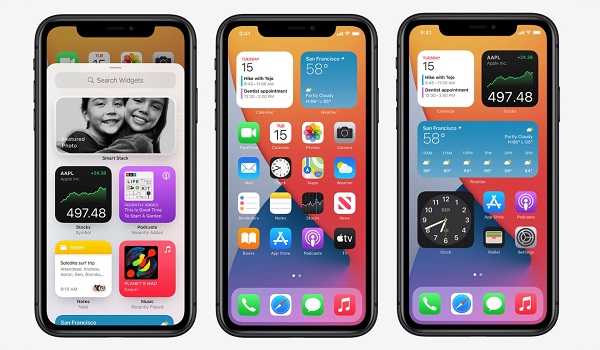
How to clear your iPhone’s cache: Clear the app cache
Important : clearing an app’s cache means deleting the app from your iPhone but leaving its data and documents intact, so that if you chose to reinstall the app later, nothing is lost. Execute the steps below only for apps that you do not currently use and won’t be needing for a while.
- Go to your iPhone’s Settings menu.
- Tap on General.
- Tap on iPhone Storage.
- You will see a list of all the apps on your phone. Tap the one you’d like to clear, and tap Offload App.
- You’ll get a message stating that the app will be deleted, but its documents and data will remain. Confirm.
You have now cleared the cache for that app and freed up some resources.
How to clear your iPhone’s cache: Clear the history and data from Safari browser
- Open Settings, and scroll down. Tap Safari.
- Scroll down till you see ‘Clear History and Website Data’. Tap on it.
- A popup will ask you to confirm your decision. Tap ‘Clear History and Data’ to confirm.
You have now cleared the cache and history of your iPhone’s Safari browser.
Those are the two ways to clear your iPhone’s cache to free up resources and improve device performance.
- Don’t miss our reviews .
- Join our WhatsApp Group , to be notified of the most important articles and deals,
- Follow us on Instagram , Facebook , Twitter , and YouTube .
Author:MobileChic
That motivated, gadget-loving geeky chic who tries to stay on top of things. Unapologetic iFan.
Add MobilityArena as a preferred source on Google
MagSafe is a proprietary magnetic technology developed by Apple for attaching accessories to Mac laptops and iPhones. Thanks to MagSafe accessories, you can add extra functionality, capacity, or protection to your beloved iPhone.
Examples of the kind of things you can magnetically attach to your iPhone via MagSafe are chargers, battery packs (finally!), wallets, car mounts, and popsockets, among others.
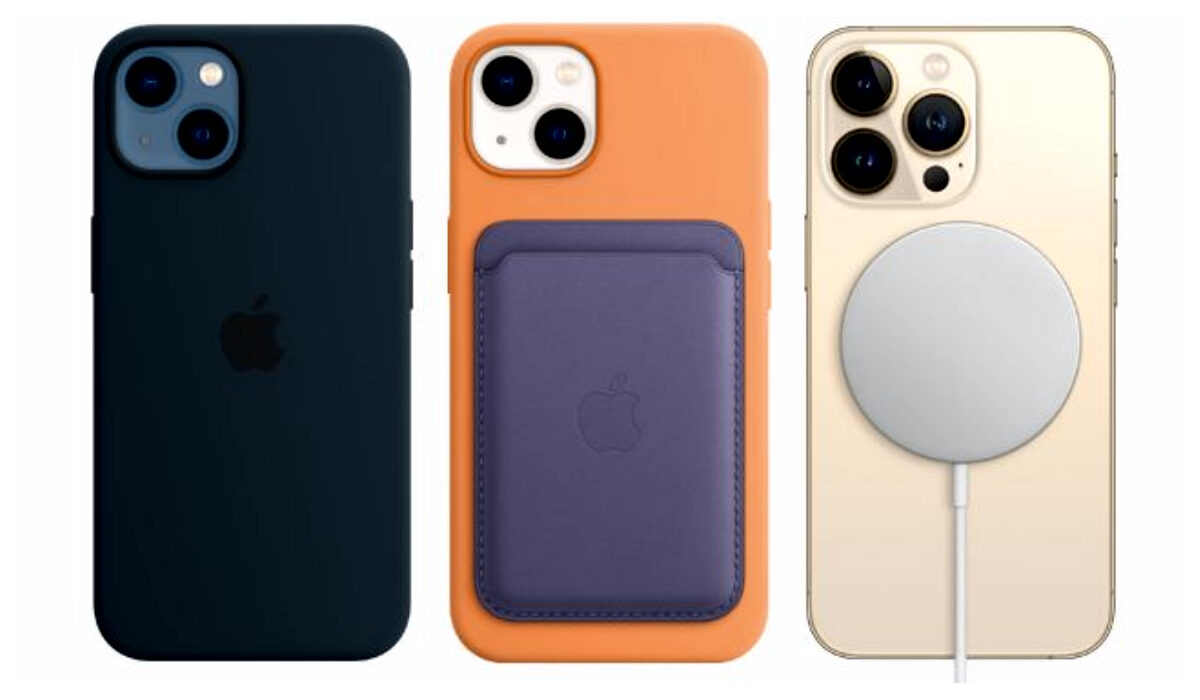
You can extend the functionality of your iPhone with MagSafe attachments.
- How do MagSafe accessories work?
- The best MagSafe accessories for your iPhone MagSafe Battery Pack MagSafe Duo Charger MagSafe Wallet Belkin Car Vent Mount PRO with MagSafe MagSafe Leather Sleeve Razer Phone Cooler Chroma with MagSafe
How do MagSafe accessories work?
From iPhone 12 onwards, Apple has MagSafe technology built into its models as a series of magnets placed around the phone’s internal charging coil. It senses any MagSafe accessories in close range and snaps them seamlessly and securely into place.
It works with only MagSafe compatible accessories, and ignores other magnets around.
The best MagSafe accessories for your iPhone
What is best for you will depend on your needs. For example, if you need better battery life and faster charging for your iPhone, you should definitely try out the MagSafe Battery Pack.
MagSafe Battery Pack
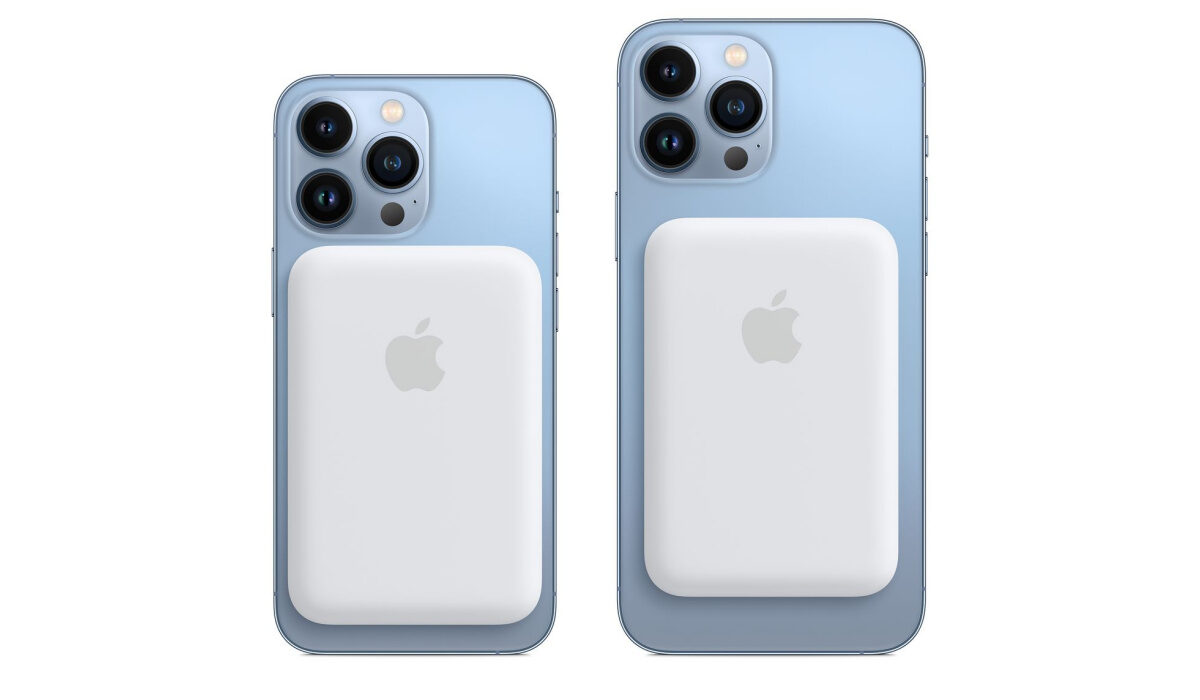
The Magsafe Battery Pack is an accessory that adds extra battery capacity and fast wireless charging to your iPhone 12 to 15.
The MagSafe battery pack has a 1460mAh battery inside and adds between 40% and 70% extra battery capacity to your iPhone, depending on the specific model you own. It also enabled fast wireless charging. It will cost you $99 to purchase one. It is available directly from Apple and partner stores.
Belkin’s BOOST CHARGE™ PRO offers MagSafe wireless charging with up to 15W of power too for a more pocket-friendly $59.99. However, it does not extend the battery capacity of your iPhone.
MagSafe Duo Charger
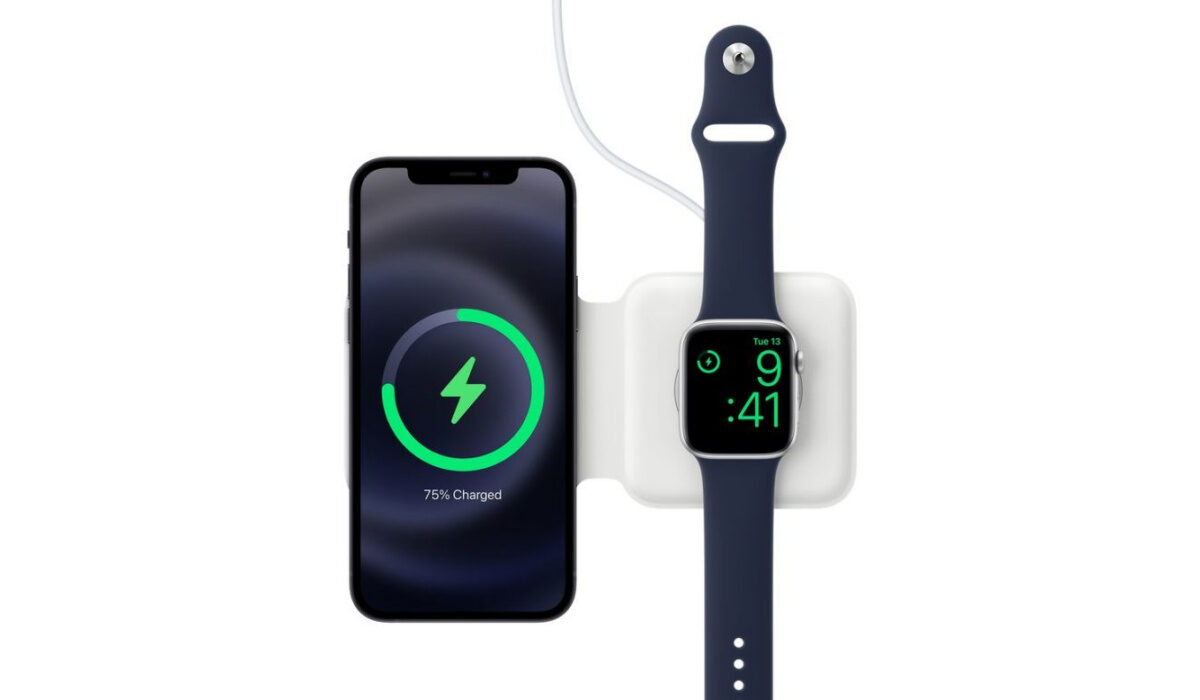
The MagSafe duo charger is one of the best MagSafe accessories for iPhones.
If you own multiple iDevices, e.g an iPhone and an Apple Watch, the MagSafe Duo Charger will come in handy for charging them at the same time. It is a Qi standard charger that enables wireless charging. Just place your devices on it, and they start charging.
How much does the MagSafe Duo Charger cost? $129. It is available from Apple’s website and Apple stores.
MagSafe Wallet
We think the idea of a pouch attached to your iPhone to carry your your ID cards and credit cards is wild and potentially dangerous, but there are people who think otherwise or who do not care. Why else does the MagSafe Wallet exist?
For convenience, we cannot argue with it: we also think that physical wallets need to die and go away so we can walk around freely without a bulge in our jean pockets.
If you want the convenience of not carry a leather wallet around, the MagSafe Wallet beckons to you and will be yours in exchange for a mere $49. It is available from Apple.
Belkin Car Vent Mount PRO with MagSafe
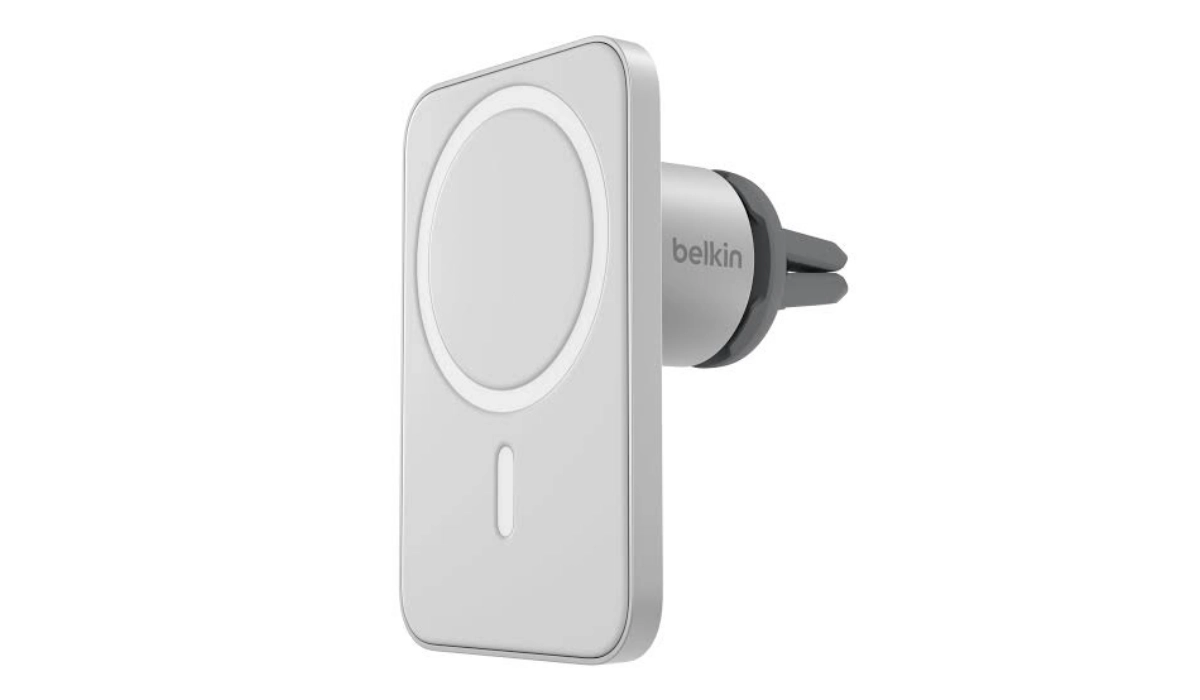
Car owners will find this MagSafe accessory useful. It is a great way to mount your iPhone for easy reach while driving, but that isn’t all it does. It also keeps your iPhone charged. Selling for $39.99 on Belkin’s official website and other retail platforms, the Belkin Car Vent Mount PRO with MagSafe is pocket-friendly.
MagSafe Leather Sleeve
Still on convenience, and this time with some style, the MagSafe leather sleeve offers protection for your iPhone, has slots for your credit cards and ID cards, and includes a lanyard, so you can carry it around like a small pouch.
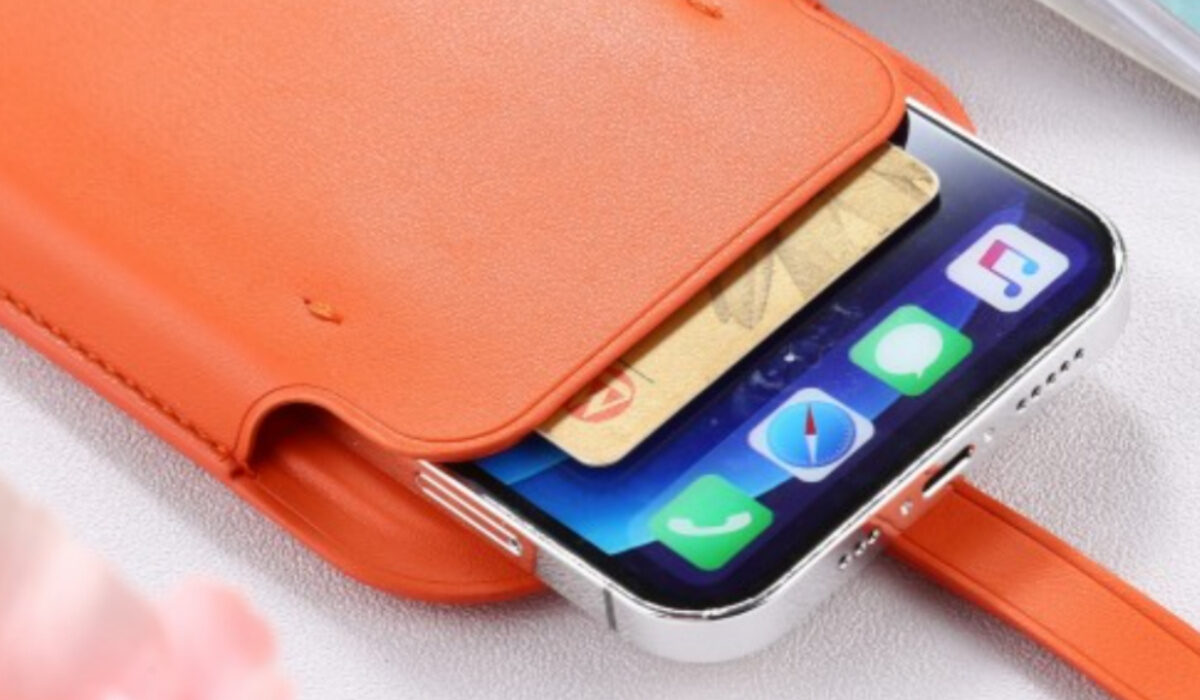
Magsafe leather sleeve.
If you want to get one directly from Apple, it will cost you $129 only. But there are 3rd party MagSafe compatible sleeves with the same features for less. As a matter of fact, you can pick one for as low as $23.99 from online and offline stores.
Razer Phone Cooler Chroma with MagSafe
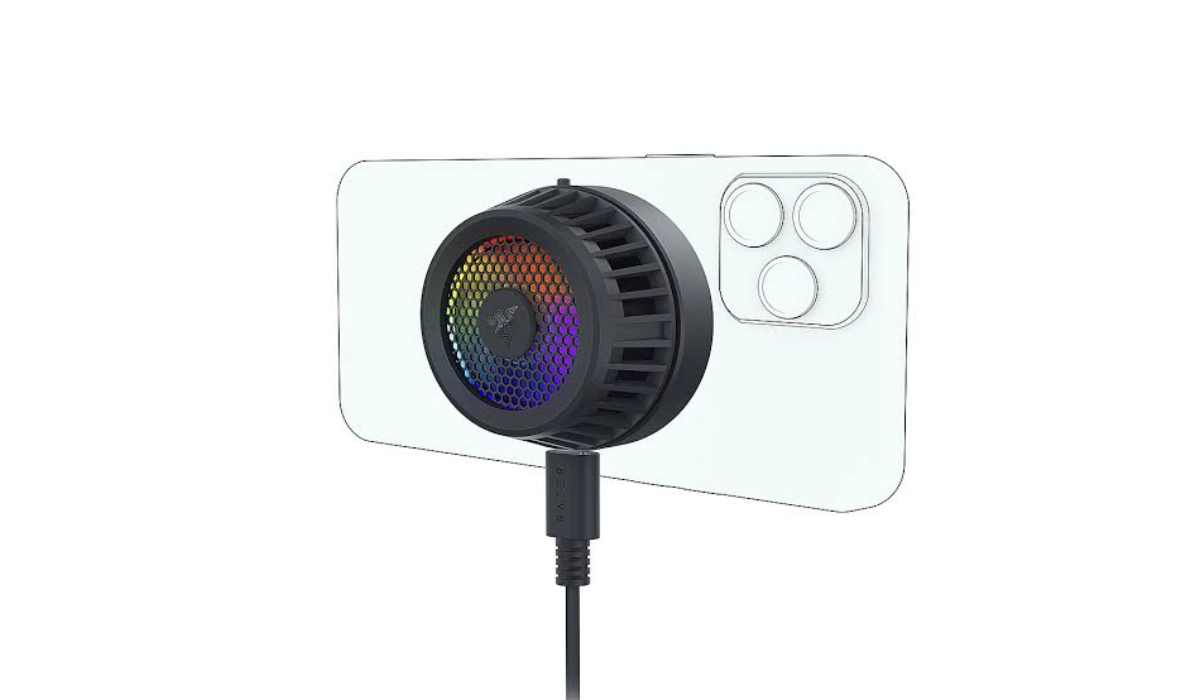
There are other MagSafe accessories out there from Apple and a wide range of 3rd party brands, including Carved phone cases . There is definitely something out there for everyone, so look around a bit. Happy hunting.
Author:Mister Mobility
Digital Skills and Communication Coach | Mobile Phone Connoisseur since 2001 | Tech Blogging since 2004
