Add MobilityArena as a preferred source on Google
The difference between computers and television sets is becoming increasingly blurry these days as more people watch their favorite movies and TV series through streaming platforms. However, even if you enjoy watching shows on platforms like Netflix, it’s likely that your large flat-screen TV will provide a superior viewing experience to your personal computer.
Thankfully, anyone can access content on the internet on a much larger screen; all you’d need to do is simply connect your Mac to a TV. You can also use a TV as a second monitor when using a Mac, which will increase the effectiveness of your job or the satisfaction of gaming.
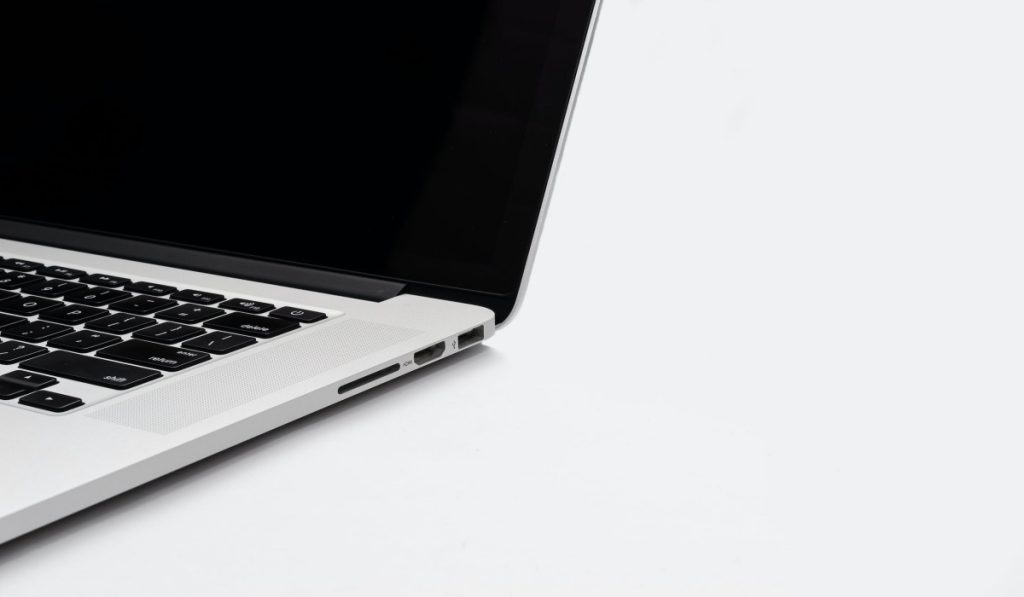
In this guide, we’ll show you how to use wireless screen monitoring or a wired cable to connect your Apple Mac to a TV. Pay attention to the instructions, so that you can enjoy a better viewing experience.
- How Can I Connect an Apple Mac to a TV?
- Connect your Apple Mac to a TV with a Cable
- Connect an Apple Mac to a Smart TV Wirelessly
How Can I Connect an Apple Mac to a TV?
There are different options available to connect your Apple Mac to a TV. You can either hardwire a cabled connection between your Mac and TV, or connect your Apple Mac to a TV wirelessly.
It’s possible to hardwire your Mac to most modern TV sets if you’re using an older Macbook device with a Thunderbolt or HDMI output; just keep in mind that if you use the Thunderbolt connector, there might be a need for a cable that converts to HDMI.
Connect your Apple Mac to a TV with a Cable
Follow the steps below to connect your Apple Mac to a TV through a wired connection:
- First, a video input on the TV has to be connected to the computer’s output.
- Select System Preferences by clicking the Apple logo at the top left corner of your Mac’s screen
- Next, click on Displays .
- In the lower-left corner, select the Display Settings option.
- As this will usually always be the best option, ensure that Default for display is chosen on the next window. By choosing “ Default for display ,” you can have your Mac choose the ideal monitor settings on its own.
- The majority of HDTVs can also transmit audio from a Mac device through HDMI. Select System Preferences after clicking the Apple logo located at the top left corner of the screen.
- Select Sound
- Select the TV that is connected. As long as the HDMI connection is constantly connected to both devices, you can view your favorite TV episodes and movies on your TV.
The speakers on your TV will now be playing the sound from your PC. Note that you might need to use a second cable to link the two devices to an audio input on older computers and/or TVs by using the Mac’s headset jack.
Once you can find the right cables to properly connect your Apple Mac to a TV, getting set up is exactly the same whether you have different outputs or inputs.
Connect an Apple Mac to a Smart TV Wirelessly
It’s also possible to connect your Apple Mac to a Smart TV especially if it supports AirPlay.
The steps to achieve this are simple and straightforward, and we’ve outlined them below:
- Click on System Preferences after selecting the Apple logo located at the top left corner of your Mac device.
- Next, click on Displays .
- From the AirPlay Display drop-down option, choose your TV.
You’re all done at this point and you should be able to see your computer’s screen on your TV.
Keep in mind that you can also use the Screen Mirroring capability to connect your Apple Mac to a TV wirelessly even if it doesn’t support AirPlay.
Follow these steps to get it done:
- On the top right of the menu bar, select Control Center , the icon with two toggles stacked vertically
- Next, select Screen Mirroring
- Choose the TV you want to connect to from the pop-up menu. The screen of your Mac will be automatically mirrored.
In summary , you can choose any method you prefer from the options we’ve described in this guide to connect your Apple Mac to a TV. So, make sure to follow the instructions carefully and enjoy a fantastic viewing experience.
Author:Joan Agie
Add MobilityArena as a preferred source on Google
As a mobile phone user or enthusiast, you probably know of Hasselblad from their partnership with OnePlus. But this Swedish company has a more fantastic history that you may not have heard of. Did you know that Hasselblad cameras have been part of the space programs of the USA’s National Aeronautics And Space Administration (NASA)? Did you know that Chinese drone company now owns the majority share in the company?
Below are highlights of the exciting history of this iconic camera brand with Swedish roots, with details of the feats that make the brand tick.
The Historical Timeline of Hasselblad
1941 : This was the year that the company was founded and went on to become the world’s most advanced camera maker. Their cameras were so advanced that they were highly expensive and used by only the creme of the crop in photography.
1962 : The company’s first foray into the world of space travel kicked off in 1962 with NASA’s Mercury program. A modified Hasselblad camera produced high quality images that NASA astronaut, Walter Schirra, shot during his six orbits of the Earth that year [1].
1969 : Three Hasselblad cameras were part of the Apollo 11 space mission to the moon. Yes; Hasselblad, along with Zeiss (another top photography company), were part of the photography equipment used on the moon by American astronauts [2]. But it wasn’t only the Apollo 11 mission that saw its cameras in use in outer space. The Swedish company’s cameras featured in several Apollo missions.
2016 : DJI took a minority stake in the Swedish camera company as well as entered a partnership to co-develop high-end camera drones that would combine the former’s drone aerial technology with latter’s cameras. DJI, a Chinese company, is world-renown for its drones which are equipped with top of the line cameras. The investment and partnership would ensure that DJI stayed a top drone maker with outstanding cameras. The DJI MAVIC 3 and DJI Mavic 2 Pro drones are some of the products of the joint development work between the two brands. The stake also earned DJI a seat on the board of directors.
2017 : DJI took a majority stake in the company – not enough for the transaction to be an outright acquisition. But enough to be a majority shareholder.
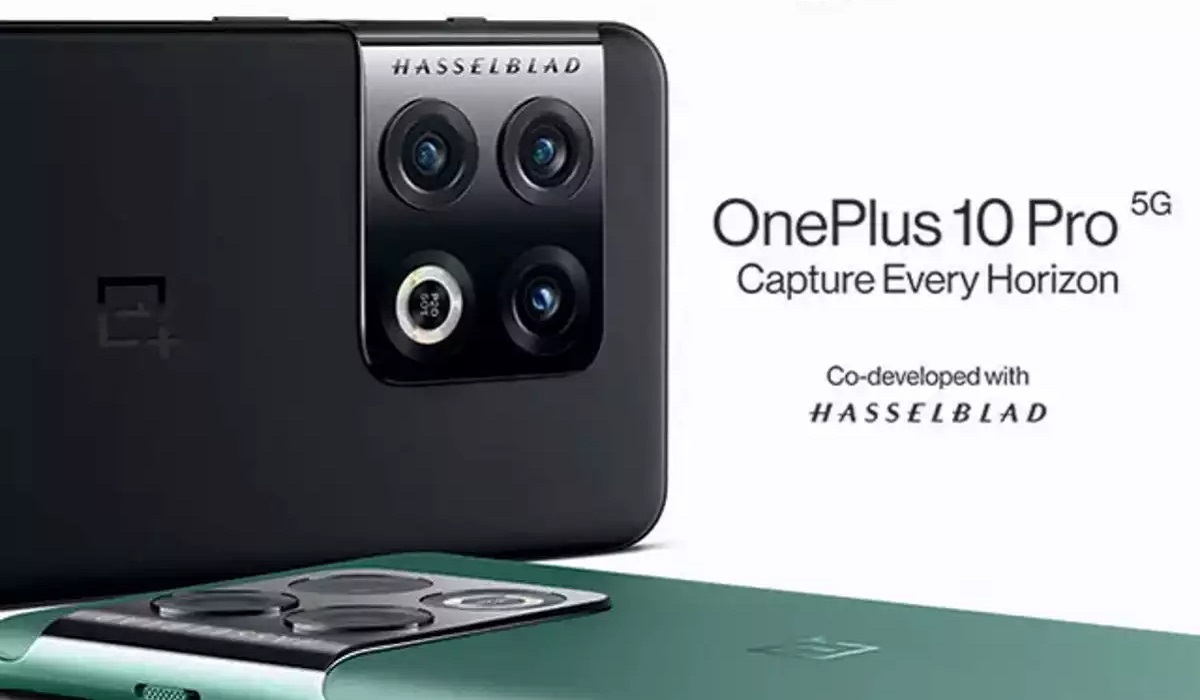
2021 : OnePlus and Hasselblad entered into an agreement to co-develop the next generation of cameras in OnePlus’ premium flagships. [3] This put OnePlus on the list of mobile phone brands that had entered into partnership with a camera brand . Other such partnerships include: Nokia & Carl Zeiss , Huawei & Leica, Sony & Zeiss, as well as Vivo & Zeiss. The OnePlus 9 Pro was the first product of this joint partnership.
2022 : OPPO and Hasselblad announced a three-year partnership to co-develop industry-leading camera technologies for OPPO’s flagship Find X series. [4] This partnership makes sense, seeing as OPPO and OnePlus have become tightly integrated and now share research and development, among other resources. Today’s OnePlus phones are mostly re-badged OPPO models anyway.
There has not been much of an impact seen in OnePlus camera phones since the partnership with the Swedish camera brand. At least, we have yet to see them take the world by storm the way Nokia-Zeiss flagship camera phones did back in the day, or the way that Huawei’s Leica-branded flagships have done till date. Hopefully, this will change soon. With Hasselblad’s pedigree, OnePlus and OPPO should be churning out some of the best camera phones in the industry by now.
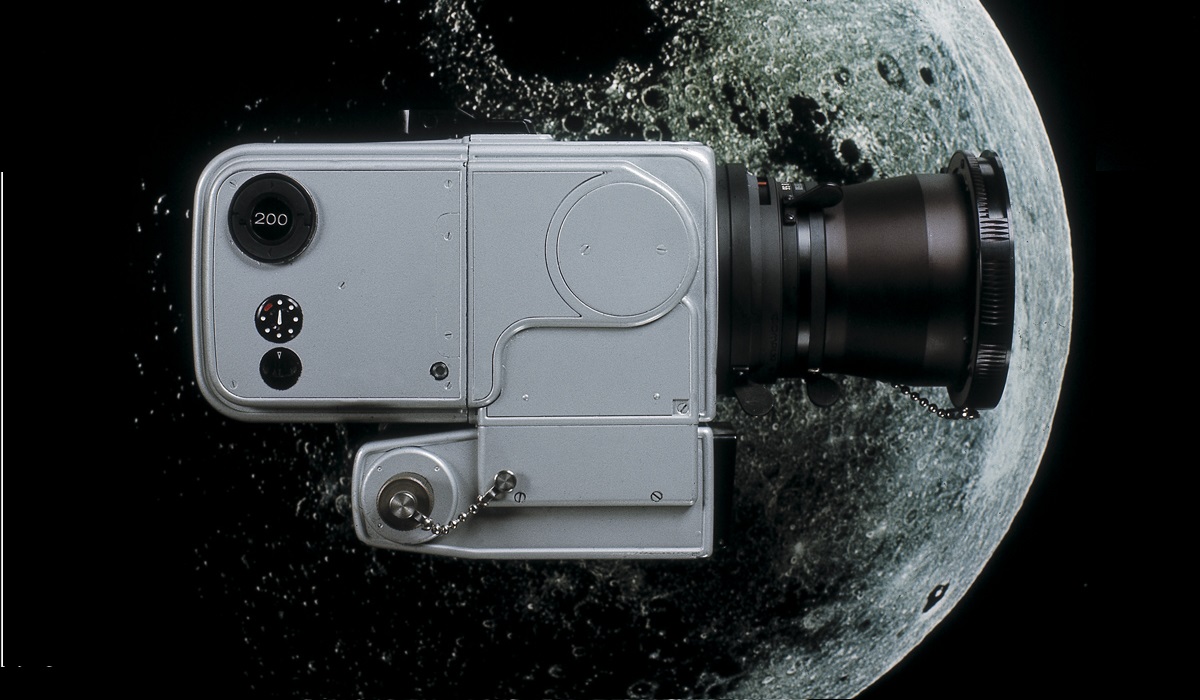
This Hasselblad data camera was a part of the Apollo 8, 9, 10, and 11 space missions.
Fun Fact : There have been six lunar missions in which humans stepped on the moon, and a total of 12 Hasselblad cameras were left on the surface of the moon, to make room for the lunar rock samples that NASA astronauts had to bring back to earth.
References
- Hasselblad In Space ( source )
- Apollo 11 Hasselblad Camera ( source )
- OnePlus And Hasselblad ( source )
- OPPO and Hasselblad ( source )
- Don’t miss our mobile phone reviews .
- Join our WhatsApp Group , to be notified of the most important articles and deals,
- Follow us on Instagram , Facebook , Twitter , and YouTube .
Author:Mister Mobility
Digital Skills and Communication Coach | Mobile Phone Connoisseur since 2001 | Tech Blogging since 2004
