Add MobilityArena as a preferred source on Google
You may have been trying to view an image and got an error that says the image cannot be displayed. On investigating further, you found that the image in question is in a strange format called CR3, and now you are wondering what that is and how to view or convert CR3 to JPG or a common image file format like PNG or GIF.
This easy guide explains what CR3 files are, how to open them, and how to save or convert them to a more popular image format like JPG, DNG, PNG, and others.
- What is a CR3 file?
- How do I view CR3 files?
- How can I convert CR3 to JPG, PNG, TIFF, etc?
- Can I edit or convert CR3 to JPG on my phone?
What is a CR3 file?
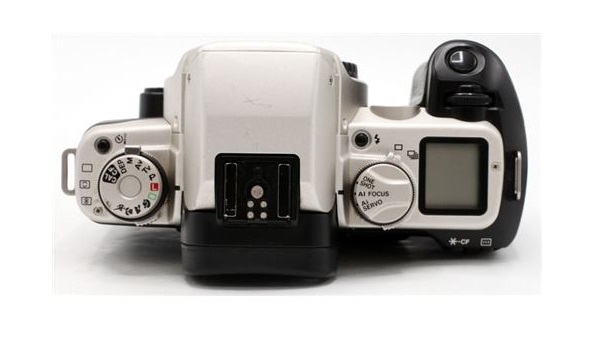
Photos taken by Canon digital cameras are saved in CR2 or CR3 files. CR2 means Canon RAW Version 2, while CR3 means Canon RAW Version 3, so they are just different versions of the same file format.
CR2 and CR3 image files are RAW files and so tend to be uncompressed files of high quality and of large size. This is because they retain a lot of details, so they can be edited to produce a wide range of amazing results. Besides the problem of viewing them, saving a lot of images in CR2 or CR3 formats means that you will use up a lot of your storage space.
If you use a Canon digital camera, for example, the Canon EOS M50, you will definitely have to deal with CR3 image files. Some other Canon digital cameras that shoot in CR3 format include: Canon Powershot G7X Mark III, Canon EOS M6 Mark II, Canon EOS 90D, Canon EOS M200, Canon EOS 1DX Mark III, and Canon EOS 850D.
CR2 and CR3 are not the only RAW image formats; they are just the ones that Canon uses. Some other well known RAW formats include NEF, RW2, RAF, PEF, and ARW.
How do I view CR3 files?
You need software to convert CR3 to JPG file format
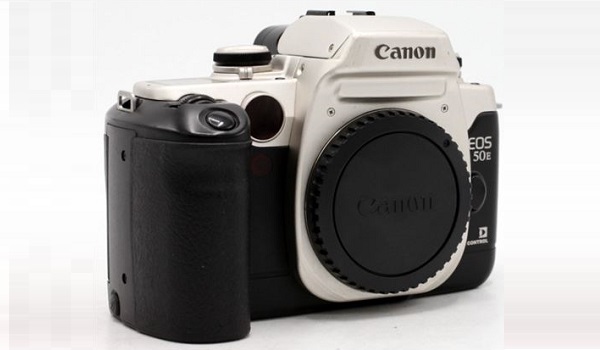
Being a Canon proprietary image format, CR3 files can be viewed by having Canon’s software installed on your PC and connecting it to your digital camera. But that option isn’t always available or expedient.
Other ways to view CR2 and CR3 images is to install 3rd party software like Adobe PhotoShop CC, IrfanView, or UFRaw.
If you need to edit CR3 images, PhotoShop CC handles the file format well. Other image editing software that support CR3 include: Adobe Lightroom Classic CC 8.0, Phase One Capture One Pro 12.0.0, DxO PhotoLab 2.3.0, Canon’s own Digital Photo Professional 4.9.0.0, and ON1 Photo Raw 2019.6.
How can I convert CR3 to JPG, PNG, TIFF, etc?
Similar to what is required to view CR2 and CR3 files, to convert them requires the use of software. There are a number of options available. For example, you can install and use DNG Converter (Version 11 or newer) on your desktop or laptop PC.
Another option you can use to convert CR3 to JPG, PNG, or other image file format is to install and use reaConverter, a CR3 to JPG converter. As already mentioned, there are a number of software options available, and they are mostly easy to use.
If you are not interested in installing more software on your PC, you can also use a free web-based image converter like the one HERE . It works on both desktop and mobile web browsers, and you will be able to convert CR3 files to JPG in minutes.
Can I edit or convert CR3 to JPG on my phone?
What if you need to edit or convert CR3 files on a smartphone? No problem. There are apps for that, so you can edit CR3 files on your smartphone. If you own an iPhone or iPad , download and install Canon’s own Digital Photo Professional Express app. Download it HERE .
For users of Samsung phones , Infinix phones , TECNO phones , Nokia phones , and other Android smartphones, the Canon Camera Connect app is a great tool. It does automatic conversion of RAW files to JPEG when transferring images from your Canon camera to your phone. Download it HERE .
Also, a 3rd party app like CR3 to Jpg Converter will let you convert CR3 to JPG on your Android smartphone. Download it HERE .
Author:InfoDesk
Add MobilityArena as a preferred source on Google
Redmi 9 Prime has been launched as the latest addition to Xiaomi’s line of devices. This device seemingly boasts the same specifications as the Redmi 9 which was launched in Spain about two months ago. The only difference is that the Prime has a P2i splash-resistant coating. This smartphone boasts a massive battery rated 5,020mAh and quad-rear cameras which include an ultra-wide-angle shooter.
The Redmi 9 Prime runs the Android 10 with MIUI 11 on top and is built around a 6.53-inch full-HD+ IPS display that offers Corning Gorilla Glass 3 protection. This smartphone has the octa-core MediaTek Helio G80 SoC under the hood, which offers 4GB DDR4x RAM.
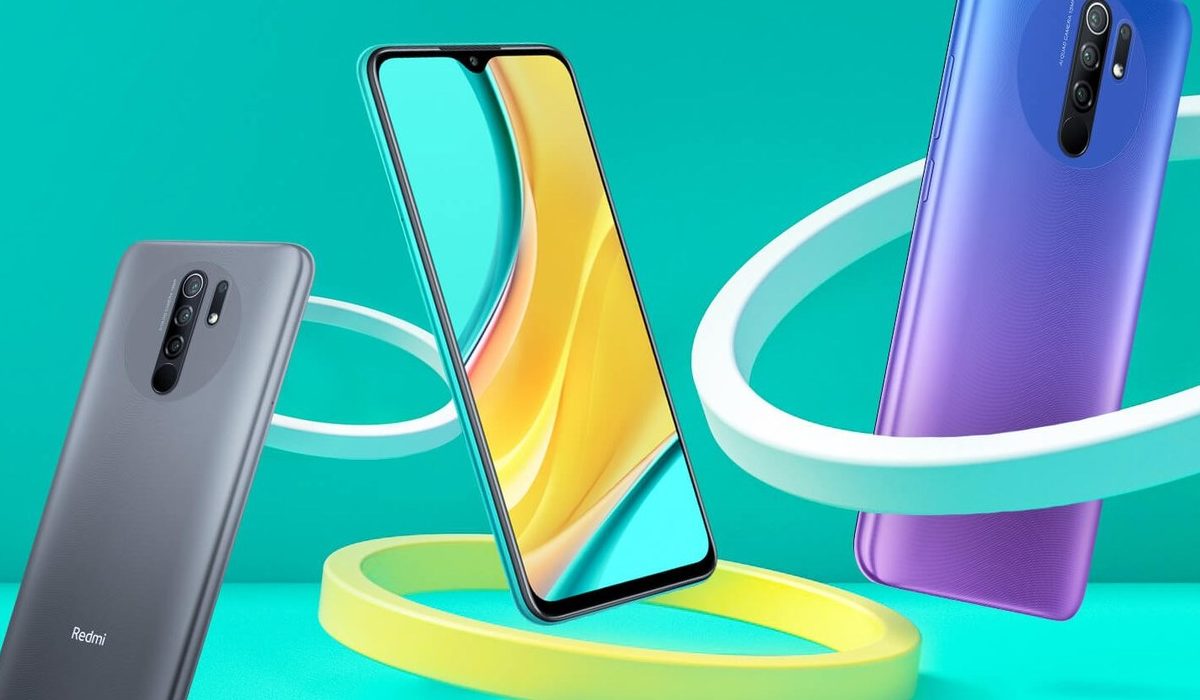
In the camera department, a quad-rear camera setup with a 13MP main camera takes care of photography duty. This 13MP camera is assisted by an 8MP secondary sensor with an ultra-wide-angle lens, a 5MP macro shooter and a 2MP depth sensor. Up front, an 8MP sensor takes care of selfies and video calls.
The Redmi 9 Prime features an impressive 5,020mAh battery which offers 18W fast charging support, keeping this device powered all day. This smartphone offers 128GB of onboard storage (which is expandable via microSD card up to 512GB) and is available in Space Blue, Mint Green, Sunrise Flare, and Matte Black color options. It has two storage variants which are available at different price points, with the 4GB+64GB model costing $133 and the 4GB+128GB variant selling for $160.
The Redmi 9 Prime will be available for purchase in India from the 17th of August and is expected to hit other markets in the weeks to come.
Redmi 9 Prime Price and Specs
- OS: Android 10 with MIUI 11
- Release Date: August 2020
- RAM: 4GB
- ROM: 64/128GB
- Network Type: 3G/4G VoLTE
- Selfie Camera: 8MP
- Rear camera: 13MP+8MP+5MP+2MP
- Display: 6.53-inch FHD+ IPS display
- Build: P2i splash-resistant coating
- Battery: 5,020mAh with 18W fast charging support
- Processor: MediaTek Helio G80
- Price: Starts at $133
References
- Source ;
- Source .
Author:Alfa Baye
Staff Writer
