Add MobilityArena as a preferred source on Google
Apple’s App Store is home to millions of apps that are designed to work exclusively on iOS devices. However, as an Android user, you might be wondering if it’s possible to download your favorite Apple apps on your device. The good news is that there are ways to do this.
In this article, I’ll show you how to download Apple iOS apps on Android. There are several ways to achieve this, so let’s dive in and explore different ways to get iOS apps on your Android device.
- How Can I Download iOS Apps on Android? Use A Browser-based App to Run iOS Apps Use the iEMU Emulator App for Android Run iOS Apps on Android Using Cider
How Can I Download iOS Apps on Android?
Most of us either use iOS or Android devices. However, you can find yourself in a situation where you only have an Android device but would like to use a specific iOS program. It’s possible to use iOS apps on an Android device, though it’s not as simple as it sounds. The majority of emulators aren’t actively supported, and many iOS apps may not function properly on Android even if you do manage to get them. Nonetheless, below are different ways to download iOS apps on your Android device.
Use A Browser-based App to Run iOS Apps
Using Appetize.io in your phone’s browser is one of the simplest ways to run an iOS app on an Android device without installing any additional software. This technique makes use of the browser-based program Appetize.io. This configuration allows you to use iOS apps through a web browser rather than actually allowing you to install iOS apps on an Android device.
iOS app developers typically use the Appetize.io tool to test their applications when they can’t use an iOS device directly. However, with a bit of expertise, you can tweak its function to access iOS apps directly from your Android device’s browser.
You should note, though, that in order to use Appetize.io to launch an iOS app, you must have a.zip or.tar.gz file containing the app bundle. They can be found on the APK Pure website.
This is how you can use this browser to run iOS apps:
- First, launch your Android device’s web browser and then open the Appetize.io website.
- Next, find the upload button by clicking on the menu button in the top right corner.
- Go to the dashboard option to view your application after uploading the app bundle for the iOS file you wish to launch.
- You should now be able to use the Appetize.io web tool’s virtual iOS device to run your iOS application.
One of the coolest features of this online tool is that it’s not just for iOS apps – you can also use it to run Android apps by simply uploading the .APK file. As long as you have a reliable internet connection, you’re good to go with Appetize.io!
Also, you don’t have to worry about whether it will work with your Android device’s version. However, it’s worth noting that the emulator may not always offer immediate support for the latest iOS apps.
Use the iEMU Emulator App for Android
iEMU will no doubt be the first option for many people when seeking the most popular iOS emulators for Android. You can install iOS apps and games easily with this emulator, and it will give you a virtual iOS experience on your Android device. The best part is that real apps can be launched on the emulator even if it takes up a lot of storage space to install it. Running games is, of course, a little stressful, and, to be quite honest, many iOS games may not work at all.
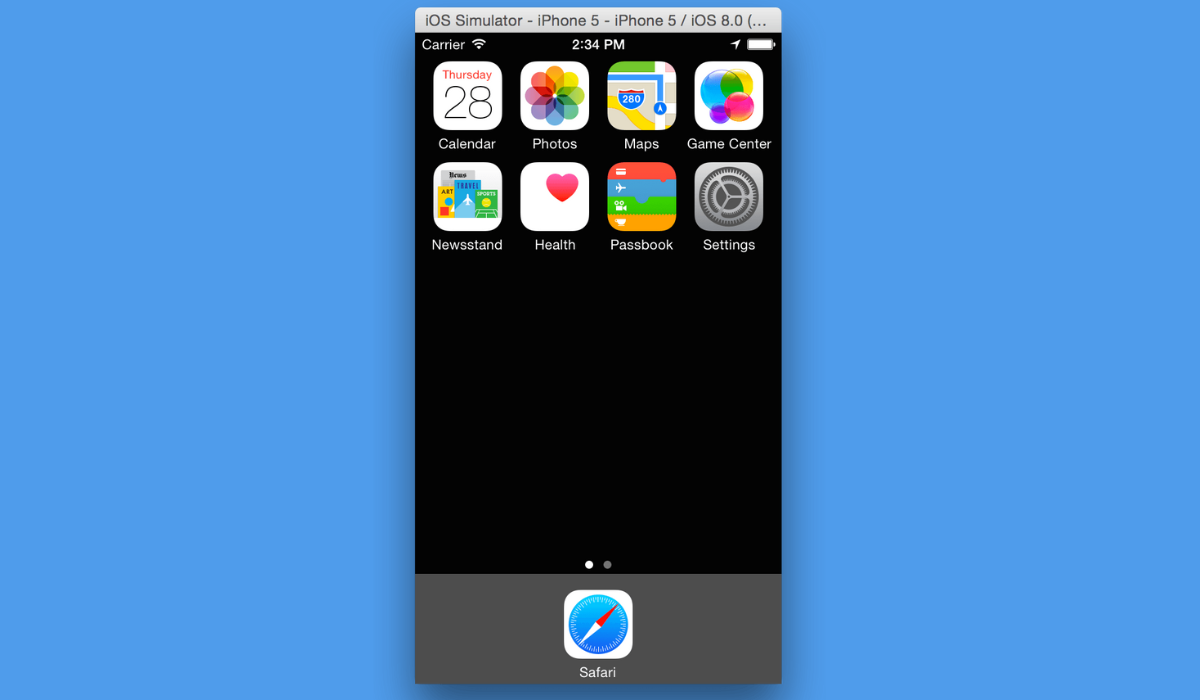
One of the most exciting things about this emulator is that it’s open source and constantly being improved by a team of talented developers. Of course, with any emulation software, there are bound to be some bugs, but overall it’s a fantastic tool that you can install on any Android device to start using iOS apps. Here’s how you can get started with this emulator to get iOS apps on Android devices:
- First, download the APK file .
- After the download is complete, tap the download notification or use a file explorer to locate it.
- When you tap on the APK file, you’ll receive a notification that it’s not secure to install. Don’t worry – you can easily bypass this by navigating to your System Settings > Security and enabling the option to “ Allow the Device to Install Applications from Unknown Sources .”
- After you’ve done that, the APK will install iEMU on your Android device in just a few seconds.
- Once it’s installed, you can find the emulator app in your app drawer under the name “ Padiod .”
- All that’s left to do is launch the app and start using iOS apps on your Android device.
Run iOS Apps on Android Using Cider
Cider, another iOS emulator program, is one of the simplest ways to run iOS apps on Android devices. This program emulates an iOS application on an Android device.
Although the app isn’t available on the Google Play Store, you’ll have to download its APK and sideload it. To install such apps, you must permit app installation from unknown sources on your Android phone. Simply go to Settings > Security and enable “ Allow the Device to Install Applications from Unknown Sources ” on most phones.
Once that is done, go to the steps below to install and use the Cider app:
- Get the Cider APK file
- On your Android smartphone, use the file explorer app to find the newly downloaded APK file, or just tap the notification in your Notifications menu.
- Then click the “ Install ” button, and the app should install in a few seconds.
- To access iOS apps from this point, locate the IOS EMULATOR app in the app gallery and click on it. You’ll have access to the iOS app you need.
Keep the following in mind before using any of the above methods:
- Make sure your device has enough storage for the process to run smoothly.
- Disable any Android launchers on your device to ensure a unique iOS experience.
- As with any significant changes you make to your device, I should caution you that you do so at your own risk.
To sum up , Apple apps are unfortunately not available for direct download and use on Android devices. However, you can use third-party apps like Cider or iEMU or browser-based tools like Appetize.io to run iOS apps on Android devices. Keep in mind that these options are still in the advanced research stage and may not work on all Android devices. If you need other useful Android tips, check out this category .
Author:Joan Agie
Add MobilityArena as a preferred source on Google
Electric vehicles (EVs) have been gaining popularity in recent years due to their environmental benefits and cost savings. However, many people still have questions about how electric vehicle transmission works and whether they have gearboxes and clutches like traditional internal combustion engine (ICE) vehicles.
A common trait of EVs is that they have quick acceleration: the average EV city car goes from 0 to 60 mph in less than 5 seconds. The twin-motor performance Volvo EX30 does it in 3.4 seconds. Why are they so quick? You must wonder what kind of transmission EVs have. In this article, we will delve into the world of electric vehicle transmissions, exploring the different types and explaining whether or not EVs have gearboxes and clutches. So, let’s dive in and uncover the mysteries behind the transmission systems of electric vehicles.
- I. The Basics of Electric Vehicle Transmissions
- II. Types of Electric Vehicle Transmissions
- III. How Electric Vehicles Achieve Smooth Acceleration without a Clutch
I. The Basics of Electric Vehicle Transmissions
When it comes to understanding electric vehicle transmissions, it’s important to first understand how they differ from ICE vehicles. In traditional vehicles, the transmission is responsible for transferring power from the engine to the wheels. It uses a series of gears and a clutch to adjust the speed and torque of the engine to match the desired driving conditions. This allows the vehicle to achieve optimal performance, whether it’s accelerating from a standstill or cruising at high speeds.
However, electric vehicles operate differently. Instead of relying on an internal combustion engine, EVs are powered by electric motors. These motors generate torque directly, eliminating the need for a traditional transmission system. This means that electric vehicles don’t require a gearbox or a clutch to function.
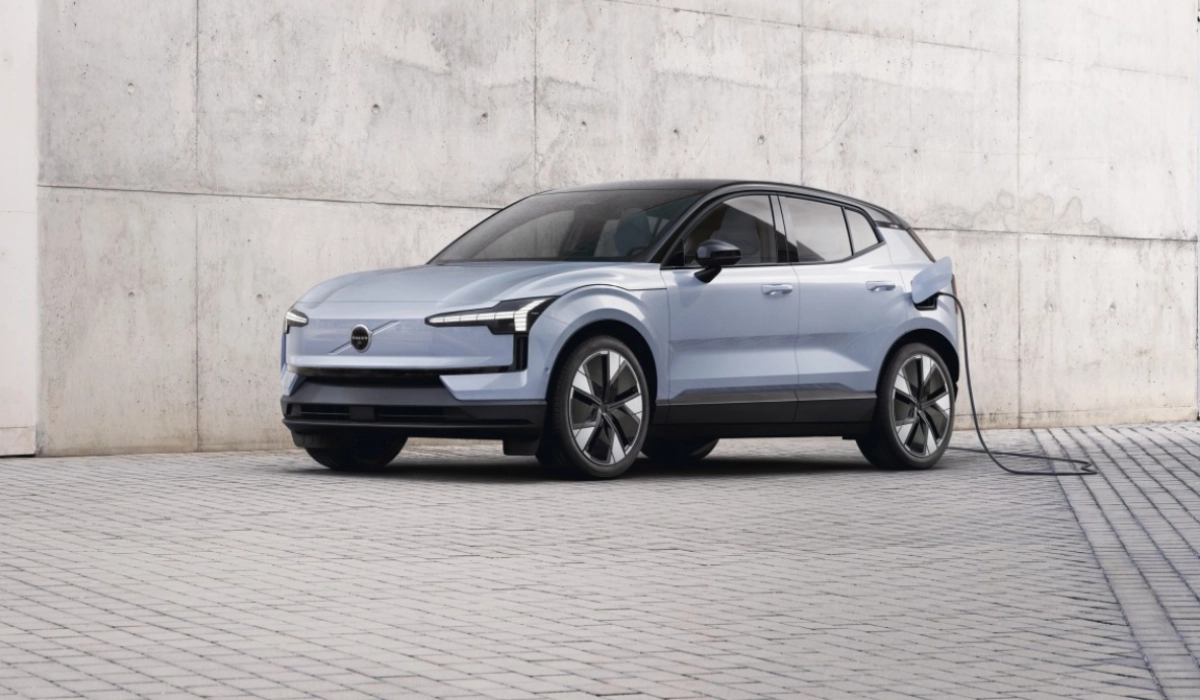
0-60 mph in 3.4 seconds: how does electric vehicle transmission work?
II. Types of Electric Vehicle Transmissions
While electric vehicles don’t have traditional gearboxes and clutches, there are still different types of transmissions that can be used in EVs to optimize performance and efficiency. Let’s take a closer look at these transmission types:
Single-speed transmissions : The most common type of transmission found in electric vehicles is a single-speed transmission. As the name suggests, this transmission has only one gear ratio. This simplicity allows for a more compact and lightweight design, which is beneficial for electric vehicles that prioritize efficiency and range. Single-speed transmissions provide a seamless and smooth driving experience, as there are no gear shifts or clutches to worry about.
Multi-speed transmissions : Although single-speed transmissions are the most prevalent in electric vehicles, some manufacturers have experimented with multi-speed transmissions. These transmissions have multiple gear ratios, similar to those found in traditional ICE vehicles. The purpose of a multi-speed transmission in an electric vehicle is to optimize efficiency and performance by providing different gear ratios for different driving conditions. However, the benefits of multi-speed transmissions in EVs are still being debated, as they can add complexity and weight to the vehicle.
III. How Electric Vehicles Achieve Smooth Acceleration without a Clutch
One of the concerns people may have about electric vehicles not having clutches is how they achieve smooth acceleration. In traditional vehicles, the clutch is used to gradually engage the engine with the transmission, allowing for a smooth transfer of power. So, how do electric vehicles achieve this without a clutch?
Electric vehicles achieve smooth acceleration through a combination of factors:
Instant torque : Electric motors generate maximum torque from the moment they start spinning. This instant torque allows electric vehicles to accelerate quickly and smoothly without the need for a clutch. The power from the motor is directly sent to the wheels, eliminating the need for a clutch to engage and disengage the powertrain.
Motor control : The motor controller in an electric vehicle plays a crucial role in achieving smooth acceleration. It regulates the power output of the electric motor, ensuring that it matches the driver’s input and the desired speed. By precisely controlling the motor’s power delivery, the controller can maintain a smooth and seamless acceleration experience.
Regenerative braking : Another factor that contributes to smooth acceleration in electric vehicles is regenerative braking. When the driver releases the accelerator pedal, the motor acts as a generator, converting the vehicle’s kinetic energy into electrical energy and storing it in the battery. This regenerative braking system allows for smoother deceleration and more efficient energy usage, further enhancing the overall driving experience.
To recap, electric vehicles do not have traditional gearboxes or clutches; they utilize single-speed or multi-speed transmissions to optimize performance and efficiency. The instant torque of the electric motor, combined with motor control and regenerative braking, allows for smooth acceleration without the need for a clutch. This simplicity and efficiency are key advantages of electric vehicles and contribute to their growing popularity in the automotive industry.
Author:MobileChic
That motivated, gadget-loving geeky chic who tries to stay on top of things. Unapologetic iFan.
