Add MobilityArena as a preferred source on Google
The central processing unit (CPU) essentially functions as your computer’s brain. All significant system parts, including the RAM and graphics card, depend on the CPU’s instructions. Due to this fact, the processor is a crucial component of every computer.
Unusually high CPU consumption may be the root cause when you suddenly notice issues such as game stuttering or crashes, open applications failing to respond to new inputs, and slowly opening programs.
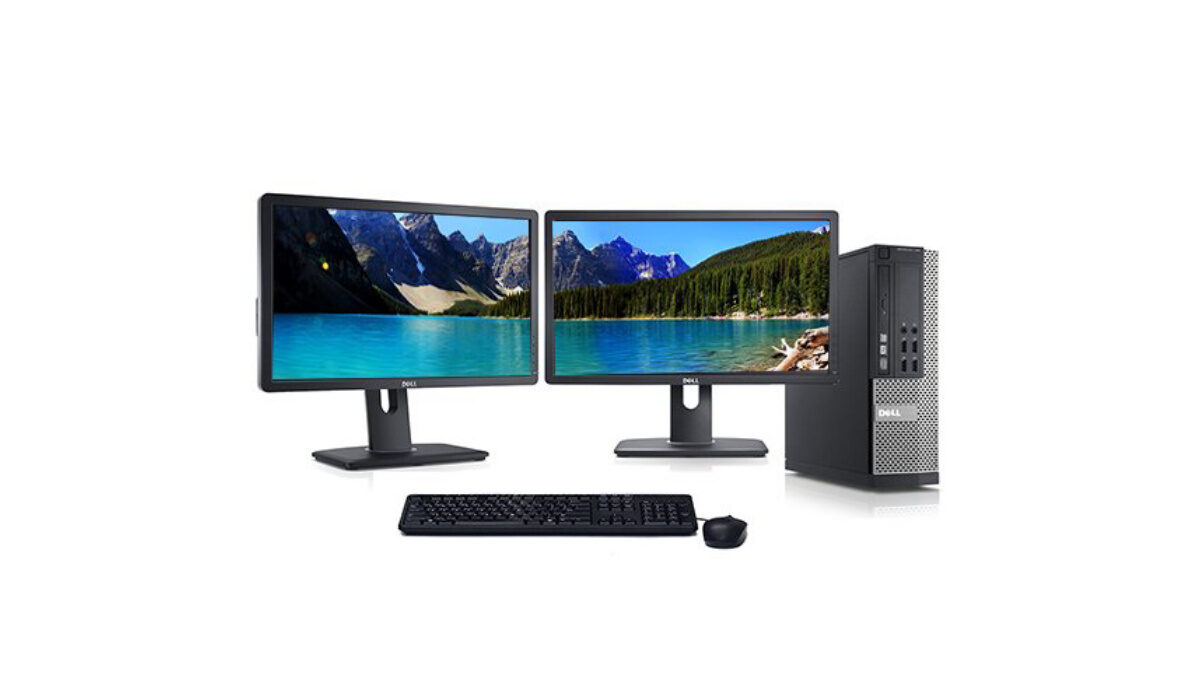
When a computer’s CPU is overloaded with too many processes or if a task requires too much focus, it gets overwhelming and the CPU usage increases. This is why we’ve compiled this guide, to go over how to reduce excessive CPU usage and improve performance in Windows 10 devices.
Reboot your Device
Saving your work first, and then restarting your computer is the first course of action if you notice a reduction in your computer’s speed or performance. This is the standard advice for troubleshooting; to “turn it off and on again.”
If it has been a while since your previous restart, this advice is especially beneficial and may suffice to fix the problem because a restart can clear up temporary files and possibly fix delay in lengthy operations.
Restart or End Processes
Launch the Task Manager by clicking CTRL+SHIFT+ESCAPE . Task Manager offers one of the simplest ways to track an application if its CPU usage has started to increase once more, even after a restart.
Select the Processes tab from the top menu once you’re in the Task Manager. To view background Windows processes, click “ More details ” at the bottom of this tab. The “ CPU ” column should be near the top of the “ Processes ” tab; click it to sort by CPU usage.
When using certain games, video editing or streaming software, running an antivirus scan, or managing numerous browser tabs, you should anticipate high CPU consumption.
When you open Task Manager and discover a process (apart from the expected ones) unexpectedly using a significant portion of your CPU, do an online search to find out what it is. If you don’t have a strong reason to, you shouldn’t halt processes like explorer.exe (which controls numerous graphical elements like the desktop and Start menu) or winlogon.exe (which controls startup tasks and the CTRL+ALT+DEL screen).
Once the process has been determined to be non-critical (and you confirm that you’ve saved whatever you were working on), click the process to select it, then select End Process in the Task Manager’s bottom right corner. The program will end without saving if you click on End Process .
Update Drivers
Also try upgrading your drivers if a process is still consuming too much CPU power. Drivers are software applications that manage certain devices attached to your motherboard. Your drivers may need to be updated to fix compatibility problems or defects that lead to higher CPU usage.
Go to Settings from the Start menu. After selecting Updates & Security , click “ Check for Updates .” Important drivers will be updated by this. Manufacturers of graphics cards also offer tools (like NVIDIA GeForce Experience for GPUs) that could enhance overall performance when playing games.
Your BIOS version may also need to be updated to address any uncommon bugs. When a computer starts up, the motherboard’s firmware known as the BIOS (Basic Input Output System) sends commands to the other components.
Only take this step if you have found the bug causing high CPU usage and located a BIOS update that directly fixes it. This is because updating the BIOS typically doesn’t result in performance improvements, and in some cases, may even introduce new issues to your computer.
Do a Thorough Malware Scan
If the high CPU usage problem still exists, malware posing as a standard Windows process may be to blame. Some malicious apps show in Task Manager with familiar names like “Cortana.exe” or “Runtime Broker,” but they are actually consuming CPU and GPU bandwidth for other purposes (like cryptocurrency mining, for example).
To check for this, do a thorough virus scan using your preferred application. One excellent choice is the free offline security scan offered by Windows Security (running on your taskbar or Windows settings). Once you locate the malware, delete it from your device.
Adjust your Power Settings
Whether you’re using a laptop or a desktop, some power settings can restrict the speed of your CPU. By selecting the Start button and typing “ Edit Power Plan ,” you can view your power options. Click “ Power Options ” in the address bar at the top of the window once it has opened. The words “Choose or customize a power plan” will be visible on your computer’s screen.
You can enable a non-power saving plan here by selecting “ Show additional plans ” at the bottom of the screen. Afterward, check to see whether CPU usage goes back to normal by opening Task Manager once more.
Summarily , fixing high CPU usage in your Windows device helps to optimize its performance. So, when you notice lagging, screen crashes, freezing or other abnormalities and you confirm that the problem is high CPU usage, now you know what to do to fix it.
You should also consult specific online guidance in some cases. Get the name of the process from Task Manager’s Processes or Details tab, then search online for help forums on the subject.
If you get minimal results from your initial search, try adding any other details that might be helpful, such as the model of your processor (you’ll find this in System Information next to “Processor”) and the names of any other programs that you think might be the problem.
Make sure to attempt different approaches to your search because it’s unlikely that you’re dealing with a bug that hasn’t already been discussed in hardware and gaming communities.
We hope you’ve found this article helpful, so don’t forget to recommend it to your loved ones so they can also benefit from it.
- Don’t miss our mobile phone reviews .
- Follow our news on Google News .
- Join our WhatsApp Group , to be notified of the most important articles and deals,
- Follow us on Instagram , Facebook , Twitter , and YouTube .
Author:Joan Agie
Add MobilityArena as a preferred source on Google
Samsung Galaxy Z Fold 4 5G brief information
Samsung Mobile has announced the Galaxy Z Fold 4, the latest model in its foldable device range. It comes with a number of upgrades over last year’s model. Have a look at the specs and price below.
- OS: Android 12L
- Release Date: 2022
- Network Type: 2G/3G/4G/5G
- Bigger Display: 7.6-inch, 1812 x 2176 pixels resolution
- Outer Display: 6.2-inch 904×2316 pixels, AMOLED
- Processor: Snapdragon 8+ Gen1
- Selfie Camera: 10 MP
- Rear camera: 50 MP triple
- RAM: 12 GB
- ROM: 1 TB
- Battery: 4400 mAh
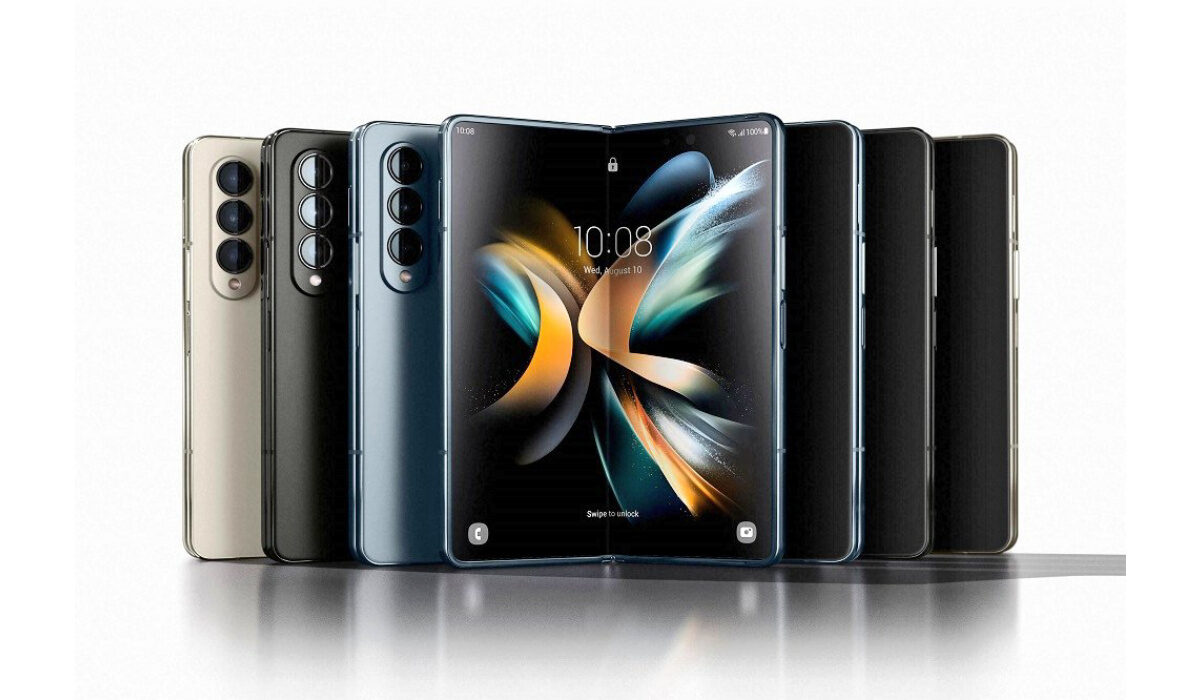
Samsung Galaxy Z Fold 4 5G is powered by Snapdragon 8+ Gen1
Samsung Galaxy Z Fold 4 5G specifications
Mobile Wireless Network and Software
- 2G mobile network bands : GSM, GPRS, EDGE 850 / 900 / 1800 / 1900 MHz.
- 3G mobile network bands : UMTS, WCDMA, HSDPA 850 / 900 / 2100 MHz
- 4G mobile network bands : LTE.
- 5G mobile network bands : NSA/SA
- SIM Type : Nano-SIM, Dual SIM
- Software / OS : OneUI 4.1.1 based on Android 12L
Design, Form Factor, Appearance
- Dimensions : 160 x 77.25 x 15.9 mm
- Weight : 263g
- Outer Display: 6.2 inches, 904 x 2316 pixels, 120 Hz refresh rate, 19.5:9 aspect ratio, AMOLED screen, Gorilla Glass Victus.
- Inner Display : 7.6 inches, 1812 x 2176 pixels, 120 Hz refresh rate, AMOLED
- Colours : Graygreen, Phantom Black, Beige, Burgundy.
- Physical Build : Metal frame. IPX8
Internal Hardware Specs
- CPU/ Processor : 64-bit, 3.19 GHz Octa-core
- Chipset : Qualcomm Snapdragon 8+ Gen 1
- GPU/ Graphics Processing Unit : Adreno 670
- RAM : 12 GB
- Extended/Virtual RAM :
- Internal Storage : 256 GB / 512 GB / 1 TB
- External Storage : No.
Photography, Video Recording
- Main Camera : 50 MP main sensor OIS + 12MP + 10MP, autofocus, dual LED flash, 4k video, 1080p@30fps video recording
- Front Camera: 10 MP, fixed focus, Face Recognition, 4k video, 1080p@30fps video capture
Audio, Video Playback
- Music Support : PCM, AAC / AAC + / eAAC + / MP3 / AMR – NB / WB / APE
- Audio : No 3.5 mm audio jack
- Loudspeaker : Stereo speakers
- Video Support : H.264/MP4/MPEG4 player
- FM Radio : .
Phone Sensors
- Digital Compass : Yes.
- Accelerometer : Yes.
- Proximity Sensor : Yes.
- Ambient Light Sensor : Yes.
- Barometer : No.
- Pedometer : No.
- Heart Rate Monitor : No.
- Gyroscope (G-Sensor) : Yes.
- Fingerprint Scanner : Yes; side-mounted.
- Face Unlock : Yes.
- Iris Scanner : No.
- Motion Sensing / Gesture Control : No.
- Voice Control : No.
- Intelligent Digital Assistant : Yes; Google Assistant.
- Infra-red Blaster : No.
Connectivity Options
- Bluetooth Version : 5.2
- Bluetooth Profiles : A2DP
- WiFi : Wi-Fi 802.11 a/b/g/n/ac, hotspot
- GPS : Yes, A-GPS, GLONASS, BDS, Galileo
- USB : microUSB v2.0. Type-C. USB-OTG.
- NFC : Yes.
Miscellaneous Specs and Features
- Battery Type and Capacity : Non-Removable Lithium-Polymer 4400 mAh
- Battery Charging : 25W fast charging
- Wireless Charging : Yes; 15W.
- Reverse Wireless Charging: Yes; 4.5W.
- Model Version/Number :
Launch/Release Dates and Information
- Announced : August 2022
- Release Date : August 26, 2022
Samsung Galaxy Z Fold 4 5G Prices by Country
- USA : $1,800 (12/256GB). $1,920 (12/512GB). €2,160 (12GB/1TB).
- European Union : €1,800 (12/256GB). €1,920 (12/512GB). €2,160 (12GB/1TB).
- Nigeria : ₦
- Egypt : Egyptian Pound
- UAE : AED
- India : Indian Rupee
- Iraq : Iraqi Dinar
- Kenya : Ksh.
- Ghana :
The above prices may change with time from country to country, as market forces and economic policies influence product price movements.
Does Samsung Galaxy Z Fold 4 5G have Google Play Store?
It supports Google Services and software applications, including Play Store and Maps, Gmail, YouTube, and others.
Will Samsung Galaxy Z Fold 4 5G work in the USA?
This is a GSM phone and is supported on US GSM carriers like AT&T and T-Mobile and other networks riding on their networks. It does not support CDMA networks. Do make enquiries from your carrier to know what bands/frequencies are supported on their service.
MobilityArena Buyer’s Guide Verdict
Not available.
Our Buyer’s Guide Verdict is a recommendation based on the specificationss of the device and a general guide to help you understand how much value a device offers for its price. It is not an endorsement of the device. Ask questions and use your judgement when buying any device; MobilityArena takes no responsibility for your buying decisions .
Samsung Galaxy Z Fold 4 5G Phone Review Rating
Not available.
- Don’t miss our mobile phone reviews .
- Follow our news on Google News .
- Join our WhatsApp Group , to be notified of the most important articles and deals,
- Follow us on Instagram , Facebook , Twitter , and YouTube .
