Add MobilityArena as a preferred source on Google
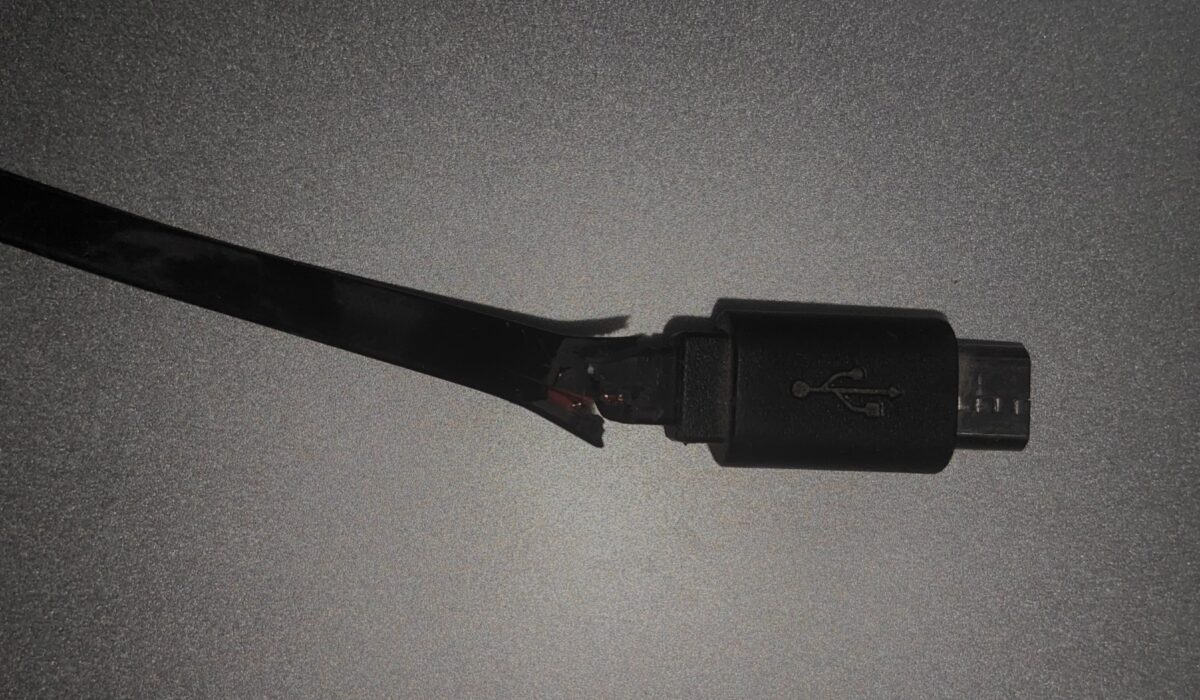
Let’s be honest: our charging cables are mistreated daily. After a long time of being twisted, pulled, and bent, they tend to fray and break. A broken charger cord is not only frustrating, but also dangerous.
If you’re an Android user, keep reading to find out why you should stop using your broken charger cord and how to fix it.
The Risks Of Using Broken Charger Cords
Device Damage
Broken cords prevent electricity from properly flowing, potentially causing power surges that damage the internal parts of your device. Fixing or replacing a defective cable is significantly less expensive than replacing a broken phone or tablet.
Electric Shock
Wires exposed as a result of a worn cable casing are unprotected and potentially dangerous. The charging cable’s casing is intended to shield you from the electric currents running through these wires. If you come into contact with one of these wires, you could potentially burn yourself or suffer from something even worse.
Electrical Fires
Power surges from a frayed or damaged charging cable might cause your gadget to overheat and catch fire. This poses a significant threat to your house, particularly if you leave your phone or tablet charging unattended. Electrical fires caused by broken charging cords are becoming more common and can cause severe damage.
Fatal Electrocution
It may sound dramatic, but a large enough surge of electricity can potentially result in deadly electrocution, especially in little children. By nature, toddlers and pets are curious and love exploring. If they come into contact with a broken charging cord, the consequences could be disastrous.
How To Fix A Damaged Android Charging Cable
If your cord is partly damaged but still working, you can fix it by trying these easy fixes.
Electrical Tape
Although electrical tape is not the most attractive or secure, it’s one of the easiest and most cost-effective solutions for a broken charger cord. To prevent breakage from causing further damage, simply wrap electrical tape around the affected spot of the cord, then work your way out from that area.
Shrink Tubes
Heat shrink is a more long-term method. Heat shrink tubes are available in a variety of diameters. When you’ve found a size that fits your broken cord, slip it over the broken part, then activate it with a heat gun or hair dryer on high heat. Because of the heat, the tube will shrink and adhere to the cord, blocking and protecting the damaged area.
Sugru
Sugru is a putty-like substance that you can mold into any shape, and once you let it sit and cure for approximately 24 hours, it becomes a very strong, rubber-like material. If you mold the Sugru over the broken part of a cable, it can help prevent any more damage to that area.
To use Sugru, mold it together with your fingers for about a minute. Roll it into a cylinder shape and then press it flat. Wrap your flat Sugru around the frayed part of your charger cord. Mold it into any shape that you like by pressing it repeatedly. Finally, smoothen the surface by gently rubbing it and let it sit for 12 to 24 hours.
Sugru also comes in a variety of colors, so you can have fun with color-coding all of your charger cords.
Hot Glue
Hot glue is also a simple and easy fix for your broken Android charger cord. First, clean up the cable and apply the glue to the damaged part. Then wrap a piece of baking paper around that glued part and mold it into any shape you want. The baking paper will save your fingers from touching the hot glue directly.
How To Prevent Broken Charger Cords
A broken charging cable is unavoidable at times, but there are a few things you can do to reduce the frequency and risks of breaking your charging cord.
Insert And Remove Cords The Right Way
Always insert and remove your charger cord by gripping the connector rather than the cord itself.
The inner wires can be damaged by extreme hot and cold temperatures. Therefore, when your device has been charged, disconnect the cord to avoid excessive heating of the wire.
Avoid Bending
Using your phone or tablet while it’s charging can cause your charging cord to bend and twist in ways it shouldn’t. Picking up and putting down your phone at different angles will put a lot of strain on your cord, too.
Avoid bending your charger cords in any way that is too harsh. This places a lot of strain on the outside protective sheathing, and with enough misuse, the sheathing will shred quite quickly.
Store Your Charger Cord Properly
Roll your cords carefully and neatly before storing them. They should not be stuffed into purses, pockets, or boxes. You’ll be able to keep Android cables in excellent shape for much longer if you learn how to store them correctly.
Secure And Protect Your Charger Cord
Create a DIY spring cable support by removing the spring from a retractable pen, stretching it out, and wrapping it around the cable to reinforce it towards one of its ends.
Replace Wisely
There are many higher-quality cables available that come with sturdy and strengthened sheathing, so they do not wear out or damage easily. Sure, they’re a little more expensive, but you’ll save money by not having to replace them every year or so like you would with conventional cables.
Still Need Help?
Should it be that you can’t fix it or these fixes don’t work for you, contact the manufacturer. If your charger cord is out of warranty or too expensive to fix, it is time to get a new one.
You are reading Mobility Arena .
- Don’t miss our reviews .
- Join our WhatsApp Group , to be notified of the most important articles and deals,
- Follow us on Instagram , Facebook , Twitter , and YouTube .
Author:Poppie
Poppie is a content writer and guest contributor on Mobility Arena.
Add MobilityArena as a preferred source on Google
Google’s Pixel range of phones have not been known for exemplary battery life, and that is no surprise, seeing that they break the very first law of good battery life – include adequate battery capacity. Like Apple’s iPhone range, most Google Pixel phones that have been released have small batteries. As such, it is left to you, the user, to find ways to improve the battery life of these models.
Let’s have a quick look at some of these models. The Pixel 3 has a 1915 mAh battery. Horrors. What of the Pixel 4 ? It has an even smaller one with 2800 mAh capacity. The Pixel 3a and Pixel 4a have slightly beefier batteries – 3000 mAh and 3140 mAh respectively. None of these Pixel phones have good battery life. Users regularly run out of power during the day.
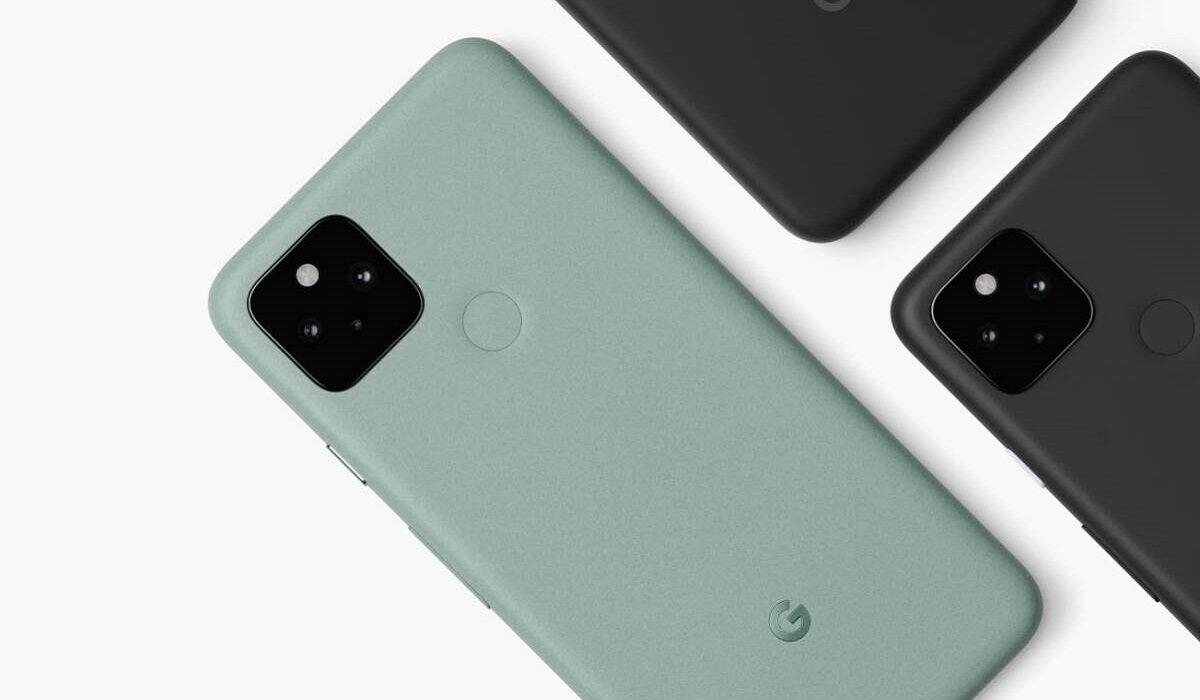
Not everyone wants to carry a power bank around. Not everyone wants to go dashing for a power socket every few hours. Here are some tips that you can use to improve the battery life of Pixel 3, 3a, 4, and 4a.
Disable Always-on Display
Nobody will die if they turned off Always-on Display, also called Ambient Display, and their Pixel smartphones. Anything that is always on in a mobile device is a battery drain. To improve the battery life of your Pixel smartphone, turn Ambient Display off right away. What are you going to miss? A few pesky notifications and no more.
Disable Active Edge
Active Edge is the feature that lets you squeeze the sides of your Pixel smartphone in order to carry out a task, e.g. mute the phone during an incoming call. This is a nifty feature, but the flip side is that it is a power drain too. But do you really need it? Is it that important on the scale of your needs, especially when compared to battery life? If not, go ahead and disable it too.
Disable Screen saver
Manually Reduce Screen brightness
You already probably know that Pixel phones have an Adaptive Brightness feature built in. It helps to adjust the screen brightness depending on current lighting conditions. However, many times, it does not do a good job of it and leaves the display brighter than you really need it to be. You can turn off Adaptive Brightness and manually set your screen brightness. Anything around 45% is good for most lighting conditions.
Reduce Screen Timeout
Screen Timeout is the length of time the display is idle before it goes off. Set this to anything from 15 seconds to 1 minute.
Leave GPS and Bluetooth Turned Off By Default
GPS and Bluetooth drain some power, the former more than the latter. Leaving both of them disabled by default is a good way to conserve some battery life of your Pixel smartphone. You can turn them on whenever you need to use them, but don’t forget to turn them off again when done.
If you have Wi-Fi, turn off 4G LTE
4G LTE is a huge battery drain on modern smartphones. If you have Wi-Fi at home and at work, you can leave turn off the LTE radio on your phone, so it stays connected to 3G, EDGE, or GPRS by default. This will result in great battery power conservation.
Enable Adaptive Battery
One other way to improve the battery life of your Pixel smartphone is to use Adaptive Battery. This is an automated feature that works to extend your phone’s battery life behind the scenes. Google says it may reduce performance and background activity to do this. I recommend that you keep this enabled.
Enable Battery Saver Mode by default
When enabled, Battery Saver limits or turns off some background activity, some visual effects, some features, and some network connections. Many people turn this on only when their battery power is low. How about you turn it on by default? There is a setting there to set a schedule based on percentage. For example, you can have Battery Saver automatically kick in when your battery level drops to 75%. That way, your Pixel’s battery lasts much longer, no? Give it a try.
Turn Off Google Notifications
The Google Pane on your phone’s home screen displays news items and notifications. These are a drain on the battery. Fortunately, they can be turned off too. Slide into the Google pane and fiddle with the settings to disable Google Notifications.
The above tips are helpful for the Pixel 3 and 4 series. Thankfully, for the first time, Google got serious about battery capacity with the Pixel 5 and Pixel 6 series , but should you need to conserve battery power on those and any other future Pixel phones, feel free to apply any of these tips.
You are reading Mobility Arena .
- Don’t miss our reviews .
- Join our WhatsApp Group , to be notified of the most important articles and deals,
- Follow us on Instagram , Facebook , Twitter , and YouTube .
Author:Mister Mobility
Digital Skills and Communication Coach | Mobile Phone Connoisseur since 2001 | Tech Blogging since 2004
