Add MobilityArena as a preferred source on Google
According to Oxford’s Dictionary, a compass is a tool containing a magnetized pointer which uses the earth’s magnetic fields to determine and show the direction of magnetic north and bearings from it. Cambridge defines it as a device for finding direction with a needle that can move easily and that always points to magnetic north. Some modern smartphones are designed to support compass apps which you can use to like you would a physical compass.
If you find your compass not working on your iPhone or Android smartphone, there are a few things you can do to fix the situation and I share those tips below. If you are new to the subject of using a compass in a cell phone, I have also included a brief but helpful section on how compass apps work.
How does the compass in a smartphone work?
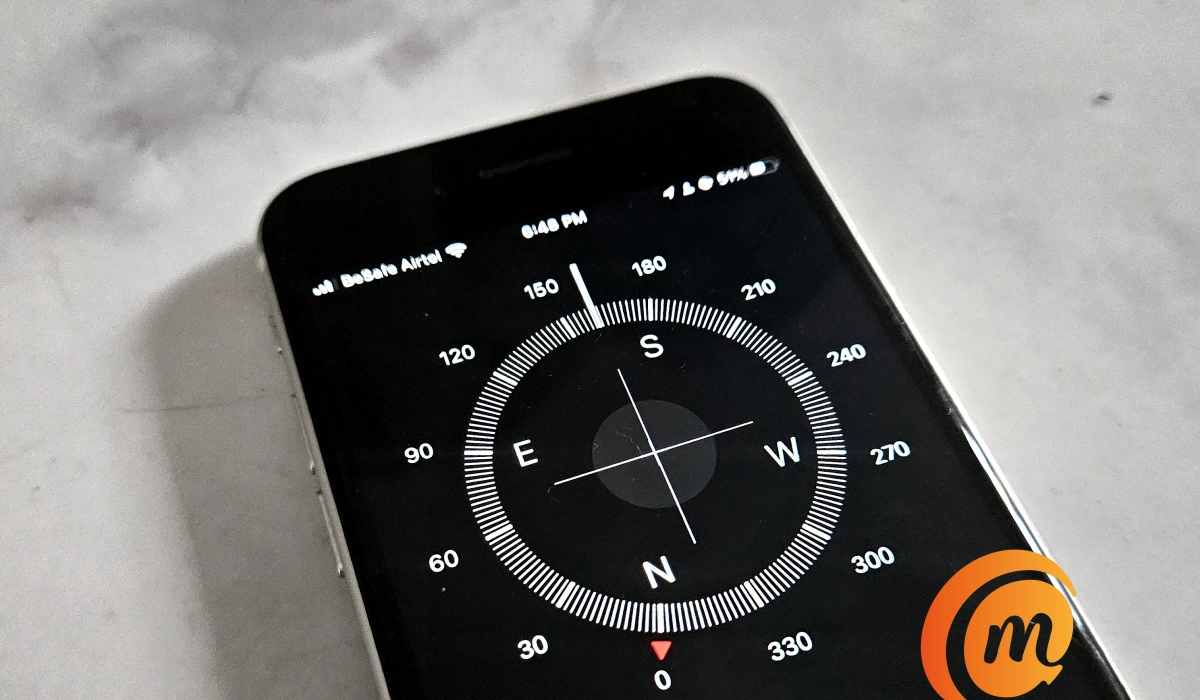
Smartphone compass apps rely on a hardware component called a magnetometer to function. What is a magnetometer? It is a sensor that measures the intensity of a magnetic field. In this case, it measures the Earth’s magnetic field and uses that to determine direction.
- How does the compass in a smartphone work?
- How accurate are compass apps in phones?
- Fix Compass Not Working on an iPhone
- Fix Compass Not Working on an Android Smartphone
How accurate are compass apps in phones?
How accurate are compass apps in smartphones? The accuracy varies from one device to another. For example, I opened the compass app on three smartphones and carefully aligned all three in the same direction. The AGM G2 Guardian gave me 296 degrees NW, Samsung S23 gave me 307 degrees NW, and iPhone SE 2022 gave me 302 degrees NW. That they all gave different readings is enough proof that their accuracy differs, depending on how good the magnetometer of each phone is and how well done the compass apps themselves are.
As a rule, it is good advice to not use a compass app for determining precise location, proximity, distance, or direction. It is a great tool for general directions only.
Fix Compass Not Working on an iPhone
Apple iPhones come with a magnetometer built in and a Compass app pre-installed. If you open your iPhone’s compass app and it isn’t working (if it turns when you change the direction of the phone, it works), it is likely that there is some electromagnetic interference or the built-in magnetometer is faulty.
The first thing to do is to try to troubleshoot for a possible electromagnetic interference. Move your cell phone away from any active electronic appliance like a TV, radio, or even earbuds. If you are in the middle of a lightning storm, there is definitely electromagnetic interference happening, and your compass app may not function properly for the duration of the storm.
If you have done the above and you find your compass not working properly still, you might have to send in your iPhone to have the magnetometer checked and fixed.
Fix Compass Not Working on an Android Smartphone
First, you have to make sure that your Android smartphone has a magnetometer. Most do not, especially if they are entry-level or lower mid-range Android smartphones. If your phone is a premium flagship Android phone, there is a chance that it has a magnetometer and can use a compass.
If you are trying to use a compass on your Android cell phone and it isn’t working, there is a chance that your phone does not have a magnetometer. How can you confirm? Check the manufacturer’s website for the device specifications. You can also check for cell phone specifications here on MobilityArena to see if a magnetometer is listed for your model. You can also install any of the “device info” apps from Google Play Store and look under “Sensors” to see if a magnetometer is listed as present in your phone.
Next, note that unlike iPhones that have a compass app pre-installed, your Android smartphone may have a magnetometer and yet not have a compass installed. In which case, you need to install a third party compass app from the Google Play Store.
A phone like the AGM G2 Guardian has a magnetometer and also has a compass app pre-installed. The Samsung S23 has a magnetometer but no compass app pre-installed; I had to install one from the Play Store.
Some of the best third party compass apps for Android include: Digital Compass by Axiomatic and Compass & Altimeter by PixelRose. Of course, feel free to search the store. Choose one and install it.
If you have verified that your phone has a magnetometer and have installed a compass app and find the compass not working well, try at least two other compass apps to be sure the app is not the problem. If multiple compass apps do not work, then it is time to check for magnetic interference. As mentioned for iPhones, move your Android phone away from electromagnetic sources like television sets, radio sets, and earbuds and check if your compass app now works well.
If it still does not work properly or at all, I recommend that you have the phone checked by a competent technician to possibly fix the magnetometer.
Author:Mister Mobility
Digital Skills and Communication Coach | Mobile Phone Connoisseur since 2001 | Tech Blogging since 2004
Add MobilityArena as a preferred source on Google
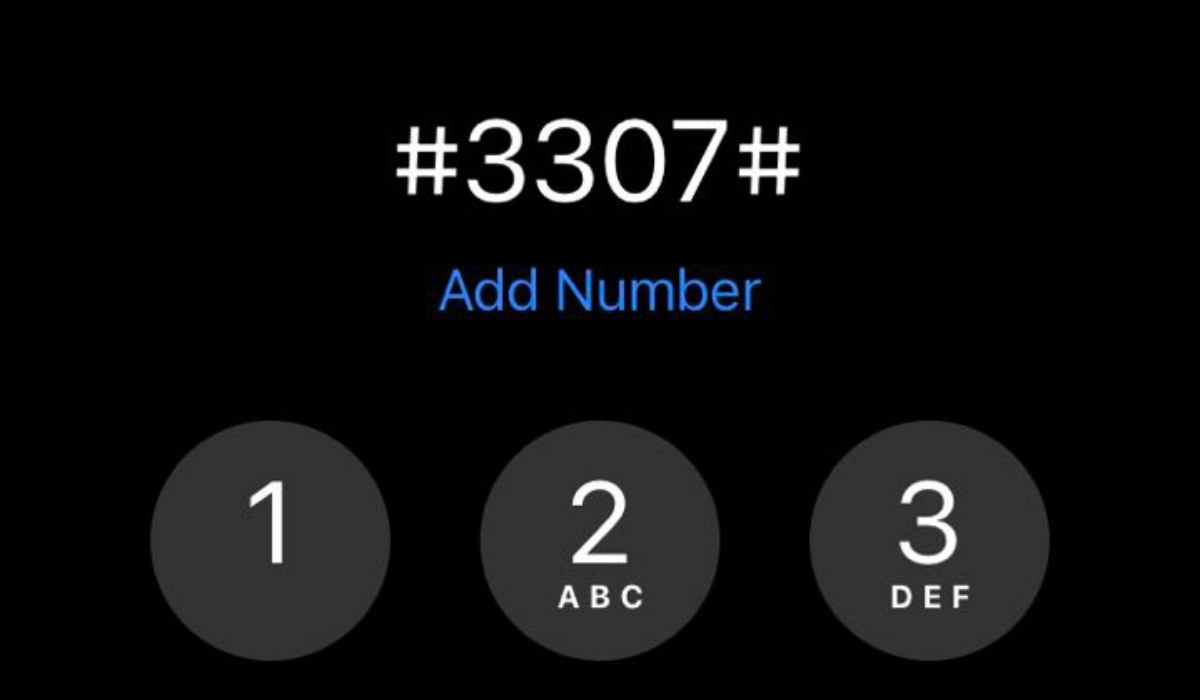
There are certain messages making the rounds, claiming that entering #3307# on an iPhone will boost the network reception of the phone. Another variant of the same message says that entering this same USSD code will unlock a hidden reserve battery power in your Apple iPhone. An excerpt from the message goes like this:
By pressing #3307#, you’ll activate a special extra boost in your iPhone reception.
Another says:
Dialing #3307# will activate your phone’s “reserve battery power”. Battery life will increase by 50%. The reserve will automatically charge up the next time you change your device.
- Does dialing #3307# boost iPhone cell reception?
- Does dialing #3307# code in your iPhone improve its battery life?
Does dialing #3307# boost iPhone cell reception?
No; it does not. This USSD code does not trigger any function in your iPhone.
Does dialing #3307# code in your iPhone improve its battery life?
No; it does not. Dialing that code does not improve an iPhone’s battery life.
Both claims are hoaxes. Typing in or dialling this USSD code on your iPhone or other smartphone is not likely to do anything at all. I tried it on an iPhone 12 Pro Max and iPhone SE 2022 , and it produced no such results.
Entering #3307# on your iPhone is as useful as singing, “London Bridge is falling down”. It won’t boost your cellphone signal, or battery, either. So where did this claim originate from? I have no idea. If you don’t believe me, though, you can type that code on your phone now. Zilch. Absolutely nothing.
Entering the code does not trigger any specific function or feature. This is because it is not a recognized or known USSD code. As such, nothing will happen when you enter it on your Apple iPhone.
Why do people think that entering this code on an iPhone does anything?
There are several reasons why people may think that entering #3307# on an iPhone does something. The number one reason is misinformation. There is a lot of misinformation on the internet about secret codes and hidden features for smartphones. Some websites or social media posts may claim that entering certain codes can unlock hidden features or perform specific actions, even if those claims are not true.
Some people may spread false information about secret codes or hidden features as a prank or hoax, just to see how many people will fall for it. Lastly, there is the element of confirmation bias. Confirmation bias is a tendency to interpret information in a way that confirms one’s preexisting beliefs or expectations. If someone believes that entering #3307# on their iPhone will do something, they may interpret any minor change or glitch on their phone as evidence that the code worked, even if it was just a coincidence.
It is very okay to be skeptical of any claims about secret codes or hidden features for smartphones, especially if they are not supported by credible sources or official documentation from the phone manufacturer. There are scores of such claims being passed round these days, especially via instant messaging services.
Author:Mister Mobility
Digital Skills and Communication Coach | Mobile Phone Connoisseur since 2001 | Tech Blogging since 2004
