Add MobilityArena as a preferred source on Google
Email generally works well on Android. However, if you haven’t received any alerts for incoming emails in a while and you think this is unusual, you could have a problem. Sometimes, your device may not be synchronizing your emails, and this would prevent you from getting any email messages on your device.
In this article, I’ll show you some simple ways to fix email not syncing on Android. Problems like this can cause you to miss out on important emails for job applications or event schedules, which can be detrimental if you don’t address them right away.
- How to Fix Email Not Syncing on Android Confirm That Automatic Email Sync Is Enabled Manually Sync Your Emails Enter the Correct Password on All Devices Clear Your Android Device’s Storage Clear the Cache and Data Remove and Re-Add the Email Account(s) on Your Email App Update Your Email App
How to Fix Email Not Syncing on Android
Here are several techniques you can try to easily fix email not syncing on Android.
Confirm That Automatic Email Sync Is Enabled
Most of the popular email applications allow automatic sync so that you can get emails instantly. You won’t receive emails on your Android device, though, if the email app’s sync settings are disabled.
To fix email not syncing on Android, you can just turn on your email app’s auto-sync feature. The app should then check for new emails on its own and notify you when one is received.
From your email app’s Settings menu, you can enable auto-sync. The processes should be similar for the majority of other email clients, but I’ll show how to do it with Gmail below. You should do the following:
- Open your email app (we’re using Gmail for this example)
- In the top-left corner, click the hamburger icon (three stacked lines), then choose Settings .
- If you have multiple accounts on your phone, select the email account for which sync is disabled.
- Make sure the slider for “ Sync Gmail ” (or similar option) is turned on when you scroll down.
Also confirm that your device’s Battery Saver mode is on and disable it if you see the sync option enabled. Background syncing disables when your phone is in battery or power-saving mode. Navigate to Settings > Battery or Settings > Battery and device care > Battery and disable Power saving . Don’t forget that these options will differ slightly between devices and models.
Manually Sync Your Emails
If automatic sync fails, you can perform a manual sync instead to fix email not syncing on Android. Your email app will be forced to sync, locate, and download new emails to your device.
Manually syncing is like the regular sync, the only difference is you’ll need to manually navigate to the settings and select an option. Follow the steps below to fix email not syncing on Android through a manual sync:
- Navigate to the Accounts section of your device’s settings. On a Samsung phone, go to Settings > Accounts and backup > Manage accounts .
- Select the email account with sync issues
- Confirm that the slider for your email app is turned on. This option may appear as Sync now on some devices.
Afterward, your phone should start syncing your data, including emails. You’ll also see any new emails in your email clients if they are available.
Enter the Correct Password on All Devices
It’s important to update your email account’s password in your phone’s email app whenever you change it. Your phone will be unable to sync new emails otherwise because it lacks the necessary permissions to do so.
Open your email app, and then enter your new password to fix email not syncing on Android. After that, the app will connect to the email servers and retrieve new messages for you.
Note that you’ll eed to update the password on all devices where you use your email accounts. To better manage your passwords, you can use a tool like Google Password Manager .
Clear Your Android Device’s Storage
Downloaded emails use up some memory on the device. If your device is running out of storage space, it could cause emails to stop syncing (especially if trying to download emails with large attachments).
This means that to fix email not syncing on Android, you may need to delete unnecessary files from your phone. Here’s how you do it:
- Navigate to the Storage section of your device’s settings. On Samsung phones, they should be under Settings > Battery and device care > Storage .
- You’ll see your device’s total available memory space.
- To get rid of files that are clogging up your device, select Optimize now or Free up space .
- Additionally, you can manually search for files that you can delete to free up space on your device.
This option to find and delete space-hogging files is not available on all Android phones. If yours does not have the option, you can delete files using Files by Google instead so you can fix email not syncing on Android .
Clear the Cache and Data
Your email app, like your other device apps, saves data and caches files on your phone. These files normally don’t cause problems, but it’s worth deleting them to see if this helps to fix email not syncing on Android.
Your emails are stored on the server of your email provider; they won’t be deleted if you delete data or cache files, so no worries there. To clear the cache, follow the instructions listed below:
- Proceed to Settings on your device and select Apps (or Apps & Notifications for some devices).
- Locate and click on your email app, such as Gmail . Then, select the Storage option.
- You’ll see how much storage space your email app takes up. To clear cached data, select Clear cache .
- You can also choose Clear data , but keep in mind that this will delete all of the app’s data from your phone, as if you reinstalled it. You’ll have to repeat the sign in process and do an initial message sync.
- Open your email app and adjust its settings if necessary.
Remove and Re-Add the Email Account(s) on Your Email App
If your email still hasn’t synchronized despite all the above fixes, there might be a problem with account settings. You’d therefore need to remove and re-add your account to the app. This may help fix email not syncing on Android, and here’s how to do it:
- To begin, delete your email account from the app on your smartphone. If you aren’t using Gmail, follow the on-screen instructions in the app.
- You may also go to Settings > Accounts and backup > Manage account , click on an account, then select Remove account to remove it from your phone. Remember that these settings will differ between devices.
- Then, using the option in your email client, re-add the same account.
Update Your Email App
All smartphone applications should always be at their most current versions. If you haven’t updated your email app in a while, check if an update is available in the Play Store as this may help to fix email not syncing on Android.
Many existing flaws in the app are fixed in new releases. If your emails aren’t synchronizing due to a glitch like this, this will fix the problem. Do the following:
- On your phone, access the Google Play Store .
- Tap the account symbol in the upper-right corner, then choose My apps & games from the dropdown menu.
- To download and install an update if one is available, select Update .
If you’ve been missing emails because your phone hasn’t been synchronizing them, hopefully the troubleshooting options discussed above helps you fix email not syncing on Android.
It also helps to ensure that your email client’s notifications are turned on. You could also turn on email reminders so you never miss another important email.
Author:Joan Agie
Add MobilityArena as a preferred source on Google
“Cell phone” is short for “cellular phone”, and I will get to the reason why it is called that shortly. In most other places in the world, the common terminology is mobile phone. But in the United States, this connected mobile device is known differently – as a cell phone. But is it written as cellphone or cell phone?
In most other places in the world, this device that allows users to make and receive calls (and later, send and receive messages, and access the internet wirelessly) is called a mobile phone. There are some other names that are not quite common by which it is called. They include: handset, handphone, and handy phone, among others, but mobile phone is the most common term by which it is called globally. Why is it known differently in the land of the free?

Cellphone or Cell Phone is derived from the concept of a network of cells similar to the structure of a honeycomb.
- Historical Background
- Cellphone or Cell phone? One Word or Two?
- Cellular
- What is the difference between cellphone and cell phone?
- Is an iPhone a smartphone or cell phone?
- Do you write it cellphone or cell phone?
Historical Background
Mobile phone networks first appeared in the mid-20th century. Mobile phone networks are built on the concept of cells, with an entire network made up of connected cells. As a layman, think of it like a honeycomb to get a good picture of it.
The term “cellphone” has its roots in the word “cellular,” which was first used in 1753 to describe something consisting of or resembling cells. In 1947, two Bell Lab engineers named Douglas H. Ring and W. Rae Young proposed a network composed of hexagonal cells to allow mobile phones in cars to operate from one spot to another seamlessly, adding a new technological meaning to the word “cellular”.
This cellular network consisted of network towers or cell towers. Each tower was the centre of each cell, and each cell was linked to adjacent ones, just like the cells in a honeycomb. This remains the practice, the fundamental way that carriers and mobile networks operate, till date. And so, Americans began to call mobile devices cell phones.
An important thing to note is that “Cell phone” is short for “cellular phone”, which distinguishes it from other types of mobile phones, such as satellite phones. Satellite phones do not use a terrestrial network of towers for wireless communications. Rather, as the name suggests, they connect via wireless transmission from networks of satellites hovering in low orbit above the earth.
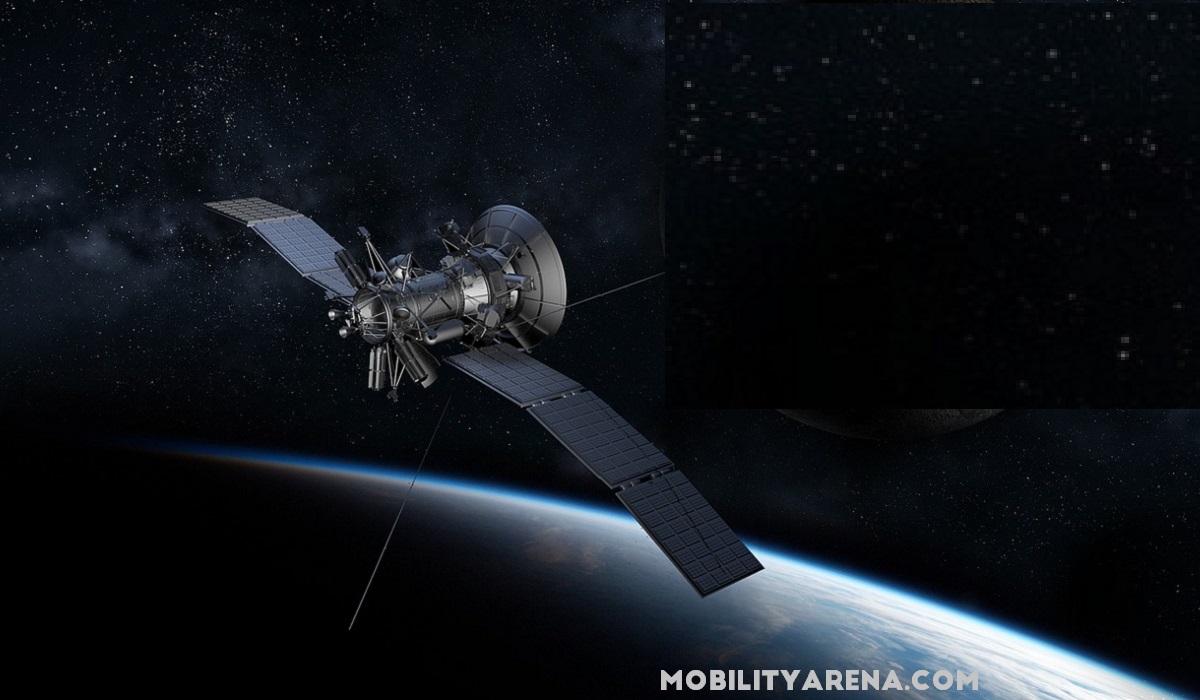
A satellite phone uses beams form satellites in space.
Cellphone or Cell phone? One Word or Two?
The more common term in use in North America is “cell phone”. This is how most Americans and Canadians write it. However, some have been known to write it as cellphone. I doubt that anyone gets marked down for writing it as either cellphone or cell phone.
For example, from time to time, I see articles in which the word smartphone is written as two words – smart phone. It irks me, to be honest. But I doubt that there is any committee of scholars giving out grades for how the word is written. I write it as smartphone all the time, because that is the widely accepted way to write it.
I have mentioned that “cell phone” is more common in American and Canadian English. The variant, “cellphone”, is sometimes used in British English, though the British more commonly refer to it as a mobile phone.
Language usage keeps evolving, and compound words or phrases have often become hyphenated or written as separate words, reflecting changing conventions in language and communication. This phenomenon is not unique to the question of whether it should be written as cellphone or cell phone. It is part of the broader evolution of language and the influence of regional and cultural factors.
Cellular
The word “Cellular” is derived from the cellular network structure used in mobile telephony, where the service area is divided into small geographical cells served by individual base stations. This term gained popularity in the United States and became widely accepted.
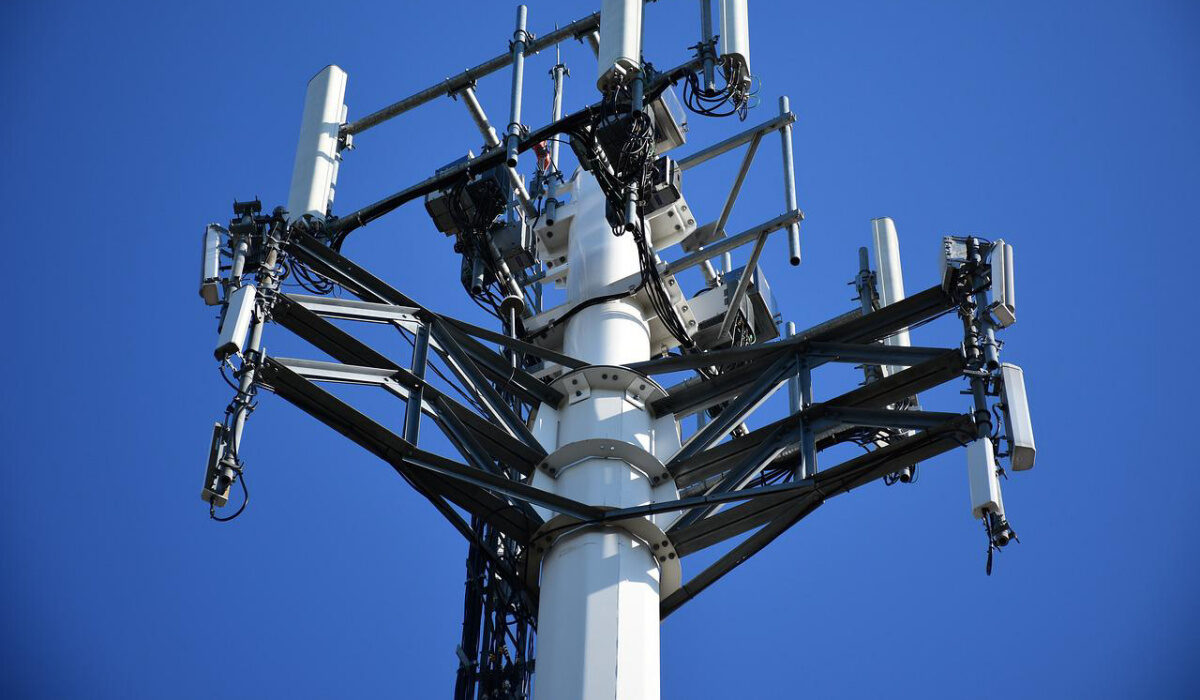
A cellphone or cell phone uses a connected network of terrestrial towers.
What is the difference between cellphone and cell phone?
Nothing. It is a question of language. The terms “cellphone” and “cell phone” are two ways of writing the same word, which refers to a device that allows users to make and receive calls, send and receive messages, and access the internet wirelessly. Whether you write it as cellphone or cell phone is most likely dependent on your location and exposure. If you have been more exposed to American English, you likely write it as cell phone. If British, then cellphone (though more likely, mobile phone). If you did not grow up with exposure to either, I imagine that you have picked whichever caught your fancy. You probably never gave a thought to it.
So, either cellphone or cell phone is correct. It depends entirely on personal preference which one you prefer to use. The widely accepted term in North America is cell phone (two words). I recommend that you write it that way, too. If you do choose instead to write it as cellphone, nobody is likely to wonder what you are referring to, I am sure. Everyone knows what you are talking about. Before I wrap this up, I want to answer a question that I have been asked too often.
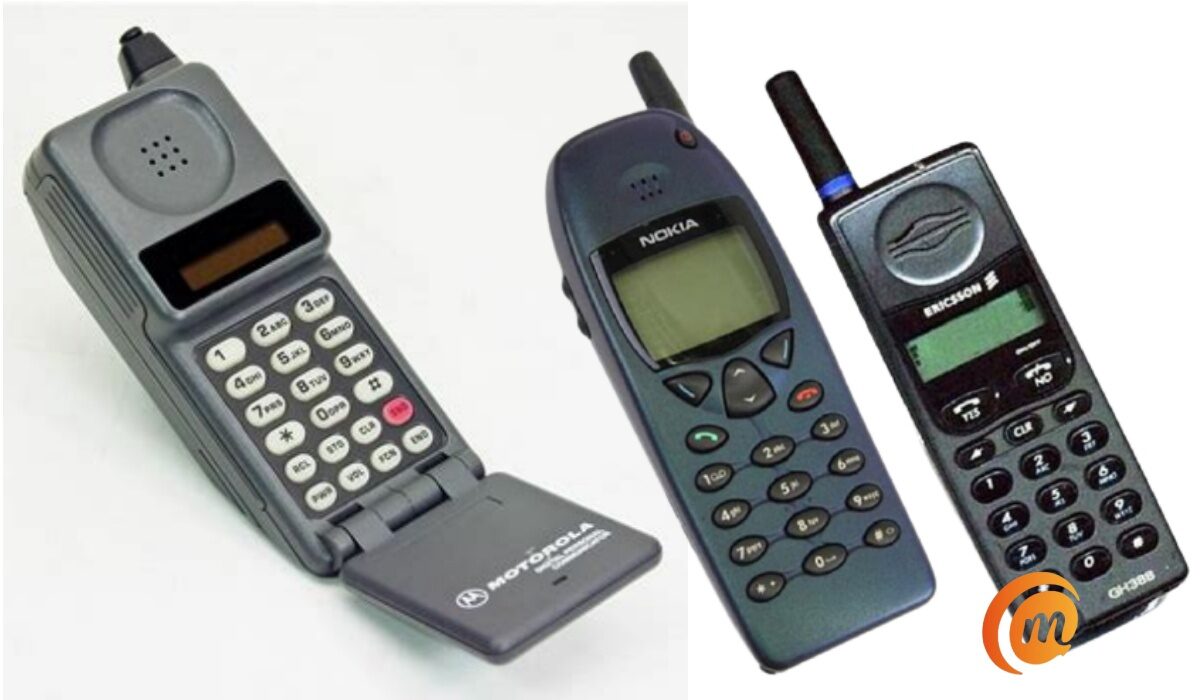
Some early cell phones.
Is an iPhone a smartphone or cell phone?
A smartphone is an advanced type of cell phone or mobile phone. A dumb phone is another type of cell phone. A feature phone is yet another type of cell phone. And of recent, a new category of cell phone has been introduced; a smart feature phone. An example is the Alcatel Go Flip 3 , running KaiOS.
To answer the question, an iPhone is a smartphone, which is an advanced type of cell phone.
Do you write it cellphone or cell phone?
Having clarified on the subject, I am curious and would like to know how you write it – cellphone or cell phone? And if you are from somewhere else in the world where mobile devices have another name, I’d like to hear from you. What is it called in your neck of the woods? Talk to me.
Author:Mister Mobility
Digital Skills and Communication Coach | Mobile Phone Connoisseur since 2001 | Tech Blogging since 2004
