Add MobilityArena as a preferred source on Google
When your iPad isn’t working correctly, a hard reset can be an effective solution. A hard reset can help to fix issues such as your iPad freezing or slowing down. Also If you’re planning on selling or giving away your device, a factory reset is an essential step to ensure that your personal information is erased.
In this article, I’ll walk you through how to hard reset an iPad through a step-by-step process. With the tips in this guide, you’ll be better able to solve common problems and restore optimal performance to your device.
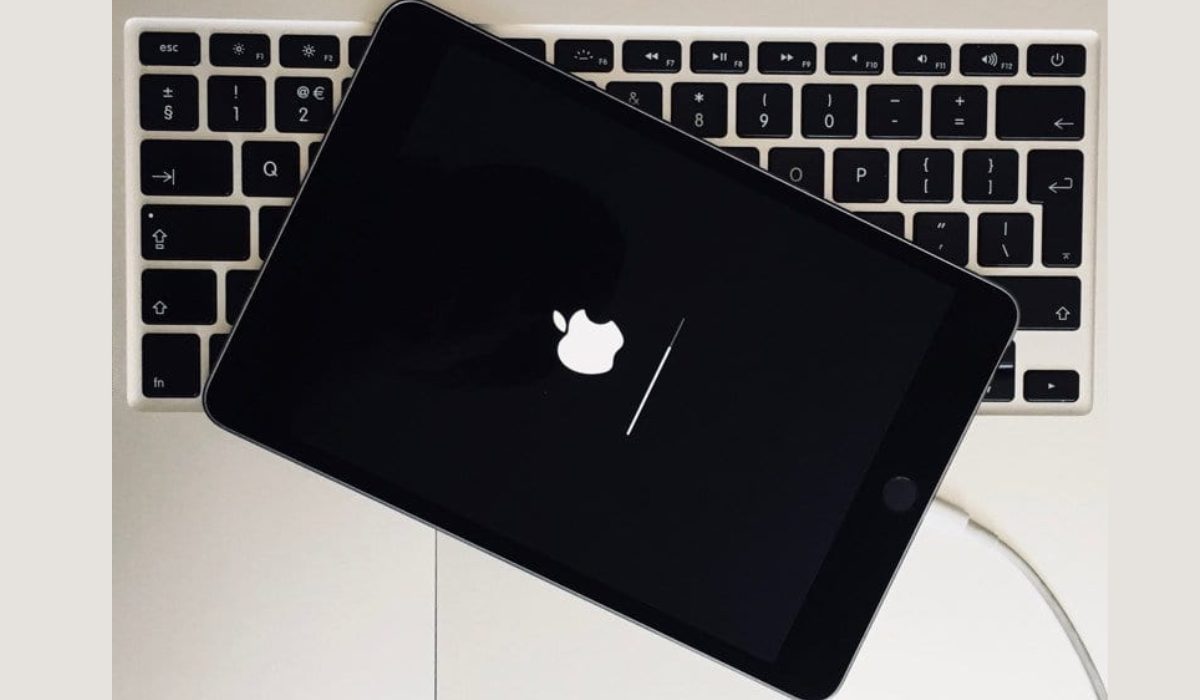
How to Hard Reset an iPadWith or Without a Home Button
A hard reset may be necessary if your iPad is having problems, such as being unresponsive, freezing, doesn’t detect your taps, or the slider doesn’t function. When your iPad is not responding to normal restart procedures, you can force it to restart by performing a hard reset, commonly referred to as a force restart.
Also, a hard reset will not remove any of your information or settings. But it is important to keep in mind that a hard reset should only be used as a last resort and not as a regular way to restart your device. Depending on the model of your iPad, specific procedures must be followed to perform a hard reset.
Here’s how to hard reset or force restart an iPad with a Home button:
- To hard reset your iPad, press and hold the Home and Sleep/Wake buttons simultaneously
- Continue to hold the buttons down until the Apple logo shows on the screen.
- Release the buttons and wait for the iPad to restart.
The procedure for performing a hard reset on an iPad without a home button is slightly different. To hard reset your iPad without a home button, follow the steps below:
- Press and quickly release the Volume Up button.
- Press and quickly release the Volume Down button.
- Press and hold the Power button until the iPad restarts.
After the Apple logo appears, your device will restart, and you should be able to use it normally.
How to Reset an iPad to Factory Settings
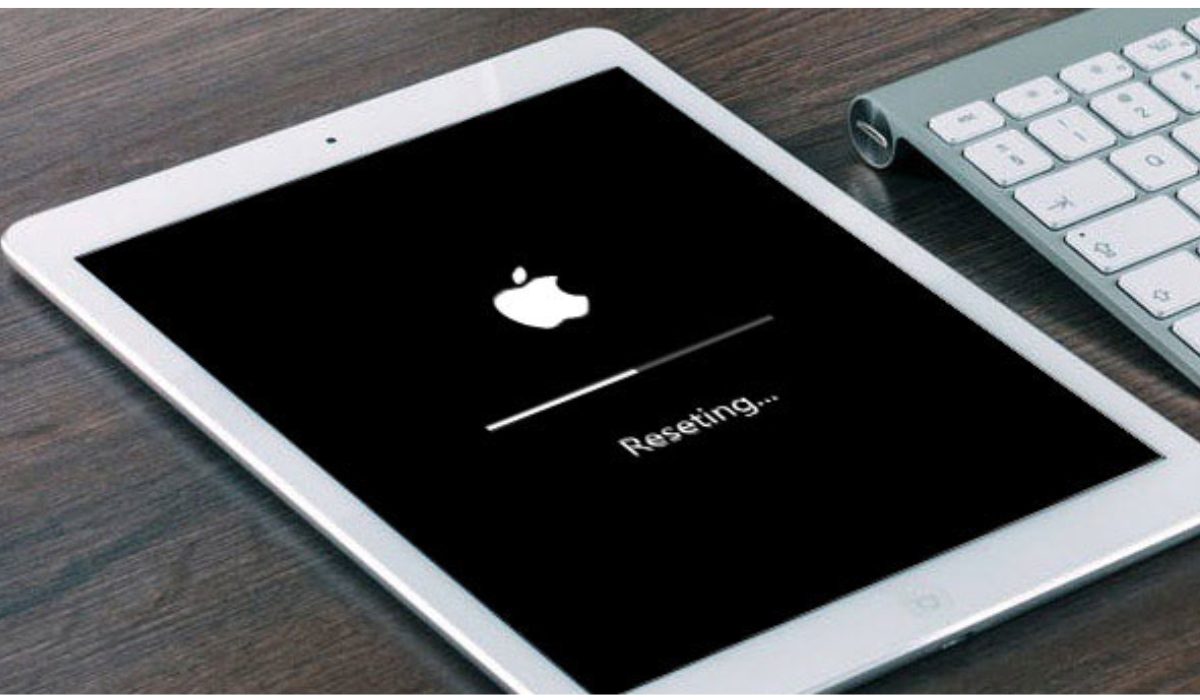
A factory reset on your iPad can help you resolve any issues that persist even after you’ve done a hard reset or force restart. You should always factory reset your iPad before you sell or give it to someone else so that they cannot access your data.
A factory reset will erase everything on your iPad. It will permanently remove all of your music, images, messages, and other data from your iPad, restoring it to its factory settings. Before beginning the factory reset on your iPad, make sure to back up all of the files; otherwise, they’ll be permanently lost.
- Launch the iPad’s Settings app.
- Choose General .
- Select Transfer or Reset iPad at the bottom of the page.
- Click on Erase All Content and Settings .
- When prompted, enter your passcode .
- Confirm that you wish to wipe everything on your iPad.
- Hold on for your iPad to reset and restart.
Once the reset is complete, your iPad will be restored to its original settings, and you will need to set it up again from scratch.
Hard Reset vs. Factory Reset: What’s the Difference?
Hard resetting an iPad and factory resetting it are two entirely different procedures with separate outcomes. Hard resetting your iPad is also known as a force restart process. I’ve provided the steps on how to do a hard reset on iPad; it’s quick and doesn’t require a backup process beforehand.
Factory resetting your iPad, on the other hand, erases all data and returns your device to its original factory settings. It’s the more appropriate line of action if, for instance, you want to give out your iPad to a new owner.
It’s important to be sure of what you want to achieve on your iPad so you can pick and apply the right resetting process.
How to Hard Reset an iPad Without A Password
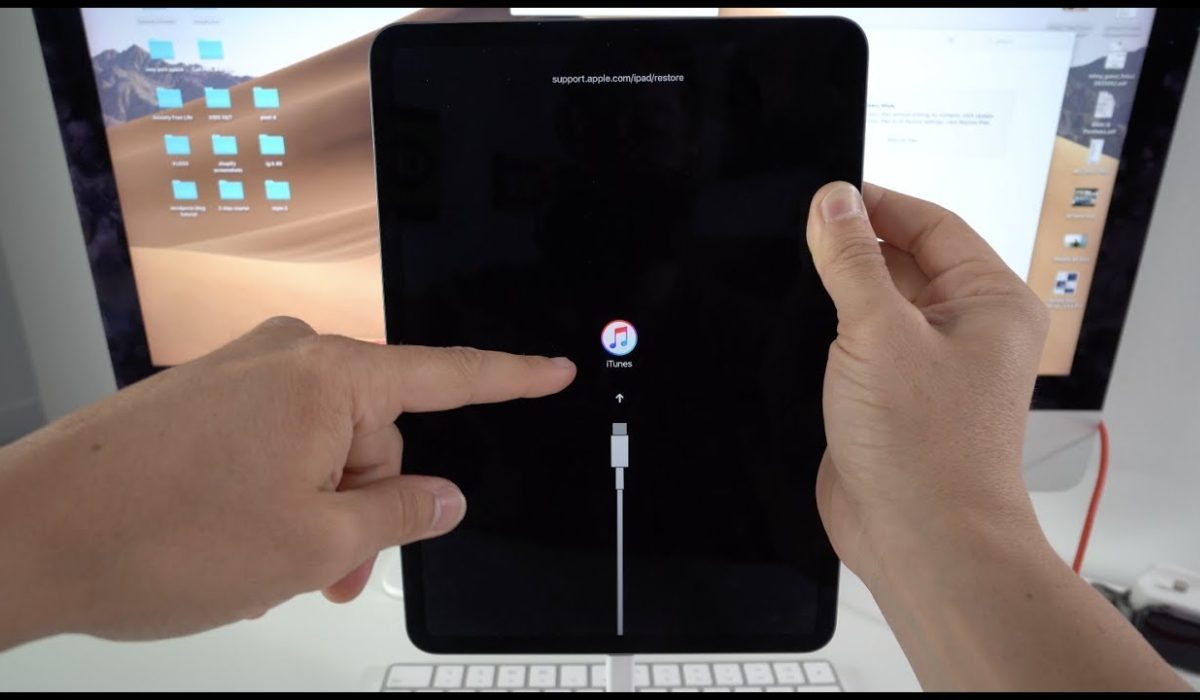
If you can’t remember your password or have entered the wrong one too many times, factory resetting will be difficult. You can resolve this by doing a hard reset on the iPad and removing the passcode while in Recovery Mode. Follow these steps:
- Launch iTunes on your computer and ensure that it is up to date.
- Using a USB cable, connect your iPad to your computer.
- Put your iPad into recovery mode by simultaneously pressing and holding the Power and Home button (if your device has a Home button) or the Power button + either Volume button (if your device does not have a Home button) until the recovery mode screen appears.
- When your iPad icon displays in iTunes, click on it.
- Click Restore iPad and confirm that you wish to erase your iPad.
- Wait for the restore procedure to finish before returning your iPad to its factory settings.
Once the factory reset process concludes, your iPad will revert to its default settings, and you’ll have to start the setup process over.
Author:Joan Agie
Add MobilityArena as a preferred source on Google
Samsung has been among the leading smartphone manufacturers for years, offering a wide range of devices to suit different needs and budgets. With the ever-increasing demand for smartphones, Samsung has continued to innovate and release new devices every year.
In this article, I’ll explore some of the best Samsung phones in 2023, highlighting their features, specs, and what sets them apart from the competition. Whether you’re looking for a high-end flagship device or a budget-friendly option, Samsung is sure to have something that meets your needs.
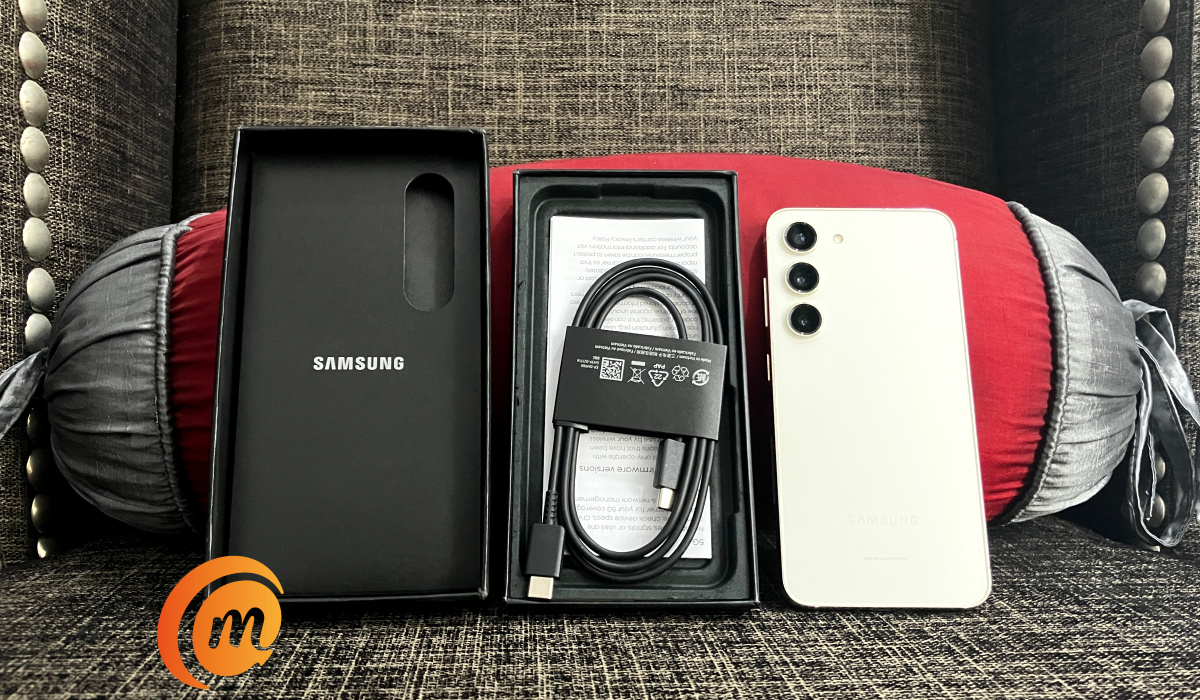
What Are the Best Samsung Phones in 2023?
Samsung has always been known for its high-quality productions, and its top 2023 smartphones are no exception. Whether you want the best camera or something budget-friendly, here are some top suggestions for the best Samsung phones in 2023.
Galaxy S23 Ultra
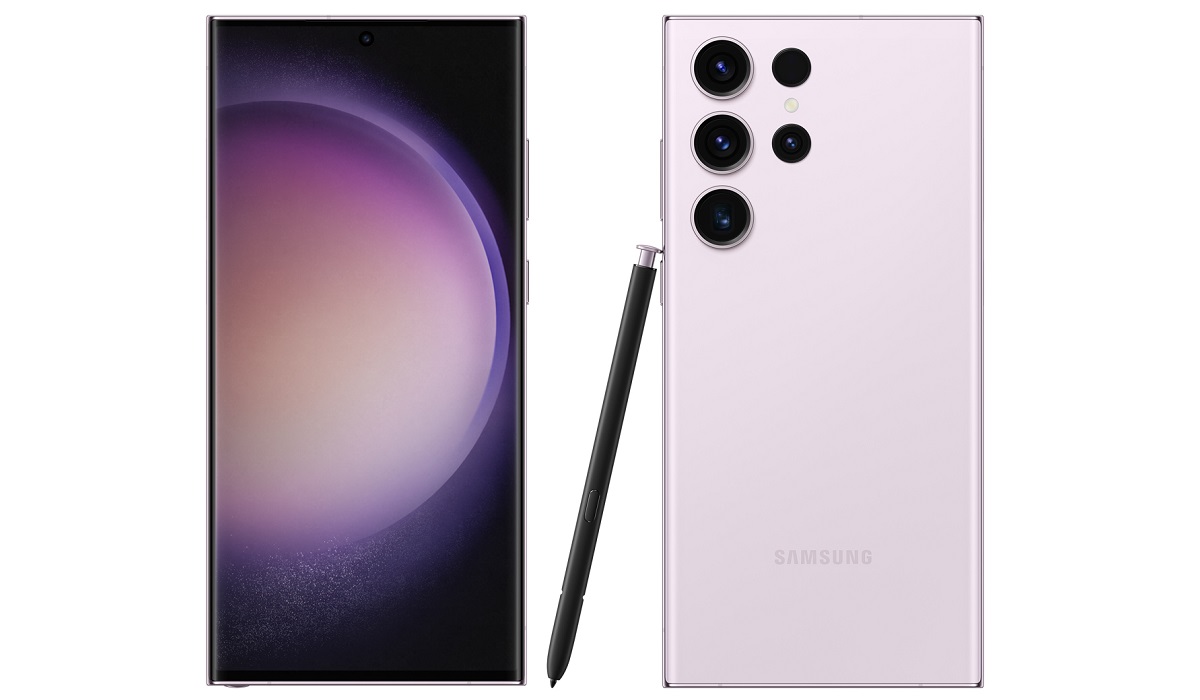
The S23 Ultra is Samsung’s most recent flagship phone, and it has more features than its S23 and S23+ predecessors. While it has many of the same features as the previous model, it also comes with a number of enhancements that make up for the £100 price raise. A 200 Megapixel wide-angle lens is part of the camera array on the S23 Ultra, which is nearly twice as high-resolution as the lens on the S22 Ultra. The image capability this offers is sure to blow your mind.
The Galaxy S23 Ultra’s Snapdragon 8 Gen 2 chipset powers the device, guaranteeing buttery smooth performance even when playing games. A 6.8″ screen with a 1088 x 1440 resolution, up to 12GB of RAM, 1TB of storage, and a 5,000mAh battery are all included in the S23 Ultra.
Also, the cameras can capture 8K video and have 12MP ultrawide, 10MP telephoto, and periscope telephoto lenses. Note though that the 40MP lens on the S22 Ultra is replaced by a 12MP selfie camera in the S23 Ultra. The S Pen provides additional capabilities I think anyone would appreciate, essentially providing the ability to write, draw, and copy text.
Based on these many features, some might consider the S23 the best buy device on this list, but I’m content to rank it high among the best Samsung smartphones in 2023.
Samsung Galaxy S23 Plus
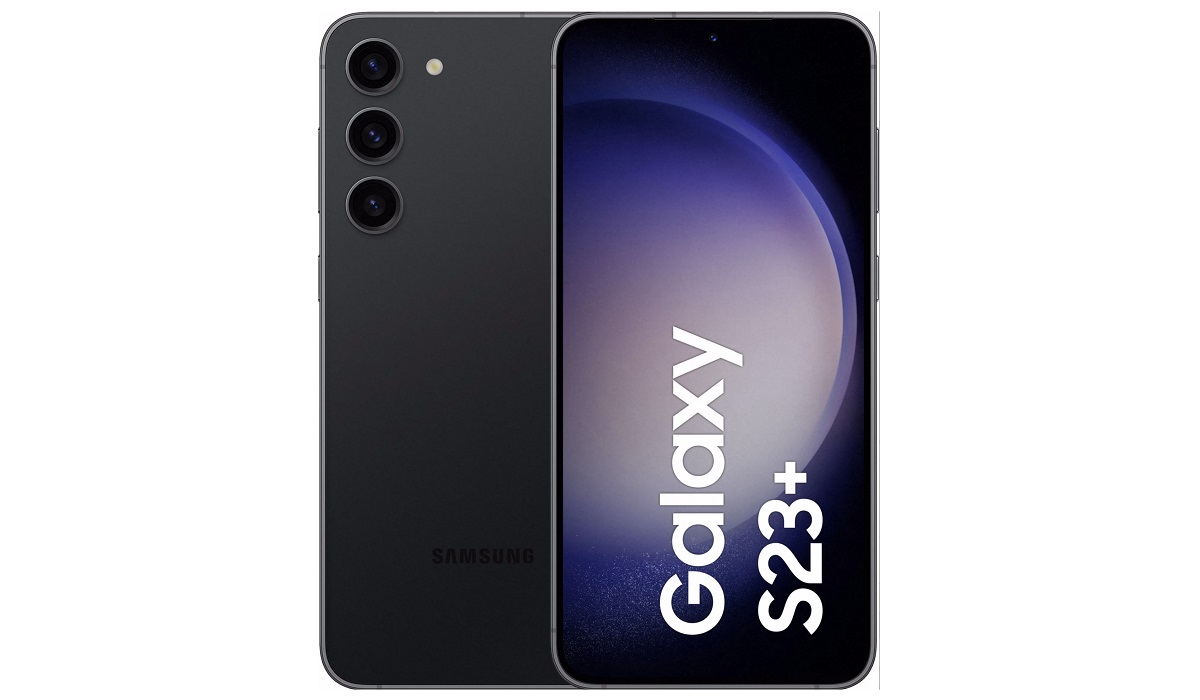
The Galaxy S23 Plus , is one of the latest smartphones to be released by Samsung in 2023. It provides a superior balance of performance, cameras, and features for the price. It is a well-balanced solution due to its reduced price and longer battery life.
The Galaxy S23 Plus has a 6.6-inch 120Hz screen and the same Qualcomm Snapdragon 8 Gen 2 Optimized for Galaxy chipset as the Galaxy S23 Ultra. The phone’s three rear cameras take high-quality shots, and the selfie camera is the best Samsung phone in recent memory. So not only is the Galaxy S23 Plus among the best Samsung phones available in 2023, it might also be the best Android phone available on the market.
Samsung Galaxy A14 5G
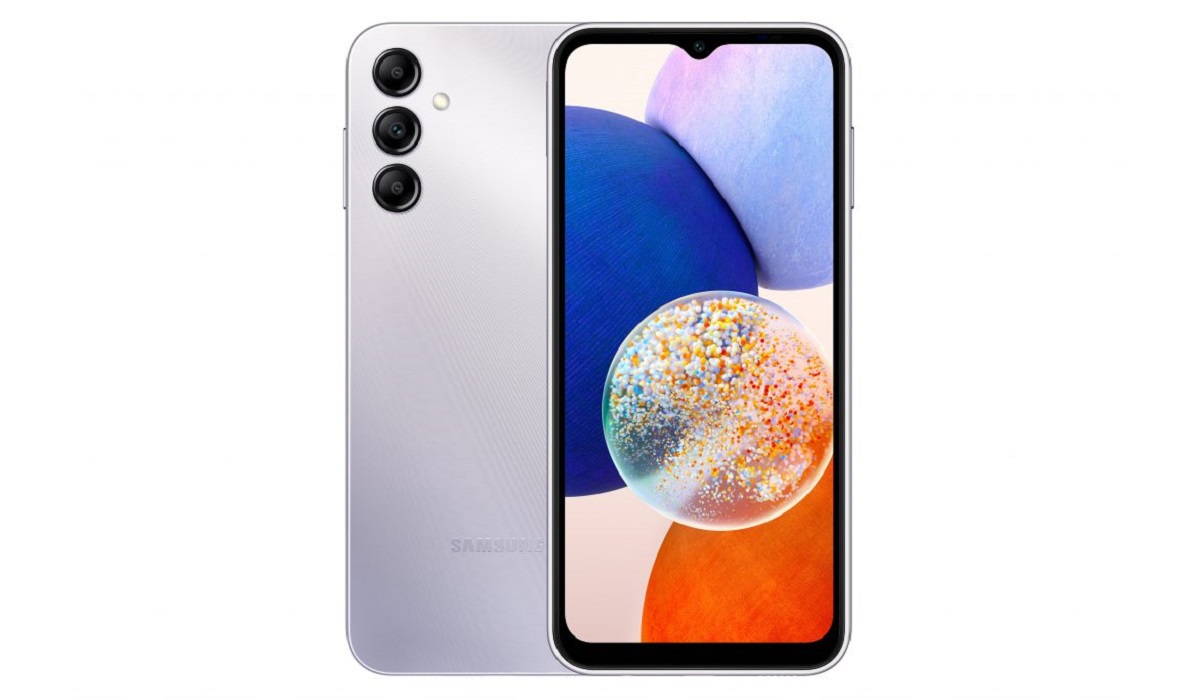
The Samsung Galaxy A14 5G is one of the best budget smartphones in 2023 featuring a 6.5-inch HD+ display, MediaTek Dimensity 700 CPU, and 4GB of RAM that was announced in 2021. For high-quality photographs and movies, it has a 48-megapixel primary camera, a 5-megapixel ultra-wide camera, and a 2-megapixel depth sensor.
The smartphone features a 5,000mAh battery and 15W fast charging, which provides long battery life and speedy recharge. It has 5G connectivity, which allows for higher download and upload speeds. Overall, the Galaxy A14 5G is a budget-friendly device with really great features and specs. I love that it retains affordability despite offering advanced and coveted features, so it’s one of the best Samsung phones to look out for in 2023.
Samsung S22 Ultra
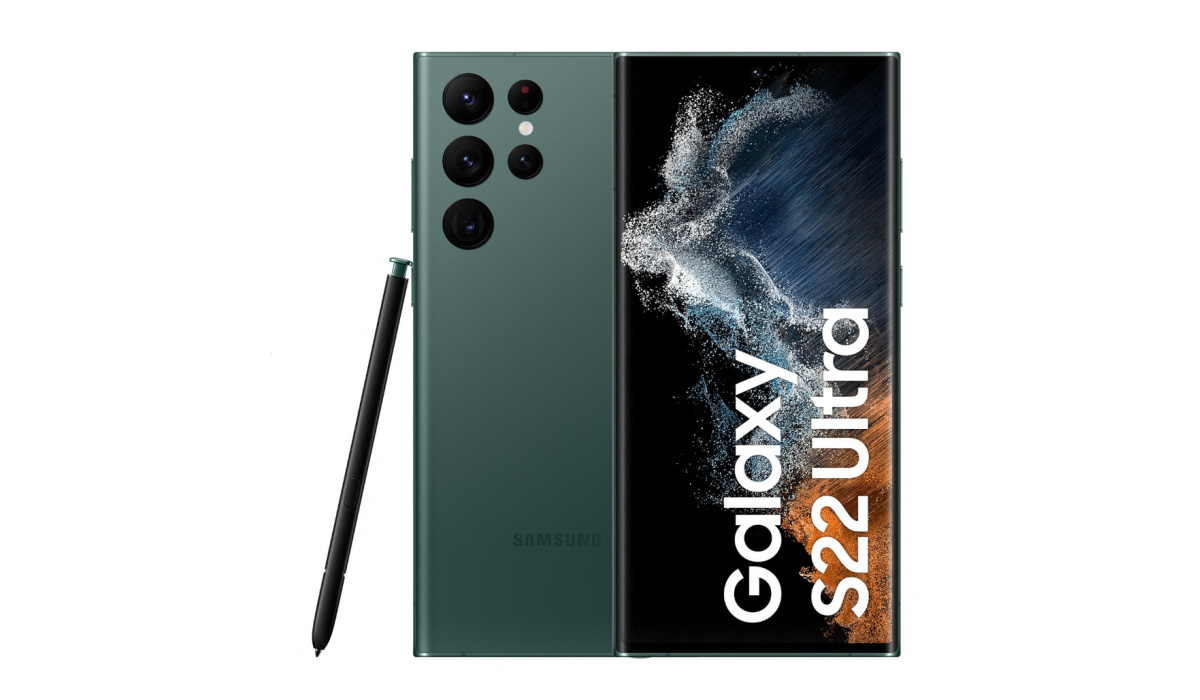
The Samsung S22 Ultra is one of the Samsung new, offering a range of features and specs that are sure to impress. It features a 6.2-inch Dynamic AMOLED display, a fast Exynos 2200 processor, and 8GB of RAM. It’s ideal for any user that does a lot of video watching, web surfing, and playing games.
The camera has a 50-megapixel primary sensor and a 12-megapixel ultra-wide sensor, which allows users to take amazing landscapes, portraits, and action images. 5G connectivity, quick charging, and an in-display fingerprint scanner are among other notable features. Overall, the Samsung S22 Ultra is an excellent choice for people looking for a high-quality, low-cost smartphone with cutting-edge features and specifications.
Samsung Galaxy Z Fold 4
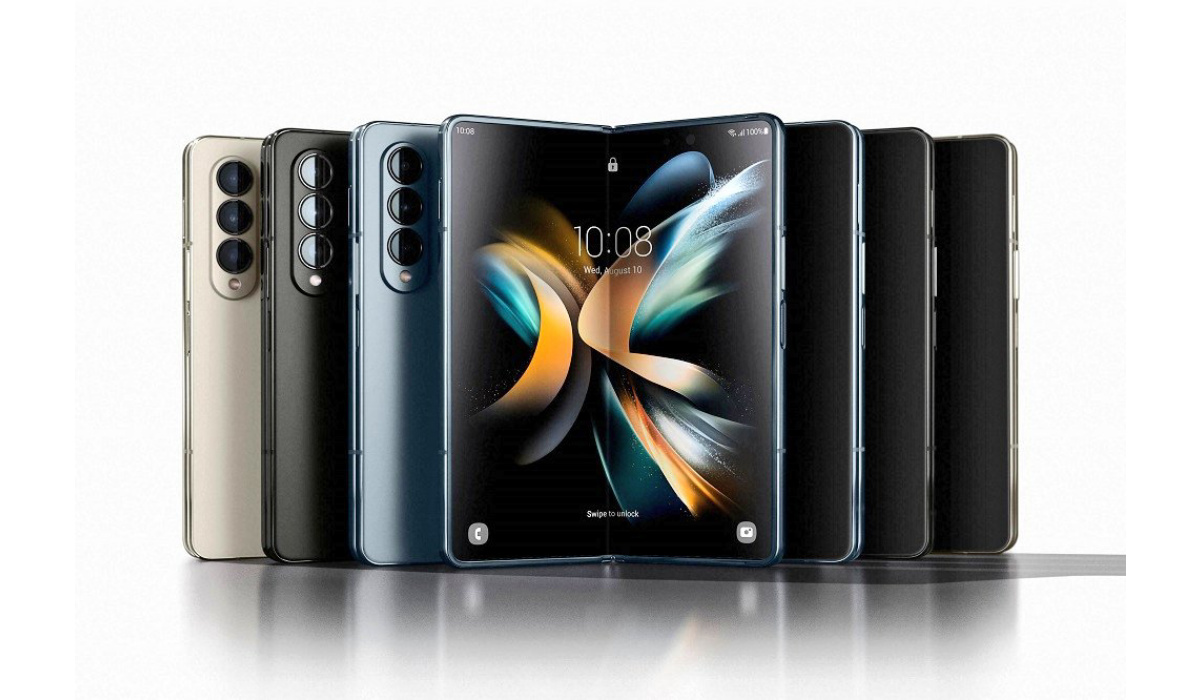
The Samsung Galaxy Z Fold 4 is a foldable phone with a 6.2-inch exterior screen with 120Hz resolution and a 7.6-inch tablet when unfurled. Its exterior display is a sturdy small-screen phone, while its interior display is a lightweight 7.6-inch tablet. These features make the Z Fold 4 worth the starting price of $1,800.
The Z Fold 4, unfortunately, has a 1.9-inch exterior display that is limited to notification, camera viewfinder, and media management. Also, despite its 120Hz screen, the 6.7-inch internal display is too tiny and cramped for regular use.
Overall, I’d still call the Samsung Galaxy Z Fold 4 one of the best and advanced smartphones on the market in 2023, with a slew of cutting-edge features and specifications that are sure to impress.
To conclude , 2023 has presented several fantastic Samsung phones available on the market, each with special advantages and capabilities. I hope the suggestions I’ve provided above makes it easier for you to select one of the best Samsung phones in 2023. If you need tips for your next Android purchase, here’s another helpful guide to the rescue!
