Add MobilityArena as a preferred source on Google
Samsung’s One UI software offers many great features, and this is one of its best qualities. Whatever your requirements, it’s almost likely that you’ll find a setting that will help you increase your productivity or improve your lifestyle. Some of those options include ones for enhancing the sound output of your phone’s speakers or headphones.
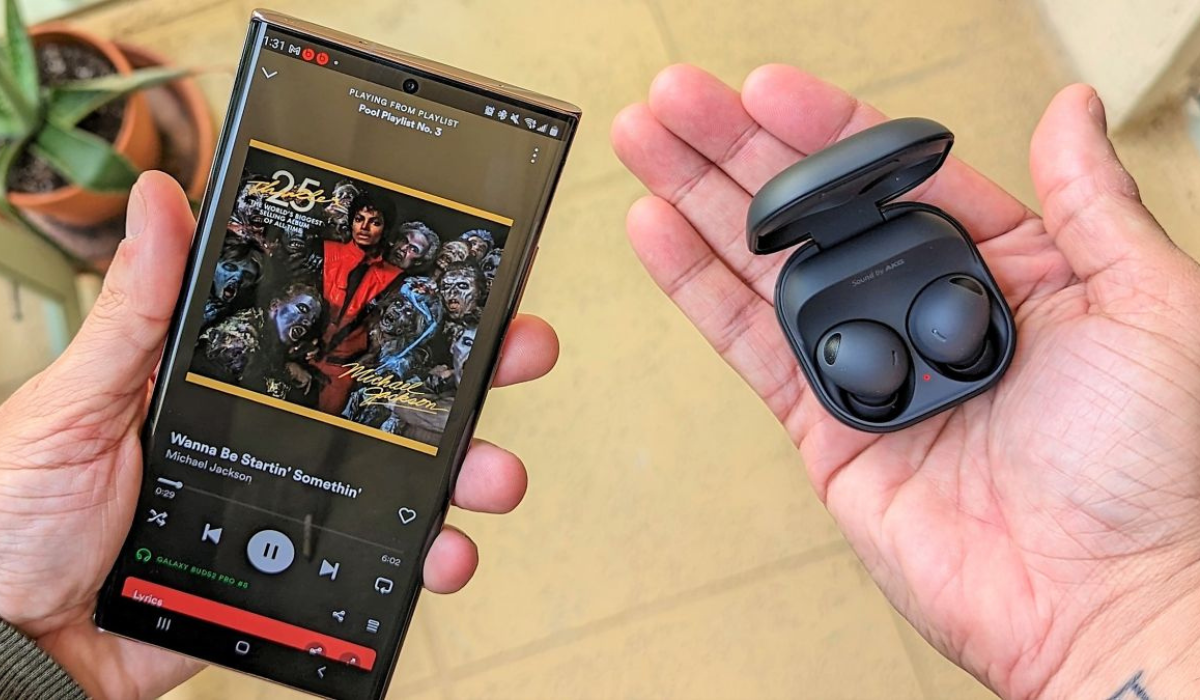
- How Can I Improve the Sound Quality on Samsung Phones? Switch on Dolby Atmos Use the Built-In Equalizer Activate the UHQ Upscaler Use Adapt Sound Use the Samsung Scalable Bluetooth Codec
How Can I Improve the Sound Quality on Samsung Phones?
Perhaps you don’t spare half a thought to it, but the sound quality is an important factor on smartphone devices. So, if you’re dissatisfied with the sound on your Samsung Galaxy device, there are simple changes that can make a difference. Here are some tips to improve the sound quality on Samsung phones.
Switch on Dolby Atmos
Dolby Atmos is a sound technology that simulates a surround sound effect in order to provide a more immersive gaming or music-listening experience. However, you can do a lot more with it on your Samsung device.
Here is how to use the Dolby Atmos feature to improve the sound quality on Samsung devices:
- To access the Quick Settings panel, swipe down from the top of your screen, then swipe again.
- Locate and press the Dolby Atmos button. If you can’t see the button, just tap the + icon on the panel to add it from the grid of available buttons.
- When you turn it on, you will notice an immediate improvement in sound quality. By default, Dolby Atmos is set to Auto , which means it will recognize and adjust the sound according to what you’re listening to. However, you can change this in the settings for more precise tuning.
- From the Quick Settings panel, tap and hold the Dolby Atmos button; a menu will appear with three additional options: Movie , Music , and Voice . This setting can be customized based on the content.
Despite the fact that Dolby Atmos does noticeably improve the sound quality on Samsung, some users claim that it can be a little unpredictable. As a result, keep in mind that you may not like how it tunes each song.
Dolby Atmos can also be used for gaming. Here’s how it’s done:
- Navigate to your device Settings .
- From the menu, go to Sounds and vibration > Sound quality and effects .
- Toggle Dolby Atmos on for gaming .
Use the Built-In Equalizer
To create a more unique sound signature, many people enjoy adjusting the equalizer on their phones. Follow these steps to do so in order to improve the sound quality on Samsung devices:
- Navigate to Settings > Sounds and vibration > Sound quality and effects > Equalizer on your device.
- There are five presets to choose from: Normal, Pop, Classic, Jazz, and Rock . Try them all to see which one you like most.
- If none of the presets work for you, you can manually adjust the EQ settings in Custom mode. Simply begin tweaking the audio frequencies to your liking, and your phone will do the rest.
You can use the equalizer to boost the bass, make the sound brighter, or do anything in between.
Activate the UHQ Upscaler
Another feature that Samsung has added to its Galaxy devices is called UHQ Upscaler, and it “enhances the sound resolution of music and videos.” If you’re wondering what UHQ stands for, it stands for Ultra High Quality.
To use this feature to improve the sound quality on Samsung, navigate to Settings > Sounds and vibration > Sound quality and effects > UHQ upscaler to enable it. There aren’t any additional configuration options or settings.
The UHQ Upscaler feature is only available with wired headphones. If your Samsung phone lacks a headphone jack, you’ll need to use a USB-C to 3.5mm adapter. If you use wireless earbuds instead of wired headphones, the toggle switch will be grayed out and you will be unable to activate the feature.
Use Adapt Sound
The most impressive sound feature on Galaxy devices is probably Adapt Sound. It allows you to establish your own sound profile so that your phone “gives you perfect sound that’s tuned just for your ears.”
Here’s how to use it to improve the sound quality on Samsung devices:
- To adjust the sound, go to Settings > Sounds and Vibration > Sound quality and effects > Adapt Sound .
- Under Adapt sound for , choose whether you want to apply the option to Media and calls , Only media , or Only calls .
- Following that, you’ll be asked to customize your device’s sound output based on your age. The feature is turned off by default (no boost), however you can modify it to one of three presets: Under 30 years old , 30 to 60 years old , or Over 60 years old . Based on the age range, each preset boosts specific audio frequencies.
If neither of these options works to improve the sound quality on Samsung you can use a hearing test to create a completely personalized sound profile.
- To do this, select Test my hearing > Start . To use Adapt Sound , you must have your headphones connected to your phone.
- After you press the Start button, your phone will make a series of beeping sounds. Simply indicate whether or not you can hear a beep.
- After the test, choose your preferred ear for calls and rename this preset (up to 20 characters) using a name such as “Jojo’s Sound Profile,” or re-create it. By tapping Preview , you can compare your unique sound profile to the original and hear the difference.
- Tap Save when you’re done.
If multiple people in your home are using the same Samsung device, try creating custom sound profiles for each of the users. This will help improve the sound quality on Samsung for each individual user
Use the Samsung Scalable Bluetooth Codec
Bluetooth codecs are like languages that your wireless headphones use to communicate with your smartphone or tablet. Bluetooth codecs differ in their properties; some prioritize sound quality, while others prioritize low latency. You can use the ones that prioritize sound quality to improve the sound quality on Samsung devices.
Samsung Scalable, like LDAC and aptX Adaptive, is an adaptive Bluetooth codec that can change its bitrate based on signal strength. Although LDAC is widely regarded as the best Bluetooth codec, some audio enthusiasts believe Samsung Scalable is a worthy rival.
When you pair your Galaxy device with compatible Bluetooth headphones, Samsung Scalable is enabled automatically. If yours isn’t, and you want to change the Bluetooth codec on your device, follow these steps:
- Navigate to Settings > Developer preferences . If you’re yet to unlock Developer options, go to Settings > About phone > Software information and tap Build number several times.
- Locate and tap Bluetooth Audio Codec , then choose Scalable Codec .
To summarize , you can use the above features to improve the sound quality on Samsung. Extra tip — you can also download the Sound Assistant Module in Good Lock, which is designed to enhance the audio experience on your Samsung phone.
Author:Joan Agie
Add MobilityArena as a preferred source on Google
Which is the best American mobile company? For starters, let’s look at the American phone market. It is very distinct from what obtains in many other countries around the world. One of its distinctive features is that there are fewer cell phone brands to pick from, compared to many other countries.
This means that some of the world’s biggest phone brands are missing here in the U.S. Brands like Xiaomi, OPPO, Huawei, Honor, and Sony have no official presence and almost zero market share. The only way to get a phone from one of these brands is to order it online and have them shipped into the US. You won’t find them in any phone store.
- The Top Cell Phone Brands in America Apple iPhone Samsung Galaxy Motorola (Lenovo) Google Pixel LG Nokia OnePlus
- Smaller Cell Phone Brands in America
- The Best American Mobile Company
The Top Cell Phone Brands in America
In order to select the best American mobile company, we need to have a look at the leading cell phone brands in the United States first.
Apple iPhone
By far the most popular and most iconic cell phone brand in the USA is Apple’s iPhone. Introduced in 2007 by Steve Jobs, the iPhone has gone on to become the darling boy of the US smartphone market. The iPhone has about 50% of the American smartphone market. In other words, iPhones make up 5 out of every 10 smartphone in the U.S. Apple iPhone has proven unstoppable so far.
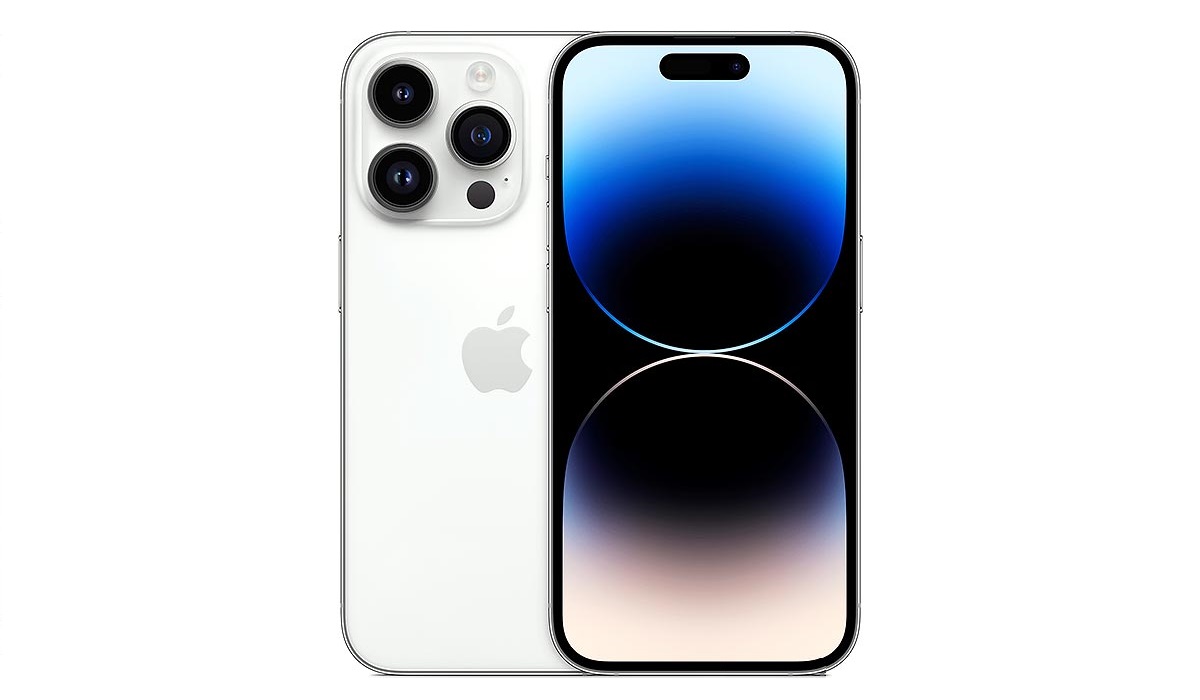
Apple iPhone is the leading cell phone brand in America.
Apple itself is an American mobile company, and it is the most successful one till date, selling hundreds of millions of iPhones every year, both in the USA and everywhere else in the world.
Samsung Galaxy
3 out of 10 Americans own a Samsung phone. That is nothing to scoff at. The iPhone may be the preference of most Americans, but phones by Samsung are loved by hundreds of millions of people in the USA. If the average American does not buy an iPhone, chances are they are picking up a Samsung. The American phone market is basically a duopoly between Apple and Samsung. Together, they take up about 80% of the country’s market.
Samsung Mobile is a Korean mobile company. It is also the world’s largest Android phone company.
Motorola (Lenovo)
Motorola phones have a fair following in the United States. Perhaps it is because once upon a time, Motorola Mobility was an American company and was the world’s largest mobile phone company. If you are new to the world of mobile, that may be strange news to you. But it is true.
Today, Motorola belongs to a Chinese company called Lenovo after a 2014 acquisition, but continues to sell its phones in the USA. A smart move, too, if you ask me.
Google Pixel
Struggling for years to gain significant marketshare, Google’s Pixel brand of smartphones is finally taking a prime spot in America’s cell phone market. With a marketshare of about 2%, Pixel smartphones are the delight of a small but loyal and vocal following.
Google is another American mobile company seeking devices in the USA. It has struggled to go mainstream for many years and it appears that it is about to grab more significant market share in the United States.
LG
While LG has officially stopped making phones, LG phones are still on sale in the country and the brand still has a sizeable marketshare just below 2% and it will drop further in the years ahead till you won’t be able to find an LG phone in the market any more. RIP LG. LG is a Korean company.
Nokia
Nokia is one of the oldest phone brands in the world. After Motorola’s time as the world’s top phone company, Nokia took up that baton and ran with it for about a decade. Yes, Nokia was once the world’s most popular phone brand for 10 years. Today, it is a much smaller brand, but it still commands mindshare and marketshare here on the US and elsewhere.
The Finnish company’s marketshare in the US smartphone is small, but it sells tons of dumb phones and feature phones every year.
OnePlus
OnePlus is the only other major Chinese brand (apart from Motorola) with any significant presence in the United States. Most of the sales of OnePlus phones happen online and the brand had a cult-like following that grew around its custom user interface, OxygenOS. This appears to have dwindled a bit in recent times as the company has changed how OxygenOS looks and works.
Smaller Cell Phone Brands in America
Besides the above highly-visible brands, there are quite a number of smaller brands selling smartphones in the United States. The list includes:
- BLU
- NUU Mobile
- CAT
- TCL
- Alcatel
- Unihertz
- AGM
The Best American Mobile Company
By far, Apple is the best American mobile company selling smartphones in the United States or anywhere else for that matter. It sells far more phones than any other American mobile company both here in the United States and also globally.
Author:Mister Mobility
Digital Skills and Communication Coach | Mobile Phone Connoisseur since 2001 | Tech Blogging since 2004
