Add MobilityArena as a preferred source on Google
Samsung Smart TVs are some of the most advanced televisions on the market, offering a wide range of features and capabilities. One of the many benefits of owning a Samsung Smart TV is the ability to install apps directly onto the TV, allowing you to stream content, play games, and more.
In this article, I’ll show you how to install apps on a Samsung smart TV. Whether you’re looking to install popular streaming apps like Netflix or Hulu, or you want to try out some new games or productivity apps, the process of installing apps on your Samsung Smart TV is easier than you might think. You’ll also learn useful tips to manage apps and their configuration on your TV’s home screen.
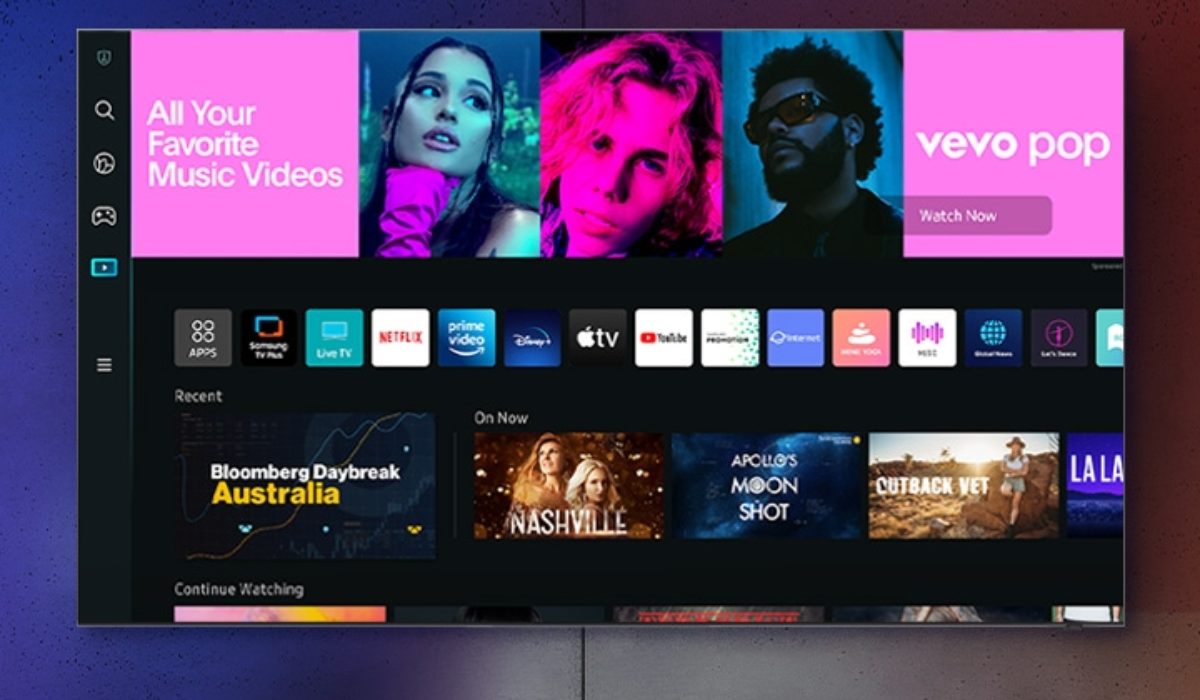
- How Can I Install Apps on a Samsung Smart TV? How to Download Apps on Your Samsung Smart TV How to Add Apps to the Samsung Smart TV Home Screen How to Lock Apps on Your Samsung Smart TV
How Can I Install Apps on a Samsung Smart TV?
TVs have been transformed from just being devices for playing movies. You can now cast videos from your gadgets without cables or stream directly from the internet using Wi-Fi routers. It’s also possible to download your favorite apps and use them on a bigger screen. However, unlike Android TVs, Samsung smart TVs generally don’t allow typical phone apps to be installed straight from mobile devices because they use a different operating system called Tizen .
The Tizen OS powers most of Samsung’s latest smart TV lineups, and it has its own app store. You can download third-party apps like movie streaming services or social media apps. You can also customize your viewing experience using the built-in apps. Below is everything you need to know about how to download apps on your Samsung Smart TV, including how to add apps to your TV.
How to Download Apps on Your Samsung Smart TV
Typically, you should already have some apps on your Samsung TV, but a need may arise to visit the app store for more apps. If you have an internet connection, you can create a Samsung account on your TV, smartphone, or PC. To download apps after creating an account, follow the instructions below.
- Turn on your Samsung Smart TV and ensure that it is connected to the internet.
- On the remote control, press the Home button.
- From the options on the home screen, scroll left and choose Apps . To choose options, tap the big circular button.
- To find an app, click the search icon in the top-right corner. To find ideas, you can also browse the Editor’s Choice menu and other categories.
- If you searched for an app, choose it from the list of results to see more about it, including information, screenshots, and user reviews.
- Finally, click on “ Install ” to add the app to your Samsung TV.
How to Add Apps to the Samsung Smart TV Home Screen
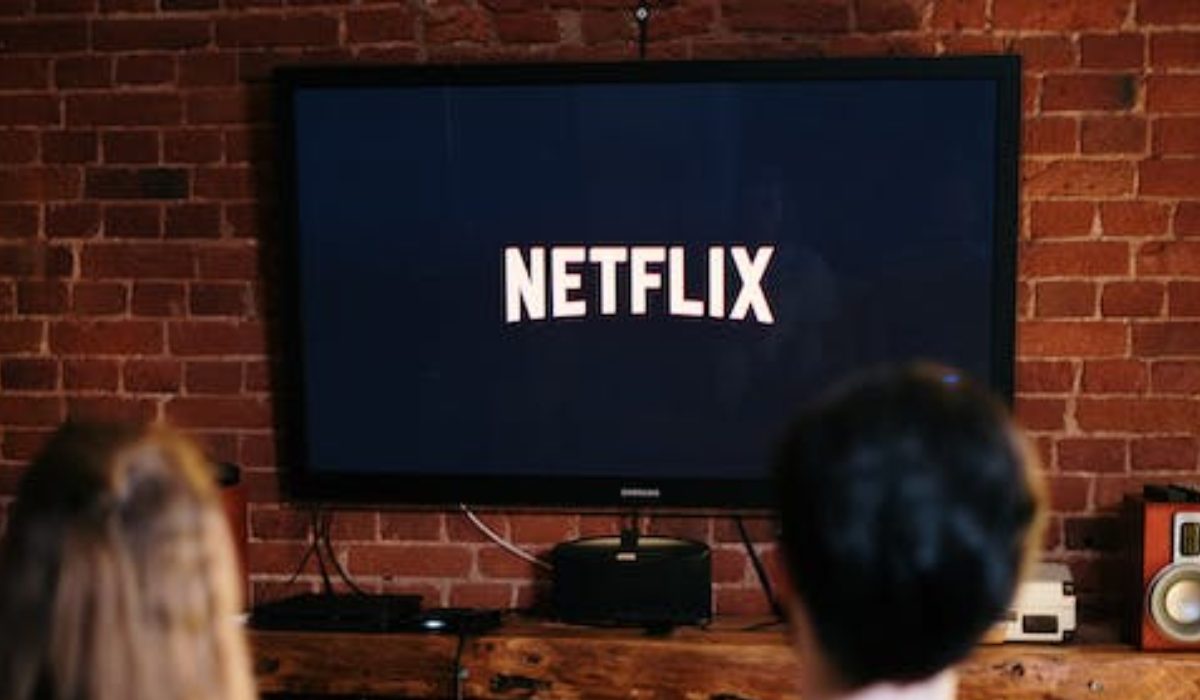
Apps do not appear on your Samsung TV’s home screen by default, so you’ll need to manually add them. Pinning your favorite apps in this manner allows you to access them more quickly and eliminates the need to open the Apps menu. After you’ve pinned them, you can move them around for a better arrangement. To begin, take the following steps:
- On your remote, press the Home button .
- From the home screen options, select the Apps menu.
- Scroll down to the Downloaded Apps section.
- Long-press on an app. Then choose Add to Home . Repeat these steps for any other apps you want to pin to the home screen.
- To see your available apps, return to the home screen.
- Long-press an app to rearrange it. Then choose Move .
- You can now reposition apps using the directional buttons on your TV remote.
How to Lock Apps on Your Samsung Smart TV
It’s also possible to lock your apps on your Samsung TV if you don’t want anybody meddling with them or accessing sensitive content within them. When locking apps on Samsung TVs, you’ll need to provide a PIN as confirmation. It’s usually the TV’s default PIN, which is four zeros (0000). If you changed it, you’ll need to enter the new digits to confirm the lock and re-enter the PIN to unlock the apps. To lock apps on your Samsung TV, follow the steps outlined below:
- On your remote control, click the Home button . Next, choose Apps .
- In the top-right corner, click the Settings gear.
- To switch between apps, use the directional buttons on your remote. Every app that you highlight should display a menu.
- Choose Lock from this menu, then enter your four-digit PIN to lock the app. You should now see a small lock icon next to any apps you’ve restricted.
- Repeat the previous steps to unlock TV apps. Once you’ve selected the Unlock option, enter your PIN.
To conclude, installing apps on your Samsung Smart TV is a straightforward process that can help you customize your viewing experience. It’s pretty easy to download apps directly from the app store on your TV and enjoy a wide range of content. However, if you encounter any issues during installation, you can contact Samsung’s customer support for assistance. If you also need troubleshooting and purchasing tips for other Samsung devices, check out this category .
Author:Joan Agie
Add MobilityArena as a preferred source on Google
Sony is one of the leading tech giants in the world, and their smartphones have always been renowned for their cutting-edge technology and sleek designs. With the release of the best Sony smartphones in 2023, the company has once again raised the bar for the competition.
In this article, we’ll take a closer look at which options are the best Sony smartphones in 2023, exploring their features, design, and overall performance. Whether you’re looking for a high-end phone with a large screen or a budget phone with decent performance, Sony has something for everyone.
- What are the Best Sony Smartphones in 2023? Sony Xperia 1V Sony Xperia 1 IV Sony Xperia 5 IV Sony’s Xperia Pro-I Sony Xperia L4
What Are the Best Sony Smartphones in 2023?
It’s usually tricky to choose a smartphone with so many options available. If you’re looking to buy a Sony smartphone, you might be wondering which one is the best for you. Luckily, many of Sony’s latest smartphones have impressive features, fast processors, and great cameras that will satisfy all kinds of users. Here are some of the best Sony smartphones in 2023, whether you want a phone for gaming, photography, or everyday use.
Sony Xperia 1V
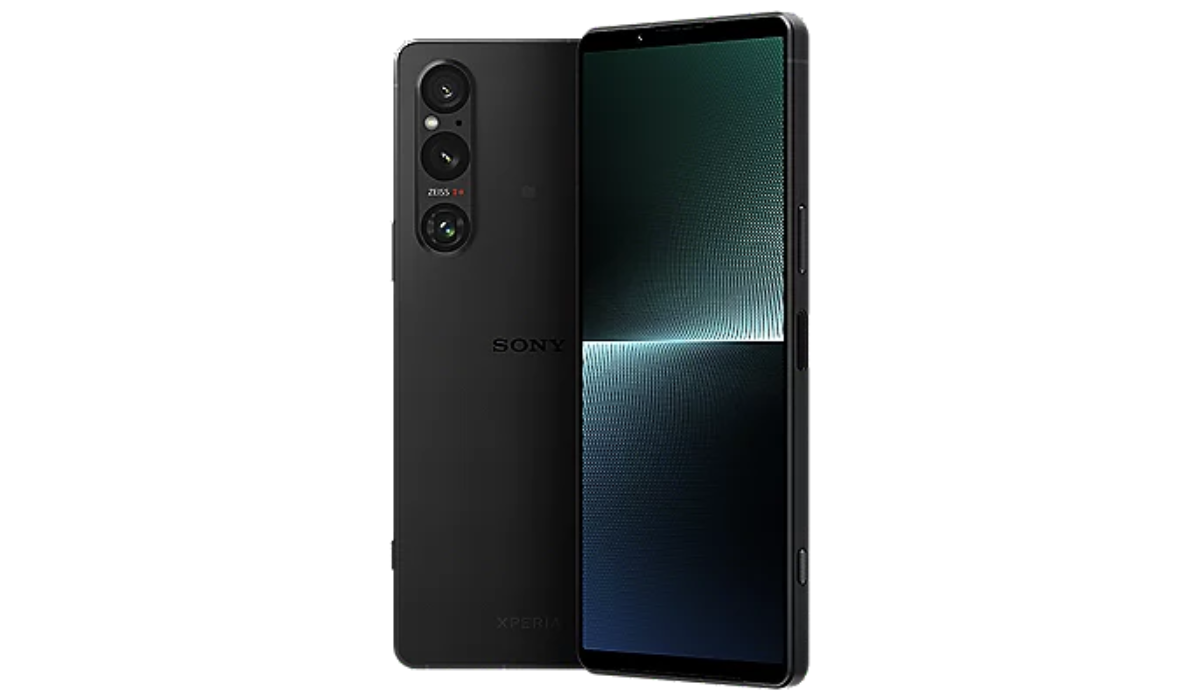
The Sony Xperia 1V is the latest and best Sony phone currently, boasting a powerful camera sensor, improved software, and a wide screen. Its improved software enhances shadow detail, brightens low-light shots, and offers more flexibility in manual shooting modes. The phone’s eye AF performs well, and its zoom range outperforms the iPhone 13 Pro by a wide margin. The Qualcomm Snapdragon 8 Gen 2 processor assures smooth performance, fantastic audio from the speakers and headphone port, and a clean and simple Android interface make it a neat and simple device.
Note that its Zoom range may not be as powerful as some other devices, and its Zoom capabilities and narrow screen may not be suitable for all. However, it offers pro-grade control over cameras, a powerful main camera, and premium styling and screen, making it a great choice for those looking for a great camera experience.
Sony Xperia 1 IV
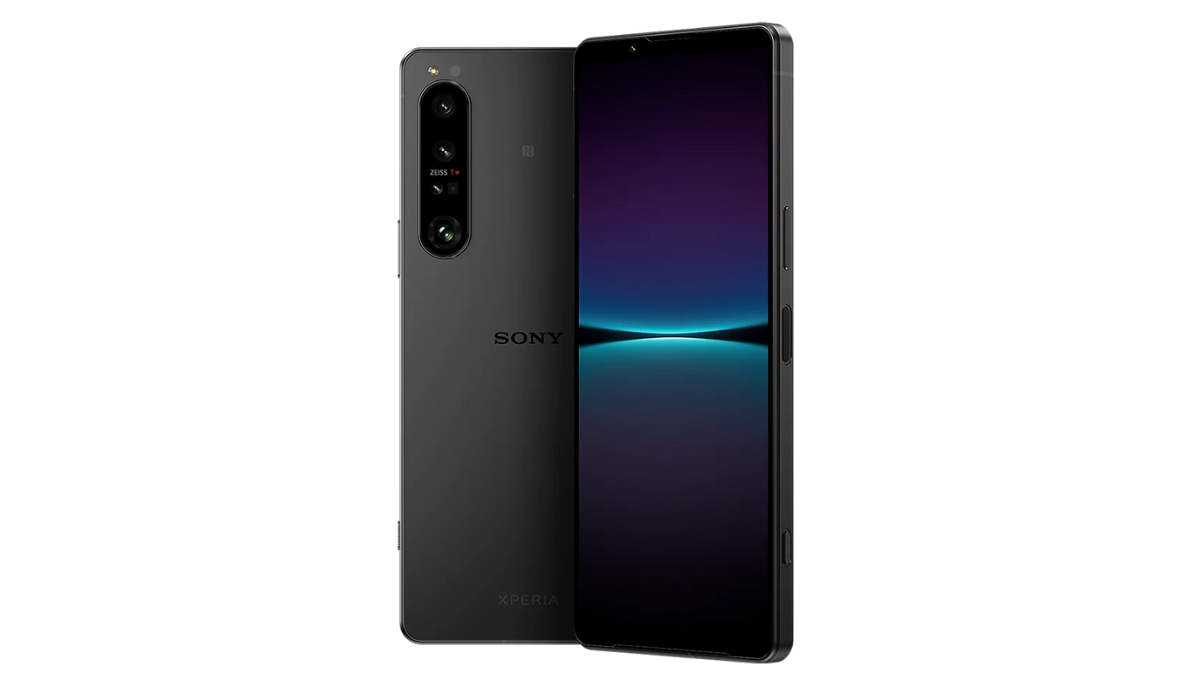
The Sony Xperia 1 IV is a premium smartphone with cutting-edge camera hardware that demonstrates the company’s commitment to developing high-quality devices. The Xperia 1 IV provides an immersive viewing experience thanks to its magnificent 4K HDR OLED display and 21:9 aspect ratio. This immersive viewing experience is perfect for streaming movies or TV shows, ensuring a seamless experience for users.
Its professional-grade camera and video apps provide users with unrivaled control over their photos and films, allowing them to shoot breathtaking, high-quality shots that surpass even the most costly professional cameras.
The Xperia 1 IV is one of the best Sony phones available today, with a brilliant visual display, cutting-edge camera hardware, and professional-grade apps, making it a must-have for anybody looking for a premium smartphone that delivers on all fronts. Despite its expensive price and potential overheating, it remains one of the best Sony smartphones in 2023.
Sony Xperia 5 IV
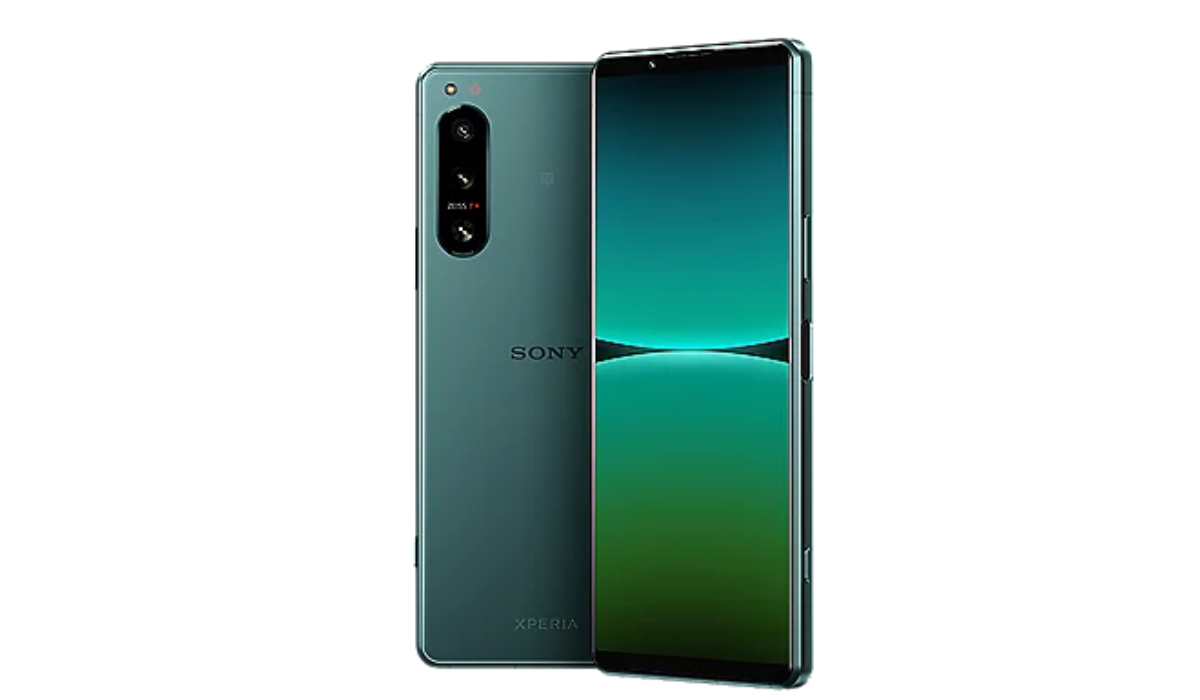
The Xperia 5 IV is Sony’s best-value smartphone, offering high-end specifications at a slightly lower price than the top-end Xperia 1 IV. This Android smartphone boasts exceptional performance, a trio of 12MP cameras, exceptional performance, and a 6.1inch OLED screen with unmatched color accuracy. With its exceptional performance and unmatched color accuracy, the Xperia 5 IV is a top choice for those looking to save money while enjoying the best Sony phone on the market.
Sony’s Xperia Pro-I
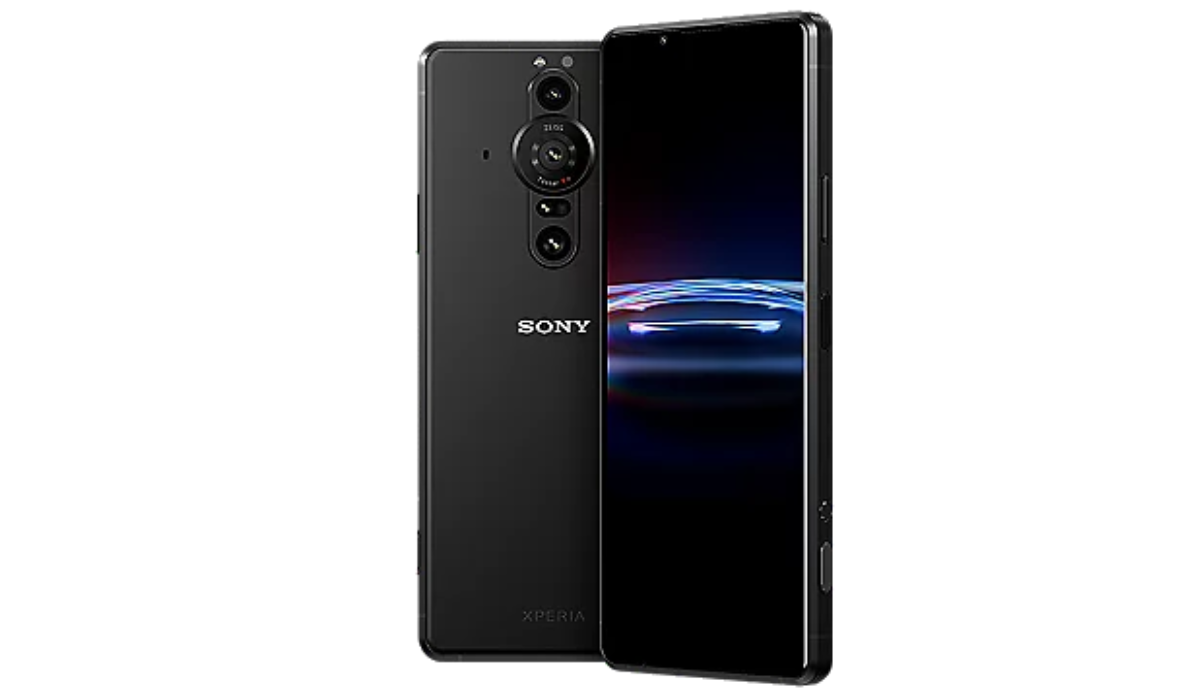
Sony’s Xperia Pro-I smartphone with a 1-inch sensor marks an important milestone for the company. As a more affordable alternative to the original Xperia Pro, this high-end photography phone highlights Sony’s imaging expertise. Sony’s dedication to images in the mobile market is demonstrated by the Pro-I, which has three 12MP cameras with a 16mm ultra-wide-angle, 24mm wide, and 50mm portrait lens.
The Pro-I is a top-spec photography phone with three cameras, including a 16mm ultra-wide-angle, 24mm wide, and 50mm portrait lens, all with 12MP resolution sensors. It boasts a powerful 4K display, a Snapdragon 888 processor, and over half a terabyte of storage. Despite lacking wireless charging, a periscope telephoto camera, and ultra-wide autofocus, the Pro-I’s impressive performance, day-long battery life, and 512GB storage capacity make it one of the best Sony smartphones in 2023.
Sony Xperia L4
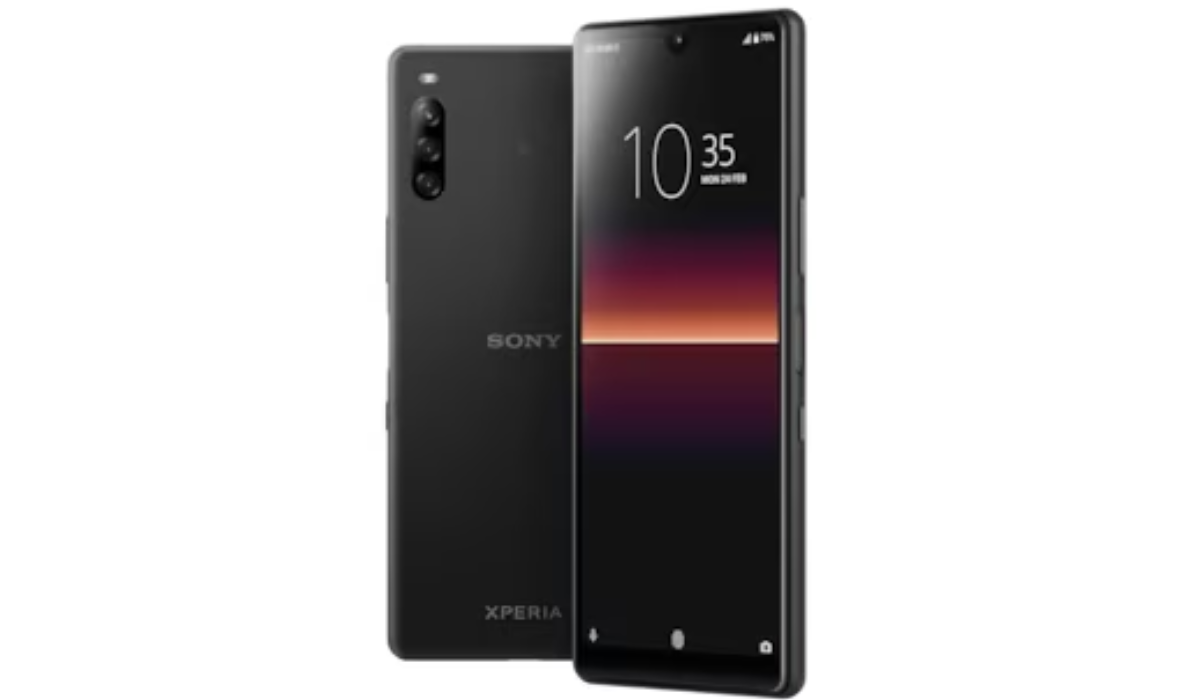
The Xperia L4 , a Sony smartphone, is an excellent budget phone option for those on a tight budget. With a 720p screen and multiple cameras, it provides adequate performance for a low-cost phone. Although it’s not flashy, and the battery life could be improved, it offers ample camera options. If you’re short on cash and don’t want to buy a budget phone from another manufacturer, the Xperia L4 is a good option.
All in all, Sony, a major player in the smartphone industry, has released some of the best smartphones in 2023 with unique features and capabilities. Each model has its own advantages and disadvantages, but they are all worth the price for their quality and performance. Overall, Sony has done an excellent job of creating smartphones that cater to the needs and preferences of different users. If you need other useful Android recommendations or mobile device reviews, be sure to check out this category .
